ACTIVslateXR User Guide
2
General Information
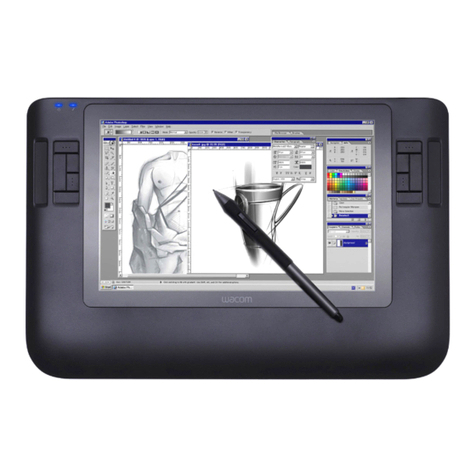
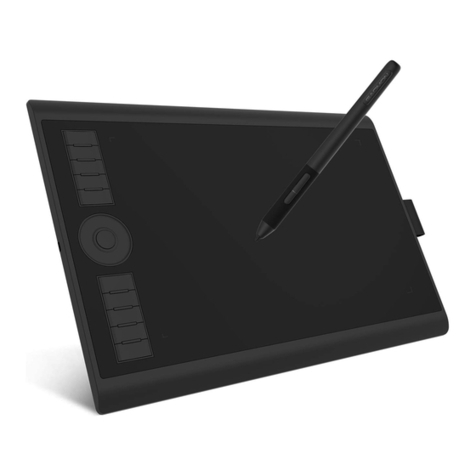
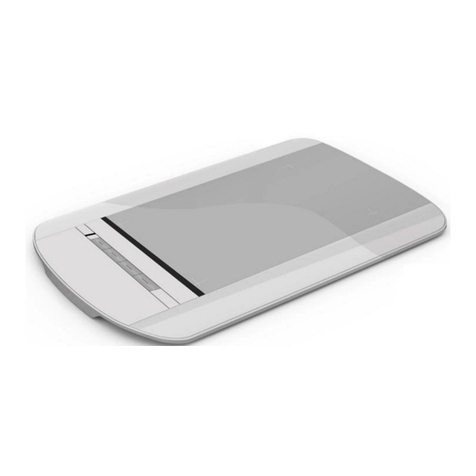
The ACTIVslate allows you to control your computer from anywhere in the
room by moving the ACTIVpen over the ACTIVslate surface and using the
ACTIVpen to perform mouse clicks on the computer:
•Left click Press the ACTIVpen on the ACTIVslate surface.
•Right click Press the barrel button on the side of the ACTIVpen.
•Double click Press the ACTIVpen on the ACTIVslate surface twice
in quick succession.
The ACTIVslate communicates with the ACTIV board or ACTIVhub by radio
signals. When you use the ACTIVpen on an ACTIVslate, the information is
transmitted from the ACTIVslate via transceivers. The data is then sent, via
cables, to the PC and converted into mouse data.
Note: The correct driver software for your ACTIV board or ACTIVhub
must be installed and working correctly on your computer. Refer
to the Quick Start Guide supplied with your product for more
information.
Up to 64 ACTIVslates can be registered with a single ACTIV board or ACTIVhub,
but only one ACTIVslate can be enabled at any one time. The controller
program allows you to select the ACTIVslate you wish to use. The following
pages describe how to use the ACTIVslate and the controller program.
Compliance
This device complies with Part 15 of the FCC rules. Operation is subject to the
following two conditions:
1. This device may not cause harmful interference, and
2. This device must accept any interference received, including
interference that may cause undesired operation.
Changes or modifications to this equipment not expressly approved by
Promethean may void the user’s authority to operate this equipment.
For non-intentional radio paths, this equipment has been tested and found to
comply with the limits for a Class B digital device, pursuant to part 15 of the
FCC Rules. These limits are designed to provide reasonable protection against
harmful interference in a residential installation. This equipment generates,
uses and can radiate radio frequency energy and, if not installed and used in
accordance with the instructions, may cause harmful interference to radio
communications. However, there is no guarantee that interference will not
occur in a particular installation. If this equipment does cause harmful
interference to radio or television reception, which can be determined by
turning the equipment off and on, the user is encouraged to try to correct the
interference by one or more of the following measures: