manuals.online logo
Brands
  1. Home
  2. •
  3. Brands
  4. •
  5. PULSE+
  6. •
  7. Karaoke System
  8. •
  9. PULSE+ MEGAMOUTH User manual

PULSE+ MEGAMOUTH User manual

Popular Karaoke System manuals by other brands

The Singing Machine STVG-519 instruction manual

The Singing Machine

The Singing Machine STVG-519 instruction manual

Memorex MKS2430 user guide

Memorex

Memorex MKS2430 user guide

Tosing 008 user guide

Tosing

Tosing 008 user guide

Karma KSTATION instruction manual

Karma

Karma KSTATION instruction manual

The Singing Machine SML2250 instruction manual

The Singing Machine

The Singing Machine SML2250 instruction manual

LG HT902TR-XK owner's manual

LG

LG HT902TR-XK owner's manual

Karaoke Warehouse Player 2000 user manual

Karaoke Warehouse

Karaoke Warehouse Player 2000 user manual

VocoPro DVG-888K II owner's manual

VocoPro

VocoPro DVG-888K II owner's manual

ION DISCOVER KEYBOARD USB quick start guide

ION

ION DISCOVER KEYBOARD USB quick start guide

The Singing Machine SMVG-620 instruction manual

The Singing Machine

The Singing Machine SMVG-620 instruction manual

Singsation CENTER STAGE FREESTYLE quick start guide

Singsation

Singsation CENTER STAGE FREESTYLE quick start guide

RSQ NEO K-2 user manual

RSQ

RSQ NEO K-2 user manual

VocoPro BRIDGE user guide

VocoPro

VocoPro BRIDGE user guide

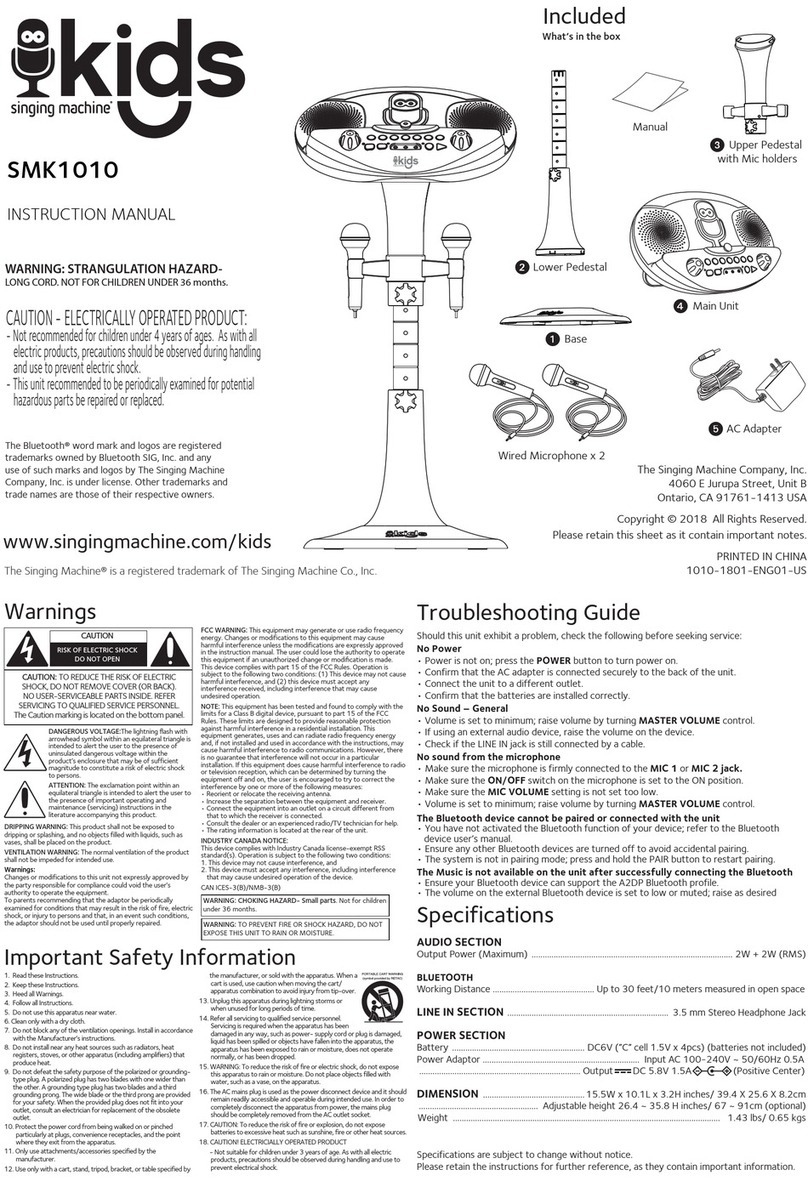
The Singing Machine SMK1010 instruction manual

The Singing Machine

The Singing Machine SMK1010 instruction manual

MASINGO Illuminato Q4 user manual

MASINGO

MASINGO Illuminato Q4 user manual

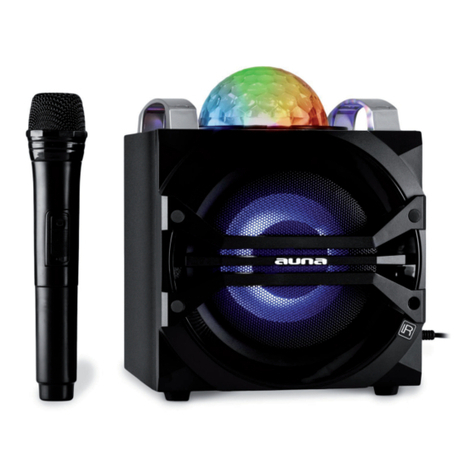
auna DisGo instruction manual

auna

auna DisGo instruction manual

auna Karaoke Star 2 manual

auna

auna Karaoke Star 2 manual

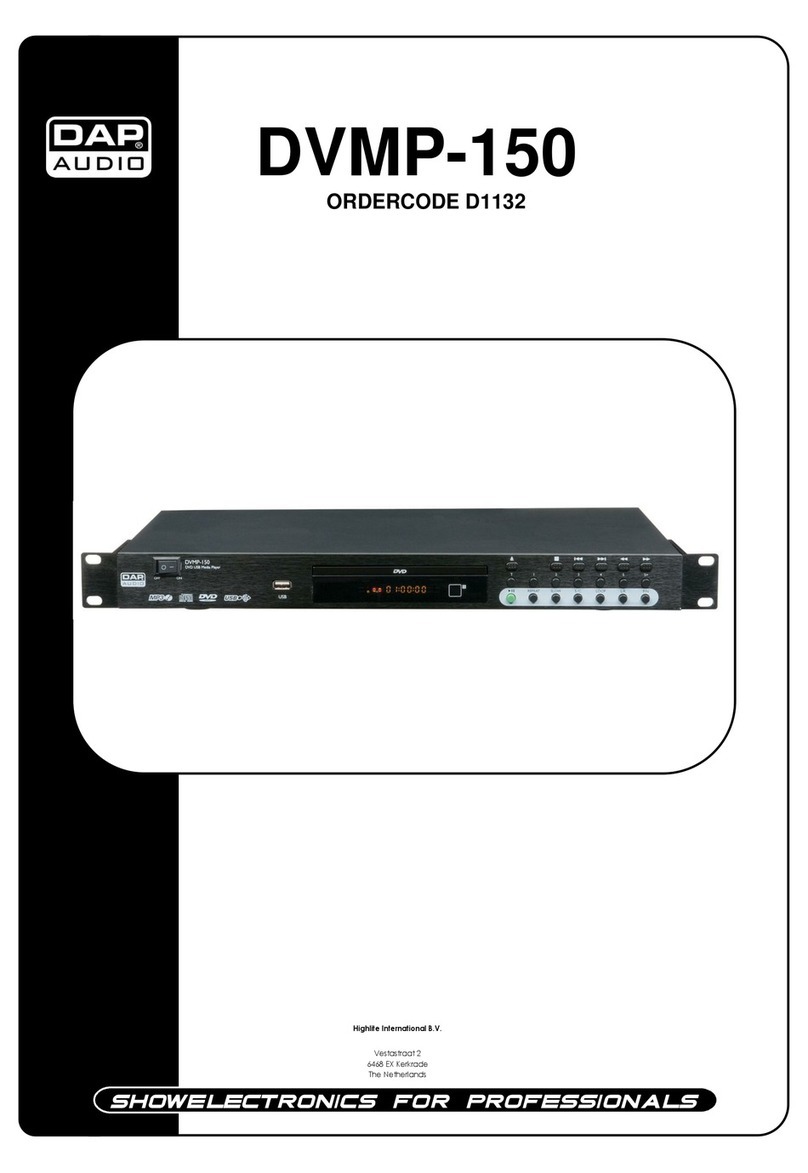
DAPAudio DVMP-150 Product guide

DAPAudio

DAPAudio DVMP-150 Product guide

manuals.online logo
manuals.online logoBrands
  • About & Mission
  • Contact us
  • Privacy Policy
  • Terms and Conditions

Copyright 2025 Manuals.Online. All Rights Reserved.

USER'S MANUAL
MEGAMOUTH
×ÛÊö ϵͳ¹¦ÄÜͼʾ
1. This system is with cassette player and recorder.
2. B
uilt-in one channel wireless receiver. W
ith TONE and ECHO controls. Suitable for karaoke.
7. With power, charging, low battery and RF indicators.
8.
uilt-in 12V2.2A rechargeable battery. Suitable for both indoor
and outdoor use.
3. B ith one handheld MIC,
one body pack transmitter with headset MIC and lapel MIC.
4. With one 6.35mm MIC input jack and one RCA line input jack.
5. With one 6.35mm line out jack and one 3.5mm phone out jack.
6. W
Power supply : AC, DC 12V, built-in rechargeable battery.
9. Power Output: 30W(max)
CAUTION
1. Free from high temperature. Don't expose the device to
equipment.
2. Don't place the device in the environment of humidity and dirts.
3. Place the device in the ventilated environment.
4. Don't pull the power cord while you pull out the plug. H
plug to pull out Ac power.
5. Pull out the AC power if you will not use the device for a long
period of time.
6. Your operation must be subjected to the specified voltage
the device and complied with this guide.
7. Don't open chassis: it is very dangerous to open the
your hand inside the chassis. If the device is not proper,
pull out the plug at once and retailer or the
nearest distributor.
hot
old the
marked on
chassis
or put
contact your
PARTS DESCRIPTION
FEATURES
1
2
3
4
56
7
8
9
10
11
12
13
14
++
DC 12VDC 12V
MICMIC
LINE OUTLINE OUT
LINELINE
ININ
PHONEPHONE
15
16
17
18
19
1. Battery compartment/cover
2. AC input jack
3. AF level indicator
4. Cassette player and recorder
5. Handle
6. Antenna
7. Low battery power indicator
8. Charging indicator
9. Amplifier power indicator
10. Wireless MIC RF indicator
11.Power switch and master
volume control
12. Tape volume control
13. Echo control
14. Tone control
15. MIC in jack
16. Line out jack
17. Line in jack
18. Phone out jack
19. DC in jack
Amplifier
ʹÓÃ˵Ã÷
1. Confirm the power:
A. When use AC power:
1) Please confirm the AC power is same as that marked on
the device(Near AC in jack). Or the device may not work or
be damaged.
2) Turn on the volume control in clockwise direction, power
will light to indicate normal power.
B. When use the built-in DC 12V rechargeable battery:
1) Open battery compartment. Connect rechargeable battery to
DC connector with correct polarity(Red means +, Black
means -).
2) Turn on the volume control in clockwise direction, power
indicator will light to indicate normal power. If low battery
indicator lights, it means battery power is low. Please
connect AC power to charge the battery.
C. When use external DC power:
1) DC power can be input into by DC power jack directly.
2) When use car battery, voltage should be 12V-15V. Please
correct polarity.
2. Recharging the battery:
A. Plug the power cable into AC power jack for recharging.
time is about 10 hours.
B. When CHARGE indicator turns to GREEN from RED, it
battery is fully charged.
C. Please recharge the battery every 2 months if you don't use
long period of time.
D. Battery will be charged either main power is off or on
3. Tape play:
Turn on the power/volume control in clockwise direction, power
indicator will light red. Press the STOP/EJECT key on the
cassette. Cassette door will open. Insert tape and close the
indicator
note the
Charging
means
it for a
cassette by pushing the top right corner of cassette door. Press
PLAY/PAUSE button to start playing of tape. The signal level
indicator shows the signal strength. Use power/volume control
PARTS DESCRIPTION OPERATION
Wireless Transmitter
1
2
3
4
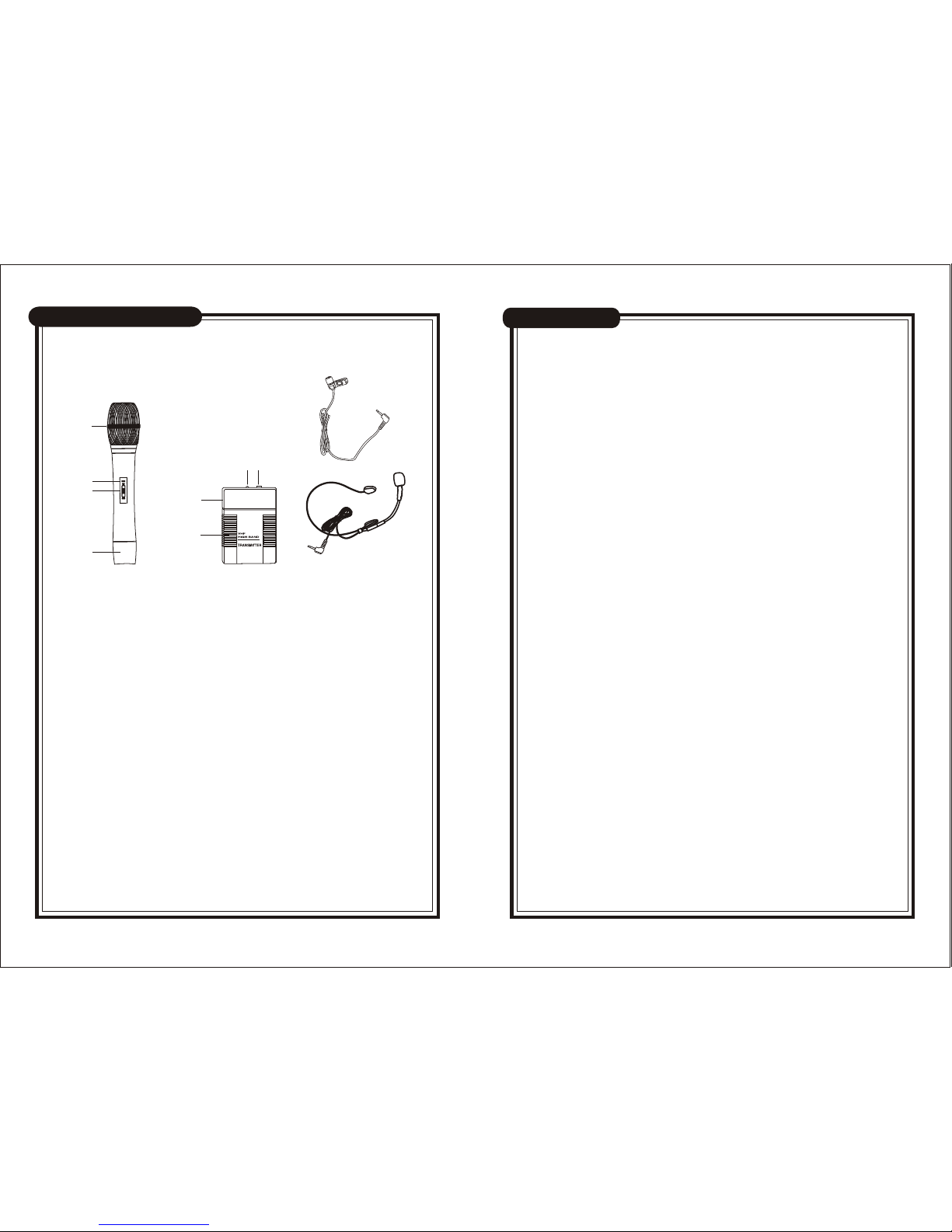
Handheld MIC
23
4
5
Body pack transmitter
6
7
1. Grille(capsule inside)
2. Power indicator
3. Power switch
4. Battery compartment
5. MIC in jack
6. Tie clip MIC
7. Headset MIC
¼¼Êõ²ÎÊý
À©Òô»ú
·¢ÉäÆ÷
ʹÓÃ˵Ã÷ʹÓÃ˵Ã÷
OPERATION SPECIFICATIONS
AMPLIFIER
And TAPE volume control to adjust the volume. Adjust tone
control to achieve the best sound quality.
4. Tape record:
Open the cassette door and insert a blank tape. Press the
REC key and PLAY key simultaneously to start recording.
Signal from wireless microphone, MIC in jack and Line in jack
can be recorded.
5. Wireless Microphone:
A. Insert a 9V battery into the wireless transmitter. Turn on
transmitter power switch, power LED indicator will flash
Once then off.
NOTE: When transmitter power indicator lights red, it
means the transmitter battery power is low. Please
replace with new battery.
B. RF indicator on amplifier will light.
C. Extend the antenna on the top of amplifier fully.
D. Adjust amplifier volume, tone, echo control to a suitable
level.
E. Keep transmitter at least 1m from speaker of main unit to
avoid feedback. If feedback happens, lower the volume and
move transmitter away from main unit.
6. Wired Microphone:
Plug wired microphone into MIC input jack. Keep MIC head
away from the speaker of main unit to avoid feedback.
7. External audio source:
You can play other audio device by connecting output of
other audio source to line input jack.
8. Line out:
Connect line out to external amplifier to amplify the sound.
9. Phone out: Connect phone out to earphone.
Frequency range: VHF 173~175MHz
Dynamic range: 80dB
Frequency Response: 100-10KHz
Working Temperature: -20 ~40
Battery Voltage 9V battery
Battery Life about 10 hours
·¢ÉäÆ÷
À©Òô»ú
Receiving Mode: VHF
Output Impedance: 600
Frequency Range: 173~175MHz
S/N Ratio: 60dB
Stability for frequency: +/-0.005%(-20 ~40 )
Power Output: 30W(MAX)
Effective Distance: 50M (open field)
Power supply: AC 230V 50Hz;DC 12V-15V
TRANSMITTER
AMPLIFIER