manuals.online logo
Brands
  1. Home
  2. •
  3. Brands
  4. •
  5. Puregas
  6. •
  7. Dryer
  8. •
  9. Puregas P6500W User manual

Puregas P6500W User manual

Other manuals for P6500W

1

Other Puregas Dryer manuals

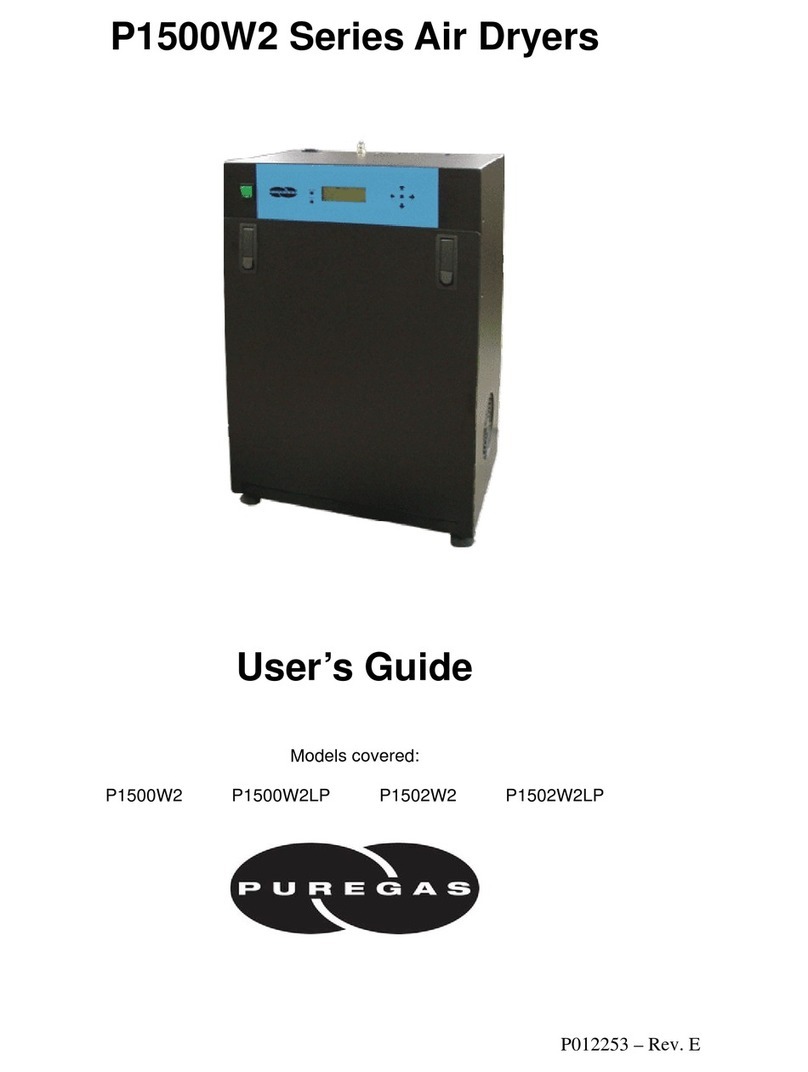
Puregas P1500W2 User manual

Puregas

Puregas P1500W2 User manual

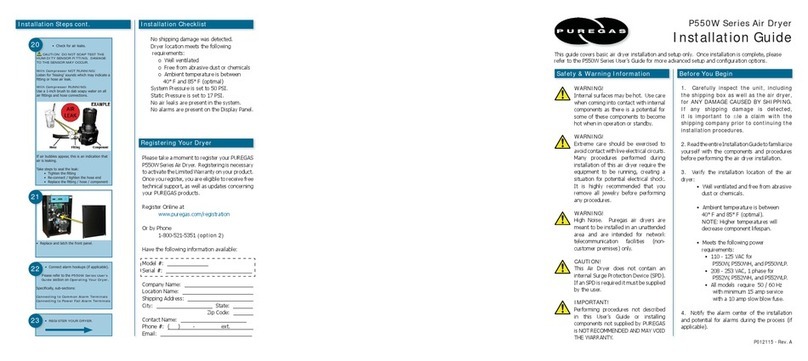
Puregas P550W Series User manual

Puregas

Puregas P550W Series User manual

Puregas P550W Series User manual

Puregas

Puregas P550W Series User manual

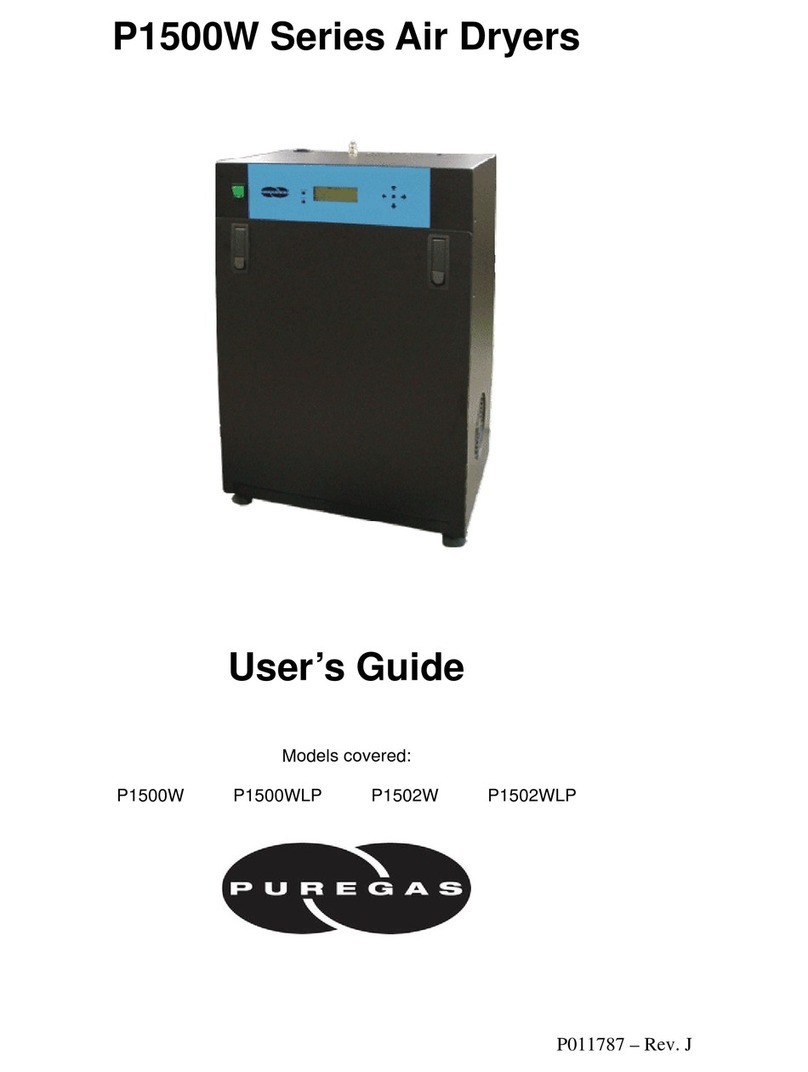
Puregas P1500W Series User manual

Puregas

Puregas P1500W Series User manual

Puregas PHF User manual

Puregas

Puregas PHF User manual

Popular Dryer manuals by other brands

Whirlpool WED9270XL2 parts list

Whirlpool

Whirlpool WED9270XL2 parts list

Kleenmaid KED2000 Repair instructions

Kleenmaid

Kleenmaid KED2000 Repair instructions

SPI Supplies SPI-DRY Operation manual

SPI Supplies

SPI Supplies SPI-DRY Operation manual

Amana NGD5800DW Use & care guide

Amana

Amana NGD5800DW Use & care guide

Bosch WTG86402GB Installation and operating instructions

Bosch

Bosch WTG86402GB Installation and operating instructions

Maytag MED4200BW0 installation instructions

Maytag

Maytag MED4200BW0 installation instructions

ffuuss eos user manual

ffuuss

ffuuss eos user manual

KitchenAid 53-3498 installation instructions

KitchenAid

KitchenAid 53-3498 installation instructions

Schulthess Spirit topLine TW 8340 operating instructions

Schulthess

Schulthess Spirit topLine TW 8340 operating instructions

Whirlpool LGR4624BW0 parts list

Whirlpool

Whirlpool LGR4624BW0 parts list

World Dryer AirMax D M5-972A manual

World Dryer

World Dryer AirMax D M5-972A manual

Alliance Laundry Systems ADEE9BSS user guide

Alliance Laundry Systems

Alliance Laundry Systems ADEE9BSS user guide

Miele PDR 910 EL Operating and installation instructions

Miele

Miele PDR 910 EL Operating and installation instructions

Amana NGD5800TQ0 parts list

Amana

Amana NGD5800TQ0 parts list

Bosch WTA79200GB Installation and operating instructions

Bosch

Bosch WTA79200GB Installation and operating instructions

AEG TR838P4OB user manual

AEG

AEG TR838P4OB user manual

Asko T760 user guide

Asko

Asko T760 user guide

Electrolux EW2H328R2 user manual

Electrolux

Electrolux EW2H328R2 user manual

manuals.online logo
manuals.online logoBrands
  • About & Mission
  • Contact us
  • Privacy Policy
  • Terms and Conditions

Copyright 2025 Manuals.Online. All Rights Reserved.

P6500W Air Dryer
Installation Guide
Registering Your Dryer
Installation ChecklistInstallation Steps cont.
Before You Begin
Safety & Warning Information
1. Carefully inspect the unit, including
the shipping box as well as the air dryer,
for ANY DAMAGE CAUSED BY SHIPPING.
If any shipping damage is detected,
it is important to file a claim with the
shipping company prior to continuing the
installation procedures.
2. Read the entire Installation Guide to familiarize
yourself with the components and procedures
before performing the air dryer installation.
3. Verify the installation location of the air
dryer:
• Well ventilated and free from abrasive
dust or chemicals.
• Ambient temperature is between 40°
and 85° F (optimum).
NOTE: Higher temperatures will
decrease component lifespan.
• Meets the following power
requirements:
• 240 VAC (+/-10%), 1 Phase,
50 / 60 Hz
• Minimum 20 amp service
(3-wire, nub-out receptable) with
a 20 amp circuit breaker or slow
blow fuse
• If hard-wiring directly, minimum of
12 AWG wire must be used
4. Notify the alarm center of the installation
and potential for alarms during the process (if
applicable).
No shipping damage was detected.
Dryer location meets the following
requirements:
o Well ventilated
o Free from abrasive dust or chemicals
o Ambient temperature is between 40°
and 85° F (optimum)
Shipping block removed from compressor
trays.
System Pressures are set to 50 PSI.
Static Pressure is set to 17 PSI.
No air leaks are present in the system.
No alarms are present on the Display Panel.
• Re-install the front panel.
15
17 • REGISTER YOUR DRYER.
• Connect alarm hookups (if applicable).
Please refer to the P6500W User’s Guide
section on Operating Your Dryer.
Specifically, sub-sections:
Connecting to Common Alarm Terminals
Connecting to Discrete Alarm Terminals
16
This guide covers basic air dryer installation and setup only. Once installation is complete, please
refer to the P6500W User’s Guide for more advanced setup and configuration options (if applicable).
Please take a moment to register your PUREGAS
P6500W Air Dryer. Registering is necessary to
activate the Limited Warranty on your product.
Once you register, you are eligible to receive free
technical support, as well as updates concerning
your PUREGAS products.
Register Online at
www.puregas.com/registration
Or by Phone
1-800-521-5351 (option 2)
Have the following information available:
Model #: P6500W
Serial #:
Company Name:
Location Name:
Shipping Address:
City: State:
Zip Code:
Contact Name:
Phone #: ( ) - ext.
Email:
P011992
• Check for air leaks.
CAUTION: DO NOT SOAP TEST THE
HUMITTER FITTING. DAMAGE TO THE
HUMITTER MAY OCCUR.
With Compressor NOT RUNNING:
Listen for ‘hissing’ sounds which may indicate a
fitting or hose air leak.
With Compressor RUNNING:
Use a 1-inch brush to dab soapy water on all
air fittings and hose connections.
If air bubbles appear, this is an indication that
air is leaking.
Take steps to seal the leak:
• Tighten the fitting
• Re-connect / tighten the hose end
• Replace the fitting / hose / component
14
WARNING!
Extreme care should be exercised to
avoid contact with live electrical circuits.
Many procedures performed during
installation of this air dryer require the
equipment to be running, creating a
situation for potential electrical shock.
It is highly recommended that you
remove all jewelry before performing
any procedures.
WARNING!
High Noise. Puregas air dryers are
meant to be installed in an unattended
area and are intended for network
telecommunication facilities (non-
customer premises) only.
IMPORTANT!
Performing procedures not described
in this User’s Guide or installing
components not supplied by PUREGAS
is NOT RECOMMENDED AND MAY VOID
THE WARRANTY.
WARNING!
Internal surfaces may be hot. Use care
when coming into contact with internal
components as there is a potential for
some of these components to become
hot when in operation or standby.
CAUTION!
This Air Dryer does not contain an
internal Surge Protection Device (SPD).
If an SPD is required it must be supplied
by the user.

Installation Steps
Required Tools and Materials
Included Contents
• Remove the front panel.
2
(1) P6500W Air Dryer
(1) Installation Guide (not shown)
Package located inside the dryer:
(1) User’s Guide - Paper copy or digital
file on CD (not shown)
(2) Purge Mufflers
• Large adjustable wrench
• Medium adjustable wrench
• 7/16” wrench
• Band cutters or snips
• Pipe dope or pipe thread tape
• Cup of soapy water
• 1-inch paint brush (recommended)
• Remove all shipping materials.
• Place the dryer at the operating location.
1
Installation
Steps cont.
• Check for loose parts, hoses, or wiring.
3
• Remove the shipping block from under the
compressor plates.
• Discard block and bolts.
4
• Plug the power cord into a 240 VAC
(+/-10%), 1 phase, 50/60 Hz power outlet.
• Turn the dryer ON.
8
• Verify that the dryer is powered OFF.
7
On BACK of dryer:
• Verify that the red orifice is still installed
where shown.
• Install the purge mufflers (shipped loose).
6
• Remove the ship-loose contents package.
5
• Let dryer run until Humidity reading drops to
ZERO (0) for System 1 and System 2.
NOTE: Press RESET if either System goes into
SHUTDOWN.
10
Set the system pressure for System 1 (Left):
With compressor running -
• Pull the Capacity Control Valve knob out.
• Adjust knob until the reading on the
pressure gauge is 50 PSI.
• Push knob in to lock.
Repeat for System 2 (Right).
LEFT
RIGHT
9
• Turn the dryer OFF.
• Connect air supply lines to outlet ports:
Outlet Pressure, Static Pressure, or Both.
CAUTION: Be careful when removing
outlet plugs. System may be pressurized.
11
• Turn the dryer ON.
Set the Static Pressure:
• Pull Static Pressure Regulator knob out.
• Adjust knob until reading on pressure gauge
is 17 PSI.
• Push knob in to lock.
12
Set the Outlet Pressure:
• Pull Outlet Pressure Regulator knob out.
• Adjust knob until Outlet Pressure (OUTP)
reading is at the desired setting.
• Push knob in to lock.
13