5www.SereneLife.com
2. BUTTON FUNCTION DESCRIPTION
A. Multifuncflon Button:
1. Press and hold for 3 seconds to power ON, and press
and hold again for 3 seconds to power OFF.
2. When in playing music, short press this button to
pause music, press again to continue playing music.
3. When incoming call, press the button to answer the
phone, and double press the button to refuse the
call.
4. Double tap to dial the last incoming call number.
B.“Volume- and Previous” Button:
Short press the button to play the previous track,
press and hold the button to reduce the volume.
C. “Volume+ and Next” Button:
Short press the button to play the next track, press
and hold the button to increase the volume.
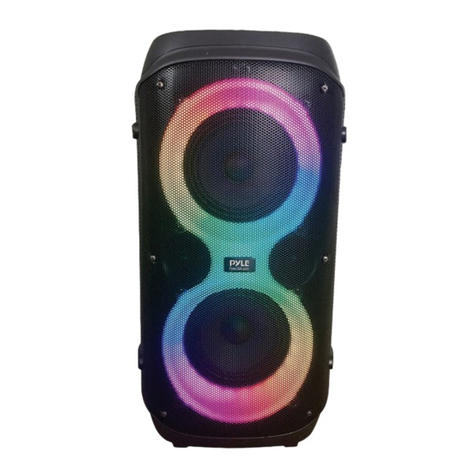
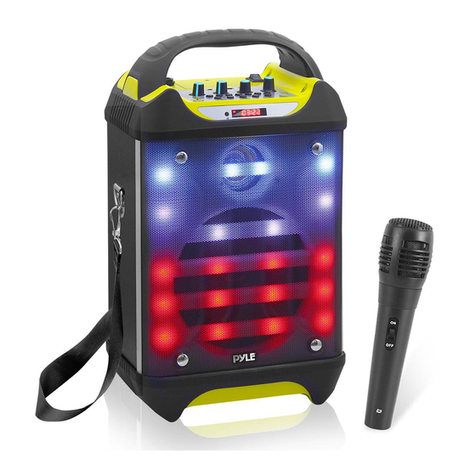
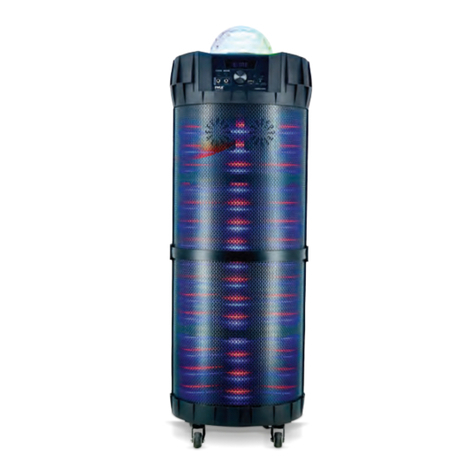
D. Light mode Button:
I. Short press to switch the different LED modes.
1. Slow flashing when there is no music: red, green,
blue, yellow turns brighter every 20 seconds.