OPERATION
following order:
→FM1→ FM2→ FM3 →AM1→AM2
SELECTING STATION
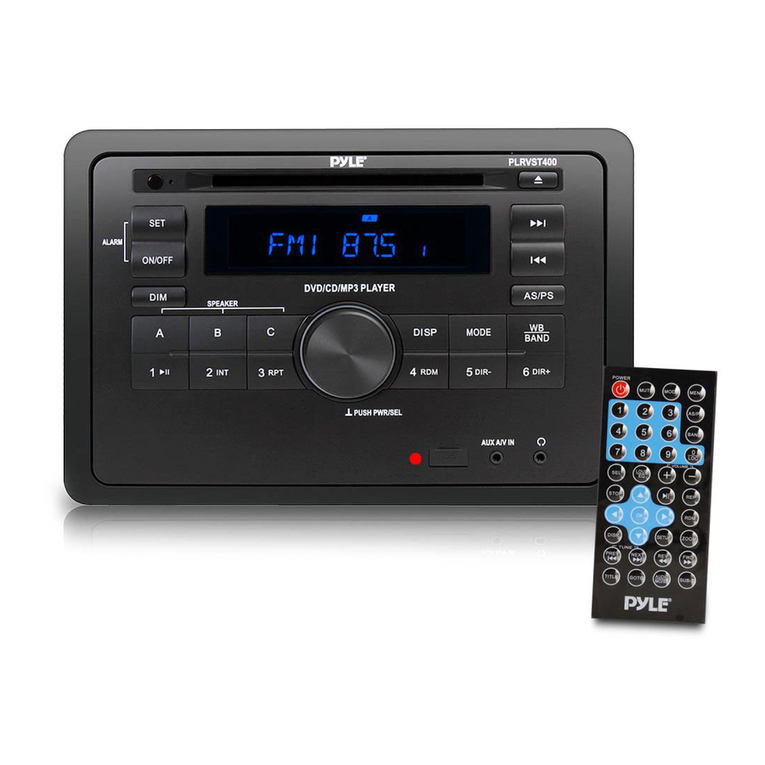
Press button (4) or button
(23) shortly to activate automatic seek
function. It will search up/down a
station automatically. Press for 2
seconds until “MANUAL” appears on
the display, the manual tuning mode is
selected. In this mode you can turn
up/down a step frequency one by one
till searched a station. If both buttons
have not been pressed for several
seconds, they will return to seek tuning
mode and “AUTO” appears on the
display.
AUTOMATIC STORING &
PROGRAM SCANNING
Automatic Storing
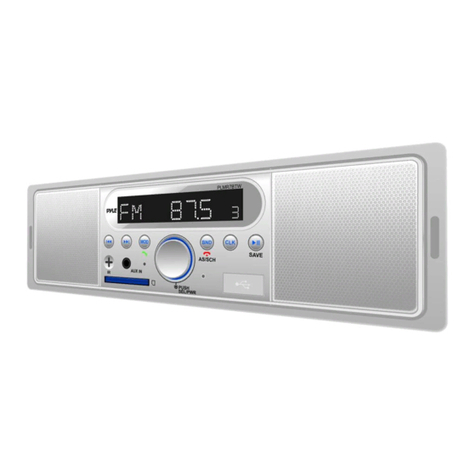
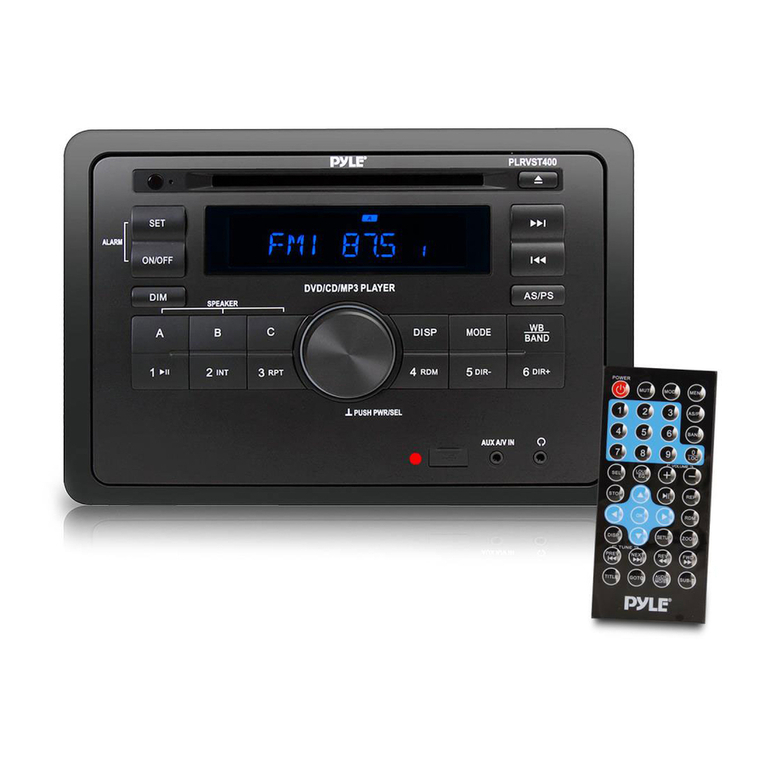
Press AS/PS button (20) for 2 seconds
the radio searches from the 87.5MHz
frequency and checks the signal strength
until one cycle search is finished. And
then 18 strong stations are stored into the
corresponding preset number button.
Program Scanning
Press AS/PS button (20) shortly to scan
preset station. The radio is holding at that
preset number for several seconds with
release mute, then searches again.
MANUAL STOR STATION &
RECALL PRESET STATION
To receive a station, Press one of the
preset button (1~6) for 2 seconds.
The current station is stored into the
number button. Shortly press the
preset button (1~6) to call the
number’s station.
LOCAL function
Press LOC button (15) to turn on/off
localfunction.InLOCONmode the unit
will reduce the receiving sensitivity when
you search station. That means you can
receive the station that sound is good. It
will ignores the station that sound is not
good. InLOCOFF mode it will increase the
receiving sensitivity when you search the
station. That means you can receive more
stations.
STEREO/MONO function
Press MON button (19) to select STEREO
or MONO mode. In STEREO mode you can
receive FM stereo signal. In MONO mode the
stereo station will be switched to
monochrome. Sometimes, When the
signal is not good. If you change it to
MONO mode. The noise will be reduced.
USB PLAY OPERATION
In the front panel of the unit, there is an
USB interface (14). You can connect an
USB driver through this interface (14).
When you connect an USB driver through
the interface, the unit will search the MP3/
WMA files and start to play. If a USB drive
is already inserted in the driver. Keep
pressing MODE button (26) shortly until
the USB mode display appears.
SELECTING TRACKS
Press button (23) or button (4) to
move to the previous file or the following
file. The file number shows on display.
Hold button (23) or button (4) to
fast reverse or fast forward. Playing starts
from when you release the button.
PAUSING PLAYING
Press PAU button (7) to pause playing.
Press it again to resume play.
PREVIEWING ALL FILES
Press INT button (9) to play first several
seconds of each file. Press again to stop
intro and resume play.
REPEATING THE SAME FILE
Press RPT button (11) to continuously