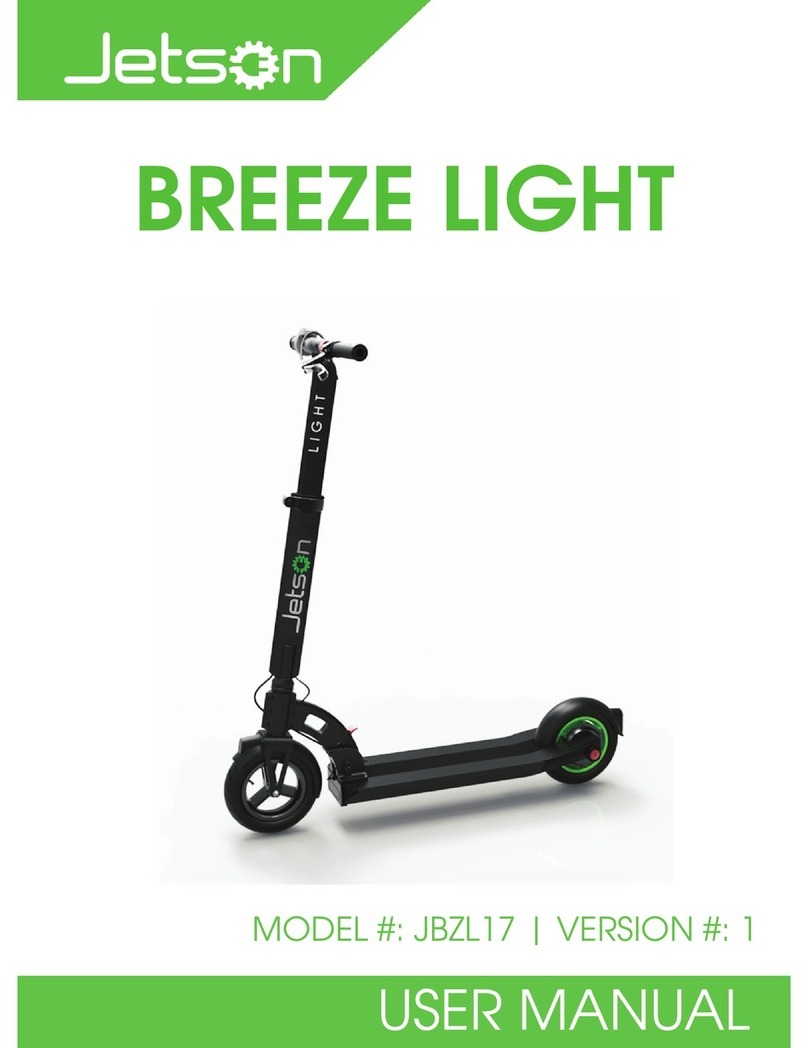
6 Performance + Electric Scooter User Manual
LCD Display.
km/h mph
ECO D S
1. Speedometer: Displays your current speed in km/h
or mph.
2. Speed mode*: To switch between these modes,
ensure the unit is powered on and stationary. Press the
power button twice and the display will change modes
in sequence through the following:
3. ECO: Energy efficient mode. Max Speed 8-10km/h.
4. D: Drive. Max speed 15-16 km/h.
5. S: Sport. Max speed 25 km/h.
6. Headlight: Indicates the headlight is active. Activate it by pressing the power button once.
7. Walk Mode: To activate walk mode, ensure the scooter is in sport mode using the
instruction above. From there, press the power button twice and the icon should illuminate
indicating walk mode is enabled. This allows the scooter to roll freely when walking with
it at your side.
8. Bluetooth icon: Will show when paired with a device.
9. Thermometer: This symbol will appear when the scooter has overheated and is at a high
temperature. Power OFF to allow the scooter to cool down.
10. Wrench: This symbol will appear should a fault develop with your scooter. There may be
something wrong with your scooter. To diagnose the issue, go into the REEL app and click
settings, then go to system self-check.
11. Battery Indicator: Displays your current battery level.
12. Power ON/OFF: The scooter will automatically turn off after 10 minutes. Manually turn
off using the App or holding down the power button.
1.
2.
3.
4.
5.
7.
8.
6.
9.
11.
10.
12 .
* Driving modes are changeable in the REEL App or double-tap the power button to change manually.