manuals.online logo
Brands
  1. Home
  2. •
  3. Brands
  4. •
  5. ritetemp
  6. •
  7. Thermostat
  8. •
  9. ritetemp 6008 User manual

ritetemp 6008 User manual

Other manuals for 6008

1

Other ritetemp Thermostat manuals

ritetemp 6020 User manual

ritetemp

ritetemp 6020 User manual

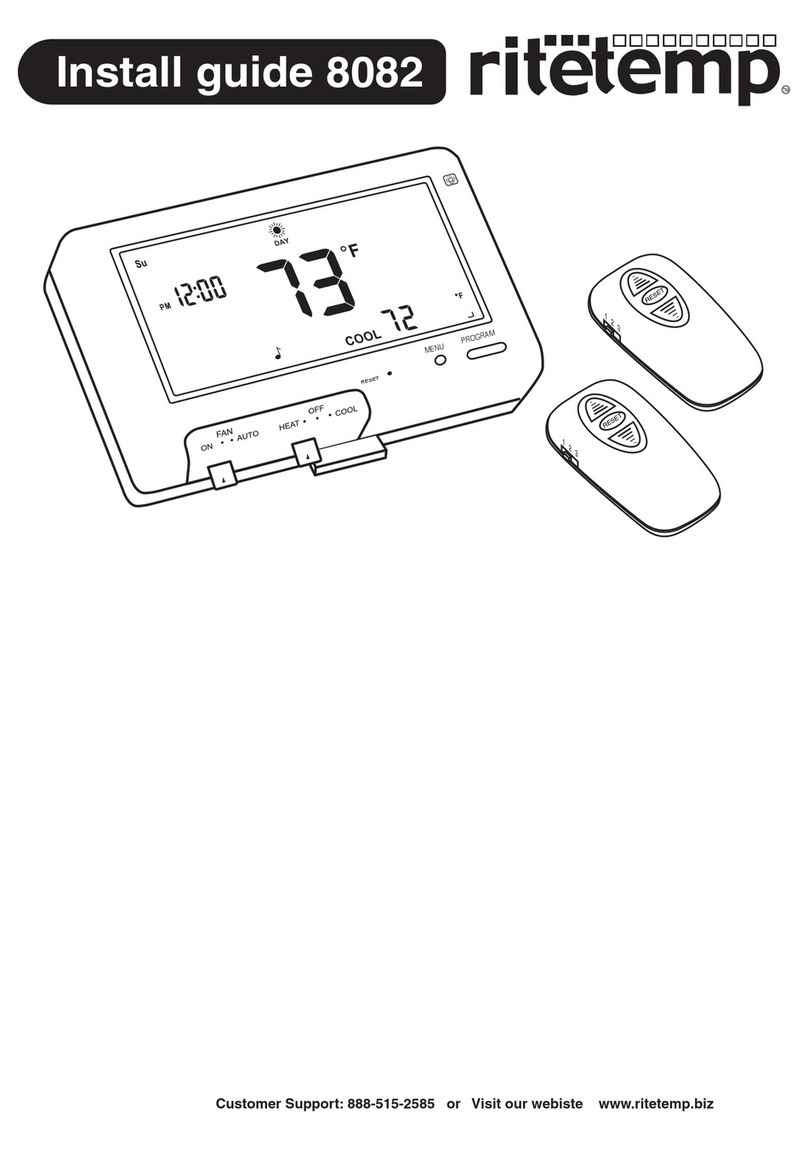
ritetemp 8082 User manual

ritetemp

ritetemp 8082 User manual

ritetemp 8085 User manual

ritetemp

ritetemp 8085 User manual
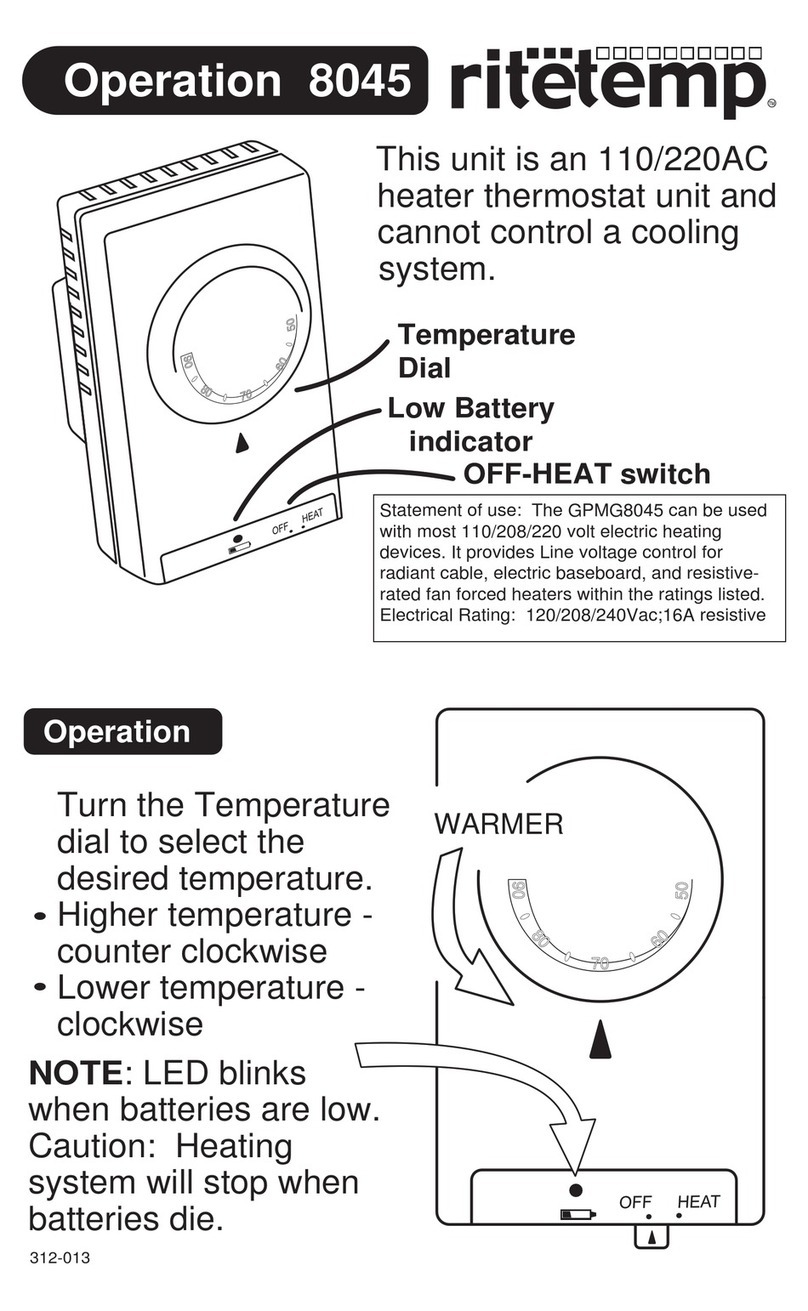
ritetemp 8045 User manual

ritetemp

ritetemp 8045 User manual

ritetemp 8010 User manual

ritetemp

ritetemp 8010 User manual

ritetemp 8029 User manual

ritetemp

ritetemp 8029 User manual

ritetemp 8095 User manual

ritetemp

ritetemp 8095 User manual
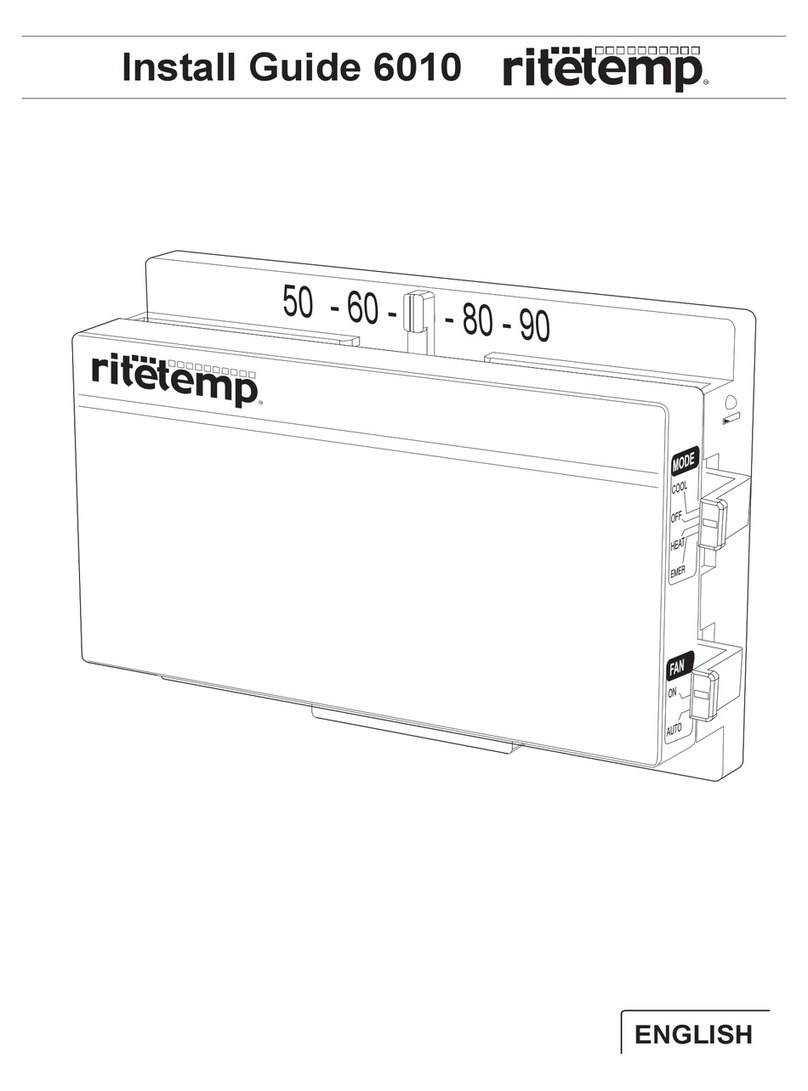
ritetemp 6010 User manual

ritetemp

ritetemp 6010 User manual

ritetemp 8030 User manual

ritetemp

ritetemp 8030 User manual
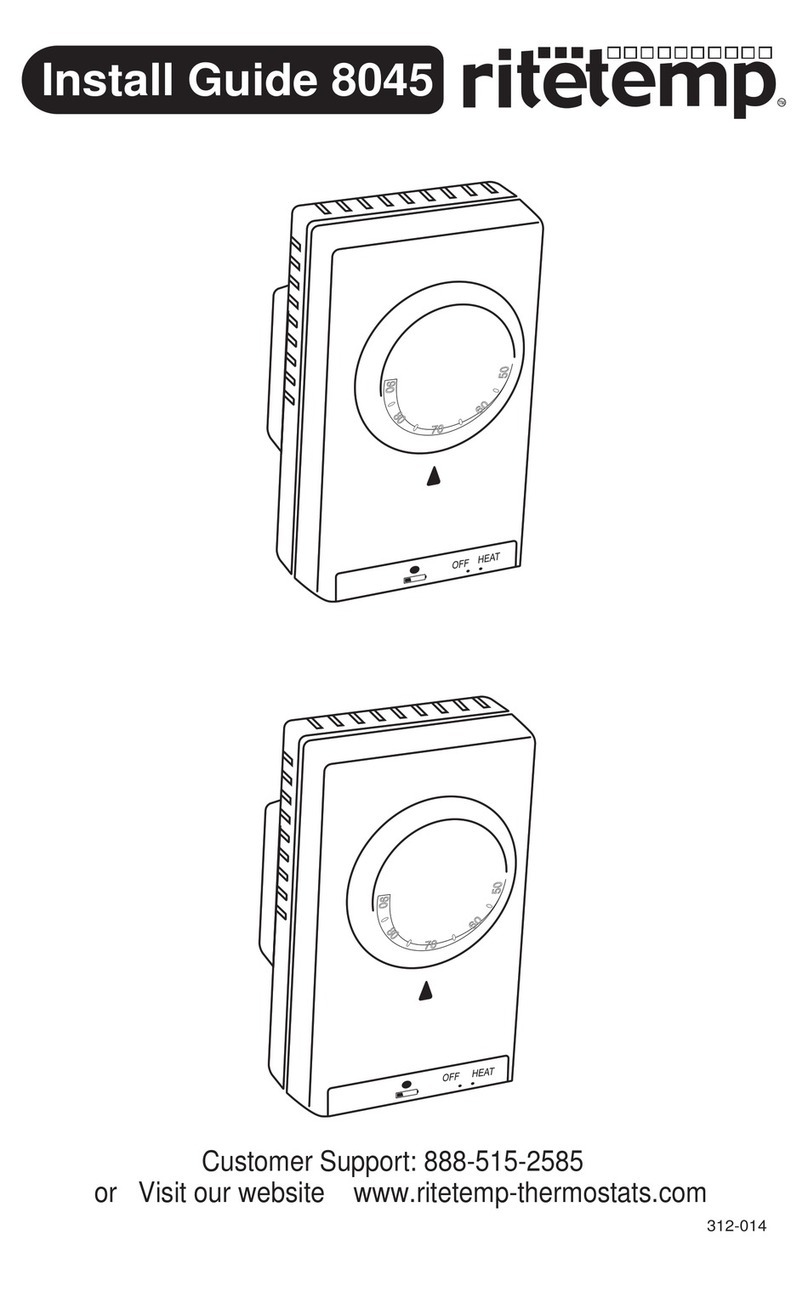
ritetemp 8045 User manual

ritetemp

ritetemp 8045 User manual

ritetemp 8030 User manual

ritetemp

ritetemp 8030 User manual
ritetemp 6004 User manual

ritetemp

ritetemp 6004 User manual
ritetemp 8082 User manual

ritetemp

ritetemp 8082 User manual

ritetemp 8029B User manual

ritetemp

ritetemp 8029B User manual
ritetemp 8030C User manual

ritetemp

ritetemp 8030C User manual

ritetemp 8022 User manual

ritetemp

ritetemp 8022 User manual
ritetemp 8050C User manual

ritetemp

ritetemp 8050C User manual

ritetemp 6020 User manual

ritetemp

ritetemp 6020 User manual
ritetemp 8030C User manual

ritetemp

ritetemp 8030C User manual

ritetemp 6004 User manual

ritetemp

ritetemp 6004 User manual

ritetemp 8099 User manual

ritetemp

ritetemp 8099 User manual

ritetemp 8050 User manual

ritetemp

ritetemp 8050 User manual

ritetemp 8022C Instruction Manual

ritetemp

ritetemp 8022C Instruction Manual

ritetemp 6022 User manual

ritetemp

ritetemp 6022 User manual

Popular Thermostat manuals by other brands

Full Gauge TIC-17C product manual

Full Gauge

Full Gauge TIC-17C product manual

Imit Chronomix S manual

Imit

Imit Chronomix S manual

ChiliTec ST-35 ana instruction manual

ChiliTec

ChiliTec ST-35 ana instruction manual

Salus VS05 Installer's/user's manual

Salus

Salus VS05 Installer's/user's manual

Azel D-500 user guide

Azel

Azel D-500 user guide

Honeywell Chronotherm III owner's manual

Honeywell

Honeywell Chronotherm III owner's manual

Charmeg MP-R user manual

Charmeg

Charmeg MP-R user manual

dixell WING XW40LS Installing and operating instructions

dixell

dixell WING XW40LS Installing and operating instructions

Network Thermostat NetX X7C-WIFI Installation and programming manual

Network Thermostat

Network Thermostat NetX X7C-WIFI Installation and programming manual

Radio Thermostat CT80 Operation guide

Radio Thermostat

Radio Thermostat CT80 Operation guide

HAI Omnistat RC-120 installation manual

HAI

HAI Omnistat RC-120 installation manual

Lennox iComfort E30 Installation and setup guide

Lennox

Lennox iComfort E30 Installation and setup guide

Lux Products PSD011Ba Installation and operating instructions

Lux Products

Lux Products PSD011Ba Installation and operating instructions

Computherm Q20 operating instructions

Computherm

Computherm Q20 operating instructions

Heatmiser neoStat user manual

Heatmiser

Heatmiser neoStat user manual

Mars HEAT CONTROLLER IR Wireless Thermostat user manual

Mars

Mars HEAT CONTROLLER IR Wireless Thermostat user manual

LUX LP0511D user manual

LUX

LUX LP0511D user manual

Saswell SAS920XWHB-7-S-RF User manual and warranty card

Saswell

Saswell SAS920XWHB-7-S-RF User manual and warranty card

manuals.online logo
manuals.online logoBrands
  • About & Mission
  • Contact us
  • Privacy Policy
  • Terms and Conditions

Copyright 2025 Manuals.Online. All Rights Reserved.

PG 1
Statement of use: The GPMG8099 can be used with most
24 volt gas, oil or electric heating systems, or gas millivolt
heating systems. It cannot be used with 120 volt heating
systems or heat pumps.
Configure
Set HEAT/COOL mode switch to HEAT or
COOL. Set the Fan switch to automatic.
Once you have installed the thermostat,
follow the instructions below to operate your
new thermostat.
Your thermostat is now in operation.
In the winter, set the system switch to HEAT to control
your heating system.
In the summer, set the system switch to COOL to
control your air conditioner.
In spring and fall or when windows are open, you can
set the system switch OFF.
Setting the FAN switch to AUTO automatically runs your
system's fan during heating and cooling.
Setting the FAN switch to ON runs your system's fan
continuously even without heating or cooling.
NOTE: LED blinks when batteries are low.
Caution: System will stop when batteries die.
Set Temp
Operate
Turn the Temperature dial to select the desired temperature.
Warmer - counter clockwise (red)
Cooler - clockwise (blue)
Temperature
Dial
HEAT/COOL
Mode Switch
Low Battery
indicator
Fan
Switch
COOLER
WARMER
Customer Support: 888-515-2585
Visit our webiste www.ritetemp.info
Operation 6008