●Bluetooth® Device
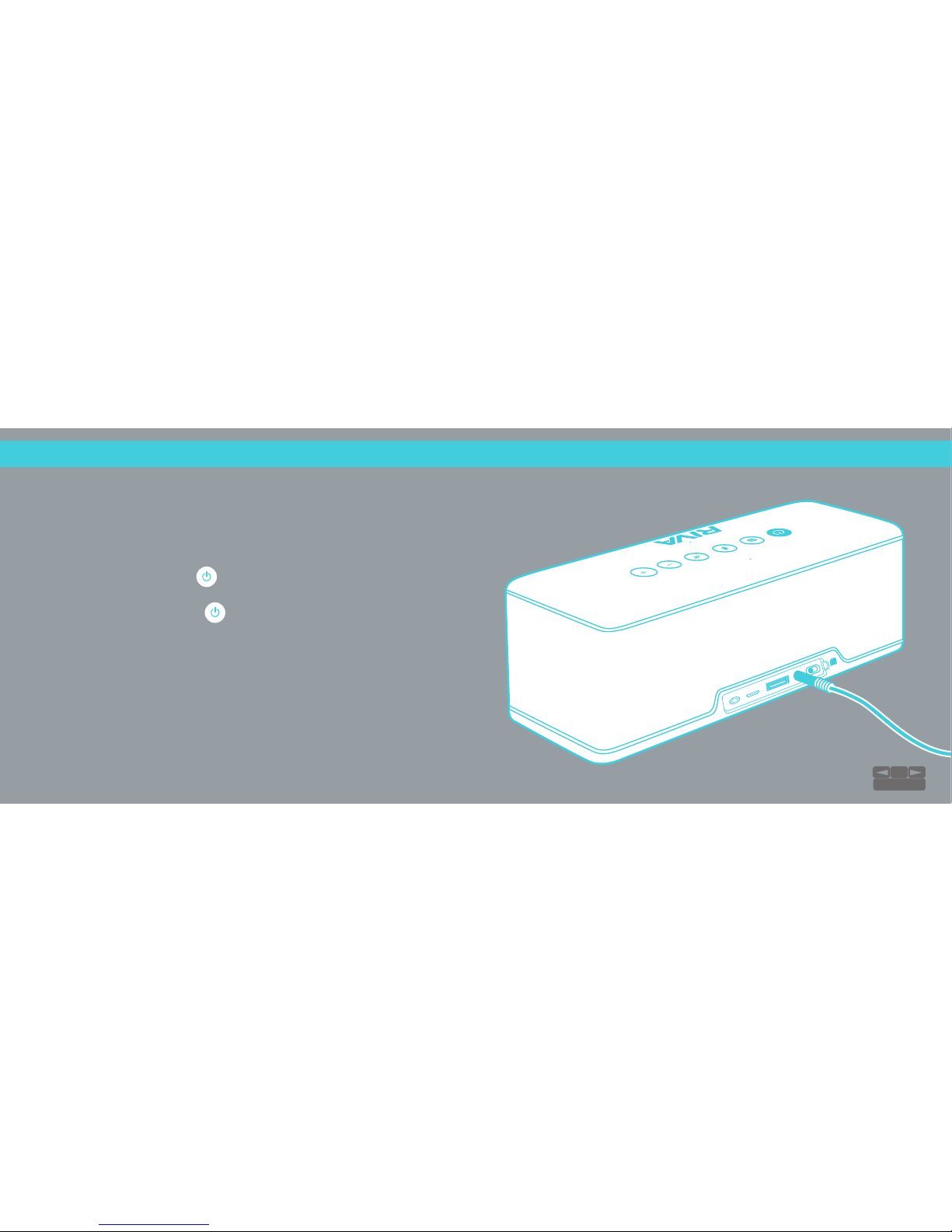
●Non-Bluetooth® Device
●Using the included 3.5 mm or red/white RCA cables, connect the output on
your non-Bluetooth® device to the Aux input on the RIVA S.
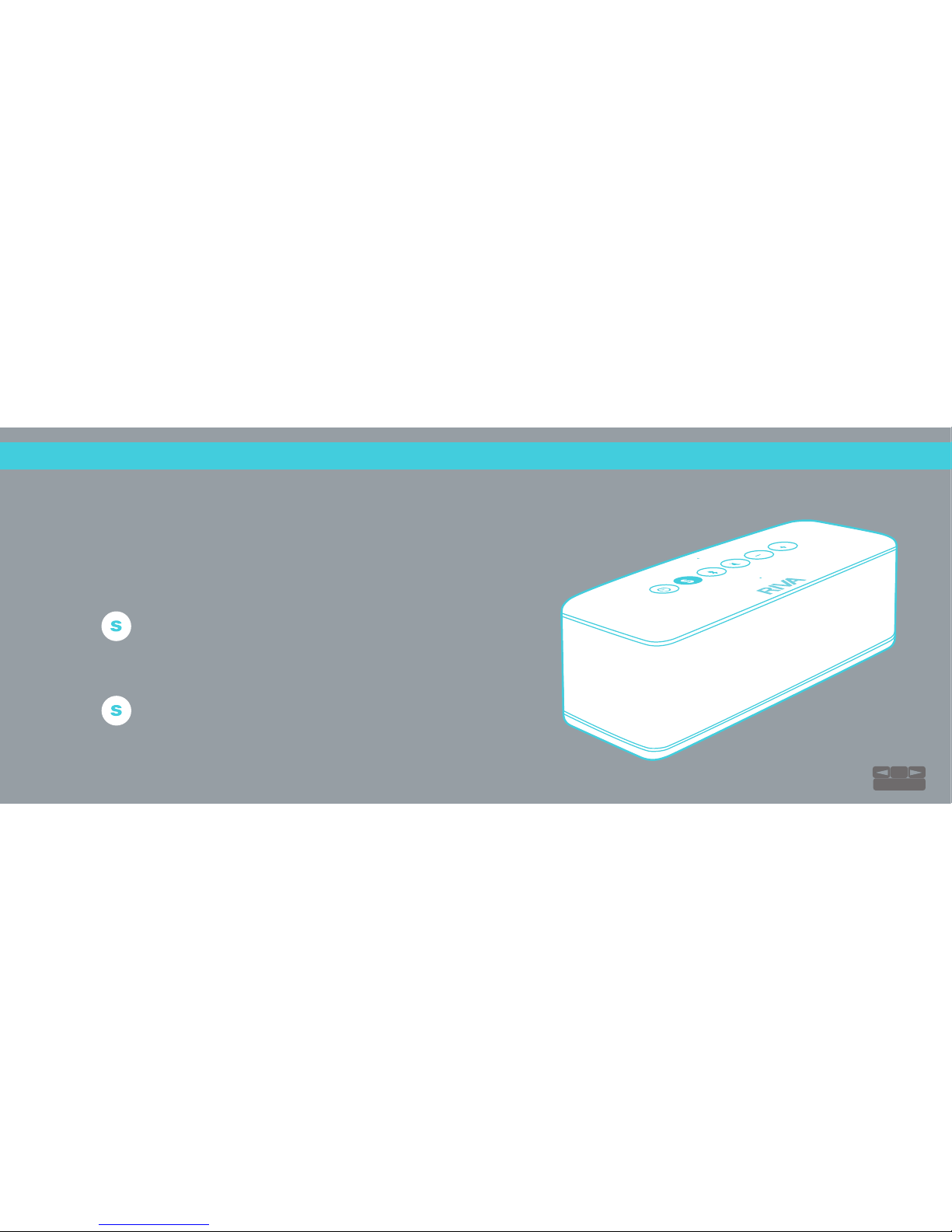
●To pair a new device, hold down the to discover your device. The
Bluetooth® icon will pulse blue when pairing and stay solid once paired.
●When you first turn your RIVA S on, it will automatically go into
discovery/pairing mode to connect to a Bluetooth® device.
●The unit will appear on your device as RIVA S along with a unique MAC
address. Once paired, you can begin playing.
●Bluetooth® takes priority, so please pause your Bluetooth® source. The RIVA S
will automatically switch to the Aux input and the will turn green.
NOTE: Please see the Play Safe page for additional safety guidelines.
CONNECTION:
Connect Your Devices
S 9A84F6
5
TABLE OF CONTENTS