A-BUS SYSTEM OVERVIEW
The product you have just purchased is an integral part of the Russound
A-BUS Multi-Room Audio System. It is a component which, when combined
with other essential components and your source equipment (receiver, CD
player, etc.), creates a versatile whole-house audio system that will fill your
rooms with high-quality sound for years to come.
A-BUS technology is a new, innovative method of providing high quality
audio to remote locations with a single 8-conductor cable such as CAT-5.
A-BUS technology provides many advantages over other conventional
methods of audio distribution such as: simple, single CAT-5 wiring scheme,
infrared control of system components, infrared control of the optional
A-KP amplified keypad module and system power status.
Every A-BUS System is comprised of components from each of the following
three areas.
1. Volume Controls: The volume control contains both the amplifier for the
room’s speakers as well as the control for those speakers. One volume
control should be used for each room you choose to control. The
Russound A-KP and A-VC are examples.
2. Interface Modules: All components of the A-BUS system must be wired
centrally to an interface module located near your source equipment. It
provides the connection for source equipment, volume controls, infrared
emitters and power supply. The Russound A-CB4 and A-CB4 IR are exam-
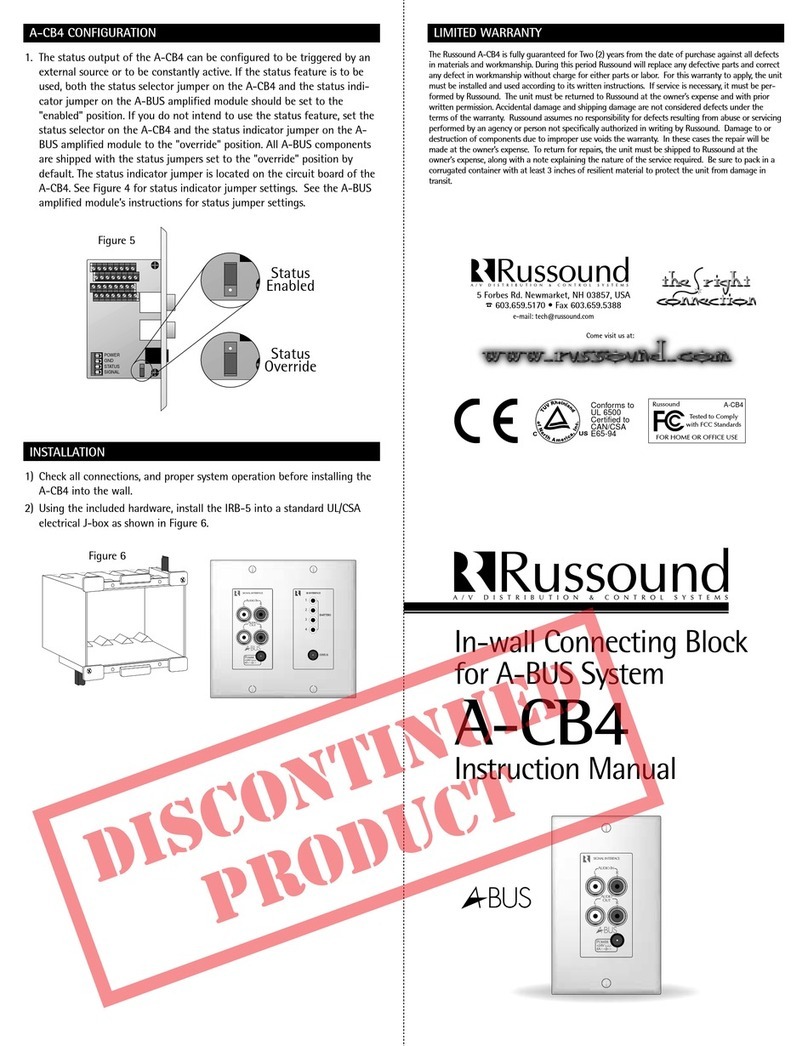
ples. The A-CB4 IR is a surface mount unit which offers signal and
infrared interfaces. The A-CB4 is an in-wall Decora© style plate that
offers signal interface which can be coupled with the IRB-5 in-wall
infrared interface.
3. Power Supply: The power supply plugs into the interface module. The
Russound A-PS 4-Amp supply is an example.
The A-BUS System is capable of almost infinite expansion. The A-PS, A-CB4
and A-CB4 IR can connect 4 volume controls each. Example: If you wanted
to run 8 controls you would need two A-PS Power Supplies and two A-CB4
(IR) interface modules. NOTE: if you use more than 4 interfaces (16 controls)
you should use a line level amplifier to increase the signal from the source
equipment.
PRODUCT OVERVIEW
The A-CB4 IR is a freestanding connecting block for use with A-BUS
systems.
IMPORTANT –Read the manuals that are included with the A-BUS ampli-
fied modules as well as any other connected system components. If you are
unsure of any of the following installation procedures, this product should
be installed by a professional custom installer.
KEY FEATURES
1) Connects up to four A-BUS amplified modules such as the A-VC Volume
Control or the A-KP Keypad with IR.
2) Provides IR emitter outputs for control of source equipment.
3) System status input connection.
4) IR and Status output jack for expansion to another A-CB4IR Connecting
Block.
5) Line audio source input.
6) Line audio buffered output for expansion to another A-CB4IR connecting
block.
A-CB4IR CONNECTIONS
1) Make sure that the A-PS power adapter is not connected to the A-CB4 IR
connecting Block.
2) Connect a CAT-5 cable from the A-CB4 IR Connecting Block to the A-
BUS module input as shown in Figure 1. Be sure to follow the wire color
code as follows: V- = Brown/White, V+ = Brown, ST =Blue/White, IR =
Blue, L+ = Green, L- = Green/White, R- = Orange/White, R+ = Orange. If
the color code above is not followed, you may encounter inconsistent
operation of the A-BUS module. The recommended maximum connection
length for use with standard CAT-5 cable is 100 feet. If the connection
length from the A-CB4 IR to the A-BUS amplified module is greater than
100 feet, use 22-18 gauges stranded 8-conductor cable such as Russound
Model# MCW-2418 for optimum performance.
3) A line-level audio source can be connected to the audio input jacks on
the front of the A-CB4 IR. This audio source will be pre-amplified by the
A-CB4 IR and sent to each A-BUS amplified module. Audio source con-
nection is shown in Figure 2.
4) The A-CB4 IR also has buffered audio outputs. These can be used to con-
nect to an additional A-CB4 IR or to an amplifier or processor.
5) Connect the 1/8" plug of either the Model #845.1 or #1584.1 emitter to
the emitter output jacks on the A-CB4 IR as shown in Figure 3. Up to 4
emitters can be connected to the A-CB4 IR. When using the Model
#1584.1 emitters, up to 8 IR controlled devices can be controlled.
6) Following the instructions that came with your IR emitter, place the
other end of the IR emitter onto the IR sensor window of the equipment
to be controlled.
7) If you intend to use the System Status feature of the A-BUS system, a
Russound Model# 846C Power Supply can be connected to the status
input on the A-CB4 IR, as shown in Figure 3. The power supply should
then be plugged into a switched AC receptacle, usually on the back of
the audio receiver being used. Please read the A-BUS amplified module’s
instruction for operation with the System Status feature.
8) The optional A-CB4 IR Status/IR Link Cable can be used to link the status
and IR to an additional A-CB4 IR Connecting Block. Connect the link
cable between the Status/IR Jacks on each A-CB4 IR.
9) Once all other connections have been made, connect the A-PS A-BUS
System Power Supply to the power input jack on the A-CB4 IR.