3.4 Security
3.4.1 Firewall Setup
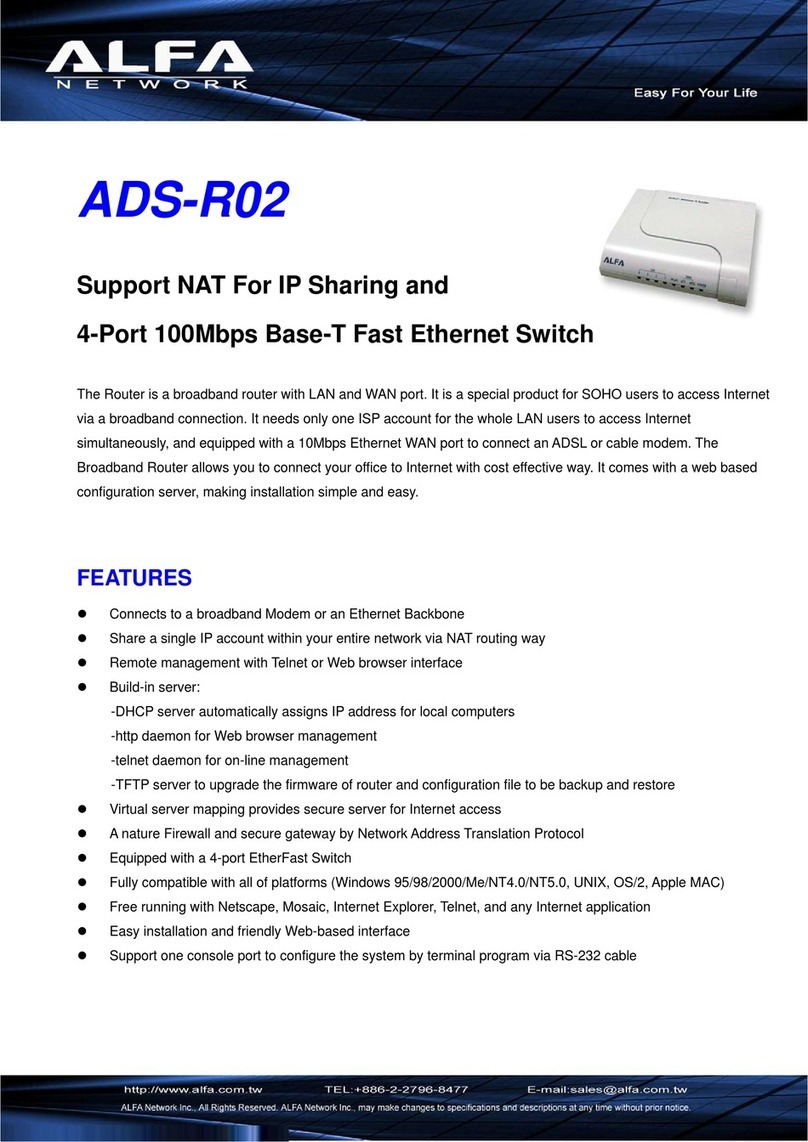
The router’s built-in firewall can be configured to protect against commonly occurring hacker
attacks. It is also possible to block or authorise specific MAC addresses and/or IP addresses, and
to block access to certain websites on the Internet.
• Enabling the built-in firewall is recommended. However, if you wish to disable it, uncheck the
Firewall Enable box.
NB: If the built-in firewall is disabled, functions such as MAC filtering, URL Control, etc. will also
be disabled.
3.4.2 URL Control
This function enables you to block access to specific websites on the Internet.
• Select Enable to enable the function.
• Click [Add...] to add a website address to the list. Then enter the website address in the field
and click [OK].
3.4.3 Access Control, Block Port, Block Dos Attack
See the English user guide on the CD provided.
3.5 Services
3.5.1 Virtual Server
NAT (Network Address Translation) is a technology that allows multiple computers on a local
area network to share the same external IP address. The way this works is that the router manages
all the network traffic originating from the computers on the network and sorts incoming network
traffic so it is redirected to the right computer. However, this may cause a problem for network
traffic that is not initiated at the request of a computer on the local area network.
A typical scenario is when a computer on the local area network is set up as a server. In this case,
a computer on the Internet would connect to the router’s external IP address. However, this network
request does not indicate which computer on the local area network it is addressed to, and the
router therefore has no means of knowing where to forward it.
This is solved by setting up the router’s NAT function so that it forwards incoming network traffic
on certain network ports to a specific IP address on the local area network.
Example: An FTP server is set up on a computer on the network with the IP address 192.168.16.100.
FTP uses network port 21 by default.
The router’s NAT function is set up to forward all incoming traffic on port 21 to IP address
192.168.16.100.
It may also be necessary to configure NAT for applications such as IP telephony, file sharing and
online gaming to work properly.
NB: For Virtual Server to work as intended, the computer that network traffic is forwarded to must
be configured with a static IP address.
1. Click [New…].
2. Under Type, enter the types of service to grant access to, e.g. FTP.
3. Under Service Name, enter a name of your choice.
4. Under Forward Port, enter the numbers of the relevant inbound ports.
5. Under Local Port, enter the numbers of the local ports.
6. Under Local Server IP, enter the IP address of the computer providing the desired service.
7. Click [OK]. Any new services can then be set up in the same way.
3.5.2 Special Application, DMZ
See the English user guide on the CD provided.
3.6 Router Setup
See the English user guide on the CD provided.
9
ENGLISH