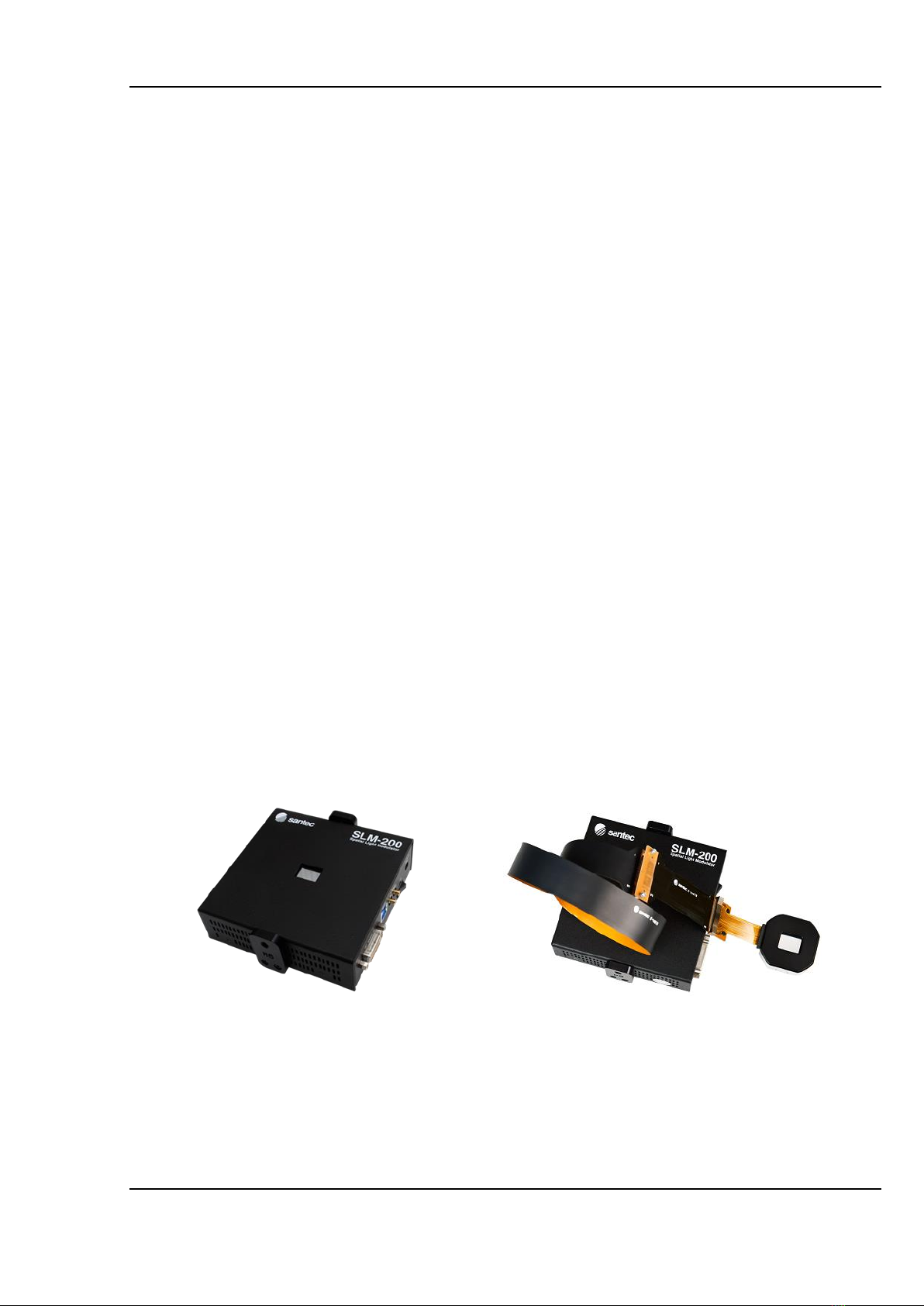
SLM-200
Operation Manual Ver.14.0 (SS-18-0442-14) 3
Contents
1. Introduction.................................................................................................................................5
1.1 Description...........................................................................................................................5
1.2 Features ..............................................................................................................................5
1.3 Care.....................................................................................................................................6
1.4 Warranty..............................................................................................................................8
2. Package......................................................................................................................................9
2.1 Package contents................................................................................................................9
2.2 Shipping package..............................................................................................................10
3. Display specifications................................................................................................................12
3.1 Parameters........................................................................................................................12
3.2 Package schematic............................................................................................................17
3.3 Operating principle.............................................................................................................22
3.4 Part names and functions ..................................................................................................24
3.5 LED status notifications .....................................................................................................33
3.6 Trigger signal specifications...............................................................................................34
4. SLM handling instructions.........................................................................................................36
4.1 Connections.......................................................................................................................36
4.2 Power up sequence...........................................................................................................39
4.2.1 HDMI/DVI communication.............................................................................................39
4.3 Mounting............................................................................................................................40
4.3.1 All-in-one model............................................................................................................40
4.3.2 Separate model.............................................................................................................41
4.4 FPC bending radius...........................................................................................................42
4.5 Cleaning ............................................................................................................................43
5. Software package.....................................................................................................................44
5.1 Installation .........................................................................................................................44
5.1.1 USB driver installation procedure..................................................................................45
5.1.2 LCOS display software installation procedure ...............................................................49
5.2 Software operation.............................................................................................................53
5.2.1 GUI window...................................................................................................................53
5.2.2 Menu tab.......................................................................................................................54
5.3 CGH generator ..................................................................................................................83
5.3.1 GUI window...................................................................................................................83
5.3.2 BMP file format for CGH generation..............................................................................84
5.3.3 Effective area of BMP image.........................................................................................85
5.3.4 CGH generation............................................................................................................86
5.4 Wavefront Correction.........................................................................................................89
5.4.1 Wavefront Correction Data Location..............................................................................89
5.4.2 How to use a Wavefront Correction Data (Using SLM Pattern Generator).....................89
5.4.3 How to use a Wavefront Correction Data (Using Excel) ................................................91