logo
Brands
  1. Home
  2. •
  3. Brands
  4. •
  5. Sanyo
  6. •
  7. Microwave Oven
  8. •
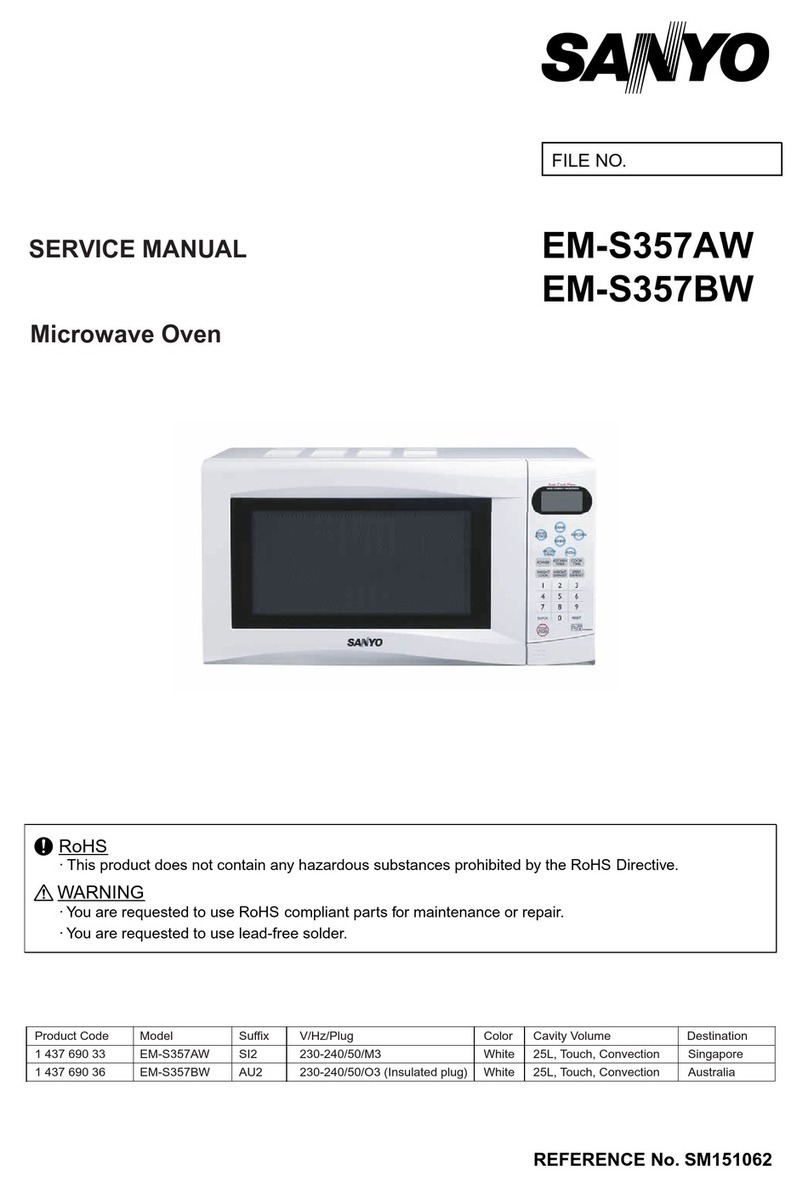
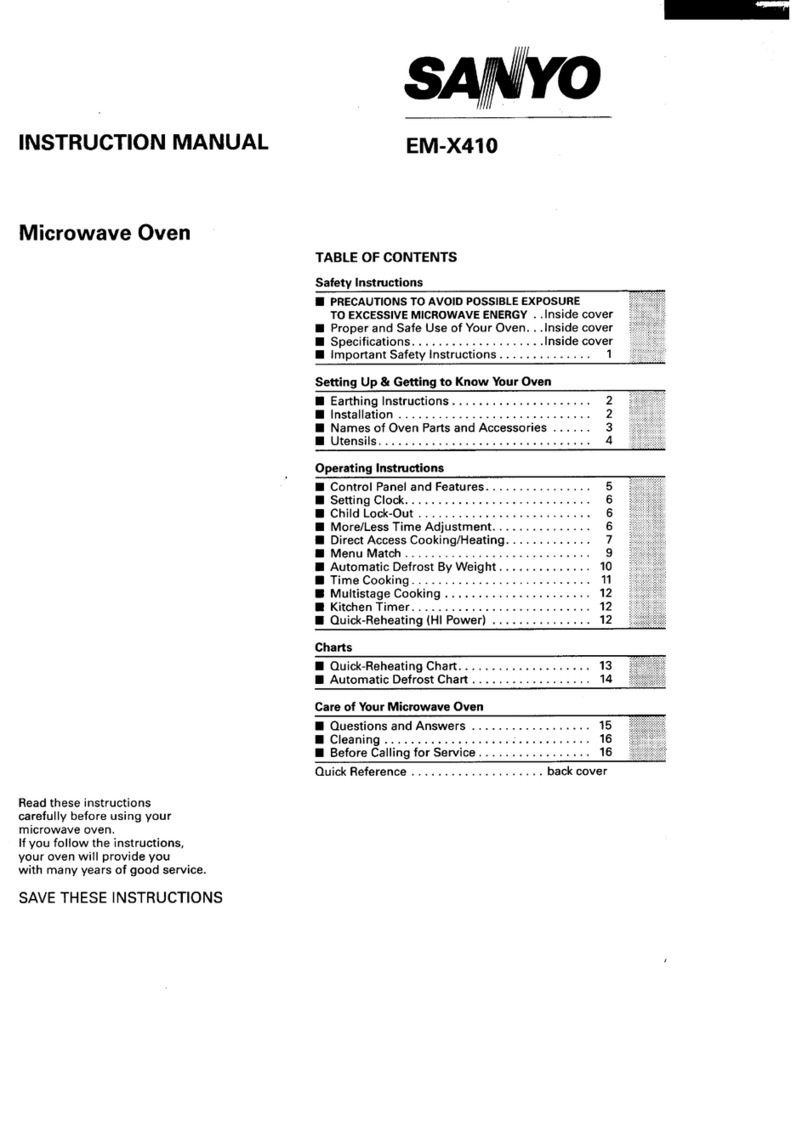
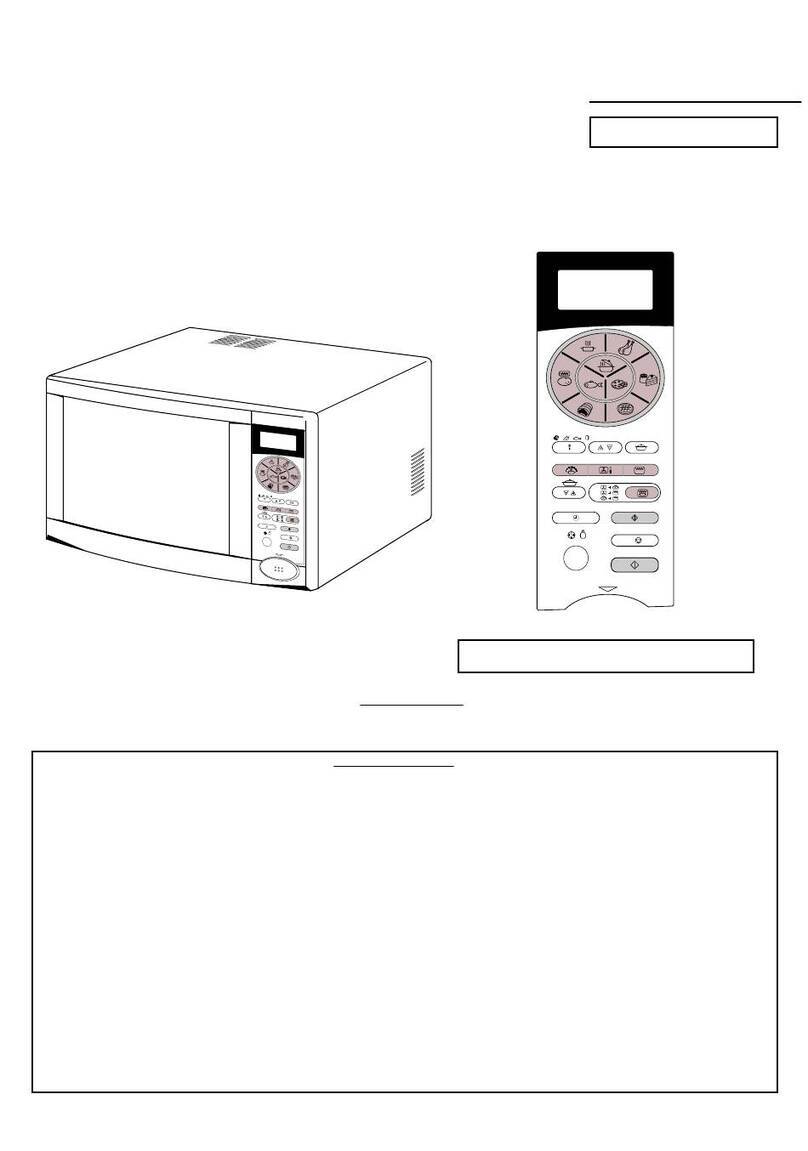
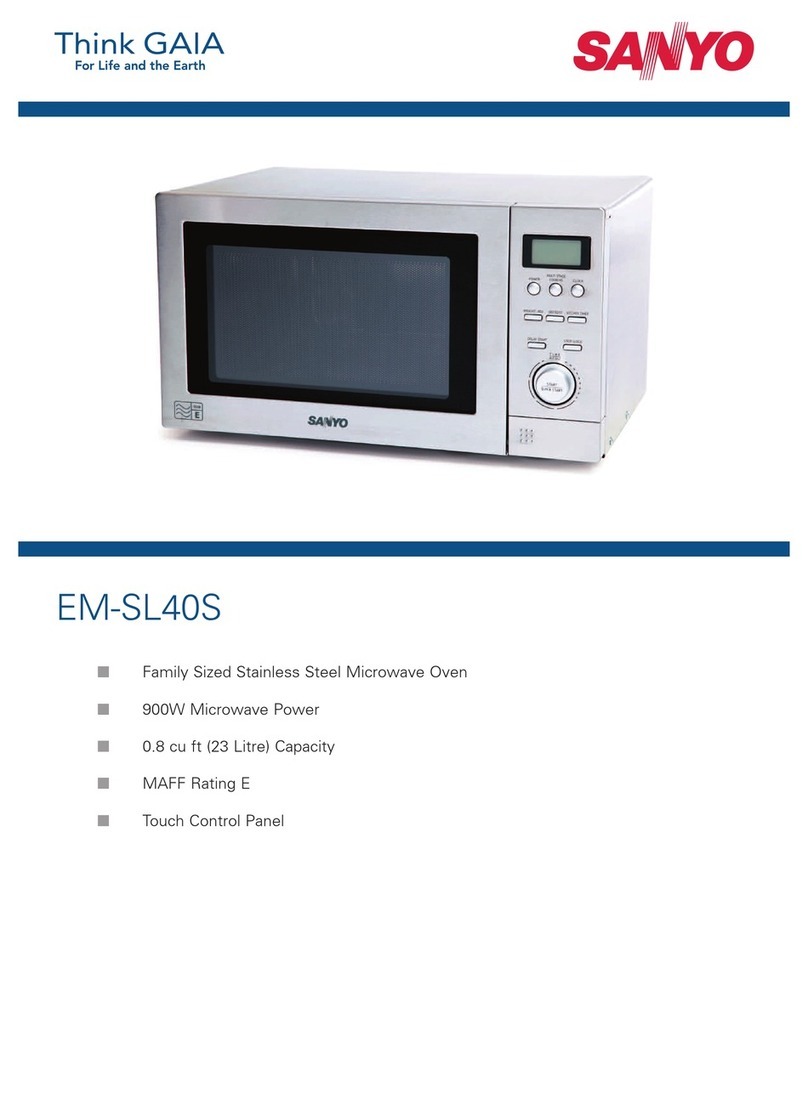
  9. Sanyo EM607TW User manual

Sanyo EM607TW User manual

Other Sanyo Microwave Oven manuals

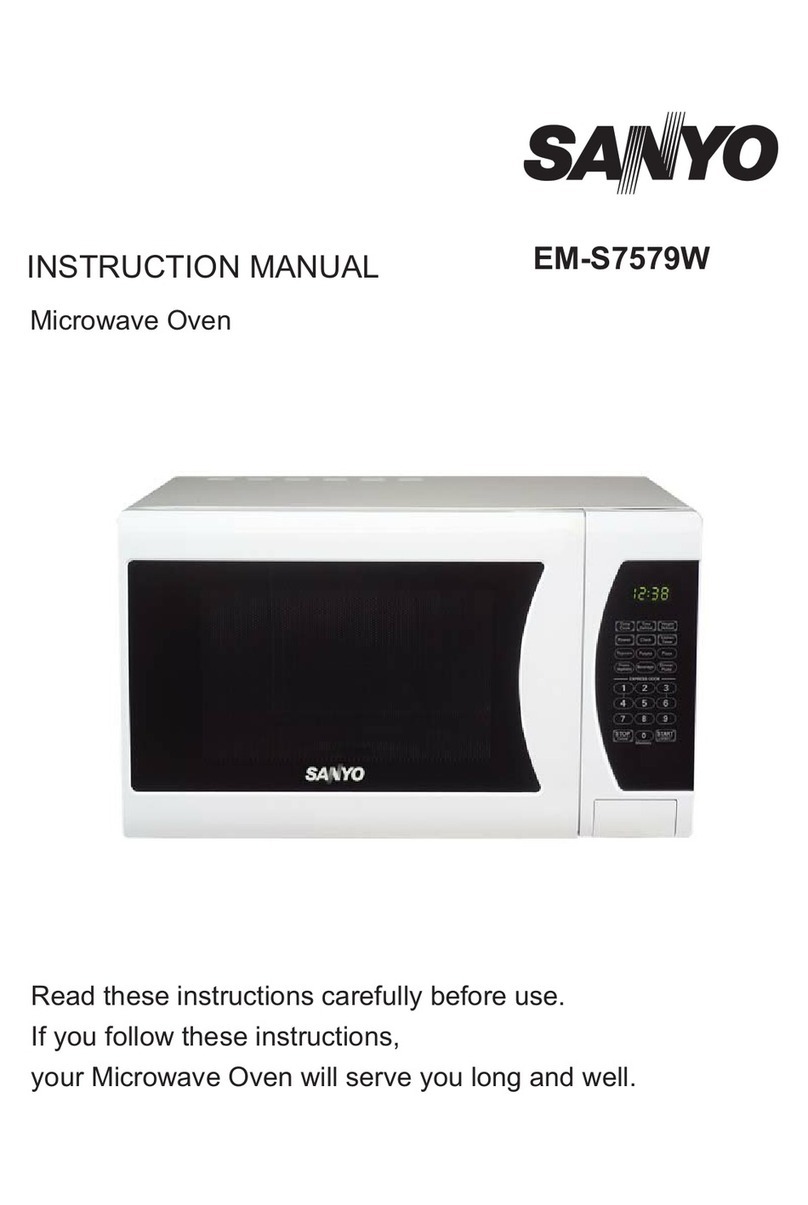
Sanyo EM-S7579W User manual

Sanyo

Sanyo EM-S7579W User manual

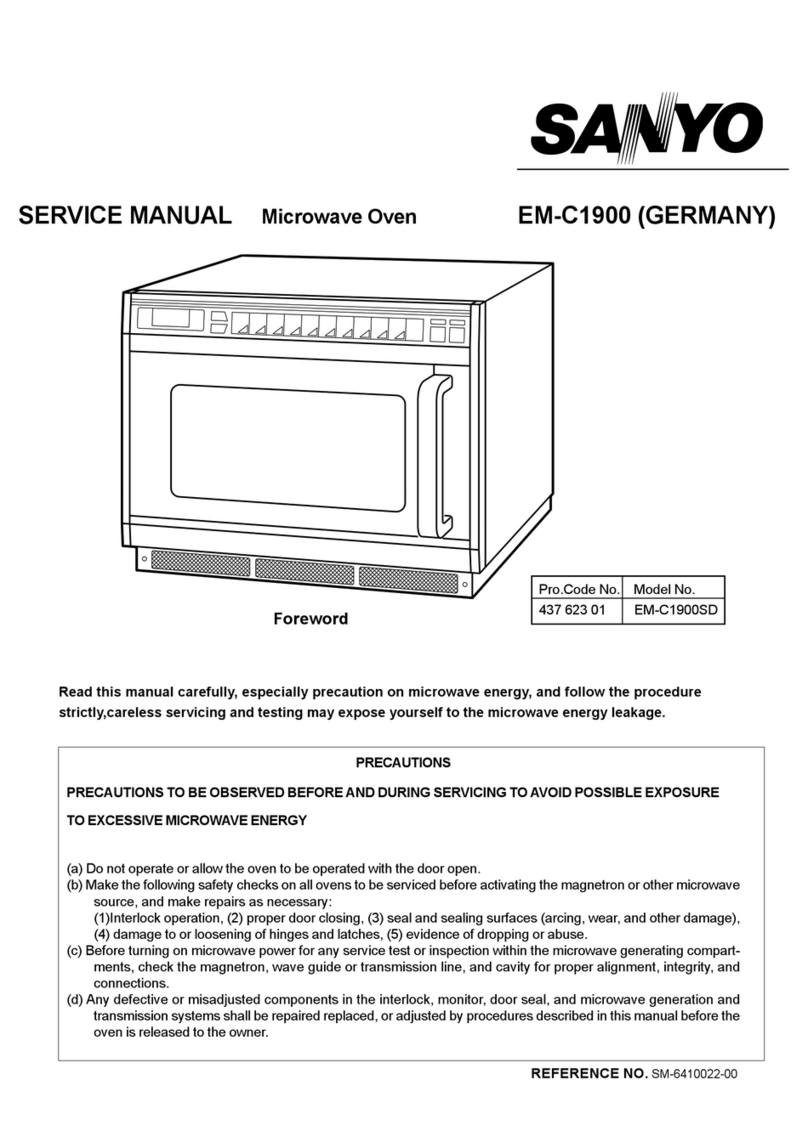
Sanyo EM-C1900 User manual

Sanyo

Sanyo EM-C1900 User manual

Sanyo EM-Z2100GS - 8 Cubic Foot Microwave Use and care manual

Sanyo

Sanyo EM-Z2100GS - 8 Cubic Foot Microwave Use and care manual

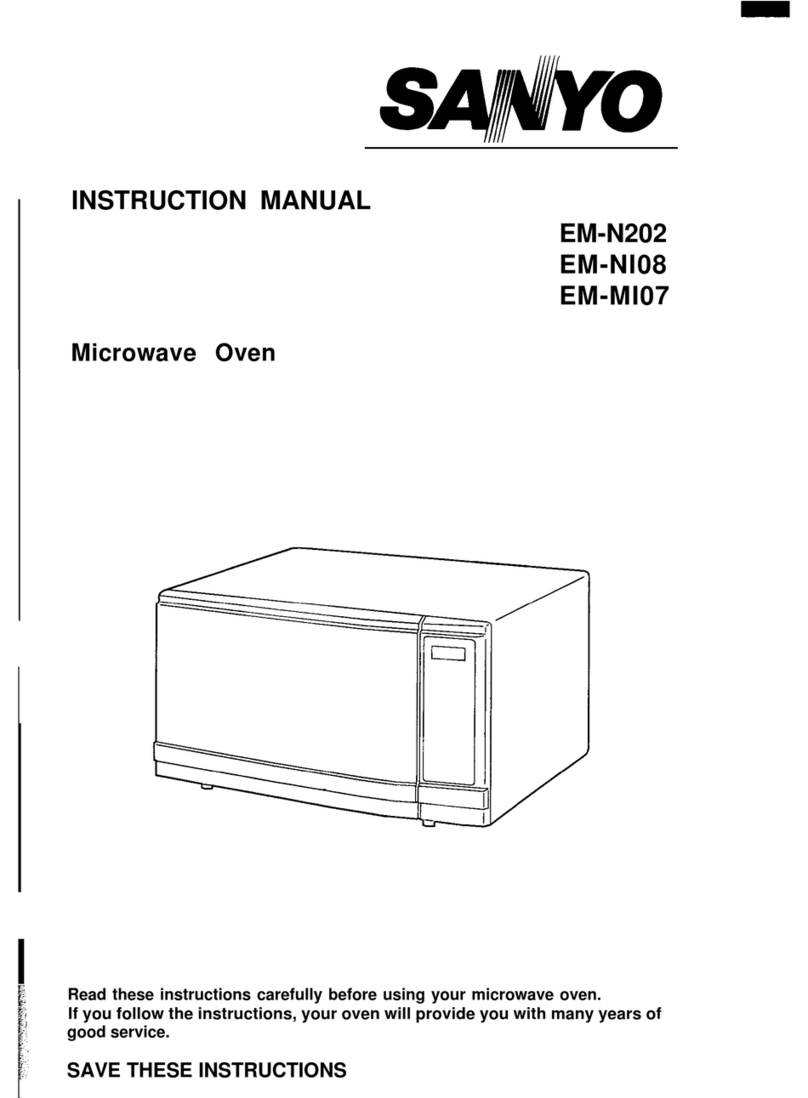
Sanyo EM-N202 User manual

Sanyo

Sanyo EM-N202 User manual

Sanyo EMX-412 User manual

Sanyo

Sanyo EMX-412 User manual

Sanyo EM-870F User manual

Sanyo

Sanyo EM-870F User manual

Sanyo EM-S357BW User manual

Sanyo

Sanyo EM-S357BW User manual

Sanyo EM-G430 User manual

Sanyo

Sanyo EM-G430 User manual

Sanyo EM-X410 User manual

Sanyo

Sanyo EM-X410 User manual

Sanyo EM-D9950ECO User manual

Sanyo

Sanyo EM-D9950ECO User manual

Sanyo EM-SL40S User manual

Sanyo

Sanyo EM-SL40S User manual

Sanyo EM-X470 User manual

Sanyo

Sanyo EM-X470 User manual

Sanyo EM-FL10N User manual

Sanyo

Sanyo EM-FL10N User manual

Sanyo EM-S1577W User manual

Sanyo

Sanyo EM-S1577W User manual

Sanyo EM-S2220B User manual

Sanyo

Sanyo EM-S2220B User manual

Sanyo EM-S105AW User manual

Sanyo

Sanyo EM-S105AW User manual

Sanyo EM870FS User manual

Sanyo

Sanyo EM870FS User manual

Sanyo EM-N107WS User manual

Sanyo

Sanyo EM-N107WS User manual

Sanyo EM-S5120WB Use and care manual

Sanyo

Sanyo EM-S5120WB Use and care manual

Sanyo EMS5595S - Microwave 0.9 Cubic Feet User manual

Sanyo

Sanyo EMS5595S - Microwave 0.9 Cubic Feet User manual

Sanyo EMS9515W - 1.4 Cubic Foot Capacity Countertop Microwave... User manual

Sanyo

Sanyo EMS9515W - 1.4 Cubic Foot Capacity Countertop Microwave... User manual

Sanyo EM-S2587V User manual

Sanyo

Sanyo EM-S2587V User manual

Sanyo EM-S355A User manual

Sanyo

Sanyo EM-S355A User manual

Sanyo EM-S156AW User manual

Sanyo

Sanyo EM-S156AW User manual

Popular Microwave Oven manuals by other brands

Samsung CE2815NR null

Samsung

Samsung CE2815NR null

Panasonic NN-S553WF null

Panasonic

Panasonic NN-S553WF null

Daewoo KOG-574R0S Service manual

Daewoo

Daewoo KOG-574R0S Service manual

LG MH7040SS instruction manual

LG

LG MH7040SS instruction manual

Sharp R-895(AL)M Service manual

Sharp

Sharp R-895(AL)M Service manual

Dometic DOTRM13W installation instructions

Dometic

Dometic DOTRM13W installation instructions

Sharp R-393M quick start guide

Sharp

Sharp R-393M quick start guide

KitchenAid KMCX4510 Use and care

KitchenAid

KitchenAid KMCX4510 Use and care

Smeg S45MCX1 Instructions for use

Smeg

Smeg S45MCX1 Instructions for use

Russell Hobbs RHM2044 user guide

Russell Hobbs

Russell Hobbs RHM2044 user guide

Sunbeam SMW759 owner's manual

Sunbeam

Sunbeam SMW759 owner's manual

Bosch CEG732X.1B User manual and installation instructions

Bosch

Bosch CEG732X.1B User manual and installation instructions

Dometic Roadmate 230 operating manual

Dometic

Dometic Roadmate 230 operating manual

Samsung SJ0396W Owner's instructions

Samsung

Samsung SJ0396W Owner's instructions

Sharp R-240 Operation manual

Sharp

Sharp R-240 Operation manual

Electrolux EMS2840 user manual

Electrolux

Electrolux EMS2840 user manual

Daewoo KOC-984T2S13 Service manual

Daewoo

Daewoo KOC-984T2S13 Service manual

Impecca CM07M2 user manual

Impecca

Impecca CM07M2 user manual

https://manuals.online logo
https://manuals.online logoBrands
  • About & Mission
  • Contact us
  • Privacy Policy
  • Terms and Conditions

Copyright 2026 Manuals.Online. All Rights Reserved.

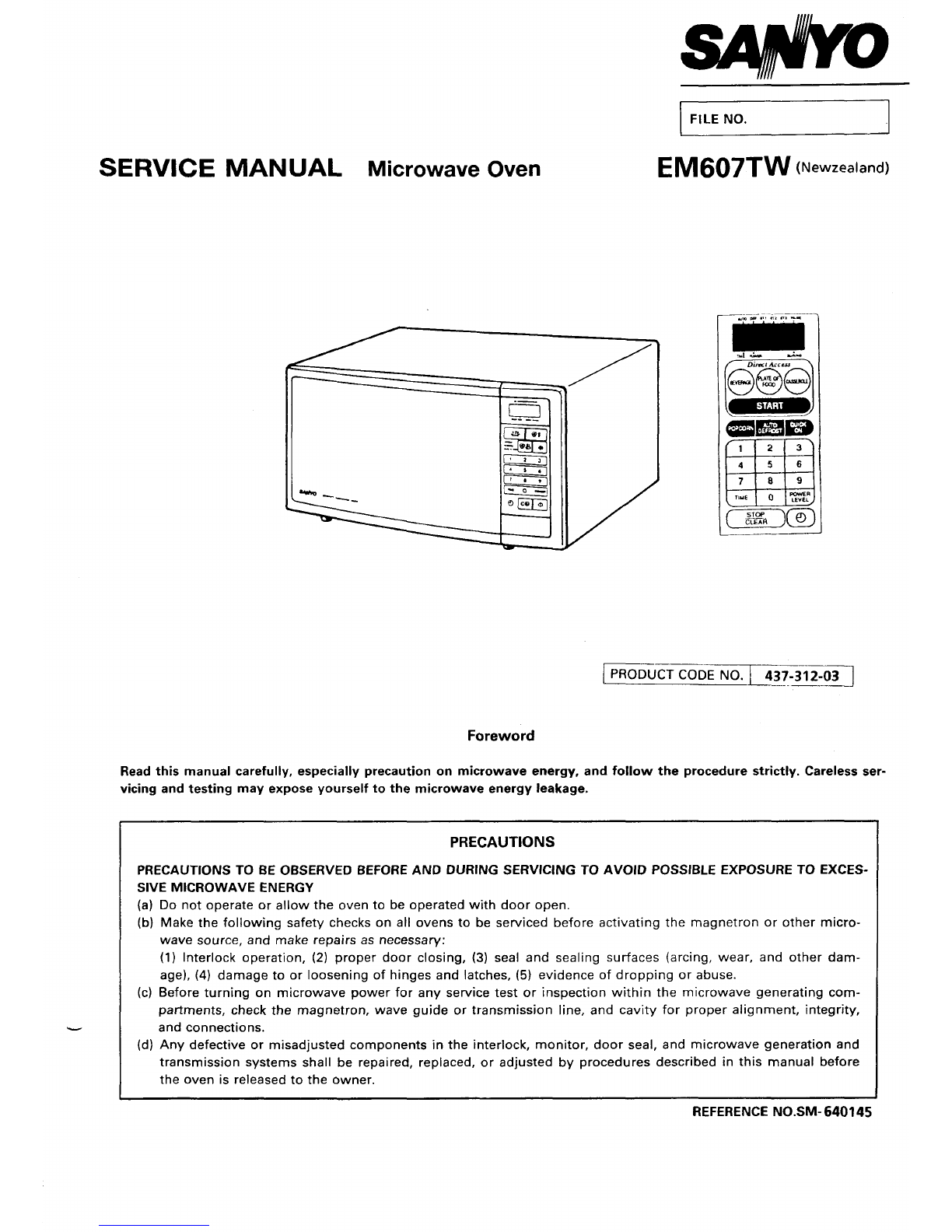
FILE NO. J
SERVICE MANUAL Microwave oven EM607TW (Newzealand)
PRODUCT CODE NO. I437-312-0~
Foreword
Read this manual carefully, especially precaution on microwave energy, and follow the procedure strictly. Careless ser-
vicing and testing may expose yourself to the microwave energy leakage.
PRECAUTIONS
PRECAUTIONS TO BE OBSERVED BEFORE AND DURING SERVICING TO AVOID POSSIBLE EXPOSURE TO EXCES-
SIVE MICROWAVE ENERGY
(a) Do not operate or allow the oven to be operated with door open.
(b) Make the following safety checks on all ovens to be serviced before activating the magnetron or other micro-
(c)
wave source, and make repairs as necessary:
(1) Interlock operation, (2) proper door closing, (3) seal and sealing surfaces (arcing, wear, and other dam-
age), (4) damage to or loosening of hinges and latches, (5) evidence of dropping or abuse.
Before turning on microwave power for any service test or inspection within the microwave generating com-
partments, check the magnetron, wave guide or transmission line, and cavity for proper alignment, integrity,
and connections.
I(d) Any defective or misadjusted components in the interlock, monitor, door seal, and microwave generation and
transmission systems shall be repaired, replaced, or adjusted by procedures described in this manual before
the oven is released to the owner.
REFERENCE NO. SM- 640145
—TABLE OF CONTENTS —
Adjustment Procedures ........................................................ 1Test Procedures and Troubleshooting ....................... 4-IO
Specifications ......................................................................... 2Disassembly instructions ............................................ 11--I3
Power Output Measurement ................................................ 2Exploded View and Parts List .................................... 14--19
Precautions and Repair Sewice~ps ................................... 2Overall Circuit Diagram ...................................................... 20
Circuit Diagram ...................................................................... 3
CAUTION
MICROWAVE RADIATION
PERSONNEL SHOULD NOT BE EXPOSED TO THE
MICROWAVE ENERGY WHICH MAY RADIATE
FROM THE MAGNETRON OR OTHER MICROWAVG
GENERATING DEVICE IF IT IS IMPROPERLY USED
OR CONNECTED. ALL INPUT AND OUTPUT
MICROWAVE CONNECTIONS, WAVEGUIDES,
FLANGES, AND GASKETS MUST BE SECURE.
NEVER OPERATE THE DEVICE WITHOUT A
MICROWAVE ENERGY ABSORBING LOAD
ATTACHED. NEVER LOOK INTO AN OPEN
WAVEGUIDE OR ANTENNA WHILE THE DEVICE IS
ENERGIZED.
7. ADJUSTMENT PROCEDURES
TO AVOID POSSIBLE EXPOSURE TO MICROWAVE
ENERGY LEAKAGE, THE FOLLOWING ADJUST-
MENT OF THE INTERLOCK SWITCHES SHOULD
BE MADE ONLY BY AUTHORIZED SERVICE PER-
SONNEL.
PRIMARY INTERLOCK SWITCH, INTERLOCK
MONITOR SWITCH AND DOOR SENSING SWI -
TCH ADJUSTMENT
(Figure 1)
(1)
(2)
(3)
(4)
(5)
Loosen 2screws securing the level stopper.
Adjust the lever stopper positioh so that it is pushed
up and pull forward until there is about zero gap
2-1. Between the latch lever and the switch body
on the door sensing switch.
2-2. Between the latch lever and the switch body
on the interlock monitor switch
2-3. Between the latch lever and the switch body
on the primary interlock switch
when the door latch is securaly locked.
Tighten the lever stopper screws securely.
Make sure the interlock monitor switch closes after
the primary interlock switch opens when the door
is opened very slowly, according to “CHECKOUT
PROCEDURE FOR SWITCHES” on page 6.
Make sure the interlock monitor switch opens before
the primary interlock switch closes when the door
is closed very slowly, according to “CHECKOUT
PROCEDURE FOR SWITCHES” on page 6.
(6) Make sure the microwave energy leakage is below
the limit of the regulation (5 mW/cm2 ). when
measured with adetector. (All service adjustments
must be made for minimum microwave energy leak-
age readings. )
Lever Stopper Door Latch
\/
Screws
Latch
/Lever
Door Sensing
0Switch
Intel
Interlock Monitor
/Switch
a
_Latch Lever
\
–l–
Figure 1
NOTE: If the interlock monitor circuit operates and at the
same time the fuse blows with the door opened,
be sure to replace the control circuit board
because relay 2on the control circuit board, the
door sensing switch and the electric circuit related
on the door sensing switch, which act as
Secondary Interlock Switch.
2, SPECIFICATIONS
Rated Power Consumption .. 1100W
Microwave Output ................ 700W
(Adjustable 100 W
7001W)
Frequency ..............................
Power Supply ........................
Rated Current ........................
Safety Devices ......................
Timer ......................................
Overall Dimensions ..............
Oven Cavity Size ...................
Turn Table Diameter ............
Effective Capacity of Oven
Cavity .....................................
Net Weight ............................
2,450 MHz*50MHz
240V, 50Hz
5.0 Amp.
through
Thermal Protector, Open
at 135° Cfor Cavity
Thermal Protector, Open
at 100” Cfor Manetron
Fuse (Cartridge Type 8A)
Primary Interlock Switch
Door Sensing Switch and
Relay 2
Interlock Monitor Switch
Electronic Digital, up to
99 min. 99 sec.
461( W)x340(D)x247(H)mm
293( W)x305(D)x190(H)mm
275mm
17 liters
Approx. 12.5Kg
3. POWER OUTPUT MEASUREMENT
(1)
(2)
(3)
Prepare 1000*5g tap water.
Adjust water temperature to 10 °f20C.
Pour water into acontainer made of borosilicate
glass, 190mm outer diameter cylinder, maximum
3mm thickness.
Note: Use the container kept on the room tempera-
ture.
(4) Place the container in the center of oven cavity.
(5) Set the heating time for 60 seconds and rating full
power and then start oven.
(6) Take the container out immediately when heating
time is up.
(7) Stir water for making even water temperature in the
container.
(8) Measure water temperature.
Water temperature rise shall be 8° to 12” C.
4. PRECAUTIONS AND REPAIR SERVICE TIPS
PRELIMINARY
A. SINCE NEARLY 4,000 VOLTS EXISTS IN SOME CIR-
CUITS OF THIS MICROWAVE OVEN, REPAIRS
SHOULD BE CARRIED OUT WITH GREAT CARE.
B. TO AVOID POSSIBLE EXPOSURE TO MICROWAVE
ENERGY LEAKAGE, THE FOLLOWING PRECAU-
TIONS MUST BE TAKEN BEFORE SERVICING.
(1) Before the power is applied.
(a) Open and close door several times to make sure
the primary interlock switch, the interlock monitor
switch and the door sensing switch operate proP-
erly. (Listen for the clicking sound fromthe switch-
es. )Make sure the interlock monitor switch closes
after the prima~ interlock switch is opens when the
door is opened.
(See pages 1and 6)
(b) Make sure the perforated screen and the choke
dielectric of the door are correctly mounted.
(2) After the power is applied:
(a) Open and close the door to see if the interlock
mechanism operates properly.
(b) Check microwave energy leakage with aleakage
detector and confirm the energy leakage is below 5
mW/cm2.
(3) Do not operate the unit until it is completely re-
paired, if any of the following conditions exists.
(a) Door does not close firmaly against the cavity front.
(b) The hinge is brbken.
(c) The choke dielectric or the door seal is damaged.
(d) The door is bent or warped, or there is any other
visible damage to the oven that may cause micro-
wave energy leakage.
NOTE: Always keep the seal clean.
(e) Make su’e that there are no defective parts in the
interlock mechanism.
(f) Make sure that there are no defective parts in the
microwave generating and transmission assembly.
(especially waveguide).
(4) The following items should be checked after the
unit is repaired:
(a) The interlock monitor switch is connected correctly
and firmly.
(b) The magnetron gasket on the magnetron is properly
positioned.
(c) Waveguide and oven cavity are intact (no leakage of
microwave energy).
(d) The door can be properly closed and the safety
switches work properly.
(e) The oven must be stopped when the door is opened
or time is up.
The oven must not be operated with any of the above
components removed or bypassed.
–2–

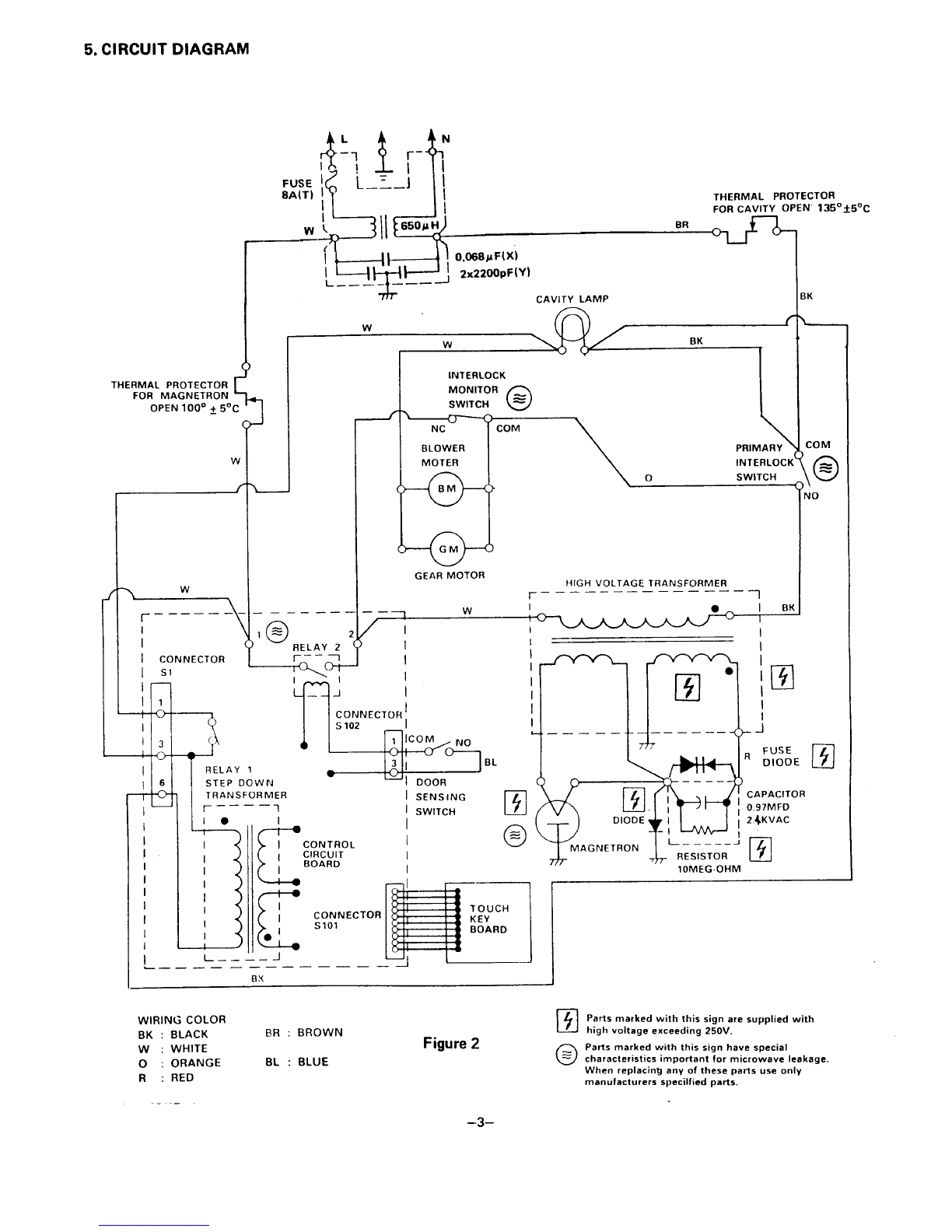
5. CIRCUIT DIAGRAM
k’!_; ,+
r-
1= 2
II
I
I—
II
ITHERMAL PROTECTOR
FOR CAVITY OpEN 135 °+50C
w{ II 650 PHBR
THERMAL PROTECTOR
FOR MAGNETRON
5
OPEN 100° ~5°C (
w
—
I
ICONNECTOR
IS1
‘n
11
FUSE
8A(T)
——
k=$jE=!!02%::ly,
—. CAVITY LAMP
w(
wBK
1
——— .
0
1= RELAY 2
+-+-
a,
INTERLOCK
MONITOR 0
SWITCH =
NC COM
BLOWER (
PRIMARY
MOTER INTERLOCI(
oSWITCH
GEAR MOTOR HIGH VOLTAGE TRANSFORMER
~–––__.__–__ ~
.—— w
k
/I
I
I
I
I
=I~NEc;15
%i
13
RELAY 131
16 STEP DOWN IOOOR
TRANSFORMER ISENSING
➤–—__ 1ISWITCH
Ie
I
T
CONTROL
CIRCUIT
BOARD
I
I
I
I
I
.—
BL
I●IEt
I
,
—I
13J I
I——— —— -- — —— ————
777
❑CAPACITOR
0~
MAGNETRON -r 1OMEG-OHM
YTCONNECTOR
Slol
●1
L___.J
——— — ——— — —— ——
wIRING COLOR ❑Parts marked with this sign are supplied with
BK :BLACK BR :BROWN high voltage exceeding 250V.
W:WHITE Figure 2_Parts marked with this sign have special
o:ORANGE BL :BLUE o=characteristics important for microwave leakage.
R:RED When replacing anyof these parts use only
manufacturers specified parts.
-3–

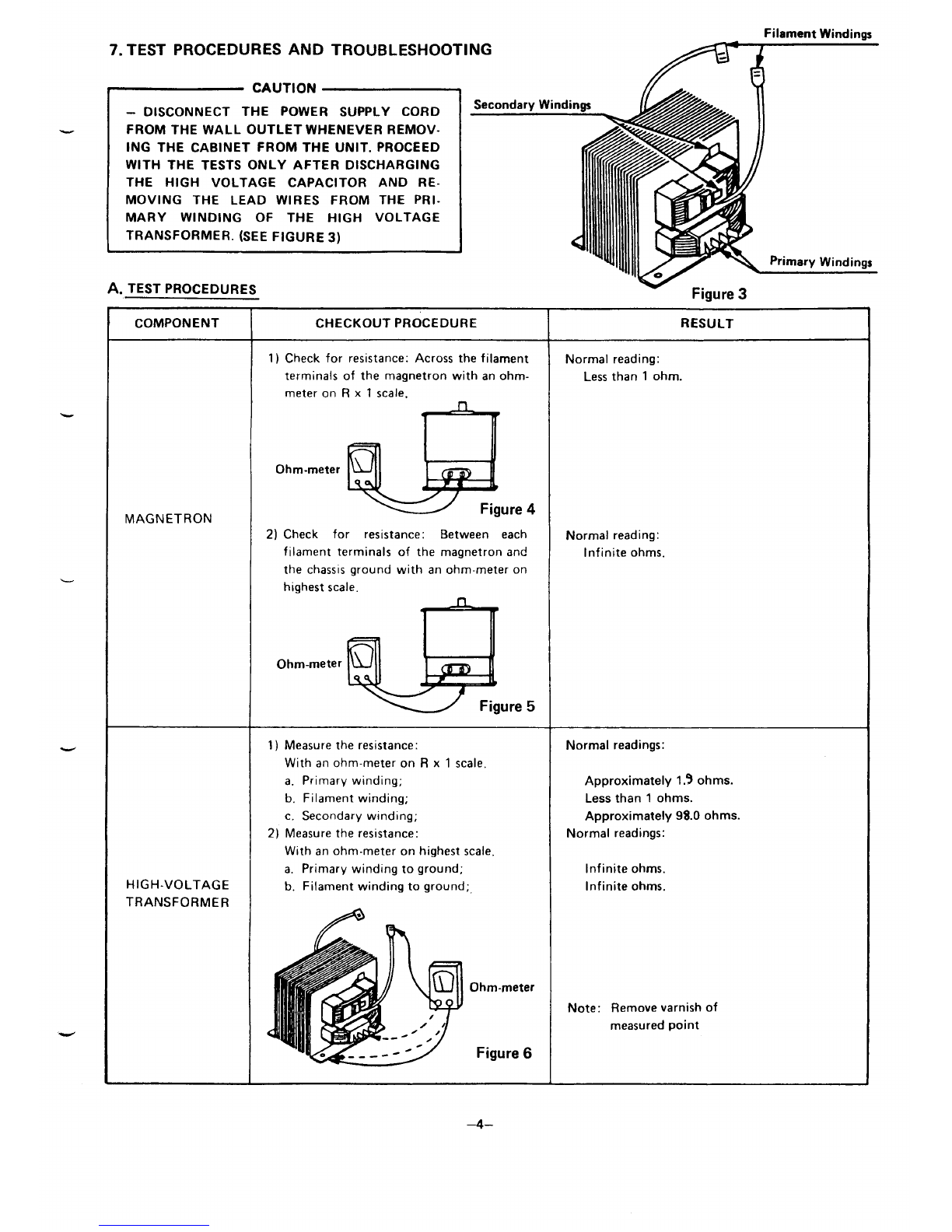
Filament Windinas
7. TEST PROCEDURES AND TROUBLESHOOTING ~
.
w
w
CAUTION
-DISCONNECT THE POWER SUPPLY CORD
FROM THE WALL OUTLET WHENEVER REMOV-
ING THE CABINET FROM THE UNIT. PROCEED
WITH THE TESTS ONLY AFTER DISCHARGING
THE HIGH VOLTAGE CAPACITOR AND RE-
MOVING THE LEAD WIRES FROM THE PRl-
MARY WINDING OF THE HIGH VOLTAGE
TRANSFORMER. (SEE FIGURE 3)
A. TEST PROCEDURES
>
““’’’’V=:”,Q%.Q%‘rimary
wind
–4–
–5–
1-
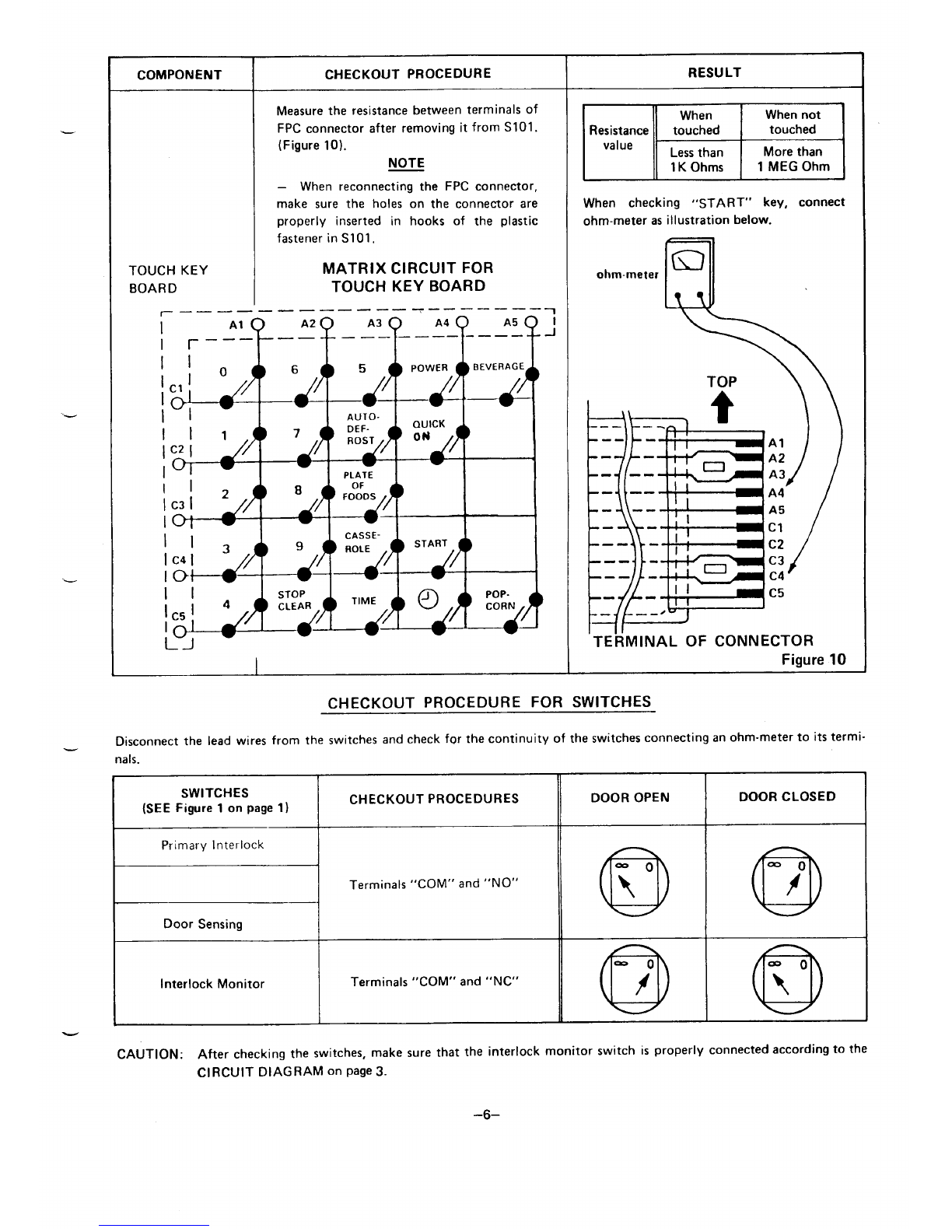
CHECKOUT PROCEDURE FOR SWITCHES
Disconnect the lead wires from the switches and check for the continuity of the switches connecting an ohm-meter to its termi-
nals.
Ii
IITerminals “COM” and “NO”
IDoor Sensing I
IInterlock Monitor ITerminals “COM” and “NC”
I
-
DOOR OPEN DOOR CLOSED
CAUTION: After checking the switches, make sure that the interlock monitor switch is properly connected according to the
CIRCUIT DIAGRAM on page 3.
–6–
B. TROUBLESHOOTING
CTFP SFnllFNCE RESULT
s.? .-. ----- ...—
(1) PROBLEM I
No display or mis-display in I
the display window by
I
I,,,
touching the keys.
@
I
I
@
aovolt I
Check continuity of thermal Replace it IRuns
protector for magnetron, if necessary. I
thermal protector for cavity I
and AC Power cord. If the ;
fuse is blown, see “F. I
REMOVING FUSE” on page I
Check 240v AC power 13. I
supply of connector S1 I
I
between Pin 3and Pin 6(‘PROBLEM
after removing connector I1-b
S1 from control circuit 1.
board. I
240 volt I
I
I
I
bI
@1
1.’”.
I
‘@
I
Touch key board Each resistance Correct seating of Normal control ~Runs
OK connector S101 or circuit board
000’ I
000 replace control I
000 circuit board. I
I
Each voltage Check resistance of
Control
I
OK touch key board. I
circuit board (See page 6)
t
@
000 I ,, ’/<
000
000 I
‘(GJ
I
Check power supply voltage Resistance Replace touch Normal touch IRuns
key board
on co’ntrol circuit board. in correct key board.
(See me 6) (ON or OFF) ;
I
I
I
@
I.’”.
‘@1
Voltage
I
Replace control Normal control ~Runs
incorrect circuit board. circuit board. I
I
I
I
(\
(((((
STEP SEQUENCE RESULT
+
2)PROBLEM
;ooking operation will not
tart.
aCHECK: 1, Power Supply to Oven
2. Primary Interlock Switch
3. Thermal protector for Magnetron and
Thermal protector for cavity.
Door sensing switch
D
o
●
Check continuity of con-
nector S1 02 between Pins
with the door closed after
removing connector S102
from control circuit board.
Continuity Check contact
OK of connector
S102.
;
I
I
I
I
‘\\ .;,, :. .-. .I
“w. “?\\ .=
al .. :PROBLEFJ
—3-a
1’
Contac’
OK
I
1
I
I
I
I
I
I
I
-111-(ij-m 1./,
1’
I
,@
Poor Correct Normal -IRuns
1
c“ontact seating contact, @(—} ~@
No Adjust or replace Normal door IRuns
continuity door sensing switch. sensing switch
(See page 1);
I
(3) PROBLEM
Oven does not heat up.
II
-l
a
@-
Touch START key and
measure voltage between
white wire lead and
Black wire lead for
I
I
I
240 volt i
I
I
I
I
I
i
@
.,,
‘@
l.-
1
I
primary winding of H.V. ovolt Replace control
transformer after removing Normal control iRuns
circuit board.
the wire leads from circuit board. I
terminals of H.V. ;
transformer. I
I
I
I
Y’
STEP SEQUENCE RESULT
I I
-1
b
H.V. transformer
Check resistance of
each winding after
removing lead wires.
(See Pae 5)
al
+I=J%a& Normal H.V. Replace Normal I
IRuns
capacitor or magnetron. magnetron. I
H.V. diode I
Resistance Check H. V,capacitoror H.V.
OK diode with an ohm-meter
after removing lead wires. v-%+@
(See page 6) Defective H.V. ReDlace H.V. I
Normal H.V. ,Runs
capacitor or Capacitor or capacitor or ~
H.V. diode H.V. diode H,V. diode I
-m @
I.,
I
‘@
Resistance Replace H.V. Normal H.V. IRuns
incorrect, transformer. I
transformer. I
Check operation of
blower motor when
START key is
touched.
Normal
operation
I
I
for cavity by No Measure resistance
1’
I.“/.
using jumper operation of blower motor,
lead. (Approx. 215 ohms.) @I@
I
Normal thermal protector for lx
magnetron or thermal I
pro~ector for cavity,
,@@ ~
4Resistance Replace blower Normal blower ~Runs
incorrect. motor. motor. I
I
Normal Replace control Normal control ~Ruris
resistance circuit board. circuit board. I
II