3. Demonstration
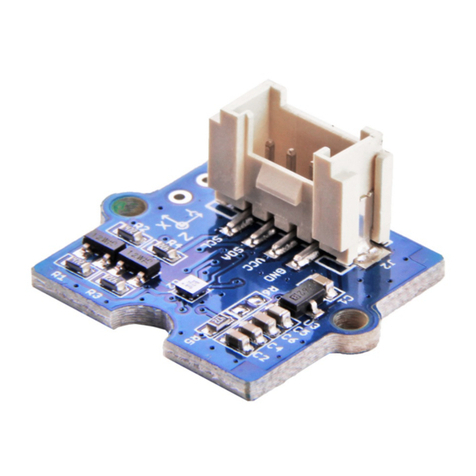
1. Connect the collision sensor to the Digital port 2 of Grove - Basic Shield using a Grove cable and connect
2. Plug the Grove - Basic Shield into Arduino.
3. Connect Arduino/Seeeduino to PC by using a USB cable.
4. Copy and paste code below to a new Arduino sketch. And upload it to your Arduino.
/****************************************************************************/
// Function: Monitor if there is any collision
// Hardware: Grove - Collision Sensor
// Arduino IDE: Arduino-1.0
// by www.seeedstudio.com
//
// This library is free software; you can redistribute it and/or
// modify it under the terms of the GNU Lesser General Public
// License as published by the Free Software Foundation; either
// version 2.1 of the License, or (at your option) any later version.
//
// This library is distributed in the hope that it will be useful,
// but WITHOUT ANY WARRANTY; without even the implied warranty of
// MERCHANTABILITY or FITNESS FOR A PARTICULAR PURPOSE. See the GNU
// Lesser General Public License for more details.
//
// You should have received a copy of the GNU Lesser General Public
// License along with this library; if not, write to the Free Software
// Foundation, Inc., 51 Franklin St, Fifth Floor, Boston, MA 02110-1301 USA
//
/*******************************************************************************/
#define LED 13 //the onboard LED of Arduino or Seeeduino
#define COLLISION_SENSOR 2//collision sensor is connected with D2 of Arduino
void setup()
{
pins_init();