manuals.online logo
Brands
  1. Home
  2. •
  3. Brands
  4. •
  5. Sharp
  6. •
  7. Oven
  8. •
  9. Sharp SWB3085HS Instruction Manual

Sharp SWB3085HS Instruction Manual

Other manuals for SWB3085HS

2

Other Sharp Oven manuals

Sharp KA-70V19IM2-EU User manual

Sharp

Sharp KA-70V19IM2-EU User manual

Sharp KF-66DVDD05WL1-EN User manual

Sharp

Sharp KF-66DVDD05WL1-EN User manual

Sharp AX-1600R User manual

Sharp

Sharp AX-1600R User manual

Sharp SSC0586DS User manual

Sharp

Sharp SSC0586DS User manual

Sharp K-60D22BM1-UA User manual

Sharp

Sharp K-60D22BM1-UA User manual

Sharp K-61DX28BM0-EU User manual

Sharp

Sharp K-61DX28BM0-EU User manual

Sharp K-60P19BNM-FR User manual

Sharp

Sharp K-60P19BNM-FR User manual

Sharp Carousel R-90GC User manual

Sharp

Sharp Carousel R-90GC User manual

Sharp K-60P19BNM-EU User manual

Sharp

Sharp K-60P19BNM-EU User manual

Sharp Home Appliances K-62D19IM0-EU User manual

Sharp

Sharp Home Appliances K-62D19IM0-EU User manual

Sharp HEALSLO AX-1700R User manual

Sharp

Sharp HEALSLO AX-1700R User manual

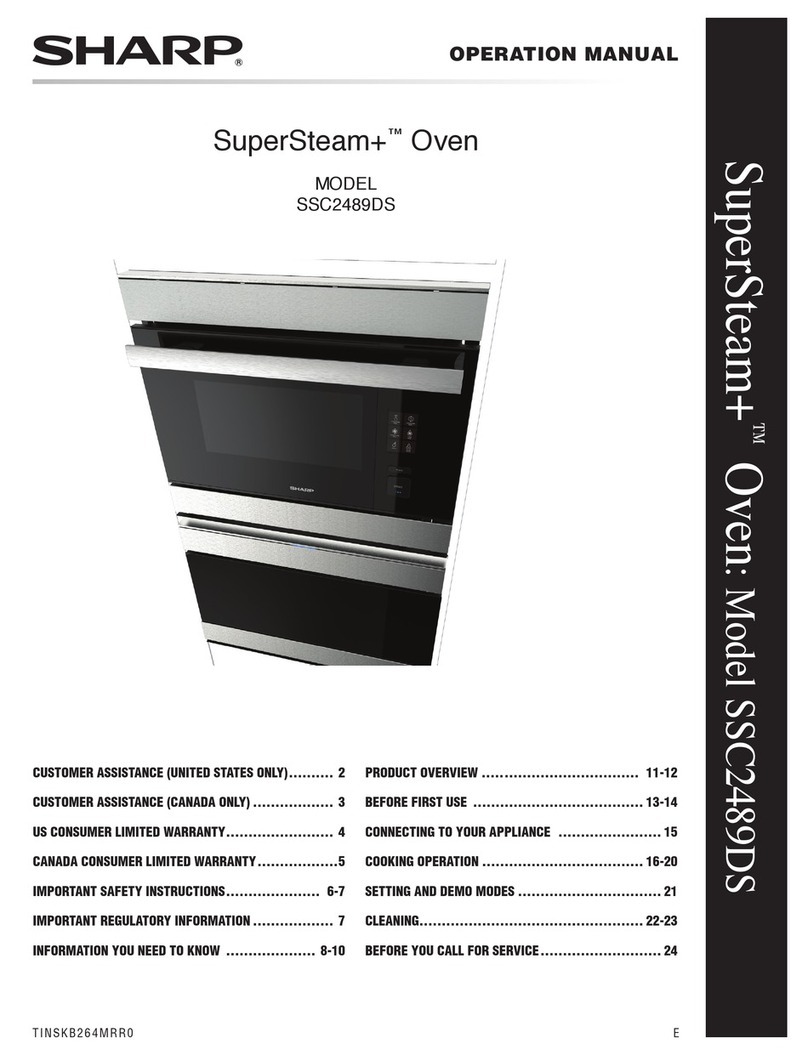
Sharp SuperSteam+ SSC2489DS User manual

Sharp

Sharp SuperSteam+ SSC2489DS User manual

Sharp K-50M15IL2 User manual

Sharp

Sharp K-50M15IL2 User manual

Sharp K-61V28BM1-EU User manual

Sharp

Sharp K-61V28BM1-EU User manual

Sharp AX-1100 Instruction Manual

Sharp

Sharp AX-1100 Instruction Manual

Sharp K-50M22BL2-FR User manual

Sharp

Sharp K-50M22BL2-FR User manual

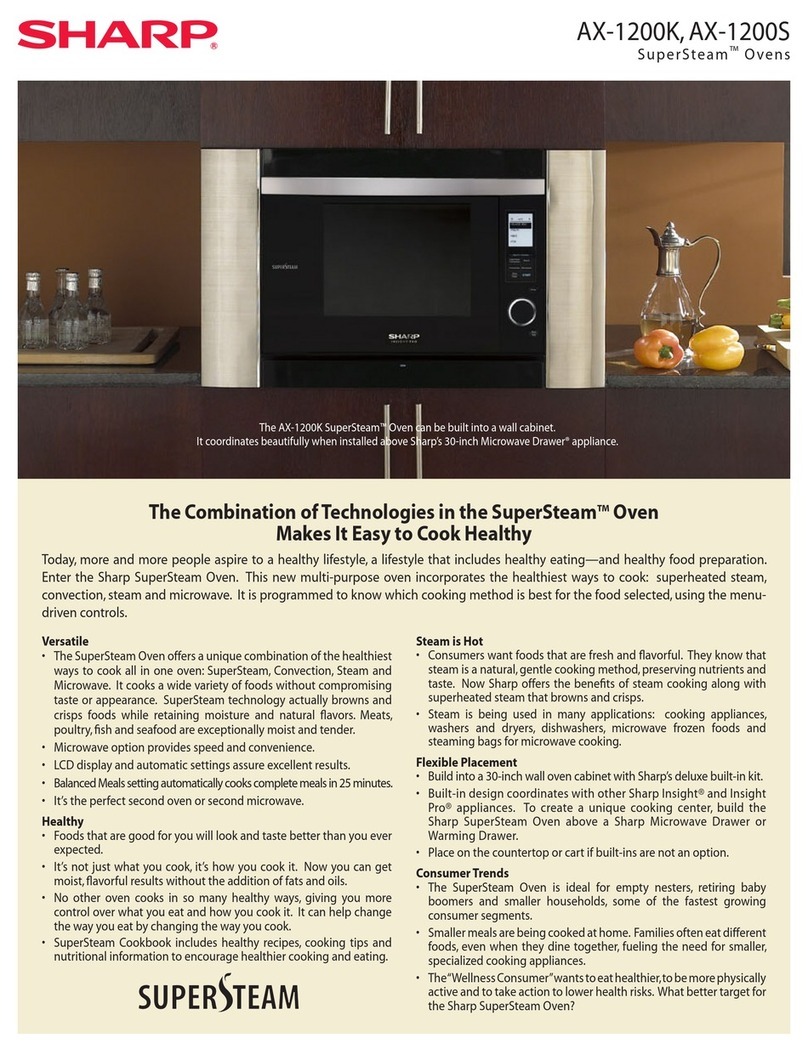
Sharp AX1200S - 22" SuperSteam Oven User manual

Sharp

Sharp AX1200S - 22" SuperSteam Oven User manual

Sharp K-71V28AM2-EU User manual

Sharp

Sharp K-71V28AM2-EU User manual

Sharp K-61P27BNM User manual

Sharp

Sharp K-61P27BNM User manual

Sharp STR3065HS User manual

Sharp

Sharp STR3065HS User manual

Sharp KA-73S56ISS-EU User manual

Sharp

Sharp KA-73S56ISS-EU User manual

Sharp Steamwave AX1100J User manual

Sharp

Sharp Steamwave AX1100J User manual

Sharp Healslo AX-1600V User manual

Sharp

Sharp Healslo AX-1600V User manual

Sharp EO-257C-BK User manual

Sharp

Sharp EO-257C-BK User manual

Popular Oven manuals by other brands

Brandt FC 222 user manual

Brandt

Brandt FC 222 user manual

aumate TOA20M04N-1E instruction manual

aumate

aumate TOA20M04N-1E instruction manual

Maytag CWE4100AC - 24" Single Electric Wall Oven Dimension Guide

Maytag

Maytag CWE4100AC - 24" Single Electric Wall Oven Dimension Guide

Kernau KBO 1076 S PT B instruction manual

Kernau

Kernau KBO 1076 S PT B instruction manual

Bosch HB 37 N Series User manual and installation instructions

Bosch

Bosch HB 37 N Series User manual and installation instructions

Electrolux EOD5420AA user manual

Electrolux

Electrolux EOD5420AA user manual

Mx Onda MX-HC2183 instruction manual

Mx Onda

Mx Onda MX-HC2183 instruction manual

Daewoo F6EV19SM2 Service manual

Daewoo

Daewoo F6EV19SM2 Service manual

Blodgett MT3870 Specifications

Blodgett

Blodgett MT3870 Specifications

GE ZET2F owner's manual

GE

GE ZET2F owner's manual

GE JK3000DF3WW owner's manual

GE

GE JK3000DF3WW owner's manual

eka EKF 523 NT Operating and instruction manual

eka

eka EKF 523 NT Operating and instruction manual

AEG Electrolux E3191-5 user manual

AEG Electrolux

AEG Electrolux E3191-5 user manual

Pratica Rocket Express quick start guide

Pratica

Pratica Rocket Express quick start guide

Viking Professional VGSO260T user guide

Viking

Viking Professional VGSO260T user guide

FM RX203 instruction manual

FM

FM RX203 instruction manual

Bosch HBN331 9B Series instruction manual

Bosch

Bosch HBN331 9B Series instruction manual

NEFF B95M42N0MK Instructions for use

NEFF

NEFF B95M42N0MK Instructions for use

manuals.online logo
manuals.online logoBrands
  • About & Mission
  • Contact us
  • Privacy Policy
  • Terms and Conditions

Copyright 2025 Manuals.Online. All Rights Reserved.

HOW TO PAIR THIS APPLIANCE TO THE AMAZON ALEXA APP
For support on this product, including full list of voice commands, scan this
QR code or visit https://getsupport.sharpusa.com/, touch Find Support for My
Product and search SWB3085HS.
GETTING STARTED
• Download the Amazon Alexa App on the App Store®or Google Play.
• Launch the Amazon Alexa app. If you already have an Amazon account,
sign in. Otherwise, create an account.
Make sure your mobile device is connected to the same 2.4Ghz network to be used to connect
the Smart Convection Wall Oven with Microwave Drawer™Oven

AUTO DISCOVERY
Page 2
USER GUIDED SETUP
Page 3
SHARP ELECTRONICS CORPORATION 1
TWO WAYS TO PAIR YOUR DEVICE
WI-FI CONNECT GUIDE
SWB3085HS
Smart Convection Wall Oven with Microwave Drawer™Oven
PAIRING PROCESS
1. Locate the Upper Oven Barcode. Open the
Microwave Drawer™Oven. The Upper Oven Barcode
is on the le side of the opening.
2. On the touch screen control panel, touch SETTINGS.
From the Settings menu, touch Wi-Fi.
Important Note: Do not enable the Wi-Fi of the Lower
Microwave until the Upper Oven has been fully
paired.
3. From the Wi-Fi menu, toggle the switch to enable Upper Oven Wi-Fi. The system will prepare for
pairing.
4. Follow instructions on the touch screen control panel to pair the Upper Oven.
5. When prompted by the Alexa app, scan the Upper Oven Barcode and sign-in to the Wi-Fi
network. Follow the Alexa app instructions on your mobile device.
6. When the Upper Oven is connected, connect the Lower Microwave. Locate the Lower
Microwave Barcode. Open the Microwave Drawer™Oven. The Lower Microwave Barcode is on
the right side of the opening.
7. From the Wi-Fi menu, toggle the switch to enable Lower Microwave Wi-Fi. The system will prepare
for pairing.
8. Follow instructions on the touch screen control panel to pair the Lower Microwave.
9. When prompted by the Alexa app, scan the Lower Microwave barcode and sign-in to the Wi-Fi
network. Follow the Alexa app instructions on your mobile device.
NOTE: It is suggested to rename your Upper Oven to “Oven” and the Lower Microwave to
“Microwave” in the Alexa app before beginning voice commands.
Upper Oven Barcode Lower Microwave Barcode
AUTO DISCOVERY
IMPORTANT: For a smooth pairing experience, enable and pair the Upper Oven first followed
by the Lower Microwave.
SHARP ELECTRONICS CORPORATION 2
WI-FI CONNECT GUIDE
SWB3085HS
Smart Convection Wall Oven with Microwave Drawer™Oven
PAIRING PROCESS
1. On the touch screen control panel, touch SETTINGS. From the Settings menu, touch Wi-Fi.
2. From the Wi-Fi menu, toggle the switch to enable Upper Oven Wi-Fi. The system will prepare for
pairing.
Important Note: Do not enable the Wi-Fi of the Lower Microwave until the Upper Oven has been
fully paired.
3. Follow instructions on the touch screen control panel to pair the Upper Oven.
4. When prompted by the Alexa app to scan the Barcode, touch Don’t Have a
Barcode? and follow the on-screen instructions.
5. To connect the Lower Microwave, toggle the switch to enable the
Lower Microwave Wi-Fi then follow the same remaining steps as done for
the Upper Oven.
NOTE: It is suggested to rename your Upper Oven to “Oven” and the Lower
Microwave to “Microwave” in the Alexa app before beginning voice commands.
USER GUIDED SETUP
Scan here for
the full voice
command list.
SHARP ELECTRONICS CORPORATION 3
WI-FI CONNECT GUIDE
SWB3085HS
Smart Convection Wall Oven with Microwave Drawer™Oven
STILL NEED ASSISTANCE?
TROUBLESHOOTING
TCADHB126MRR0
See the Contact Us section on our website U.S. | www.sharpusa.com/support Contact a Sharp Advisor on the phone
CALL US
US 800-BE-SHARP
800-237-4277
Mon-Fri: 7am-7pm CST
Sat-Sun: 9am-7pm CST
EMAIL
Available 24/7
US: sharpusa.com
CHAT ONLINE
Mon-Fri: 7am-7pm CST
Sat-Sun: 9am-7pm CST
Will this appliance connect to a 5ghz
wireless network?
No, this appliance will only connect to a 2.4ghz
wireless network.
I cannot connect my Echo device to
this appliance.
Please confirm the following before you begin to setup:
• Make sure you have downloaded the Alexa app onto your
mobile device and have created an account. The app must
be connected to your Echo device before setup.
• Make sure your mobile device is connected to the same
2.4Ghz network you will use to connect this appliance to
the internet.
• Make sure your Echo device is placed near this appliance for
the pairing process.
• Make sure your mobile device is connected to the same
2.4Ghz network to be used to connect the Smart Convection
Wall Oven with Microwave Drawer.

This appliance was working with
Alexa, and now it does not.
• Make sure the appliance’s Wi-Fi is turned on. The Wi-Fi icon
will appear on the upper le of the display when it is on.
• If the Wi-Fi icon is not illuminated, go to Settings, and then
Wi-Fi to enable.
The Wi-Fi icon on the control panel
display has an X.
Check your internet status or your home network equipment
status. Your router or modem could be resetting itself.
How many Alexa accounts can be
paired to this appliance?
One Alexa account can be paired to this
appliance.
Alexa says “The microwave/oven is
already running,” when a cooking
command is initiated.
The appliance is in a paused status. Touch the CLEAR pad and

try giving the command again.
WI-FI CONNECT GUIDE
SWB3085HS
Smart Convection Wall Oven with Microwave Drawer™Oven