12 GB 13GB
Receiving the DCF radio signal
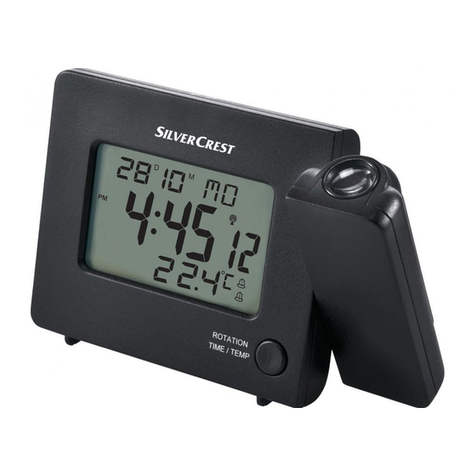
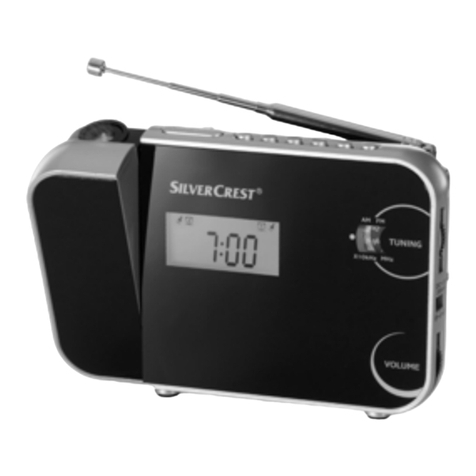
After the batteries have been inserted, the
projection radio-controlled alarm clock
automatically starts a search for the DCF radio
signal. The blinking of the radio symbols 4
indicates the search.
Note: Do not change the location of the projection
radio-controlled alarm clock during reception.
Otherwise it can lead to reception interference.
Note: Within buildings of reinforced concrete, the
signal reception may be strongly influenced.
The reception of the DCF radio signal can also be
started manually.
Press the -/C/F /RCC key 24 and hold for
approx. 3 seconds. The projection radio-controlled
alarm clock starts the search for the DCF radio
signal. This process requires several minutes and
is indicated in the LC display by the blinking of the
radio symbol 4.
Note: If the projection radio-controlled alarm clock
cannot receive the DCF radio signal due to defects,
too much distance to the transmitter etc., it is possible
to set the time manually. As soon as the DCF radio
signal has been successfully received, the manually
set values will be overwritten. The automatic search
for a signal runs from midnight to 5:00 AM. If this
search for a signal fails, the next search takes place at
1:00 PM the next day. During the search process, the
keys are out of operation. Only the SNOOZE/LIGHT
key 17 can be operated. In the event the alarm goes
off, the search for a signal will be ended. As soon as
the signal is found, the radio symbol 4goes out.
Operation
Setting the 12/24 hour display
Note: No settings are possible during reception of
the DCF radio signal. Therefore, press the -/C/ F /
RCC key 24 for about 3 seconds to interrupt reception
of the DCF radio signal.
1. Press the -/C/F/ RCC key 24 for about
2 seconds until the radio symbol 4blinks.
2. Press the -/C/F /RCC key 24 once again for
about 2 seconds to manually deactivate reception
of the DCF radio signal.
3. Hold the SET key 21 pressed down for about
2 seconds. The time display 1blinks.
4. Press the +/12 /24 key 23 or the -/C/ F/RCC
key 24 to specify the desired time setting (12/24
hours).
Tip: Hold the +/12/24-key 23 or the -/C/F/
RCC-key 24 pressed down. This will accelerate
the setting of the values. This fast setting can also
be used for the additional setting processes. If you
do not press any key within 20 seconds, the LC
display automatically returns to the standard
display.
5. Press the SET key 21 to confirm your entry.
6. Repeat steps 3 to 5 to set the values for minute,
hour, date/month or month/date, day, year 12 –
14 and language.
78346_silv_Projektions-Funkwecker_Content_SE_SI_01.indd 12-13 8/5/12 2:21 PM