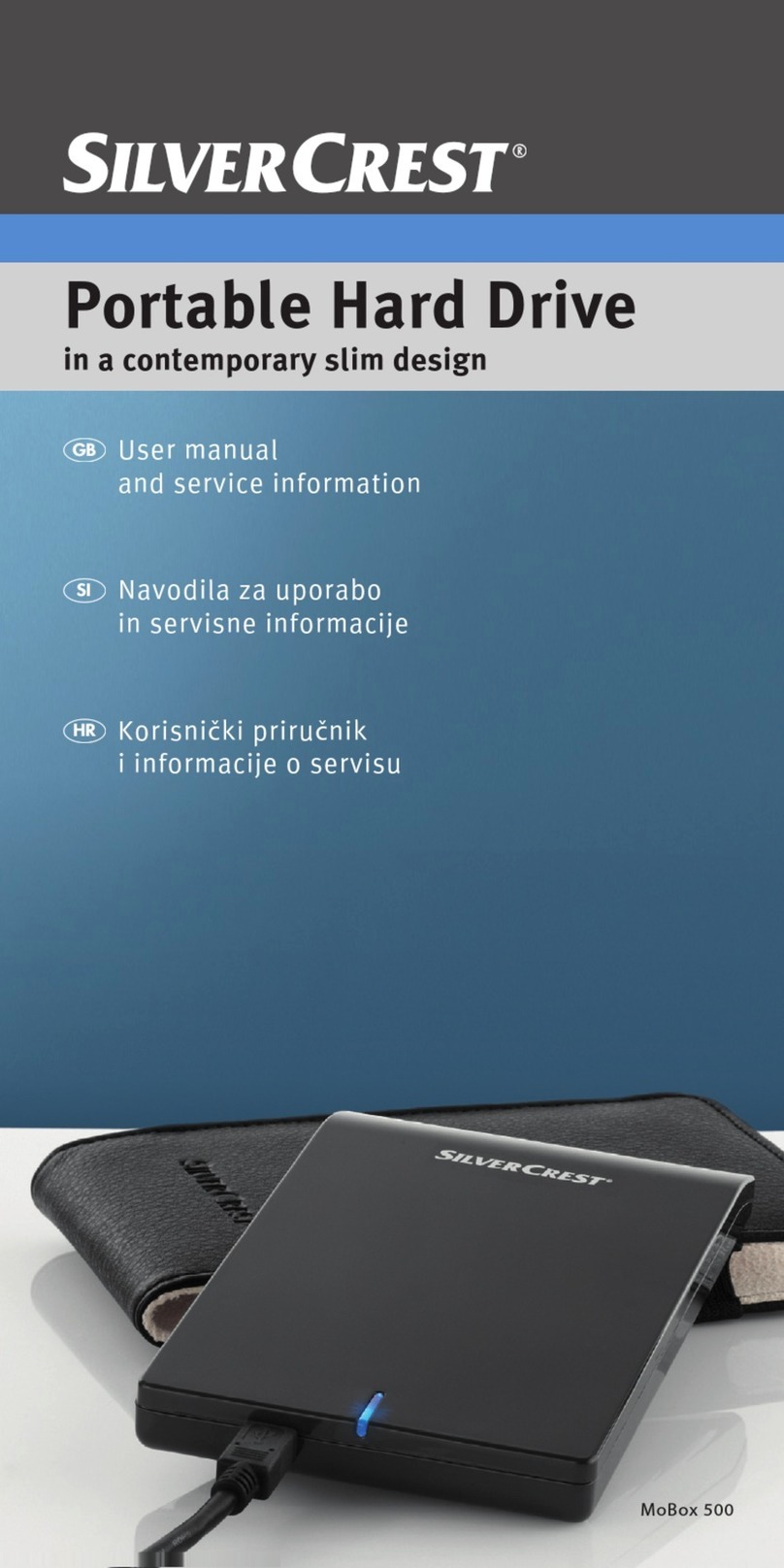
Silvercrest MoBox 500 Instruction sheet
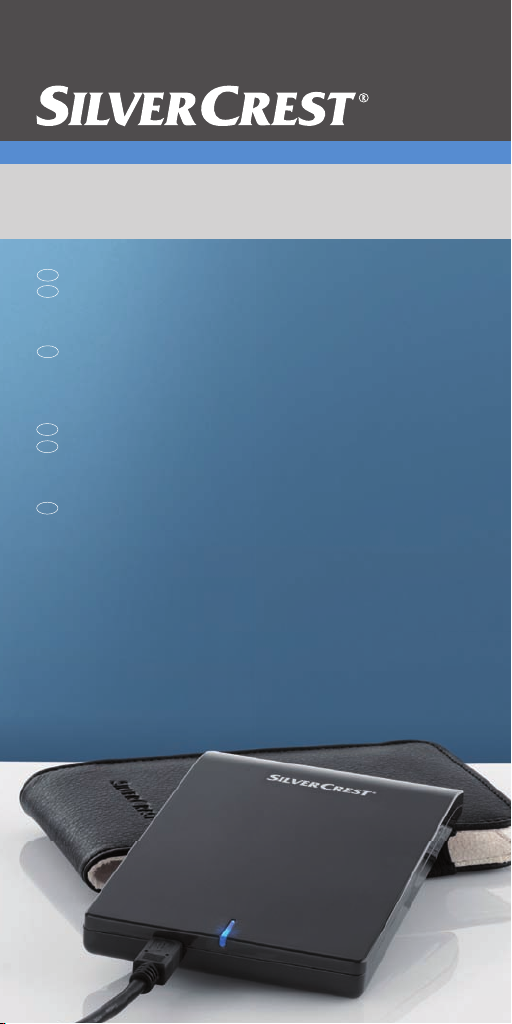
Navodila za uporabo in
servisne informacije
SI
Εγχειρίδιο χρήσης και πληροφορίες
για την τεχνική εξυπηρέτηση
GR
CY
Korisnički priručnik i
informacije o servisu
HR
User manual and service
information
GB
CY
Portable Hard Drive
in a contemporary slim design
MoBox 500

Silvercrest MoBox English
1
Table of Contents
Table of Contents ................................................................ 1
General Information............................................................. 1
System Requirements........................................................ 2
Package contents............................................................... 2
Information to the Conformity............................................. 2
Disposal of Old Devices ..................................................... 3
Technical Specifications ..................................................... 4
Intended Use...................................................................... 4
Important Safety Instructions ............................................. 5
Repair and Maintenance .................................................... 7
Getting Started..................................................................... 8
Connecting via an USB Cable............................................ 9
Note on Installing Applications ......................................... 10
Formatting and Partitioning .............................................. 10
Disconnecting................................................................... 11
Troubleshooting................................................................. 12
Details of Guarantee .......................................................... 13
General Information
Thank you for choosing a Silvercrest product.
Before you use this device for the first time, please read the
following notes in this manual and heed all warnings, even if
you are familiar with handling electronic devices. Keep this
manual safe for future reference. If you sell the device or
pass it on, it is essential you hand over this manual also.
Your SILVERCREST MoBox is an external hard disk drive
that lets you enlarge your computer's storage capacity for
saving and managing documents, videos, music files,
photographs, graphics, etc. You can also use your new hard
disk as a backup device for saving important information.
Regardless of whether you use your hard disk as a storage

English Silvercrest MoBox
2
extension or a backup solution, this manual contains all the
necessary information and tips you need for its operation.
The Silvercrest MoBox features the following:
- 500 GB storage capacity
- Plug and Play
- High data transfer rate
- USB 2.0
- Hot-plug support
System Requirements
The minimum system requirements are:
- Computer with: Pentium or other compatible processor,
or higher
- Microsoft®Windows®7, Windows Vista®, Windows®XP,
Windows®2000
- 128 MB RAM or higher, according to the requirements of
Windows®
- Available USB 2.0 port
Package contents
- External housing with installed hard disk
- USB cable
- Pouch
- User's Manual
Information to the Conformity
This device has been tested for compliance with
the relevant requirements of the EMC Directive
2004/108/EC.

Silvercrest MoBox English
3
Disposal of Old Devices
The European Directive 2002/96/EC applies to
this product. All electric and electronic devices
must be disposed of separately from household
waste at established bodies.
Avoid hazards to the environment and dangers to your
personal health by disposing of the device and its packaging
properly. For further information about proper disposal,
contact your local government, disposal bodies or the shop
where you bought the device.
According to waste regulations, we are responsible for
collecting any packaging materials for our products whenever
they do not carry the icon of a nationwide collection system
(such as the German "Grüne Punkt" ) and for taking care of
their recycling and/or disposal. For more information about
product recycling, please contact our Service Hotline. We will
inform you of public collection points or a collection company
near you that will dispose of the packaging material for free.

English Silvercrest MoBox
4
Technical Specifications
Model Silvercrest MoBox 500
Type External hard disk for USB 2.0
connection
Housing High-quality plastic housing
Dimensions
(L x W x H)
133 x 80 x 14,5 mm
Weight 156 g
Storage capacity 500 GB storage capacity
(unformatted), brand name hard
disk, 5400 r.p.m., pre-formatted for
Microsoft®Windows®7, Microsoft®
Windows Vista®, Windows®XP and
Windows®2000 (NTFS)
System
Requirements
Microsoft®Windows®7, Windows
Vista®, Windows®XP, Windows®
2000, USB 2.0
Power consumption approx. 500 mA
Warranty 36 months
Intended Use
The Silvercrest MoBox has been developed for data backup
and data transfer from and to a PC or notebook with USB
ports and for indoor use. Some digital audio/video devices
(like digital satellite receivers) feature a USB port for storing
recorded TV programmes. You may also use your Silvercrest
MoBox for such purposes. However, any use other than that
mentioned above does not correspond to the intended use. If
used for non-intended purposes or if the housing is opened,
the warranty is rendered void. The manufacturer is not liable
for any damage or interference caused by unauthorized
modifications. The Silvercrest MoBox in its default
configuration has not been designed for medical, lifesaving,
rescue or life-maintaining purposes. This product has not
been designed for corporate or commercial applications. This
includes games, communication and others.

Silvercrest MoBox English
5
Important Safety Instructions
This icon denotes important
information for the safe operation of
the product and for the user’s safety.
This symbol denotes further
information on the topic.
Before you use this device for the first time, please read the
following notes in this manual and heed all warnings, even if
you are familiar with handling electronic devices. Keep this
manual safe for future reference. If you sell the device or
pass it on, it is essential you hand over this manual also.
- Handle your hard disk with care. Please always follow
these safety instructions in order to avoid any damage or
voiding the warranty. Damage to the hard disk can result
in loss of data.
- Position the device on a stable, even surface and do not
place any (heavy) objects on the device.
- Place the Silvercrest MoBox in a safe position so it
cannot fall over.
- The device is not for use in environments with a high
temperature or humidity (e.g. bathrooms), and must be
kept free of dust.
- This product has not been designed for corporate or
commercial applications.
- Operating temperature and operating humidity: 5 °C to 35
°C, max. 85% RH
- The Silvercrest MoBox saves data on a magnetic
surface. For this reason, keep your MoBox away from
sources that generate magnetic and electromagnetic
fields.

English Silvercrest MoBox
6
Always make sure that
- there is free circulation of air (do not place the device on
shelves, on a thick carpet, on a bed, or anywhere that
obstructs the ventilation slots, and leave at least 10cm
clearance on all sides);
- no direct heat sources (e.g. heating) can affect the
device;
- no direct sunlight or bright artificial light reaches the
device;
- contact with spray, dripping water and corrosive liquids
must be avoided and the device should never be
operated near water, and it must especially never be
immersed (do not place any objects filled with liquids
such as vases or drinks near the device);
- the device is never placed in the immediate vicinity of
magnetic fields (e.g. loudspeakers);
- no fire sources (e.g. burning candles) are placed on or
near the device;
- no foreign bodies are introduced into the device;
- the device must not be subject to any great temperature
changes as this may cause moisture through
condensation;
- the device should not be subject to excessive shocks and
vibrations.
If you are not using the device within the Federal Republic of
Germany, you must observe the regulations and laws in the
country of use.
Cable Handling Precautions
- Always hold cables by the plug and never pull on the
cable itself. Never hold the power cord with wet hands as
this may cause a short circuit or electric shock. Never
place the device, heavy objects or furniture on the cable
and make sure that the cord does not bend too much,
especially at the plug and sockets. Never make knots in
the cable and do not tie it together with other cords. All
cables should be positioned so that nobody can trip over
them or be obstructed by them.
- Install the cables in a safe way. Avoid tripping over them.

Silvercrest MoBox English
7
- Do not attempt to open the Silvercrest MoBox case,
otherwise you will void your warranty.
- Do not remove any cables before properly shutting down
the device in the operating system (see page 11 –
Disconnecting).
Children and Persons with Disabilities
- Do not allow children or persons with disabilities to use
electrical devices when not under supervision. These
people may not comprehend the presence of potential
risks.
- Keep the packaging away from children and persons with
disabilities too as there is danger of suffocation.
Repair and Maintenance
Repairs are required when this device has been damaged in
any way, for example, when liquid has entered the product,
when the product has been exposed to rain or moisture,
when the product does not work normally or if the product
has been dropped. If smoke, unusual noises or smells are
noticed, remove the device immediately from the USB port. In
this case the device should not be used further and should be
inspected by authorized service personnel. Please contact
qualified personnel when servicing is needed. Never open
the housing of the device, as it may be damaged. Only use a
clean, dry cloth for cleaning.

English Silvercrest MoBox
8
Getting Started
Please read this user manual before using the device for the
first time. This prevents incorrect operation and use. Unpack
the Silvercrest MoBox and keep the packaging.
Front view
1 - LED indicator (blinks during data transfer)
2 - USB port
USB cable
3 - USB connector for Silvercrest MoBox
4 - USB connector for computer (Data/Power)
5 - Optional power supply (Power)

Silvercrest MoBox English
9
Connecting via an USB Cable
1. Insert the flat connector labelled “Data/Power” [4] of the
USB cable into a free USB port on your desktop PC or
notebook.
2. Next connect the other connector [3] of the USB cable to
the USB port [2] of your Silvercrest MoBox.
3. The operating system will automatically detect that a new
USB device has been connected and will install the
corresponding driver.
4. Only if required, plug the second USB connector labelled
“Power” [5] to another USB port. This will ensure that
there will be enough power available for using the
product without any problems.
On first-time connection of the Silvercrest MoBox, the
operating system will notify of the detection of new hardware
with this message:
Figure: Installation message (message depending on
operating system)
The built-in hard disk has already been formatted with the
NTFS file system and is therefore ready for immediate use.
The Silvercrest MoBox shows as a new disk in "My
Computer" with a drive letter assigned by the operating
system. The drive letter assigned depends on the number of
disk drives you already have connected to your computer.
Figure: “My Computer” showing the
Silvercrest MoBox
Table of contents
Languages:
Other Silvercrest Storage manuals