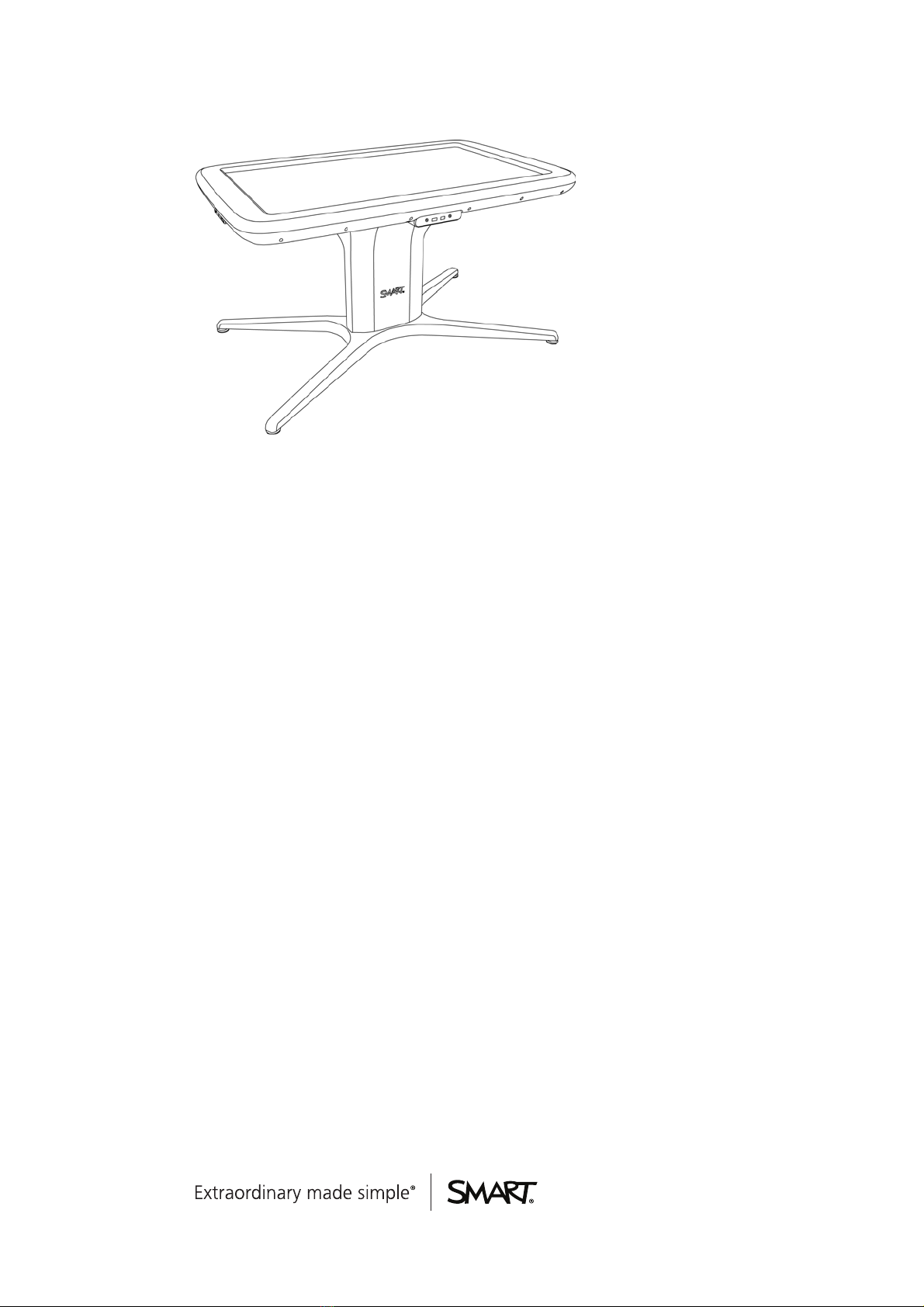
SMART Tablesoftwareincludes interactiveapplications, learningactivities andeducationalgames.
Youcanalsodownloadany of theSMART Tableactivity packs available on the SMART Exchange™
website (exchange.smarttech.com) directly tothetable.
NOTE
Uptofiveactivity packs canbedownloadedat thesametime.
Using theSMART TableToolkit youcandownloadactivity packsandapplicationsandcustomizethe
activities. Install andrunthetoolkit onyourcomputerandthen transferyour activity packs usinga
USB drive orSMART Sync software.
Youcanuse yourtablewithother SMART products, includingtheSMART Document Camera™and
SMART Notebook™collaborative learningsoftware, as part of anoverall learningsolution. For
example, youcanintroduceanew concept tostudents ona SMART Board® interactivewhiteboard,
andthenask thestudents toexploretheideaindetail usingtheSMART Tablecollaborativelearning
center.
How your SMART Table works
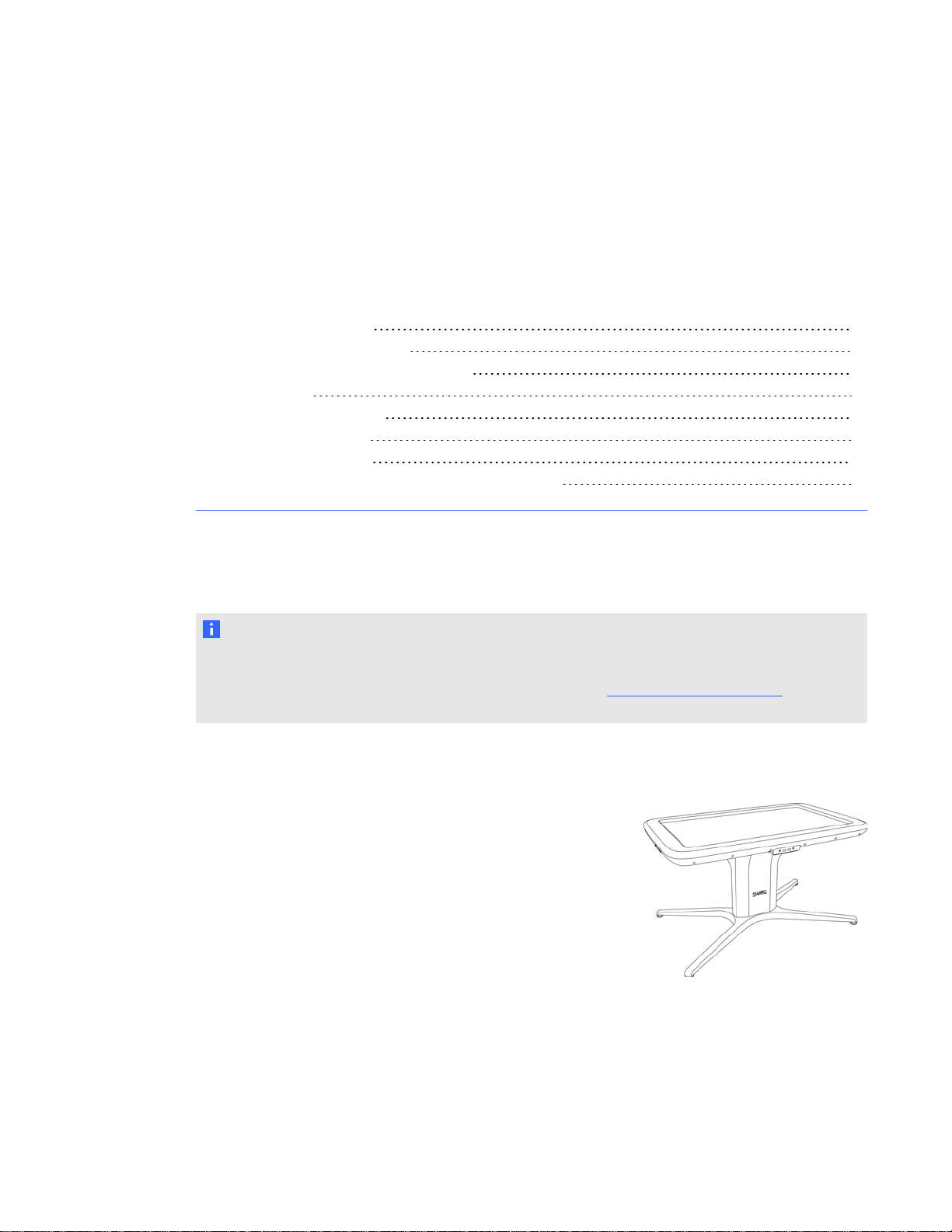
Yourtablecontains fourmaincomponents:
Computer
Tabletopwith LCD
Speakers
Cameras
Thecomputerruns theSMART Tablesoftware, theLCD displays thecomputer’s display inthe
tabletop, thespeakers play thecomputer’s audioand thecameras detect students’ touch onthe
surface. Combined, thesecomponents enablestudents to interact with SMART Tablesoftware.
Thecomputer, speakers andcameras areinsidethetable.
Yourtableuses technologybasedonDViT® (Digital Vision Touch)technology todetect multiple
students’ touches. Other SMART products use DViT technology, includingsome SMART Board
interactivewhiteboards, SMART Boardinteractiveflat panels andSMART Podium™interactivepen
displays.
CHAPT ER 1
Gettingstarted
2