9
Start Up – Installing the SD Card
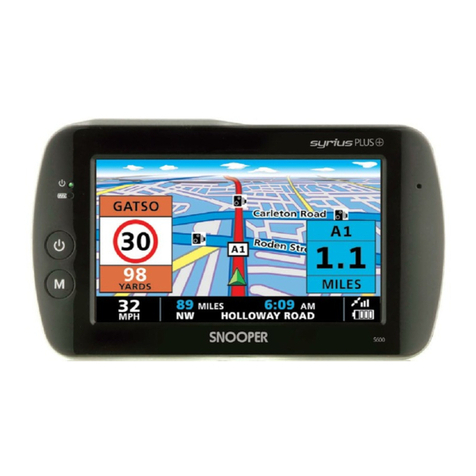
Before using your Syrius you need to install the SD Card included
with the device. The SD Card comes complete with a digital map
of the UK and Ireland and is also where the EnigmaTM camera
database is stored if you choose to download it.
Start by pushing the ‘Batt. On/Off’ switch located on the underside
of the unit to the ‘on’ position, then remove the SD card from its
packaging and insert it into the SD Card slot as indicated. Finally
activate the device by pressing and holding the standby power
button for 2 seconds. As soon as the device is powered up the
Syrius will automatically synchronise with the SD Card. Once the
synchronisation is complete the SD Card will not function with any
other device. Your Syrius is now ready to navigate and can be
downloaded if necessary.
Please note that if the unit does not activate when you press and hold the standby power button for 2 seconds
it may require charging. Refer to the section on ‘Power Connection and Charging’ later in this manual.
System Requirements and Downloading
Before you can begin downloading the database onto your Syrius you will need to install the Syrius Updater software that
enables you to do this.
There are certain minimum hardware and software requirements needed in order for the software to be installed and used
successfully.
Hardware Requirements
The computer must have an Intel Pentium Class processor or equivalent, a minimum of 32MB of RAM, a monitor with 256
(8 bit) colours or greater, a CD ROM drive, 20MB of free disc space and a spare USB connection.
Software Requirements
The software will only operate on the following Windows based operating systems
Windows 98 Second Edition
Windows Millennium
Windows 2000
Windows XP
and will only work with Internet Explorer 4.5 or Netscape Navigator 4.5 or above.
NOTE: The Syrius Updater software does not support Windows 95, 98 or Apple Macintosh operating systems.
Software Installation Instructions
Place the Software CD into the CD ROM drive. Your PC should automatically open a window displaying the instructions for
installing the software. To begin installation, click the ‘Install’ button and follow the instructions to install the download
software.
To launch the CD manually: Click on Start and then Run. In the dialogue box that opens click on Browse – another dialogue
box will open. Locate your CD ROM drive (drive letter is normally D) using the ‘Look in’ option and select ‘Menu’ from the
lower portion of the dialogue box. Once you have selected ‘Menu’ click on Open on the explorer box and then OK on the
Run dialogue box.
Any later software updates or packages can be obtained from www.snooperneo.co.uk. If you have any problems using this
software please call 0870 787 0700 during office hours and select Option 3.
Once the software is installed you are ready to download the database onto your Syrius. The Syrius download
software runs automatically in the background. This is indicated by the symbol which can be located in the
system tray in the bottom right hand corner of your desktop near the system clock.
SD Card
Return to contents