manuals.online logo
Brands
  1. Home
  2. •
  3. Brands
  4. •
  5. Sony
  6. •
  7. Camcorder Accessories
  8. •
  9. Sony DCR-HC1000 - Digital Handycam Camcorder Quick start guide

Sony DCR-HC1000 - Digital Handycam Camcorder Quick start guide

Other manuals for DCR-HC1000 - Digital Handycam Camcorder

4

This manual suits for next models

2

Other Sony Camcorder Accessories manuals

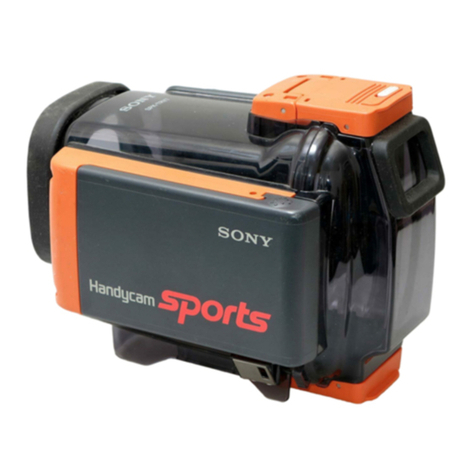
Sony SPK-HCD Operating instructions

Sony

Sony SPK-HCD Operating instructions

Sony SPK-PC5 User manual

Sony

Sony SPK-PC5 User manual

Sony DCR-DVD101 User manual

Sony

Sony DCR-DVD101 User manual

Sony MPK-DVF6 User manual

Sony

Sony MPK-DVF6 User manual

Sony TGV-7 User manual

Sony

Sony TGV-7 User manual

Sony ICX418AKL User manual

Sony

Sony ICX418AKL User manual

Sony PHU-60K Series User manual

Sony

Sony PHU-60K Series User manual

Sony SPK-DVF2 User manual

Sony

Sony SPK-DVF2 User manual

Sony Handycam MPK-TRV2 User manual

Sony

Sony Handycam MPK-TRV2 User manual

Sony VCT-SP1BP Installation instructions manual

Sony

Sony VCT-SP1BP Installation instructions manual

Sony SPK-PC3 User manual

Sony

Sony SPK-PC3 User manual

Sony MPK-TRV3 User manual

Sony

Sony MPK-TRV3 User manual

Sony SPK-DVF2 User manual

Sony

Sony SPK-DVF2 User manual

Sony FDAM1AM - Viewfinder Magnifier User manual

Sony

Sony FDAM1AM - Viewfinder Magnifier User manual

Sony HVR-DR60 - 60GB Hard Disk Recorder User manual

Sony

Sony HVR-DR60 - 60GB Hard Disk Recorder User manual

Sony InfoLithium NP-F530 User manual

Sony

Sony InfoLithium NP-F530 User manual

Sony SAL70400G2 Installation instructions manual

Sony

Sony SAL70400G2 Installation instructions manual

Sony LCR-VX2000A User manual

Sony

Sony LCR-VX2000A User manual

Sony SPK-PC User manual

Sony

Sony SPK-PC User manual

Sony MPK-TRS User manual

Sony

Sony MPK-TRS User manual

Sony SEL20F28 Installation instructions manual

Sony

Sony SEL20F28 Installation instructions manual

Sony SAL1855 - 18-55mm f/3.5-5.6 SAM DT Standard Zoom... Installation instructions manual

Sony

Sony SAL1855 - 18-55mm f/3.5-5.6 SAM DT Standard Zoom... Installation instructions manual

Sony SPK-HCD User manual

Sony

Sony SPK-HCD User manual

Sony SPK-TRB User manual

Sony

Sony SPK-TRB User manual

Popular Camcorder Accessories manuals by other brands

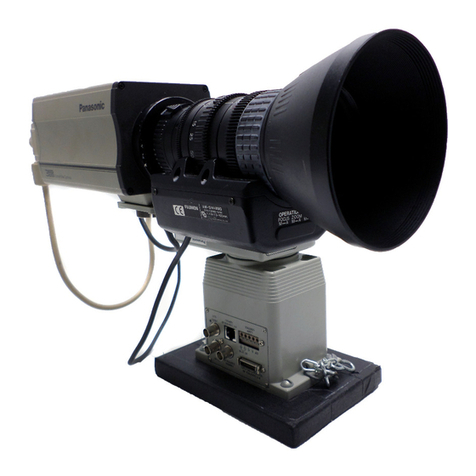
Panasonic AW-LZ14MD instructions

Panasonic

Panasonic AW-LZ14MD instructions

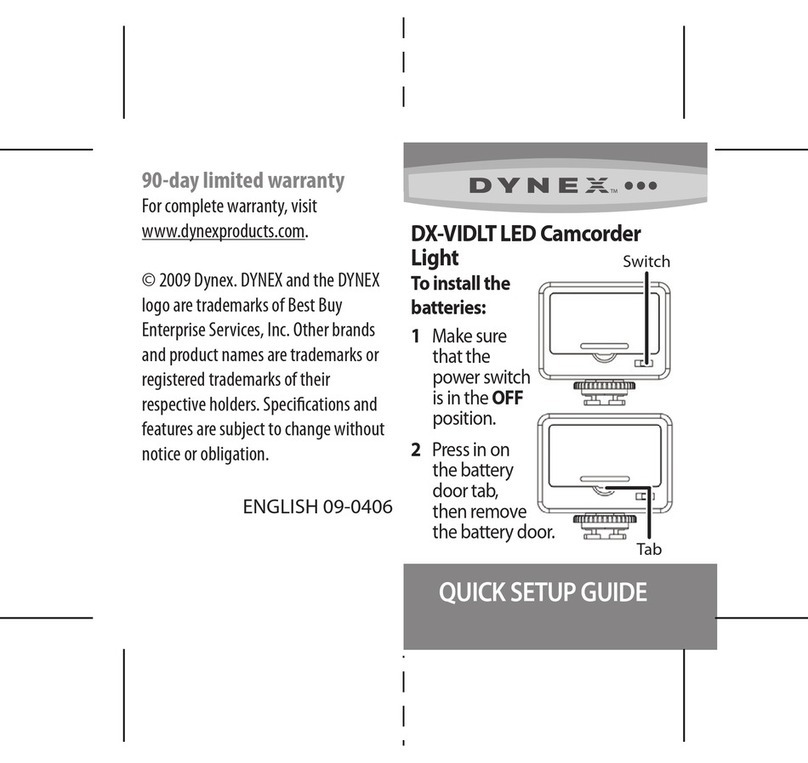
Dynex 09-0406 Quick setup guide

Dynex

Dynex 09-0406 Quick setup guide

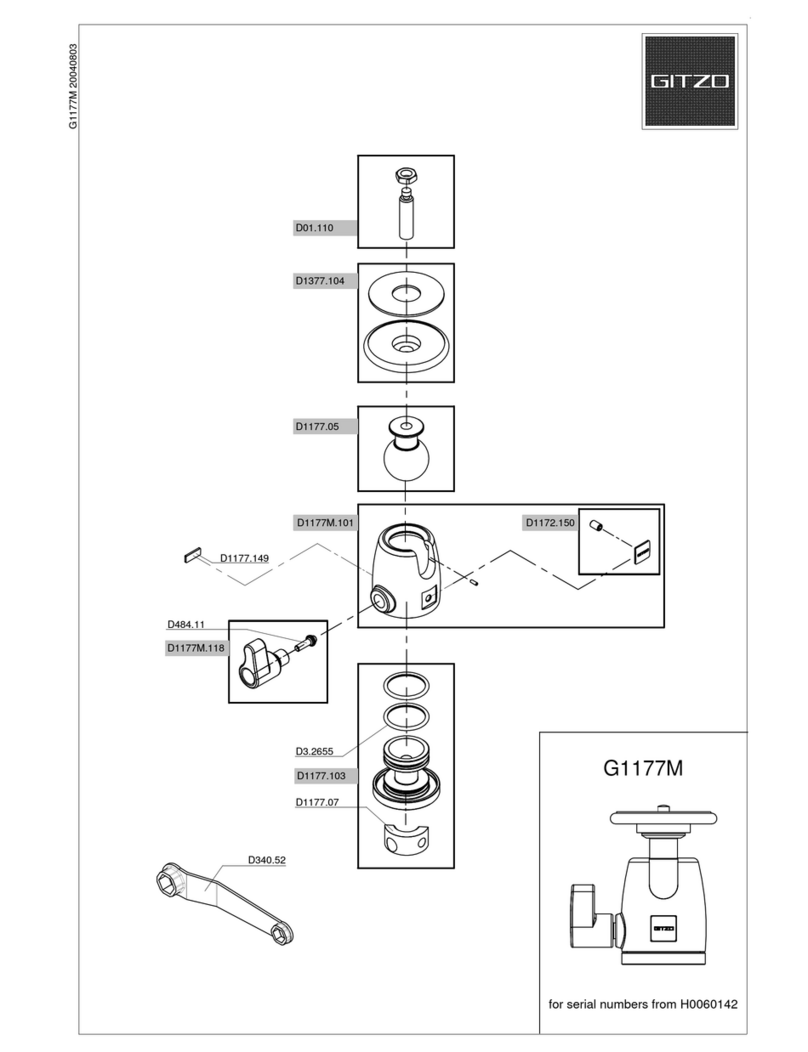
Gitzo Centre Ball Head 1 G1177M  G1177M G1177M parts list

Gitzo

Gitzo Centre Ball Head 1 G1177M G1177M G1177M parts list

Gitzo Series 3 Mountaineer GT3530 parts list

Gitzo

Gitzo Series 3 Mountaineer GT3530 parts list

Panasonic AG-LW4307P installation guide

Panasonic

Panasonic AG-LW4307P installation guide

Gitzo Series 2 Mountaineer GT2541L parts list

Gitzo

Gitzo Series 2 Mountaineer GT2541L parts list

JVC CB-V910 instructions

JVC

JVC CB-V910 instructions

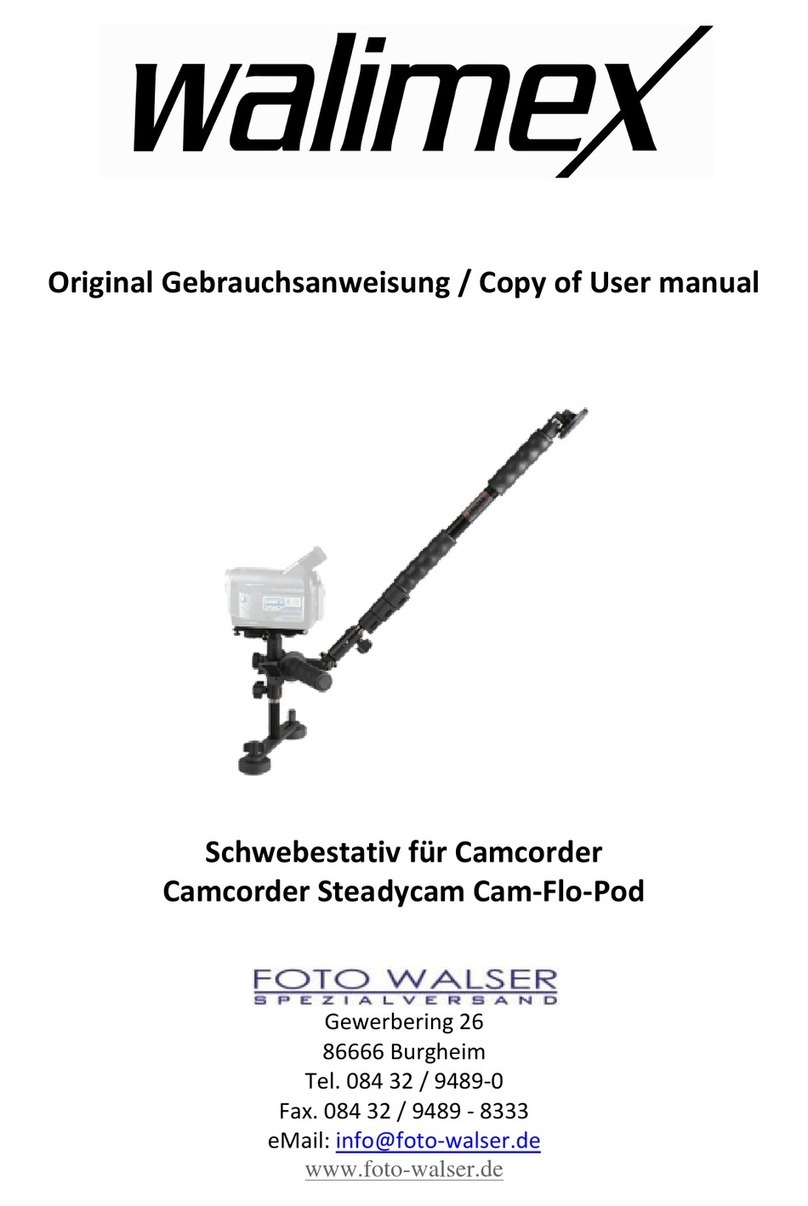
walimex Steadycam Cam-Flo-Pod user manual

walimex

walimex Steadycam Cam-Flo-Pod user manual

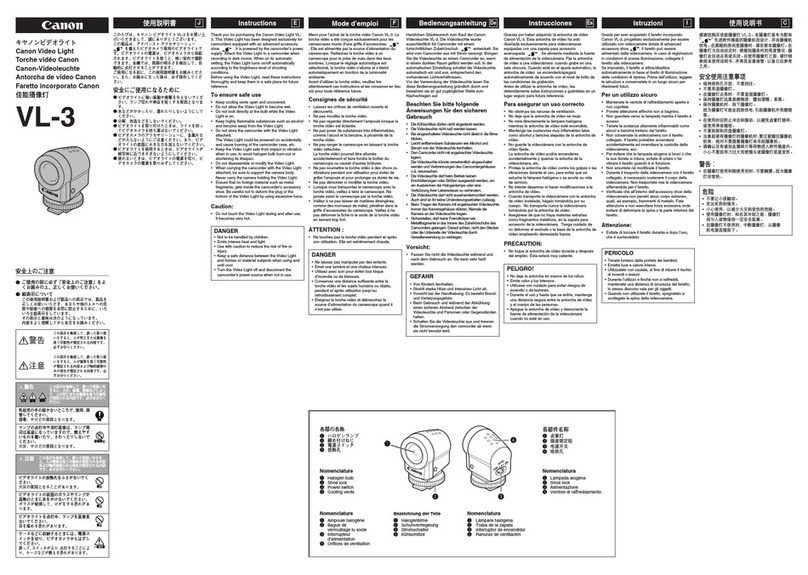
Canon VL-3 instructions

Canon

Canon VL-3 instructions

JVC CB-V240U instructions

JVC

JVC CB-V240U instructions

Tiffen TiltTrigger Pro-SQ Specifications

Tiffen

Tiffen TiltTrigger Pro-SQ Specifications

Sunpak Tri-Monopod 620-060TM Specifications

Sunpak

Sunpak Tri-Monopod 620-060TM Specifications

juicedLink CX211 user manual

juicedLink

juicedLink CX211 user manual

AMIMON CONNEX user guide

AMIMON

AMIMON CONNEX user guide

JVC 0898AYV*UN*AP instruction manual

JVC

JVC 0898AYV*UN*AP instruction manual

Ikelite Ikelite Video Case Supplemental instructions

Ikelite

Ikelite Ikelite Video Case Supplemental instructions

JVC CB-V91U instructions

JVC

JVC CB-V91U instructions

JVC GY-HD250U - 3-ccd Prohd Camcorder Connection guide

JVC

JVC GY-HD250U - 3-ccd Prohd Camcorder Connection guide

manuals.online logo
manuals.online logoBrands
  • About & Mission
  • Contact us
  • Privacy Policy
  • Terms and Conditions

Copyright 2025 Manuals.Online. All Rights Reserved.

English
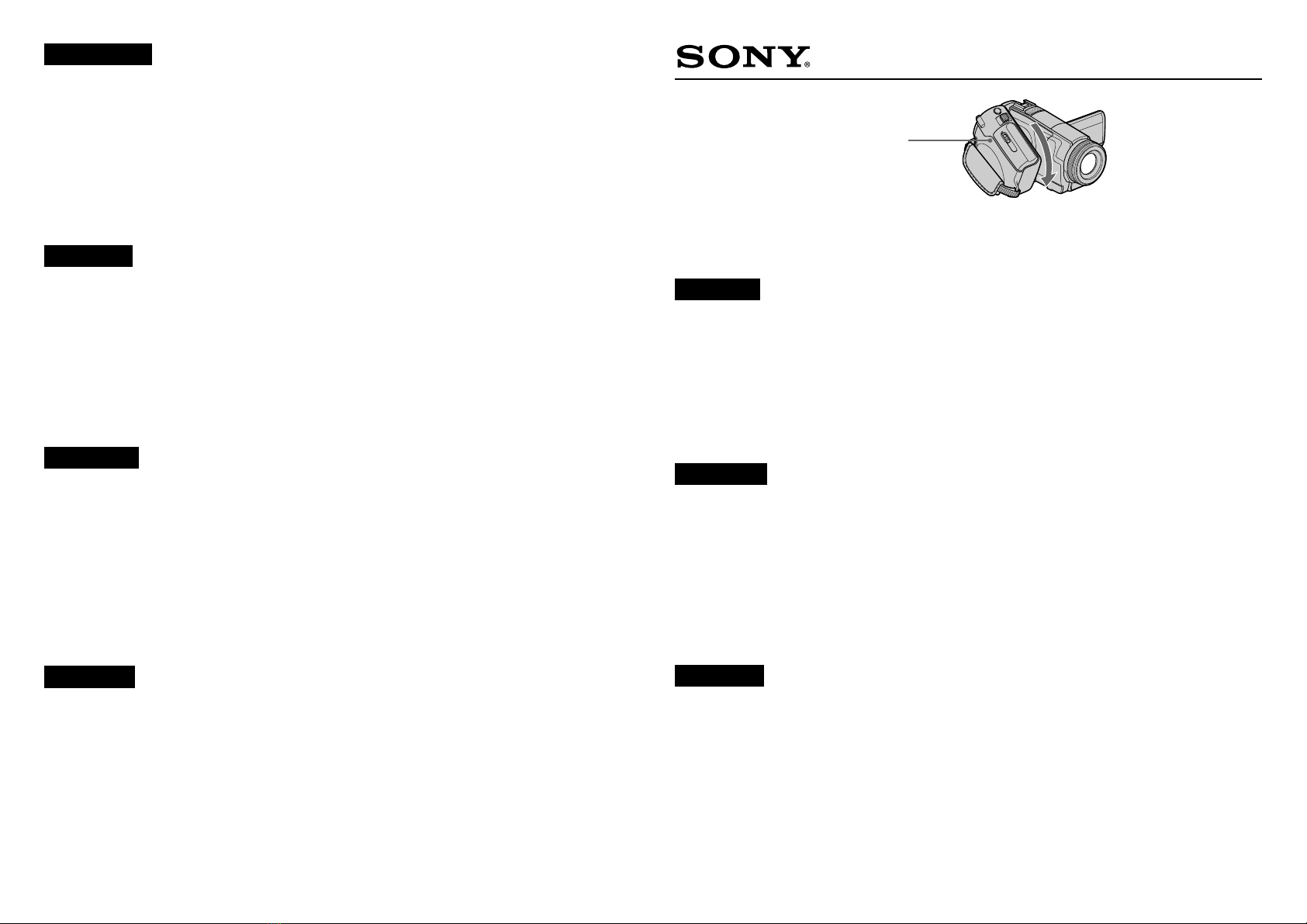
The Multi-Angle Grip of your camcorder can be rotated from 0 to 90 degrees to suit recording
conditions.
Rotate the Multi-Angle Grip to the most comfortable position.
Notes
• Do not rotate the Multi-Angle Grip forcefully or subject it to shock, as distorted images or
sound may result.
• If you rotate the Multi-Angle Grip during recording, blurred images or mechanical noise
may be recorded. Rotate it to the angle you prefer before recording.
Français
La poignée multi-positions de votre caméscope peut pivoter de 0 à 90 degrés en fonction des
conditions d’enregistrement.
Pivotez la poignée multi-positions dans la position la plus confortable.
Remarques
• Ne forcez pas pour faire pivoter la poignée multi-positions ou ne la soumettez pas à des
chocs, ceci pourrait entraîner une distorsion des images ou du son.
• Si vous pivotez la poignée multi-positions pendant l’enregistrement, des images floues ou
un bruit mécanique peuvent être enregistrés. Faites-la pivoter sur l’angle que vous préférez
avant de procéder à l’enregistrement.
Español
La empuñadura de múltiples ángulos de la videocámara puede girarse de 0 a 90 grados para
adaptarse a las condiciones de grabación.
Gire la empuñadura de múltiples ángulos para colocarla en la posición que le resulte más
cómoda.
Notas
• No fuerce la empuñadura de múltiples ángulos ni la someta a golpes, ya que esto podría
ocasionar imágenes o sonido distorsionados.
• Si gira la empuñadura de múltiples ángulos durante la grabación, es posible que se graben
imágenes poco nítidas o ruidos mecánicos. Gírela hasta el ángulo deseado antes de grabar.
Português
Pode rodar a pega multi-ângulo da câmara de vídeo de 0 a 90 graus para a adaptar às
condições de gravação.
Rode a pega multi-ângulo para a posição mais confortável.
Notas
• Não rode a pega multi-ângulo à força nem a sujeite e choques, pois pode provocar a
distorção das imagens ou do som.
• Se rodar a pega multi-ângulo durante a gravação, as imagens gravadas podem ficar
manchadas ou com ruído mecânico. Antes de começar a gravar, rode a pega para o seu
ângulo preferido.
Italiano
È possibile ruotare l’impugnatura multiangolo della videocamera da 0 a 90 gradi in base alle
condizioni di registrazione.
Ruotare l’impugnatura multiangolo sulla posizione più confortevole.
Note
• Non ruotare forzatamente l’impugnatura multiangolo né sottoporla a urti, onde evitare la
distorsione delle immagini o dell’audio.
• Se l’impugnatura multiangolo viene ruotata durante la registrazione, è possibile che
vengano registrate immagini sfocate o disturbi meccanici. Ruotare l’impugnatura
sull’angolazione desiderata prima di procedere alla registrazione.
Ελληνικά
Η λαβή ρυθµιζµενης γωνίας της κάµεράς σας µπορεί να περιστραφεί απ 0 έως 90
µοίρες, ανάλογα µε τις συνθήκες εγγραφής
Περιστρέψτε τη λαβή ρυθµιζµενης γωνίας στη θέση που σας εξυπηρετεί καλύτερα
Σηµειώσεις
• Μην περιστρέφετε τη λαβή ρυθµιζµενης γωνίας ασκώντας µεγάλη δύναµη και µην
την υποβάλετε σε κραδασµούς, καθώς ενδέχεται να παραµορφωθεί η εικνα ή ο
ήχος
• Αν περιστρέψετε τη λαβή ρυθµιζµενης γωνίας κατά τη διάρκεια κάποιας εγγραφής,
ενδέχεται οι εικνες που θα εγγραφούν να είναι θολές ή να εγγραφεί µηχανικς
θρυβος Περιστρέψτε την στη γωνία που θέλετε πριν ξεκινήσετε την εγγραφή
Deutsch
Der Mehrwinkelgriff am Camcorder kann auf einen Winkel zwischen 0 und 90 Grad
eingestellt und somit an die jeweiligen Aufnahmebedingungen angepasst werden.
Drehen Sie den Mehrwinkelgriff in die für Sie bequemste Position.
Hinweise
• Drehen Sie den Mehrwinkelgriff nicht gewaltsam und schützen Sie ihn vor Stößen.
Andernfalls werden Bild und Ton möglicherweise verzerrt.
• Wenn Sie den Mehrwinkelgriff während der Aufnahme drehen, werden möglicherweise
verschwommene Bilder oder mechanische Geräusche aufgezeichnet. Stellen Sie den
gewünschten Winkel vor der Aufnahme ein.
2-178-529-11(1)
© 2004 Sony Corporation Printed in Japan
DCR-HC1000/HC1000E
Multi-Angle Grip
Poignée multi-positions
Empuñadura de múltiples
ángulos
Pega multi-ângulo
Impugnatura multiangolo
Λαβή ρυθµιζµενης γωνίας
Mehrwinkelgriff
Nederlands
U kunt de verstelbare handgreep van de camcorder draaien onder een hoek van 0 tot 90
graden. Zo kunt u de handgreep aanpassen aan de opnameomstandigheden.
Draai de verstelbare handgreep tot deze in de meest comfortabele positie staat.
Opmerkingen
• Forceer de verstelbare handgreep niet en stel deze niet bloot aan schokken, omdat dit
vervormde beelden of vervormd geluid tot gevolg kan hebben.
• Als u de verstelbare handgreep draait tijdens het opnemen, kunnen wazige beelden en het
geluid van het mechanisme worden opgenomen. Zet de handgreep in de gewenste hoek
voordat u begint met opnemen.
Русский
Pyчкy c измeняeмым yглом нa видeокaмepe можно повоpaчивaть нa yгол от 0 до 90
гpaдycов в cоотвeтcтвии c ycловиями cъeмки.
Повоpaчивaя pyчкy c измeняeмым yглом, ycтaновитe ee в нaиболee yдобноe положeниe.
Пpимeчaния
He пpилaгaйтe ycилий пpи повоpотe pyчки c измeняeмым yглом и нe подвepгaйтe ee
yдapaм, что можeт пpивecти к иcкaжeнию изобpaжeний или звyкa.
Ecли Bы бyдeтe повоpaчивaть pyчкy c измeняeмым yглом во вpeмя cъeмки,
возможно, зaпиcывaeмоe изобpaжeниe бyдeт paзмытым или зaпишeтcя мexaничecкий
шyм. Уcтaновитe pyчкy нa нyжный yгол до нaчaлa зaпиcи.
Verstelbare handgreep
Ручка с изменяемым углом