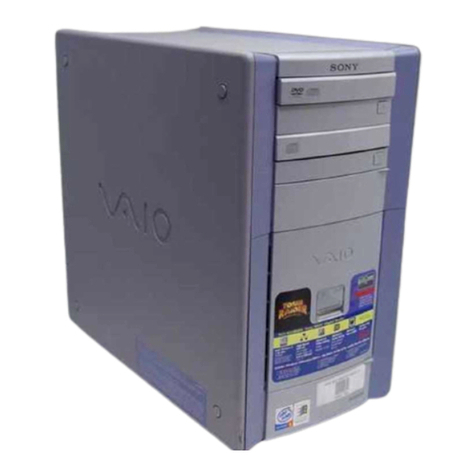
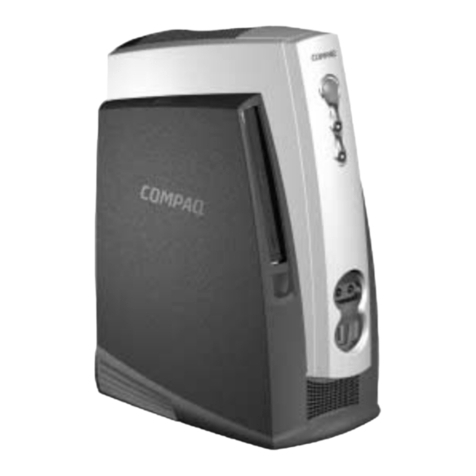
– 3 – PCV-RX6__Series (AM)
Confidential
TABLE OF CONTENTS
1. OPERATION........................................................... 1-1
2. DISASSEMBLY
2-1. Flow Chart................................................................ 2-1
2-2. Top Panel Section .................................................... 2-2
2-3. Left Panel Section.................................................... 2-2
2-4. DVD-ROM, DVD-RW, CD-RW, CD-ROM ............ 2-3
2-5. Switching Power ...................................................... 2-4
2-6. HDD ......................................................................... 2-5
2-7. PCI Slot Panel .......................................................... 2-5
2-8. VGA Card ................................................................ 2-6
2-9. Mounted PWB ENX-15........................................... 2-6
2-10. Modem Card ............................................................ 2-7
2-11. Panel Ass’y (Upper) (For 2 Bay)............................. 2-7
2-12. Panel Ass’y (Lower) (U).......................................... 2-8
2-13. Right Panel............................................................... 2-8
2-14. CNX-138 Board ....................................................... 2-9
2-15. CNX-137 Board ....................................................... 2-9
2-16. SWX-66 Board ........................................................ 2-10
2-17. FDD.......................................................................... 2-10
2-18. CNX-169/IFX-185 Board........................................ 2-11
2-19. Memory .................................................................... 2-12
2-20. CPU .......................................................................... 2-14
CPU Installation....................................................... 2-15
2-21. Mother Board ........................................................... 2-16
3. PROGRAMS FOR SERVICE
3-1. General ..................................................................... 3-1
3-2. PC-Doctor Starting Method..................................... 3-1
3-3. intel815E-B Video Diag Starting Method ............... 3-1
4. SERVICE INFORMATION
4-1. Jumper Setting on Hard Disk Drive ........................ 4-1
5. FRAME HARNESS
5-1. Connector List
1. Mother Board (BI) ................................................... 5-1
2. Mother Board (AN) ................................................. 5-4
3. Mother Board (EE) .................................................. 5-6
5-2. Frame Harness Diagram and Jumper Setting
of Mother Board ...................................................... 5-9
6. REPAIR PARTS LIST
6-1. Exploded Views and Parts List
(Mother Board (BI) Assy) ....................................... 6-1
6-2. Exploded Views and Parts List
(Mother Board (AN) Assy)...................................... 6-3
6-3. Exploded Views and Parts List
(Mother Board (EE) Assy)....................................... 6-5
6-4. Accessories and Parts List ....................................... 6-8
History of the changes is shown as the “Revision
History” at the end of this data.