3GB
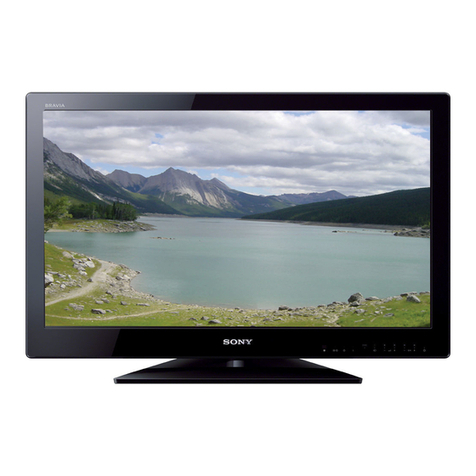
KLV-32/26/19T400A/26/19T400G/19T400W
4-110-401-12(1)
Table of Contents
Checking the accessories ...........................4
Inserting batteries into the remote...............4
1: Attaching the 3D WOOFER and stand....4
Attaching the stand................................... 4
Attaching the 3D WOOFER and stand ..... 6
2: Connecting an antenna/cable/VCR.........7
3: Preventing the TV from toppling over......7
4: Bundling the cables.................................8
5: Performing the initial set-up ....................8
Selecting the language............................. 8
Auto-tuning the TV .................................... 9
Watching TV ............................................10
Detaching the Table-Top Stand from the
TV..............................................................10
Safety information .....................................12
Precautions ...............................................14
Overview of the remote ..........................15
Using the Tools menu ............................. 17
Overview of the TV buttons and
indicators .................................................18
19
Using Optional Equipment
Connecting optional equipment.................19
Viewing pictures from the connected
equipment .................................................20
21
Using MENU Functions
Navigating through menus ........................21
Listening to the FM Radio .........................22
Listening to preset stations..................... 22
Listening to non-preset stations.............. 22
Settings adjustment...................................23
Picture menu........................................... 25
Sound menu............................................ 26
Screen menu........................................... 27
Set-up menu ........................................... 28
PC Settings menu ................................... 30
Channel Set-up menu ............................. 31
34
Additional Information
Specifications ........................................... 34
Troubleshooting........................................ 35
Start-up Guide 4