EnglishDeutsch
 logo
Brands
  1. Home
  2. •
  3. Brands
  4. •
  5. Sony
  6. •
  7. MP3 Player
  8. •
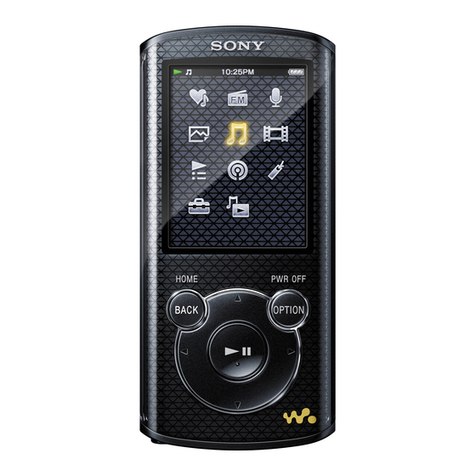
  9. Sony Walkman NWZ-S764 Instruction Manual

Sony Walkman NWZ-S764 Instruction Manual

Other manuals for Walkman NWZ-S764

4

This manual suits for next models

4

Other Sony MP3 Player manuals

Sony NW-MS9 SonicStage v2.0 User manual

Sony

Sony NW-MS9 SonicStage v2.0 User manual

Sony NW-A45 Reference guide

Sony

Sony NW-A45 Reference guide

Sony Walkman WM-GX655 User manual

Sony

Sony Walkman WM-GX655 User manual

Sony RM-AV2500 - Integrated Remote Commander Use and maintenance manual

Sony

Sony RM-AV2500 - Integrated Remote Commander Use and maintenance manual

Sony NWS203F - S2 Sports Walkman 1 GB Digital... Quick start guide

Sony

Sony NWS203F - S2 Sports Walkman 1 GB Digital... Quick start guide

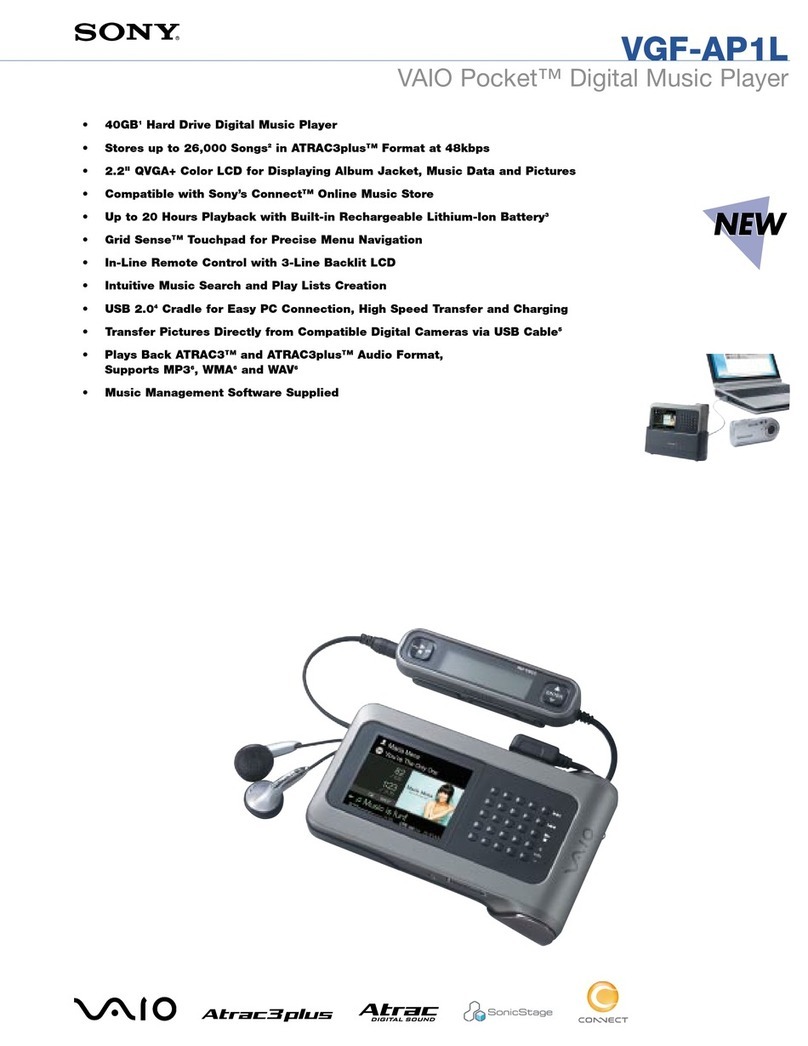
Sony VGF-AP1L - Vaio Pocket Digital Music Player User manual

Sony

Sony VGF-AP1L - Vaio Pocket Digital Music Player User manual

Sony HAP-S1 User manual

Sony

Sony HAP-S1 User manual

Sony Walkman WM-RX822 User manual

Sony

Sony Walkman WM-RX822 User manual

Sony NW-E002F - 512 Mb Fm Tuner Network Walkman Guide

Sony

Sony NW-E002F - 512 Mb Fm Tuner Network Walkman Guide

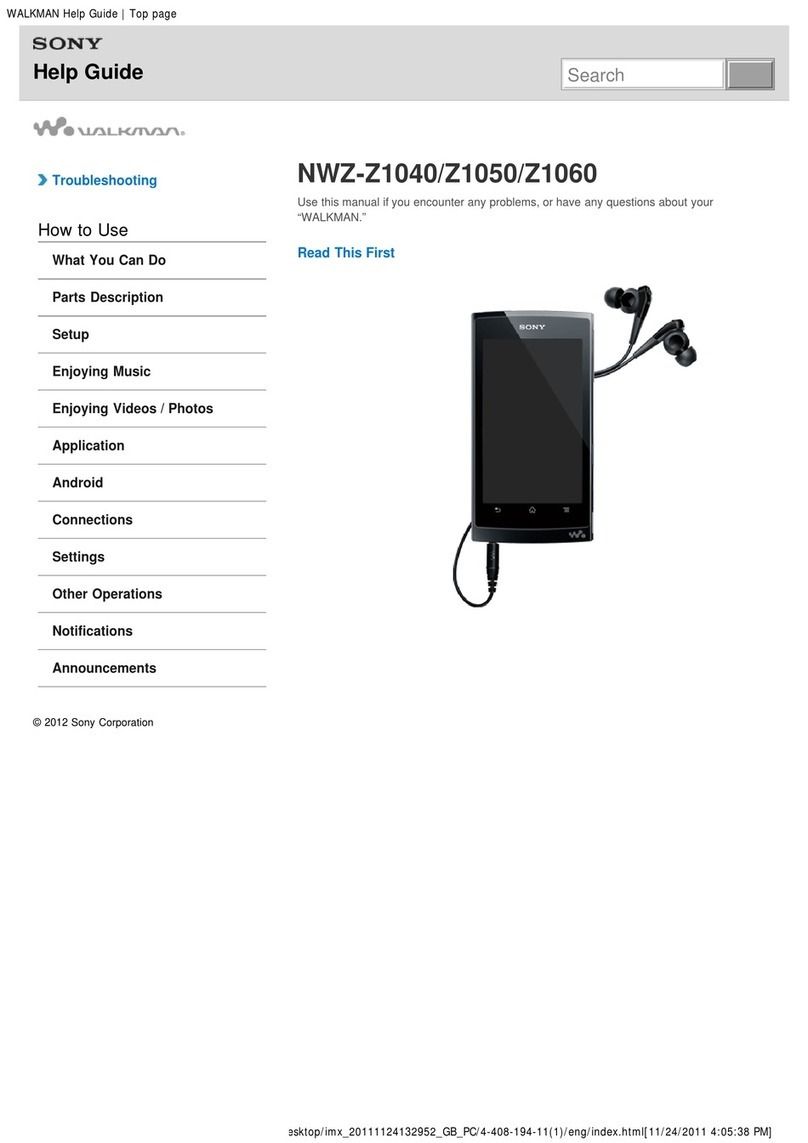
Sony Walkman NWZ-Z1040 Reference guide

Sony

Sony Walkman NWZ-Z1040 Reference guide

Sony NWZ-S716FSNC - 4gb Walkman Video Mp3 Player User manual

Sony

Sony NWZ-S716FSNC - 4gb Walkman Video Mp3 Player User manual

Sony Walkman NWZ-E344 User manual

Sony

Sony Walkman NWZ-E344 User manual

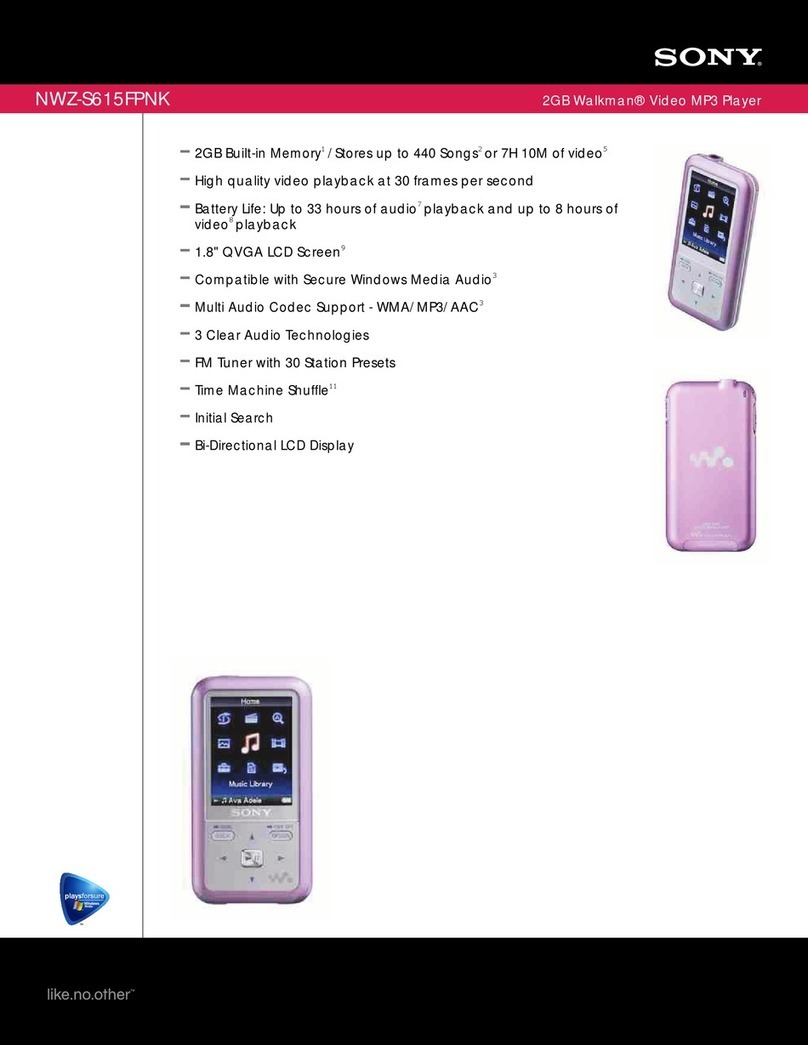
Sony Walkman NWZ-S615FPNK User manual

Sony

Sony Walkman NWZ-S615FPNK User manual

Sony NW-MS70D - Network Walkman User manual

Sony

Sony NW-MS70D - Network Walkman User manual

Sony Walkman NW-HD1 User manual

Sony

Sony Walkman NW-HD1 User manual

Sony MP3 Player User manual

Sony

Sony MP3 Player User manual

Sony Walkman NWZ-A815SLV User manual

Sony

Sony Walkman NWZ-A815SLV User manual

Sony WALKMAN NWZ-A15 User manual

Sony

Sony WALKMAN NWZ-A15 User manual

Sony Walkman NWZ-E473 User manual

Sony

Sony Walkman NWZ-E473 User manual

Sony Walkman NWZ-B133 Operating instructions

Sony

Sony Walkman NWZ-B133 Operating instructions

Sony Walkman NWZ-A815 User manual

Sony

Sony Walkman NWZ-A815 User manual

Sony NWZ-W202 User manual

Sony

Sony NWZ-W202 User manual

Sony NW-E307 - Walkman Bean 1 GB MP3 Player User manual

Sony

Sony NW-E307 - Walkman Bean 1 GB MP3 Player User manual

Sony NWZ-E463PNK User manual

Sony

Sony NWZ-E463PNK User manual

Popular MP3 Player manuals by other brands

Blaupunkt Compact Drive MP3 operating instructions

Blaupunkt

Blaupunkt Compact Drive MP3 operating instructions

Memorex MMP9008 - 8GB USB 2.0 user guide

Memorex

Memorex MMP9008 - 8GB USB 2.0 user guide

Meizu Electronic Technology E5 user manual

Meizu Electronic Technology

Meizu Electronic Technology E5 user manual

Naxa NMV-173NX user manual

Naxa

Naxa NMV-173NX user manual

Philips PSA250 Specifications

Philips

Philips PSA250 Specifications

Zipy go! Waving user guide

Zipy

Zipy go! Waving user guide

Sylvania SMPK4068 manual

Sylvania

Sylvania SMPK4068 manual

Irradio RF-42UC user manual

Irradio

Irradio RF-42UC user manual

NABAIJI SWIM MUSIC 100 user guide

NABAIJI

NABAIJI SWIM MUSIC 100 user guide

Laser MP3-A9-4GB user manual

Laser

Laser MP3-A9-4GB user manual

Samsung YP-T7F Service manual

Samsung

Samsung YP-T7F Service manual

Savant SMS-1001-00 Deployment guide

Savant

Savant SMS-1001-00 Deployment guide

Trevi XP 71 BT user guide

Trevi

Trevi XP 71 BT user guide

MobiBlu DAH-1500i user manual

MobiBlu

MobiBlu DAH-1500i user manual

Denver MPS-201 user manual

Denver

Denver MPS-201 user manual

Steren MP3-002 instruction manual

Steren

Steren MP3-002 instruction manual

Kenwood M1GD50 instruction manual

Kenwood

Kenwood M1GD50 instruction manual

RCA MC5102; MC5104 quick start guide

RCA

RCA MC5102; MC5104 quick start guide

https://manuals.online logo
https://manuals.online logoBrands
  • About & Mission
  • Contact us
  • Privacy Policy
  • Terms and Conditions

Copyright 2026 Manuals.Online. All Rights Reserved.

NWZ-S763BT 4-295-755-11(1)
GuidetoBluetooth connection (Readthisfrist)
GuidedelaconnexionBluetooth(Lireenpremier)
AnleitungzurBluetooth-Verbindung(Bittezuerstlesen)
GuíaparalaconexiónBluetooth(Leaestoprimero)
Guidaalla connessioneBluetooth (Leggerequeste
istruzioniprima)
©2011 Sony Corporation Printed in Malaysia
Press and hold the button of the
Bluetooth Headphones for
approximately 2 seconds until the
indicator starts to blink.
button
Indicator (blue) (red)
Press any button to turn your “WALKMAN”on. If
appears on the top of the screen, slide the HOLD switch.
A “WALKMAN” screen message informs you that connection is automatically
established. It may take some time to connect with the supplied Bluetooth Headphones.
Wait for a while.
Hint
If connection fails, press and hold the OPTION/POWER OFF* button to
turn off your “WALKMAN” (“WALKMAN” screen displays [POWER
OFF]). Turn on your “WALKMAN” again, and re-establish Bluetooth
connection with the headphones.
*For “WALKMAN” NWZ-A series, press the HOME button instead.
2Listening to sound with your
“WALKMAN”
Play back sound on your “WALKMAN.”
If playback does not start when you operate the Bluetooth Headphones
select an audio contents to play back on your “WALKMAN.”
English
Procedure to play back sound with supplied
Bluetooth Headphones
To enjoy sound from a Bluetooth audio device, both the Bluetooth audio
device and the “WALKMAN” must be registered with each other (paired)
beforehand. The “WALKMAN” and supplied Bluetooth Headphones are
already paired as a default setting, and therefore you do not need to
complete any further pairing steps. You can enjoy the sound once you have
made the Bluetooth connection.
1Bluetooth connecting
Place your “WALKMAN” and the supplied Bluetooth
Headphones within 1 metre of each other.
Hint
When using wireless Bluetooth Headphones via a Bluetooth connection
and wired headphones are also connected, sound is not output to the
wired headphones. To use wired headphones, end the Bluetooth
connection. For details, refer to the User Guide of your “Walkman.”
You can disable [Autoconnect Settings], which establishes Bluetooth
connection automatically when you turn on your “WALKMAN.” For
further details, refer to the User Guide of your “WALKMAN.”
To save the battery power of your “Walkman” and Bluetooth
Headphones, turn them both off after use. For details, refer to the User
Guide of your “Walkman.”
Français
Procédure de reproduction du son à l’aide des
écouteurs Bluetooth fournis
Pour profiter du son d’un périphérique audio Bluetooth, il faut que celui-ci
et le « WALKMAN » soient préalablement enregistrés l’un avec l’autre
(pairé). Le « WALKMAN » et les écouteurs Bluetooth fournis sont déjà
pairés par défaut et vous n’avez donc plus besoin de le faire. Vous pouvez
écouter le son dès que vous avez établi la connexion Bluetooth.
1Connexion Bluetooth
Placez votre « WALKMAN » et les écouteurs Bluetooth fournis
à moins de 1 mètre l’un de l’autre.
Appuyez sur la touche des écouteurs Bluetooth et
maintenez-la enfoncée pendant 2 secondes environ jusqu’à
ce que l’indicateur se mette à clignoter.
Touche 
Indicateur (bleu) (rouge)
Appuyez sur n’importe quelle touche pour mettre votre «
WALKMAN » sous tension. Si apparaît en haut de
l’écran, faites glisser le commutateur HOLD.
Un message s’affiche sur l’écran du « WALKMAN » pour vous informer que la connexion
est automatiquement établie. La connexion aux écouteurs Bluetooth fournis peut prendre
du temps. Patientez quelques instants.
Conseil
Si la connexion échoue, appuyez sur la touche OPTION/POWER OFF*
et maintenez-la enfoncée pour mettre votre « WALKMAN » hors tension
(l’écran du « WALKMAN » affiche [POWER OFF]). Remettez le «
WALKMAN » sous tension et rétablissez la connexion Bluetooth avec les
écouteurs.
*Dans le cas du « WALKMAN » série NWZ-A, appuyez plutôt sur la touche HOME.
2Ecoute du son à l’aide de votre
« WALKMAN »
Ecoutez le son de votre « WALKMAN ».
Si la lecture ne démarre pas lorsque vous utilisez les écouteurs Bluetooth,
sélectionnez un fichier audio et lancez sa lecture sur votre « WALKMAN ».
Conseil
Lorsque vous utilisez des écouteurs Bluetooth sans fil via une connexion
Bluetooth et que des écouteurs avec fil sont également raccordés, le son
n’est pas reproduit dans ces derniers. Pour utiliser les écouteurs avec fil,
clôturez la connexion Bluetooth. Pour plus d’informations, reportez-vous
au Mode d’emploi de votre « Walkman ».
Vous pouvez désactiver [Réglages connexion auto], qui établit
automatiquement une connexion Bluetooth à la mise sous tension de
votre « WALKMAN ». Pour plus d’informations, reportez-vous au Mode
d’emploi de votre « WALKMAN ».
Pour économiser les piles de votre « Walkman » et de vos écouteurs
Bluetooth, éteignez-les après utilisation. Pour plus d’informations,
reportez-vous au Mode d’emploi de votre « Walkman ».
Deutsch
Vorgehen zum Wiedergeben von Ton über die
mitgelieferten Bluetooth-Kopfhörer
Wenn Sie Ton von einem Bluetooth-Audiogerät wiedergeben lassen
wollen, muss zuerst eine gegenseitige Registrierung (Pairing) von
Bluetooth-Audiogerät und „WALKMAN“ erfolgen. Zwischen dem
„WALKMAN“ und den mitgelieferten Bluetooth-Kopfhörern wurde das
Pairing bereits ausgeführt, so dass keine weiteren Pairing-Schritte
erforderlich sind. Die Tonwiedergabe erfolgt, sobald die Bluetooth-
Verbindung hergestellt wurde.
1Herstellen einer Bluetooth-Verbindung
Platzieren Sie den„WALKMAN“ und die mitgelieferten
Bluetooth-Kopfhörer im Abstand von maximal 1 Meter
voneinander.
Halten Sie die Taste an den Bluetooth-Kopfhörern etwa
2 Sekunden lang gedrückt, bis die Anzeige anfängt zu
blinken.
Taste 
Anzeige (blau) (rot)
NWZ-S763BT 4-295-755-11(1)
Drücken Sie eine beliebige Taste, um den„WALKMAN“
einzuschalten. Wenn oben im Bildschirm erscheint,
verschieben Sie den HOLD-Schalter.
Eine Bildschirmmeldung am „WALKMAN“ informiert Sie darüber, dass die Verbindung
automatisch hergestellt wird. Es kann etwas dauern, bis die Verbindung zu den
mitgelieferten Bluetooth-Kopfhörern hergestellt wird. Warten Sie eine Weile.
Tipp
Wenn die Verbindung fehlschlägt, halten Sie die Taste OPTION/POWER
OFF* gedrückt, um den „WALKMAN“ auszuschalten (am Bildschirm des
„WALKMAN“ wird [POWER OFF] angezeigt). Schalten Sie den
„WALKMAN“ wieder ein und versuchen Sie erneut, eine Bluetooth-
Verbindung zu den Kopfhörern herzustellen.
*Bei der „WALKMAN“-Serie NWZ-A drücken Sie stattdessen die Taste HOME.
2Wiedergeben von Ton mit dem
„WALKMAN“
Lassen Sie den Ton am„WALKMAN“ wiedergeben.
Wenn Sie die Bluetooth-Kopfhörer bedienen und die Wiedergabe nicht
gestartet wird, wählen Sie am „WALKMAN“ eine Audiodatei für die
Wiedergabe aus.
Tipp
Wenn Sie über eineBluetooth-Verbindung Bluetooth-Funkkopfhörer
verwenden und gleichzeitig Kopfhörer per Kabel angeschlossen sind,
wird an die per Kabel angeschlossenen Kopfhörer kein Ton ausgegeben.
Wenn Sie die per Kabel angeschlossenen Kopfhörer verwenden wollen,
beenden Sie die Bluetooth-Verbindung. Weitere Informationen finden
Sie im Benutzerhandbuch zum „Walkman“.
Sie können die Option [Einst. für autom. Verbind.], mit der beim
Einschalten des „WALKMAN“ automatisch eine Bluetooth-Verbindung
hergestellt wird, deaktivieren. Weitere Informationen finden Sie im
Benutzerhandbuch zum „WALKMAN“.
Um den Akku im „Walkman“ und in den Bluetooth-Kopfhörern zu
schonen, schalten Sie beide Geräte nach dem Gebrauch aus. Weitere
Informationen finden Sie im Benutzerhandbuch zum „Walkman“.
Español
Procedimiento para reproducir sonido con los
auriculares Bluetooth suministrados
Para reproducir el sonido del dispositivo de audio Bluetooth, tanto el
dispositivo de audio Bluetooth como el “WALKMAN” deben registrarse
entre sí (emparejarse) de antemano. El “WALKMAN” y los auriculares
Bluetooth suministrados están emparejados de forma predeterminada, por
lo tanto no necesitará realizar ningún otro paso para emparejarlos. YPodrá
reproducir sonido una vez que haya realizado la conexión Bluetooth.
1Conexión Bluetooth
Coloque el“WALKMAN”y los auriculares Bluetooth
suministrados a menos de 1 metro de distancia entre sí.
Mantenga pulsado el botón de los auriculares Bluetooth
durante aproximadamente 2 segundos hasta que el
indicador comience a parpadear.
Botón 
Indicador (azul) (rojo)
Pulse cualquier botón para encender el“WALKMAN”. Si
aparece en la parte superior de la pantalla, deslice el
interruptor HOLD.
Un mensaje en pantalla en el “WALKMAN” le informará de que la conexión se ha
establecido automáticamente. Es posible que tarde un tiempo en conectarse con los
auriculares Bluetooth suministrados. Espere unos minutos.
Sugerencia
Si se produce un error de conexión, mantenga pulsado el botón
OPTION/POWER OFF* para apagar el “WALKMAN” (en la pantalla del
“WALKMAN” se visualizará [POWER OFF]). Apague el “WALKMAN”
de nuevo y restablezca la conexión Bluetooth con los auriculares.
*En modelos de la serie NWZ-A de “WALKMAN”, pulse en su lugar el botón HOME.
2Escucha de sonido con el “WALKMAN”
Reproduzca el sonido en el “WALKMAN”.
Si la reproducción no se inicia al utilizar los auriculares Bluetooth,
seleccione un archivo de audio para reproducirlo en el “WALKMAN”.
Sugerencia
Cuando se utilizan auriculares Bluetooth inalámbricos mediante una
conexión Bluetooth y también están conectados los auriculares no
inalámbricos, no se emitirá sonido a través de los auriculares con cable.
Para utilizar auriculares con cable, finalice la conexión Bluetooth. Para
obtener información detallada, consulte la Guía del usuario de
“Walkman”.
Puede desactivar la opción [Ajustes de conexión auto.], que establece la
conexión Bluetooth de manera automática cuando encienda el
“WALKMAN”. Para obtener más información, consulte la Guía del
usuario de “WALKMAN”.
Para ahorrar energía de la batería del “Walkman” y de los auriculares
Bluetooth, apáguelos después de su utilización. Para obtener información
detallada, consulte la Guía del usuario de “Walkman”.
Italiano
Procedura per riprodurre l’audio mediante le
cuffie Bluetooth in dotazione
Per ascoltare l’audio da un dispositivo audio Bluetooth, è necessario
associare prima il dispositivo audio Bluetooth al “WALKMAN”. Il
“WALKMAN” e le cuffie Bluetooth in dotazione sono già abbinati per
impostazione predefinita, quindi non è necessario completare alcuna
ulteriore fase di abbinamento. Una volta effettuata la connessione
Bluetooth, è possibile ascoltare l’audio.
1Connessione Bluetooth
Posizionare il“WALKMAN”e le cuffie Bluetooth in dotazione
entro 1 metro l’uno dalle altre.
Premere e tenere premuto il pulsante delle cuffie
Bluetooth per circa 2 secondi finché l’indicatore non inizia a
lampeggiare.
Tasto 
Indicatore (blu) (rosso)
Premere un pulsante qualsiasi per accendere il “WALKMAN”.
Se nella parte superiore dello schermo viene visualizzata
l’indicazione , far scorrere l’interruttore HOLD.
Un messaggio a schermo del “WALKMAN” informa che la connessione è stata
automaticamente stabilita. Potrebbe essere necessario del tempo per il collegamento delle
cuffie Bluetooth in dotazione. Attendere alcuni istanti.
Suggerimento
Se la connessione non riesce, premere e tenere premuto il pulsante
OPTION/POWER OFF* per spegnere il “WALKMAN” (lo schermo del
“WALKMAN” visualizza [POWER OFF]). Riaccendere il “WALKMAN”,
quindi ristabilire la connessione Bluetooth con le cuffie.
*Per la serie “WALKMAN” NWZ-A, premere invece il pulsante HOME.
2Ascolto dell’audio con il “WALKMAN”
Riproduzione dell’audio sul “WALKMAN”.
Se la riproduzione non si avvia quando si utilizzano le cuffie Bluetooth
selezionare un file audio per la riproduzione sul “WALKMAN”.
Suggerimento
Se si utilizzano cuffie Bluetooth wireless mediante una connessione
Bluetooth e risultano collegate anche cuffie cablate, l’audio non viene
trasmesso alle cuffie cablate. Per utilizzare le cuffie cablate, terminare la
connessione Bluetooth. Per ulteriori informazioni, consultare il Manuale
dell’utente del “Walkman”.

È possibile disattivare [Impostaz. autoconness.], che stabilisce la
connessione Bluetooth automaticamente all’accensione del
“WALKMAN”. Per ulteriori informazioni, consultare il Manuale
dell’utente del “WALKMAN”.

Per risparmiare l’energia delle batterie del “Walkman” e delle cuffie
Bluetooth, spegnerli entrambi dopo l’uso. Per ulteriori informazioni,
consultare il Manuale dell’utente del “Walkman”.