manuals.online logo
Brands
  1. Home
  2. •
  3. Brands
  4. •
  5. SOUNDMASTER
  6. •
  7. CD Player
  8. •
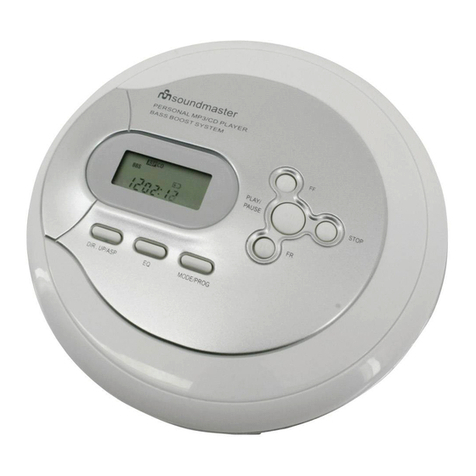
  9. SOUNDMASTER DISC 4011 User manual

SOUNDMASTER DISC 4011 User manual

Other SOUNDMASTER CD Player manuals

SOUNDMASTER DAB970 User manual

SOUNDMASTER

SOUNDMASTER DAB970 User manual

SOUNDMASTER SCD 2400 User manual

SOUNDMASTER

SOUNDMASTER SCD 2400 User manual

SOUNDMASTER CD9290 User manual

SOUNDMASTER

SOUNDMASTER CD9290 User manual

SOUNDMASTER RCD1180 User manual

SOUNDMASTER

SOUNDMASTER RCD1180 User manual

SOUNDMASTER High line SCD 2700USB User manual

SOUNDMASTER

SOUNDMASTER High line SCD 2700USB User manual

SOUNDMASTER SCD5410 User manual

SOUNDMASTER

SOUNDMASTER SCD5410 User manual

SOUNDMASTER SCD1960 User manual

SOUNDMASTER

SOUNDMASTER SCD1960 User manual

SOUNDMASTER SCD7505 User manual

SOUNDMASTER

SOUNDMASTER SCD7505 User manual

SOUNDMASTER SCD5750 User manual

SOUNDMASTER

SOUNDMASTER SCD5750 User manual

SOUNDMASTER SCD1960 User manual

SOUNDMASTER

SOUNDMASTER SCD1960 User manual

SOUNDMASTER MCD 800 User manual

SOUNDMASTER

SOUNDMASTER MCD 800 User manual

SOUNDMASTER CD9290SW User manual

SOUNDMASTER

SOUNDMASTER CD9290SW User manual

SOUNDMASTER URD 700 User manual

SOUNDMASTER

SOUNDMASTER URD 700 User manual

SOUNDMASTER KCD1600 User manual

SOUNDMASTER

SOUNDMASTER KCD1600 User manual

SOUNDMASTER SCD-5500 User manual

SOUNDMASTER

SOUNDMASTER SCD-5500 User manual

SOUNDMASTER CD9220 User manual

SOUNDMASTER

SOUNDMASTER CD9220 User manual

SOUNDMASTER SCD 6600 User manual

SOUNDMASTER

SOUNDMASTER SCD 6600 User manual

SOUNDMASTER KCD1600 User manual

SOUNDMASTER

SOUNDMASTER KCD1600 User manual

SOUNDMASTER SCD7200WE User manual

SOUNDMASTER

SOUNDMASTER SCD7200WE User manual

SOUNDMASTER SCD-5600 User manual

SOUNDMASTER

SOUNDMASTER SCD-5600 User manual

SOUNDMASTER SCD 5400 User manual

SOUNDMASTER

SOUNDMASTER SCD 5400 User manual

SOUNDMASTER CD9170 User manual

SOUNDMASTER

SOUNDMASTER CD9170 User manual

SOUNDMASTER SCD2350 User manual

SOUNDMASTER

SOUNDMASTER SCD2350 User manual

SOUNDMASTER RCD5000 User manual

SOUNDMASTER

SOUNDMASTER RCD5000 User manual

Popular CD Player manuals by other brands

Philips AZ 8060 null

Philips

Philips AZ 8060 null

Sony CDX GT310 - Radio / CD null

Sony

Sony CDX GT310 - Radio / CD null

Philips CDR-775 null

Philips

Philips CDR-775 null

RCA RP-7923 instruction manual

RCA

RCA RP-7923 instruction manual

Pioneer DEH-P3550MP XM Operation manual

Pioneer

Pioneer DEH-P3550MP XM Operation manual

Philips CD582 user manual

Philips

Philips CD582 user manual

Philips AZ 6821 operating manual

Philips

Philips AZ 6821 operating manual

Lasonic MSU-2020 user manual

Lasonic

Lasonic MSU-2020 user manual

THOMSON RCD150 user manual

THOMSON

THOMSON RCD150 user manual

Denon DCD-1420 Service manual

Denon

Denon DCD-1420 Service manual

Panasonic SJ-MR100 operating instructions

Panasonic

Panasonic SJ-MR100 operating instructions

Onkyo DX-7210 instruction manual

Onkyo

Onkyo DX-7210 instruction manual

Sony MZ-R3 operating instructions

Sony

Sony MZ-R3 operating instructions

Denon DVM-4800 Service manual

Denon

Denon DVM-4800 Service manual

JBL MR-32 Operation manual

JBL

JBL MR-32 Operation manual

RCA RCD152 Specifications

RCA

RCA RCD152 Specifications

Technics SL-PS770A Service manual

Technics

Technics SL-PS770A Service manual

Clarion compact disc owner's manual

Clarion

Clarion compact disc owner's manual

manuals.online logo
manuals.online logoBrands
  • About & Mission
  • Contact us
  • Privacy Policy
  • Terms and Conditions

Copyright 2025 Manuals.Online. All Rights Reserved.

DISC 4011
DEUTSCH
ENGLISH
FRANÇAIS
NEDERLANDS
ESPAÑOL
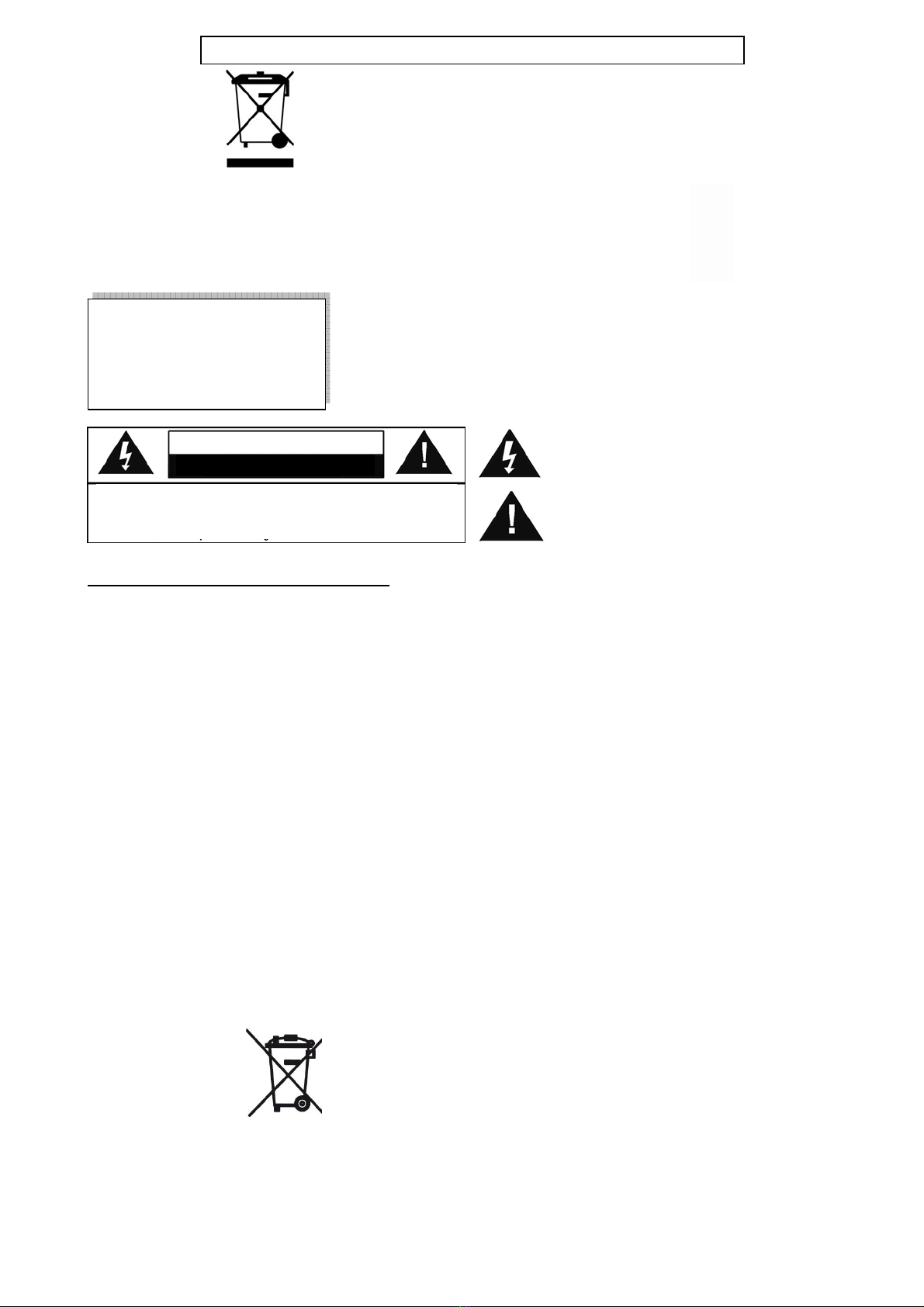
This symbol indicates the presence of dangerous
voltage inside the enclosure, sufficient enough to
cause electric shock.
This symbol indicates the presence of important
operating and maintenance instructions for the
device.
Safety, Environmental and Setup Instructions
•Use the device in dry indoor environments only.
•Protect the device from humidity.
•Do not open the device. RISK OF ELECTRIC SHOCK! Refer opening and servicing to qualified personnel.
•Connect this device to a properly installed and earthed wall outlet only. Make sure the mains voltage corresponds with
the specifications on the rating plate.
•Make sure the mains cable stays dry during operation. Do not pinch or damage the mains cable in any way.
•A damaged mains cable or plug must immediately be replaced by an authorized service center.
•In case of lightning, immediately disconnect the device from the mains supply.
•Children should be supervised by parents when using the device.
•Clean the device with a dry cloth only.
Do NOT use CLEANING AGENTS or ABRASIVE CLOTHS!
•Do not expose the device to direct sunlight or other heat sources.
•Install the device at a location with sufficient ventilation in order to prevent heat accumulation.
•Do not cover the ventilation openings!
•Install the device at a safe and vibration-free location.
•Install the device as far away as possible from computers and microwave units; otherwise radio reception may be
disturbed.
•Do not open or repair the enclosure. It is not safe to do so and will void your warranty. Repairs only by authorized
service/ customer center.
•The device is equipped with a “Class 1 Laser”. Avoid exposure to the laser beam as this could cause eye injuries.
•Only use mercury and cadmium-free batteries.
•Used batteries are hazardous waste and NOT to be disposed of with the household waste!!! Return the batteries to your
dealer or to collection points in your community.
•Keep batteries away from children. Children might swallow batteries. Contact a physician immediately if a battery was
swallowed.
•Check your batteries regularly to avoid battery leakage.
CLASS 1 LASER PRODUCT
KLASSE 1 LASER PRODUKT
LUOKAN 1 LASER LAITE
KLASS 1 LASER APPARAT
PRODUCTO LASER CLASE 1
CAUTION - INVISIBLE LASER RADIATION WHEN OPENING
THE COVER OR PRESSING THE SAFETY INTERLOCK. AVOID
EXPOSURE TO THE LASER BEAM.
ENVIRONMENTAL PROTECTION
Do not dispose of this product with the normal household waste at the end
of its life cycle. Return it to a collection point for the recycling of electrical
and electronic devices. This is indicated by the symbol on the product,
user manual or packaging.
The materials are reusable according to their markings. By reusing, recycling or
other forms of utilization of old devices you make an important contribution to
the protection of our environment.
Please contact your local authorities for details about collection points.
WARNING
Risk of electric shock
Do not o
p
en!
Caution: To reduce the risk of electric shock, do not remove the cover (or back). There
are no user serviceable parts inside. Refer servicing to qualified service personnel.
Used batteries are hazardous waste and NOT to be disposed
of with the household waste! As a consumer you are legally
obligated to return all batteries for environmentally responsible
recycling – no matter whether or not the batteries contain harmful
substances*).
Return batteries free of charge to public collection points in your
community or to shops selling batteries of the respective kind.
Only return fully discharged batteries.
*) marked Cd = cadmium, Hg = mercury, Pb = lead