INTRODUCTION
CONNECTING
PRODUCT FEATURES
DC12V Power Supply
Monitor
TROUBLESHOOTING
Link wire rule:
Power
Video
The symbol is intended to alert the user to the presence of
The symbol is intended to alert the user to the presence of
important operating and maintenance (servicing)
Instructions in the literature accompanying the appliance.
uninsulated ‘dangerous voltage’ within the product’s
enclosure that may be of sufficient Magnitude to consti-
a risk of electric shock to persons.
Video
12V DC
CAUTION:
CAUTION: TO REDUCE THE RISK OF ELECTRIC SHOCK
DO NOT REMOVE COVER. NO USER
SERVICEABLE PARTS INSIDE. REFER SERVICING
RISK OF ELECTRIC. DO NOT OPEN
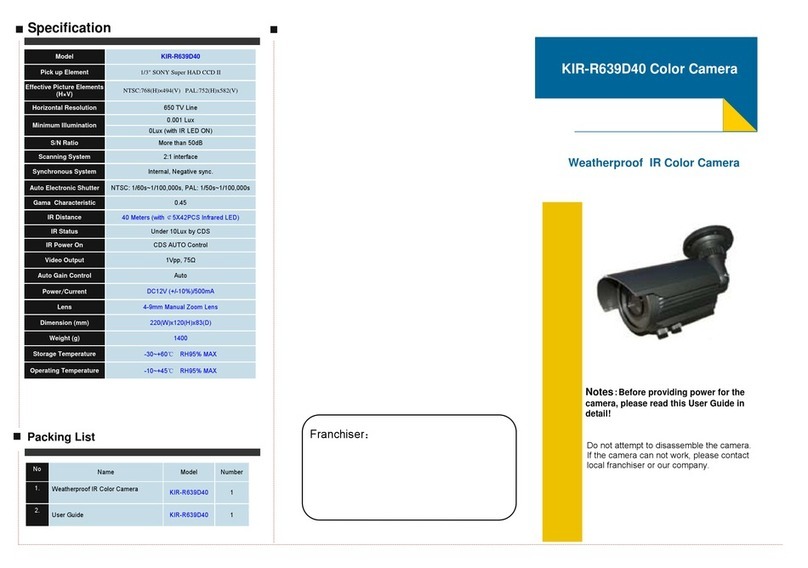
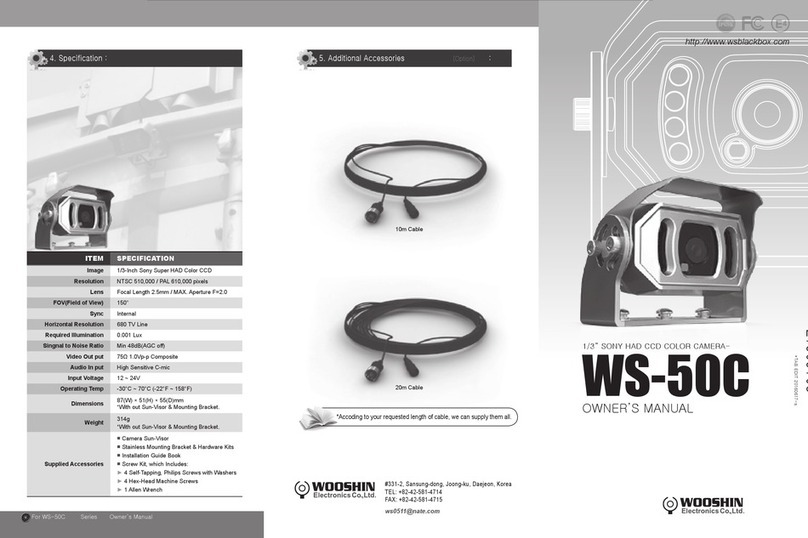
* Sensor (CCD)
1/3" 960H CCD sensor.
* Auto Gain Control (AGC)
Built-in auto gain control (AGC) circuit. The color camera
can get a high definition picture in low Lux condition.
* Auto Electronic Shutter (AES)
Built-in auto electronic shutter function. The AES speed
can reach 1/100,000s.
* Gamma Characteristic
Camera Gama characteristic is 0.45.
* Night-time Vision
0 Lux with IR LED ON.
CAUTION:
To prevent electric shock and risk of fire hazards,
do NOT use anything other than the specified power
1. No picture after providing power
. Check the power supply voltage, it may be outside specification.
. Please check the connecting cables and monitors to determine if the
camera is connected correctly or not.
2. The picture has flowing interference ripples
. Check the ground of the monitor and other peripheral equipment that
are being used is the same ground as the camera.
3. The background color continuously changes
. A fluorescent bulb’s electromagnetic field can cause a color roll. This is
a proper phenomenon of the camera.
. To improve the image, try to increase the distance between the camera
and the bulb, or change the angle such that it doesn’t face the flores-
cent bulb.
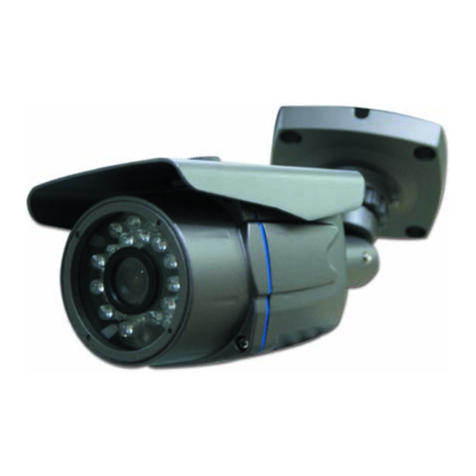
Congratulations on your purchase of this Speco
product. This camera utilized the latest in sensors
and drivers. The most appealing characteristics of
this camera are weather-resistance, day & night
feature, and indoor & outdoor applications. This
product is a great addition to your CCTV system.
Please read this manual carefully to ensure proper
use of the product.
Installation Precautions:
●Do not install the camera to extreme temperature condi-
tions. Only use the camera under conditions where tem-
perature is between 14f and 122f.
●Never keep the camera pointed directly at the sun or a
bright object.
●Do not mount the camera near a radiator or heater.
Power Supply Notes:
●The power supply must be regulated 12V supply.
●The operating temperature must be within camera’s specifications.
●For better image quality, the cable length for power and video output
should not be excessively long.