Speco SPIPH8A User manual

1
June 6, 2023
IP Audio
|
Quick Start Guide

2
June 6, 2023
Quick Start Guide
SPIPH8A- IP 15W Horn Speaker
SPIPC6AM- 6” IP 15W Ceiling mount speaker with microphone
SPIPC6A- 6” IP 15W Ceiling mount speaker without microphone
Features
•Compatible with both SecureGuard® VMS & SecureGuard® CMS
•All Speco IP Speakers are PoE (no local power supply needed)
•Supports prerecorded messages, scheduling, HTTP, and Alarm in.
•Compatible with VOIP SPIP devices
•Compatible with Speco Audio Manager
Model
SPIPC6AM
SPIPC6A
SPIPH8A
Protocol
SIP, ONVIF, HTTP, IPv4, DHCP, RTSP, RTP, RTCP, TCP,
UDP, ARP, FTP, TFTP, NFS, NTP
Codec
OPUS 48 kHz, MP3 44.1 kHz, G.722 ADPCM 16 kHz,
G.711 PCMU 8 kHz, G.711 PCMA 8 kHz
Network
Interfaces
RJ45, 10BASE-T/100BASE-TX
Power
PoE or DC
12
V/24VDC
Rated Power
15W
15W
15W
Max SPL
96dB
96dB
113dB
Frequency
Response
100HZ~18KHz
100HZ~18KHz
300HZ~8KHz
Type
Ceiling Mount
Ceiling Mount
Horn
Material
Metal
Metal
ABS(IP67)
Weight
2.20Lbs.
2.20Lbs.
2.87Lbs.
Size
200*90mm
200*90mm
225*165*240mm
Microphone
Yes
No
No

3
June 6, 2023
Hardware Interface
Every Speco IP speaker will have 3 input connections that can be made:
1) Alarm input connection
2) PoE connection
3) DC power Connection
*Please use either the PoE connection or the DC power connection, but not both at the same time.
Both will cause damage to the IP speaker.
Finding the IP address of the IP Speaker
1) Download Speco Audio Manager from Specotech.com.
2) This can be found under the support tab at Specotech.com.
3) Extract the zip-file and run the exe for Speco Audio Manager on your computer.
4) Put the Speco Audio Manager shortcut on to your desktop/laptop.
5) Lastly run Speco Audio Manager and click on scan device. This will find every Speco IP speaker on
the network.

4
June 6, 2023
Logging into the IP Speaker
1) Through the Speco Audio Manager if you double click on one of the speakers IP addresses it will
direct you to the web interface of that IP speaker.
2) Every Speco IP speaker will have the same default username & password.
3) Click on “Sign in” to log into the IP speaker.
Username: admin
| Password: 1234
Navigating the Web Interface
Once logged into the IP speaker there will be eleven tabs to choose from. The following tabs will have the
ability to:
1) Status- View the devices information. This includes the time, firmware, SIP accounts, Space
available, and the Network status.
2) Basic- Set the network parameters and set the Date & Time.
3) ONVIF- Enable ONVIF. It will be enabled by default.
4) SIP Account- Create two SIP accounts in the IP speaker.
5) Audio- You can enable or disable audio codecs, increase/decrease volume of the IP speaker, and
enable/disable the microphone if the IP speaker has one.
6) Media File- Choose from 5 preset bell files or add up to 10 mp3 files.
7) Alarm- Enable the Alarm output and set the audio file to play.

5
June 6, 2023
8) Schedule- create up to 10 different schedules.
9) RTP Multicast- create up to 10 different RTP addresses and set the priority for each.
10) Firewall- Set any firewall rules in the IP speaker.
11) System- Reboot, reset, or upgrade the IP speaker. You can also change the username and password of
the IP speaker here.
Speco Technologies is constantly developing and improving products. We reserve the right to modify product design
and specifications without notice and without incurring an obligation. Rev. 3/21/2023. We are not responsible for
typographical errors. ©2023 Speco Technologies. All rights reserved.
This manual suits for next models
2
Table of contents
Other Speco Speakers manuals





Speco
Speco SP-8CLC User manual
Speco
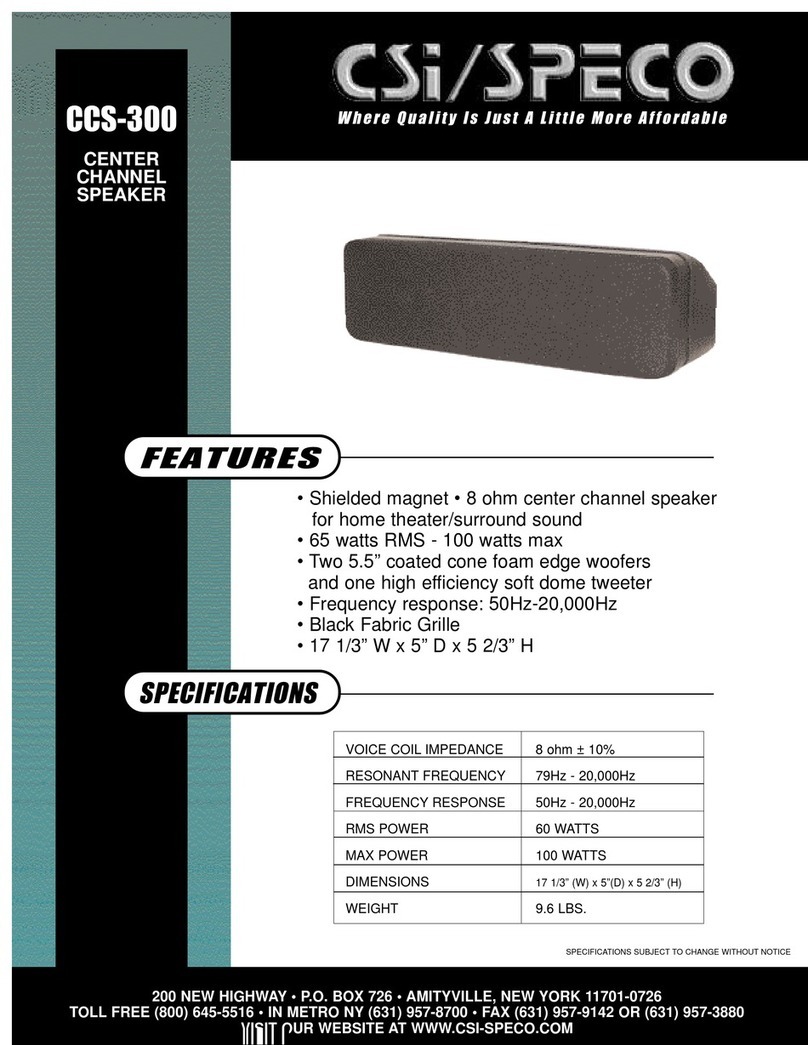
Speco CCS-300 User manual

Speco
Speco CSI SP-RK6B User manual
Speco
Speco SP-6C User manual

Speco
Speco SPCBC5 User manual
Speco
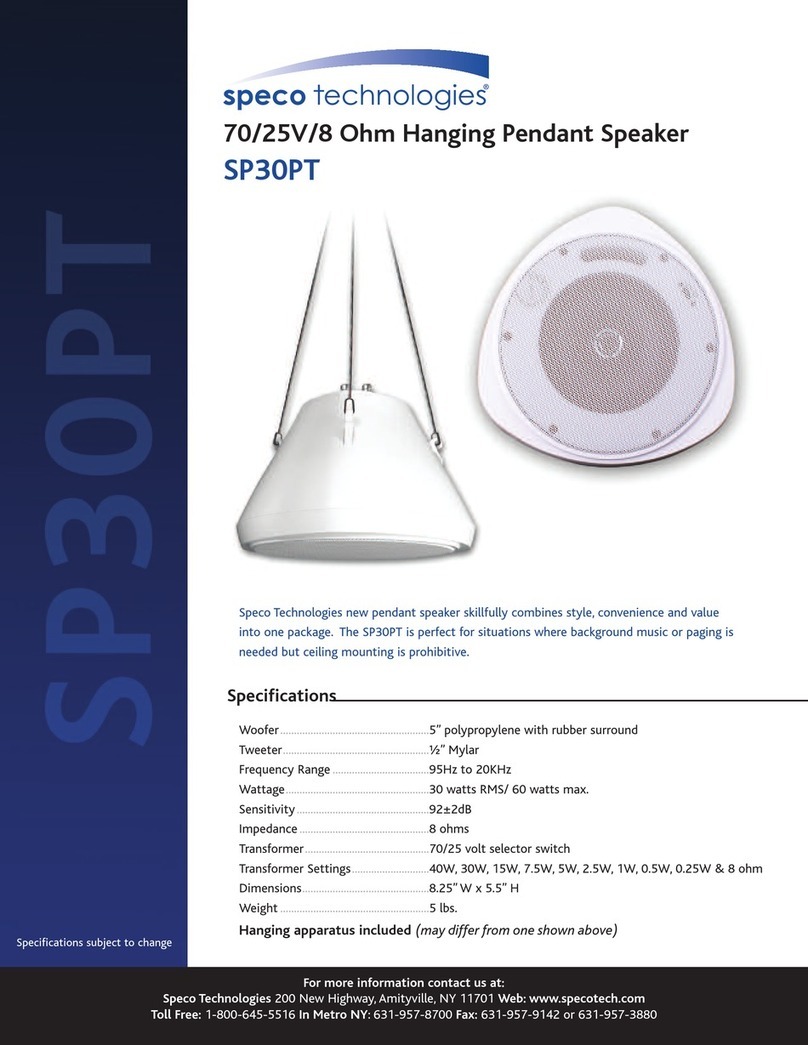
Speco SP30PT User manual
Speco
Speco SP-6ECS User manual

Speco
Speco CSi/SPECO SP-RK8B User manual
Speco
Speco SP-8C User manual

Speco
Speco Contractor Elite User manual