4
AJOUTER UN TOURNEVIS
EN DESSOUS ET
SPÉCIFIER QU’IL FAUT
DÉVISSER LÉGÈREMENT LA VIS
ACCROCHER LE THERMOSTAT SUR L’ATTACHE:
AJOUTER UNE FLÈCHE À -15 DEGRÉS
ET UNE AUTRE À -90 DEGRÉS
PIVOTER LE THERMOSTAT:
AJOUTER UNE FLÈCHE COURBÉE
PROCHAINE ÉTAPE:
UTILISER LA PREMIÈRE AVEC
UN TOURNEVIS
OPTION 1
ROTATION DE L’ATTACHE:
AJOUTER UNE FLÈCHE COURBÉE
QUI MONTRE LA ROTATION
RETRAIT DE L’ATTACHE:
AJOUTER UNE FLÈCHE À ANGLE
ET VERS LE BAS (-75 DEGRÉS)
OPTION 2
ROTATION DE L’ATTACHE:
AJOUTER UNE FLÈCHE COURBÉE
QUI MONTRE LA ROTATION
RETRAIT DE L’ATTACHE:
AJOUTER UNE FLÈCHE À ANGLE
ET VERS LE BAS (-75 DEGRÉS)
AJOUTER UN TOURNEVIS
EN DESSOUS ET
SPÉCIFIER QU’IL FAUT
DÉVISSER LÉGÈREMENT LA VIS
ACCROCHER LE THERMOSTAT SUR L’ATTACHE:
AJOUTER UNE FLÈCHE À -15 DEGRÉS
ET UNE AUTRE À -90 DEGRÉS
PIVOTER LE THERMOSTAT:
AJOUTER UNE FLÈCHE COURBÉE
PROCHAINE ÉTAPE:
UTILISER LA PREMIÈRE AVEC
UN TOURNEVIS
OPTION 1
ROTATION DE L’ATTACHE:
AJOUTER UNE FLÈCHE COURBÉE
QUI MONTRE LA ROTATION
RETRAIT DE L’ATTACHE:
AJOUTER UNE FLÈCHE À ANGLE
ET VERS LE BAS (-75 DEGRÉS)
OPTION 2
ROTATION DE L’ATTACHE:
AJOUTER UNE FLÈCHE COURBÉE
QUI MONTRE LA ROTATION
RETRAIT DE L’ATTACHE:
AJOUTER UNE FLÈCHE À ANGLE
ET VERS LE BAS (-75 DEGRÉS)
5
10
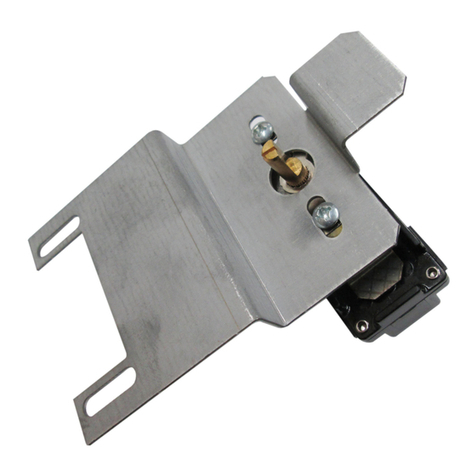
ATTACHING THE THERMOSTAT TO THE MOUNTING PLATE
1 - Make sure that the thermostat’s ventilation
openings are clean and unobstructed.
2 - Align the notch at the top of the thermostat
with the notch on the mounting plate.
3 - Then, place the thermostat on the
mounting plate, taking care not to pinch
the wires between the device and the
mounting plate.
4 - Tighten the screw at the base of the
thermostat to hold it securely in place.
TURNING THE POWER BACK ON
Restore power to the heating system and thermostat. Then,
make sure that the thermostat turns on.
If the thermostat does not turn on, press one of its
buttons. The thermostat should turn on. If it does not, see
"Troubleshooting" on page 19.
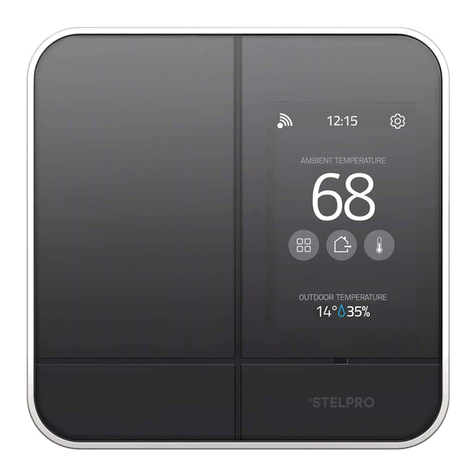
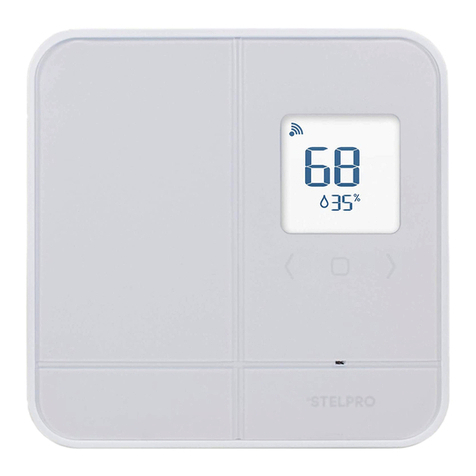
The thermostat will display three (3) preferences that should be configured before use.
See the "SETUP" section on page 16 for more details.
If the temperature is below 0°C (32°F), the home screen will display "LO".
If the temperature exceeds 50°C (122°F), the display will display "HI".
MENU 20
TEMPERATURE FORMAT
MENU 30
HEATING MODE
MENU 31
LOBBY MODE