7
1. Please confirm the power cords are firmly in the sockets if the fridge does not work; A loose socket
will result in the cords and sockets over heating and cause possible damage to the item. Do not force the
power cords into the product as this may cause damage to the power board.
2. Please take the following measures if the cooling effect is not good:
a. Ensure the ventilation surrounding the item is sufficient, 10cm around all sides and above the item.
b. Ensure the door is closed as much as possible and the temperature if recorded is done so from
the center rear of the shelf.
c. Check the switch is in the correct mode and the corresponding light is illuminated.
d. If overworked the unit may need to be powered off to reset, switch off for 1 hour.
e. If the fan is faulty or there is no cooling effect at all. Please contact a professional for repair.
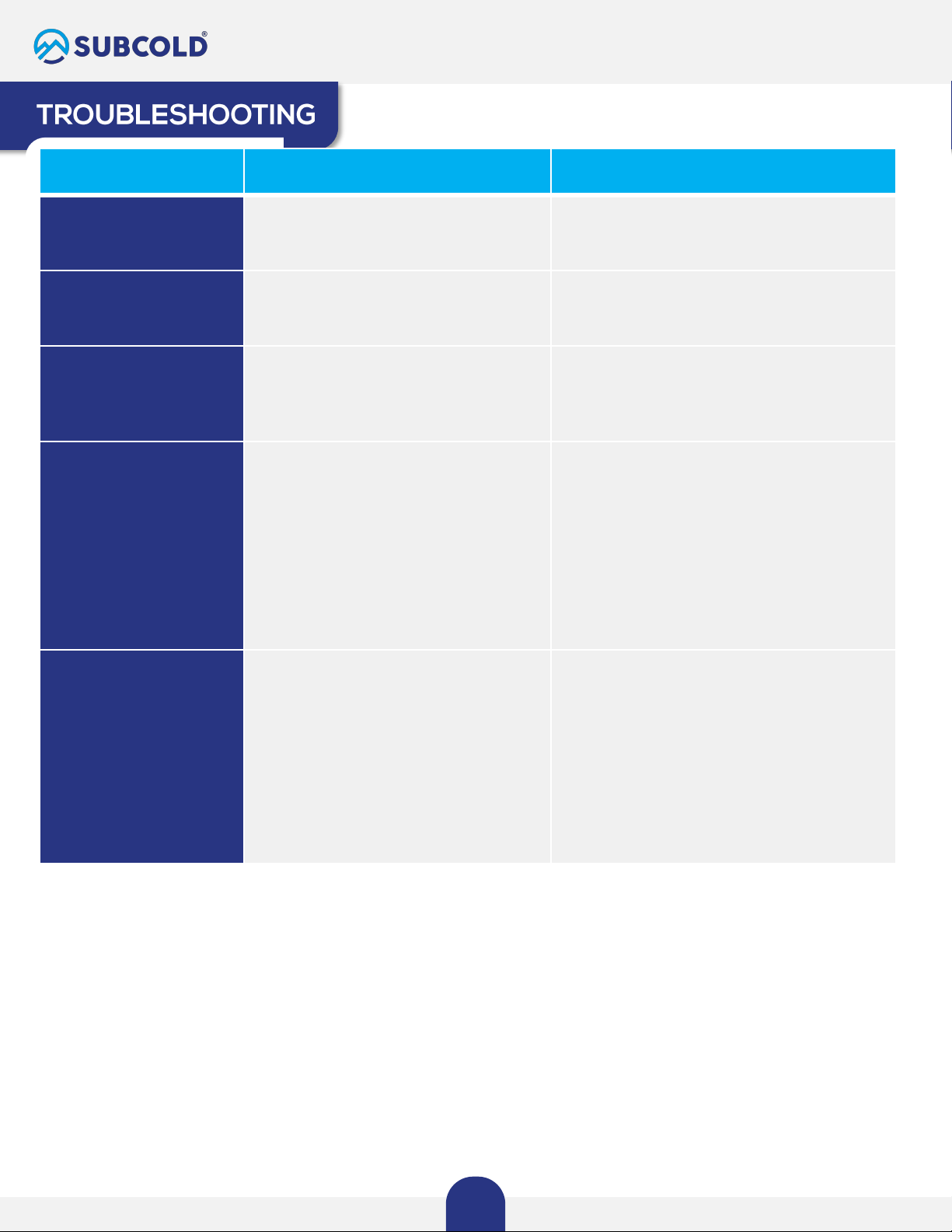
CONCERN POSSIBLE REASON CHECK
Blinking Green Light in the
back of unit
The unit fan is not rotating Contact Customer Support for assistance.
Consult this user manual or go to
subcold.com
Fan making a loud noise
Check for fan obstruction or failure
Check the back to see if there is at least 10cm
clearance around fan and vents. If issue persists,
contact Customer Support.
Unit doesn't cool
contents as advertised.
Most Subcold Units cool contents down
anywhere from 16-20 degrees
Consult your unit's specific cooling information
found in this user manual. If cooling
temperature is significantly less than what is
listed for your unit, contact Customer Support.
•Unit not cooling and
light off in the back
•Unit stopped working
Main power source failure
Check the power outlets first.
If the unit is not turning in your home/office
on AC mode: Try plugging the unit in to a USB
outlet using the included DC USB power cord.
If the unit is not turning on in a USB DC power
outlet / vehicle: Try plugging the unit into a
220-240V AC outlet in your home/office using
the included AC power cord.
If problem persists, contact Customer Support.
•Ice is building inside the
unit, around the center
screws in the back.
•Water collecting at the
bottom of the unit.
•Water drip or leakage.
•Check that the door is clean and free
from obstruction and is closed
securely.
•Water condensation. It is normal for
thermoelectric units, while in cooling
mode, to produce water droplets that
may freeze in the back and then melt.
•Water condensation is normal in a
thermoelectric unit. Check if water
accumulation is due to condensation.
While the unit is off and at room temperature,
take a soft cloth and gently wipe down the
inside of your unit to remove any moisture
that may accumulate. Check the humidity
levels
This is recommended once or twice a week
If issue persists, contact Customer Supports
for assistance
The most common issues experienced by Subcold users are caused by power
issues. The following problems give an overview of possible errors and
instructions on how to check the unit.