PGM EVK User Manual
UM-110007-06
________________________________________________________________________________________________________________________________________________________________
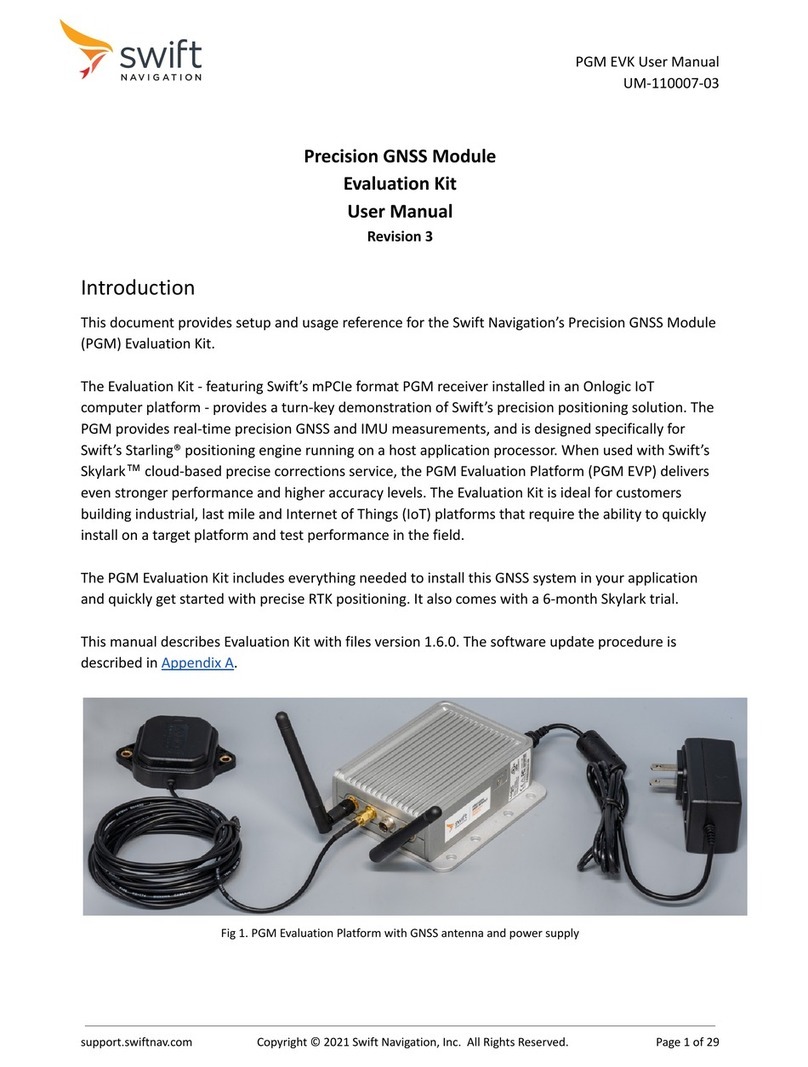
GNSS Antenna
PGM EVP requires an active GPS/Galileo/BeiDou L1/L5 antenna. In the kit, an Amotech L1/L5 antenna is
included for evaluation. The EVP provides 3.3 V antenna bias voltage through the SMA antenna connector
(max. 100 mA). For the best results the chosen antenna LNA gain should be between 15 to 25 dB and with NF
< 2-3 dB.
The provided GNSS antenna should be mounted on a ground plane. A typical car’s roof is a good ground
plane. If the antenna is not mounted on an automobile roof, place a round or square metal plate of 10 to 15
cm (4” to 6”) radius under the antenna.
Initial PGM EVP Setup
This section provides details on how to set up the EVP for basic operation. Beyond this basic setup, there are
features such as using the Skylark correction service and providing vehicle signals. Details of how to obtain
Skylark corrections and vehicle signals are provided in later chapters.
Basic setup of the EVK EVP includes (Figure 5):
1. Connecting antennas and power.
2. Connecting to a computer for viewing EVP operation.
Connecting Antennas & Power
To connect antennas and power to the PGM EVP:
1. Connect the provided GNSS antenna to the central SMA connector and place the antenna in a
position where it has a clear view of the sky.
2. Connect both of the Wi-Fi antennas to the SMA connectors on the EVP.
3. Connect the EVP to power using the provided power supply.
Swift Navigation, Inc. | 201 Mission St., San Francisco, CA 94105, USA | swiftnav.com
© 2022 Swift Navigation, Inc. All Rights Reserved. Page 9 of 42