manuals.online logo
Brands
  1. Home
  2. •
  3. Brands
  4. •
  5. SYR
  6. •
  7. Service Equipment
  8. •
  9. SYR 3200 User manual

SYR 3200 User manual

Popular Service Equipment manuals by other brands

Magneti Marelli ATF EXTRA PRO user manual

Magneti Marelli

Magneti Marelli ATF EXTRA PRO user manual

Hyundai Midtronics GRX-5100 instruction manual

Hyundai

Hyundai Midtronics GRX-5100 instruction manual

Tronair 01-1229-0011 Operation & service manual

Tronair

Tronair 01-1229-0011 Operation & service manual

ULTIMATE SPEED HG02236 Assembly and Safety Advice

ULTIMATE SPEED

ULTIMATE SPEED HG02236 Assembly and Safety Advice

CEMB DWA1000CWAS manual

CEMB

CEMB DWA1000CWAS manual

Invacare TDX SP Assembly, installation and operating instructions

Invacare

Invacare TDX SP Assembly, installation and operating instructions

MAHLE AIR-NEX 9310 quick start guide

MAHLE

MAHLE AIR-NEX 9310 quick start guide

Waeco ASC 6300 G operating manual

Waeco

Waeco ASC 6300 G operating manual

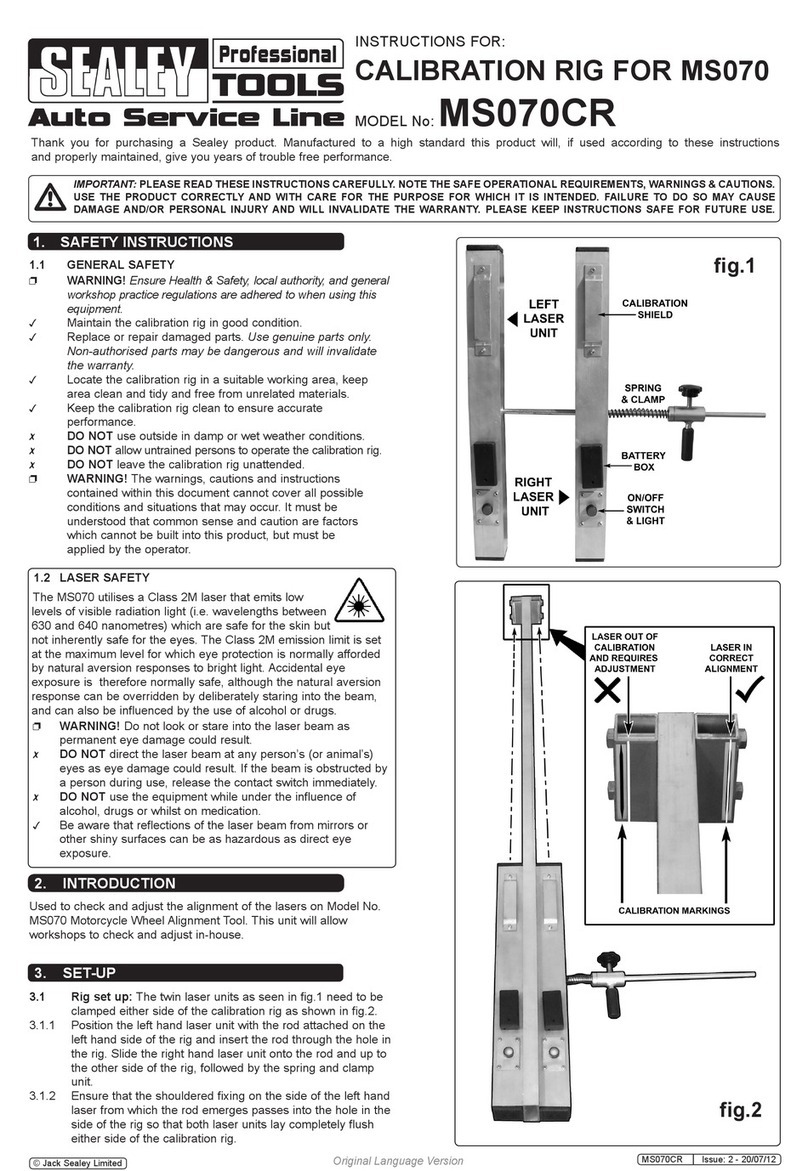
Sealey MS070CR instructions

Sealey

Sealey MS070CR instructions

Reflex Fillcontrol Auto Series operating manual

Reflex

Reflex Fillcontrol Auto Series operating manual

Gree CE42-24/F owner's manual

Gree

Gree CE42-24/F owner's manual

MSW Motor Technics MSW-DA-21 user manual

MSW Motor Technics

MSW Motor Technics MSW-DA-21 user manual

Multipick MHP II instructions

Multipick

Multipick MHP II instructions

Zell AC1800 Operation manual

Zell

Zell AC1800 Operation manual

RFL C37.94 instruction data

RFL

RFL C37.94 instruction data

Kärcher IP 55 operating instructions

Kärcher

Kärcher IP 55 operating instructions

Sealey WS680.V2 quick start guide

Sealey

Sealey WS680.V2 quick start guide

CMO SPRK.ALU instruction manual

CMO

CMO SPRK.ALU instruction manual

manuals.online logo
manuals.online logoBrands
  • About & Mission
  • Contact us
  • Privacy Policy
  • Terms and Conditions

Copyright 2025 Manuals.Online. All Rights Reserved.

Short instruction for use
Field of application
Note: The use of the integrated backow preventer BA in
direction of ow according to EN 1717 is recommended.
Preparation of lling connections
Use a titration test to determine the raw water hardness.
To do this, take raw water from the drain valve on the inlet side of the
tting and measure the hardness of the water.
Determination of the raw water hardness
Note for adjustment: the setting of the blending valve is re-
quired for each lling and has to be adapted to the local
water conditions (raw and mixed water hardness) and to the
type of water treatment (softening or demineralization).
Set the desired mixed water hardness at the mixing valve.
Adjustment of the
desired initial hardness
Note: In the „softening“ process, raw water is added to the
previously completely softened water by blending. This
results in the desired mixed water hardness!
Setting instructions for softening
Note: Depending on the prescribed procedure (see
manufacturer‘s instructions), the lling case can be used
for softening or complete desalination.
Only the appropriate resin may be used for lling!
To provide a correct function of the mobile lling station please
read the following instructions carefully!
Then check the soft water hardness by drawing it from the discharge
valve on the outlet side and, if necessary, readjust the mixing valve.
Deactivate the blending valve by turning the spindle clockwise fully
inwards using a hexagon socket.
Hold the outer ring (with the display arrow) rmly.
Setting instructions for complete desalination
Note: In the „complete demineralization“ process, all salts
are removed from the water. This results in water with very
low conductivity (< 100 µS).
The treated water must only be checked with a conductivity
measuring instrument (no hardness test set).
Order no. Conductivity meter: 3200.15.905
Note: The correct determination of the raw water hardness
is urgently required for the further adjustment of the valve.
Note: If the valve is subsequently used again as a softener,
the spindle must be opened again!
For soft water set in direction „Soft“, for harder water set in direction
„Hard“.
The SYR mobile lling station 3200 is designed as a basis for rellable
cartridges.
It provides either softened or demineralized water or demineralized
water with integrated pHvalue stabilization for heating systems (VDI
Directive 2035 sheet 1) and prevents lime deposits.

Printed in Germany - 9.3200.51 1444
Sample calculations for
lling capacities
Sample calculation HVE:
Sample calculation HWE:
Basic cartridge capacity
Hardness difference (20 °dH - Initial hardness)
14.560
(20 - 8 = 12)
= 1213 Liter
Basic cartridge capacity
Total hardness (20 °dH)
5.000
20
= 250 Liter
Operation of the
Digital capacity control
The digital capacity control includes the following elements:
The display is switched off when the cartridge is delivered.
Press any key to activate the display (the version number is displayed
and the remaining quantity of the cartridge is displayed). Default set-
ting: 1166 litres).
To change the values, press the -key for at least 3 seconds.
Press the - or -key to change the value.
Press the - key to save the change.
Adjust raw water hardness
You will be prompted to enter the raw water hardness:
Determine cartridge / procedure
The desired soft water hardness is then requested.
Attention: This query is not necessary if you are using a HVE or
HVW plus cartridge!
Press the - or - key to change the value.
Press the - key to save the change.
Finally, you must indicate whether the cartridge has been changed or
relled.
Press the - or - key to conrm (Yes) or reject (No) the cartridge
change.
If you have selected „Yes“, press the - key for 3 seconds to conrm
the cartridge change and save the change.
The following conrmation appears:
Adjust soft water hardness
Cartridge change
After all settings have been completed, the display shows the newly
calculated remaining quantity in litres.
Next, you must specify the cartridge used in two steps.
First select the type of water treatment (HWE, HVE, HVE plus) with the
- or - key.
Use the - or - key to select the size of the cartridge.
(4 litres is preset) and save with the - key.
Press the - key to save the change.
Sample calculation HVE plus:
Basic cartridge capacity
Total hardness (20 °dH)
3.500
20
= 175 Liter
Down-Key Up-Key Mode-Key