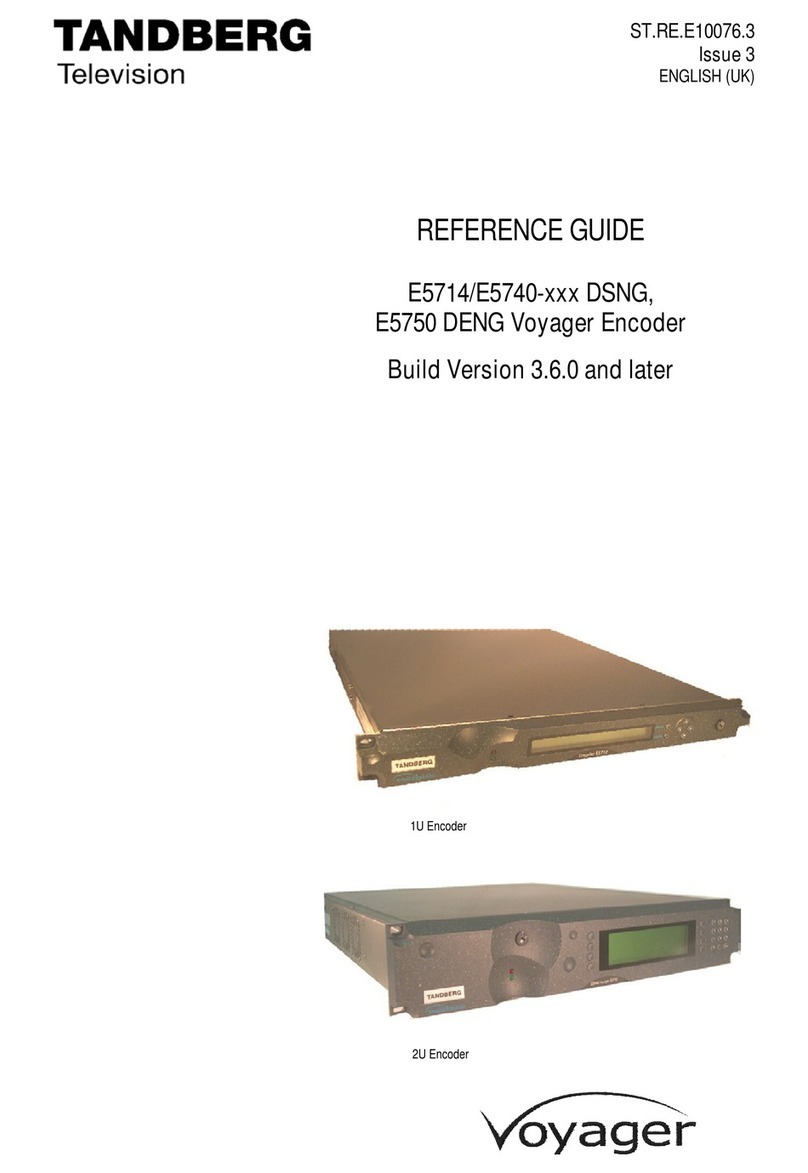
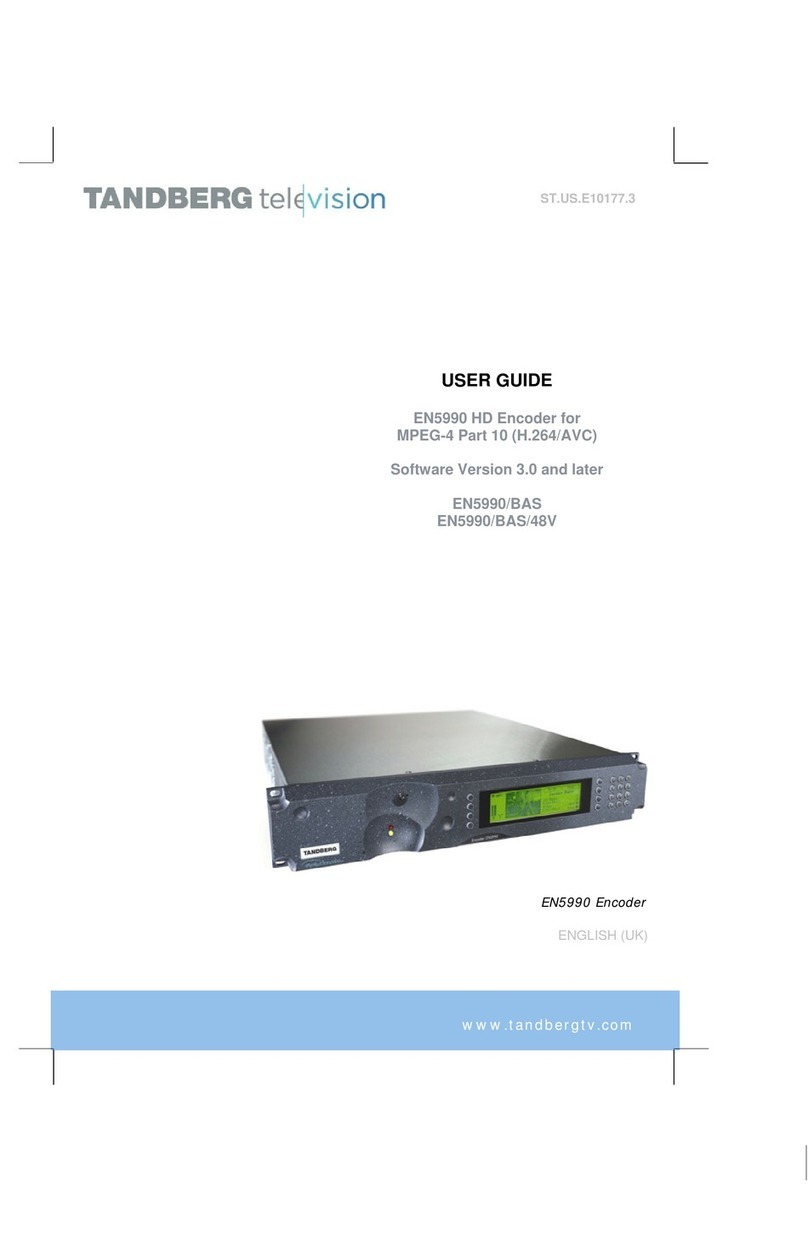
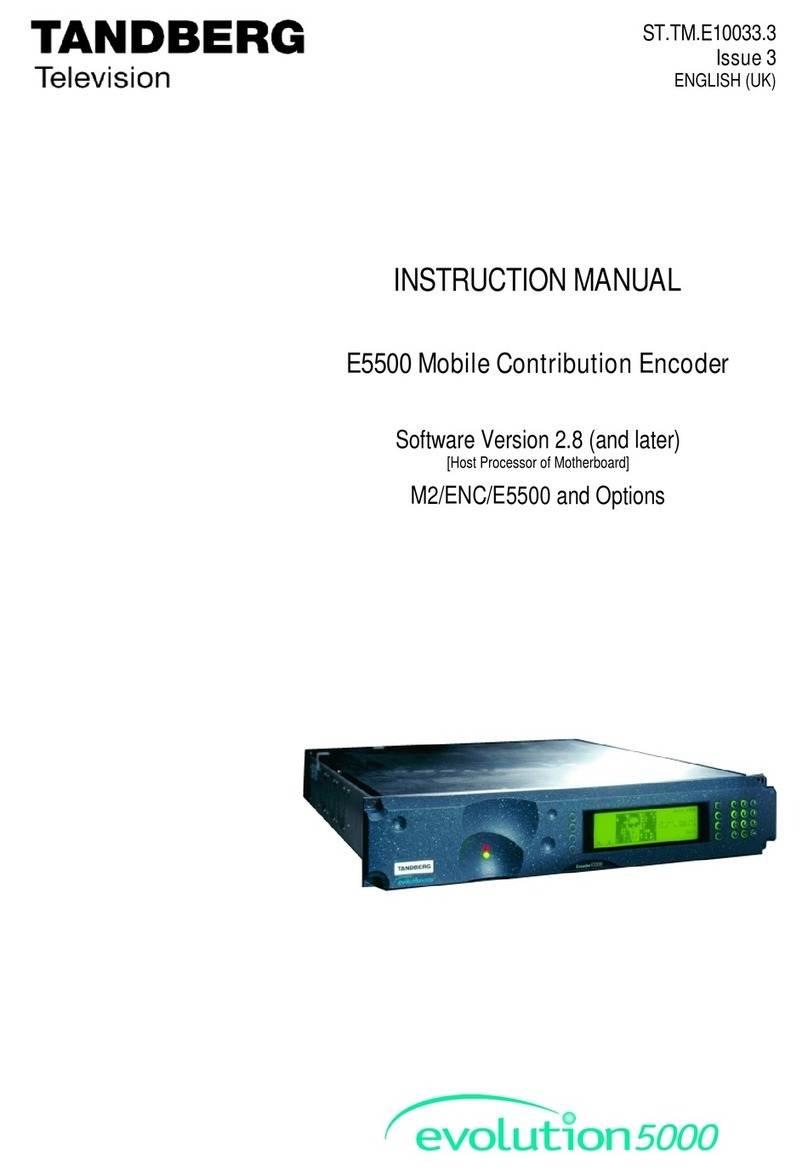
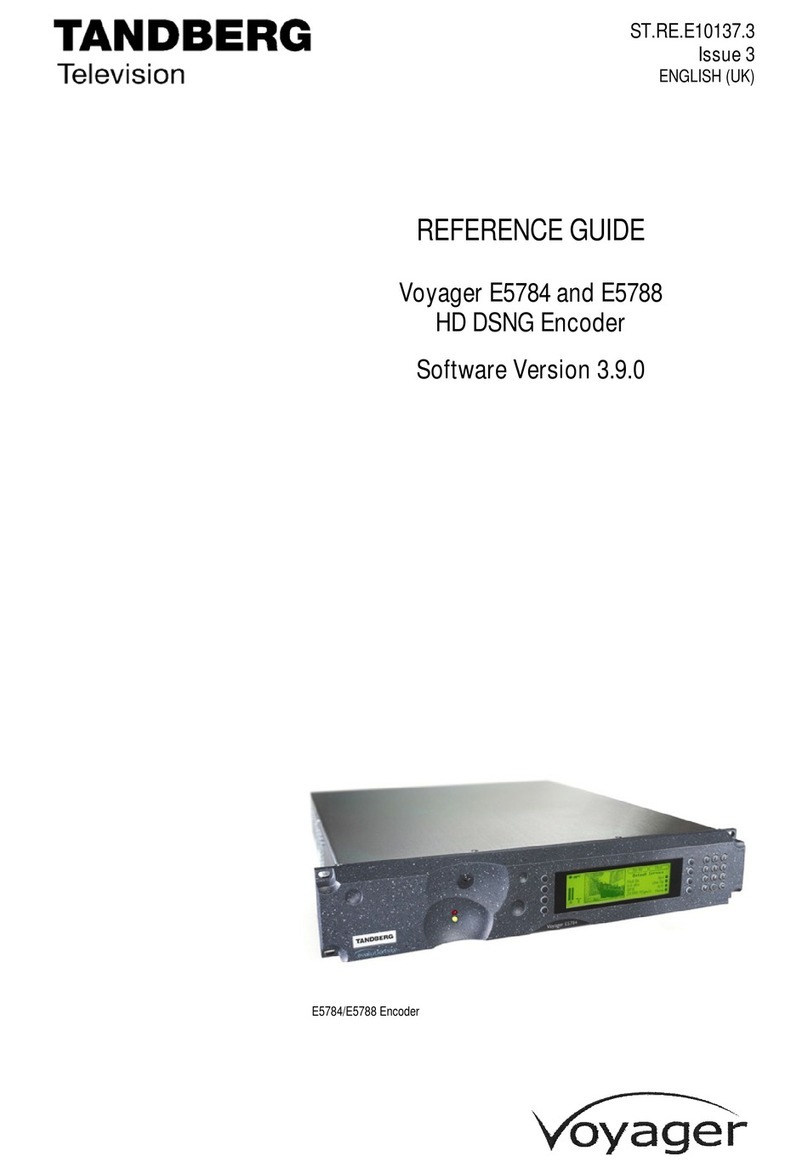
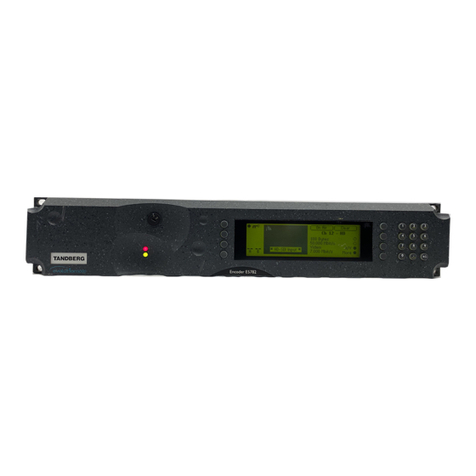
evolution 5000 E5780 and E5782 Encoder
3
Contents
1Who Should Use This User Guide? ..................................................5
1.1 What Equipment is Covered by This User Guide? .................................. 5
1.2 Hardware and Software Options......................................................... 6
2Installing the Equipment................................................................7
2.1 Introduction.................................................................................... 7
2.2 Operating Voltage............................................................................ 8
2.3 Power Cable and Earthing ................................................................. 8
2.4 Power Supply Stand-by Switch........................................................... 9
2.5 Connecting Up the Basic Encoder ....................................................... 9
2.6 Connecting the Encoder to the Power Supply ..................................... 12
3Operating the Equipment From the Front Panel............................13
3.1 Introduction.................................................................................. 13
3.2 Establishing Local Control................................................................ 13
3.3 Navigating the Menus..................................................................... 14
4Typical Operation and Setting of Parameters ...............................16
4.1 Select Syntax................................................................................ 17
4.2 Load Default Configuration/Restore Factory Defaults........................... 17
4.3 Set the Remote Control Options....................................................... 17
4.4 Set the Mux Options....................................................................... 18
4.5 Set the Video Options..................................................................... 18
4.6 Set the VBI Options........................................................................ 19
4.7 Set the Audio Options..................................................................... 21
4.8 Set the Data Options...................................................................... 22
4.9 Set the Output Options................................................................... 22
4.10 Configuring Option Cards ................................................................ 22
4.11 Configuring the Encoder for Minimum Delay....................................... 22
4.12 Configuring the Encoder for Minimum Bit-rate.................................... 23
5Typical Configurations..................................................................24
5.1 Stand-alone ATSC Encoder (SD) ...................................................... 24
5.2 Stand-alone ATSC Encoder (HD) ...................................................... 25
5.3 Contribution Feed (4:2:2) (SD)........................................................ 26
5.4 Contribution Feed (4:2:2) (HD)........................................................ 27