EN5990 Encoder for MPEG-4 Part 10
3
Contents
1Who Should Use This User Guide? ...........................................................................5
1.1 What Equipment is Covered by This User Guide?........................................................5
1.2 Hardware and Software Options....................................................................................5
1.3 Summary of HD MPEG-4 Encoder................................................................................6
2Installing the Equipment .............................................................................................7
2.1 Introduction ....................................................................................................................7
2.2 Operating Voltage..........................................................................................................7
2.3 Power Cable and Earthing.............................................................................................8
2.4 Power Supply Stand-by Switch......................................................................................8
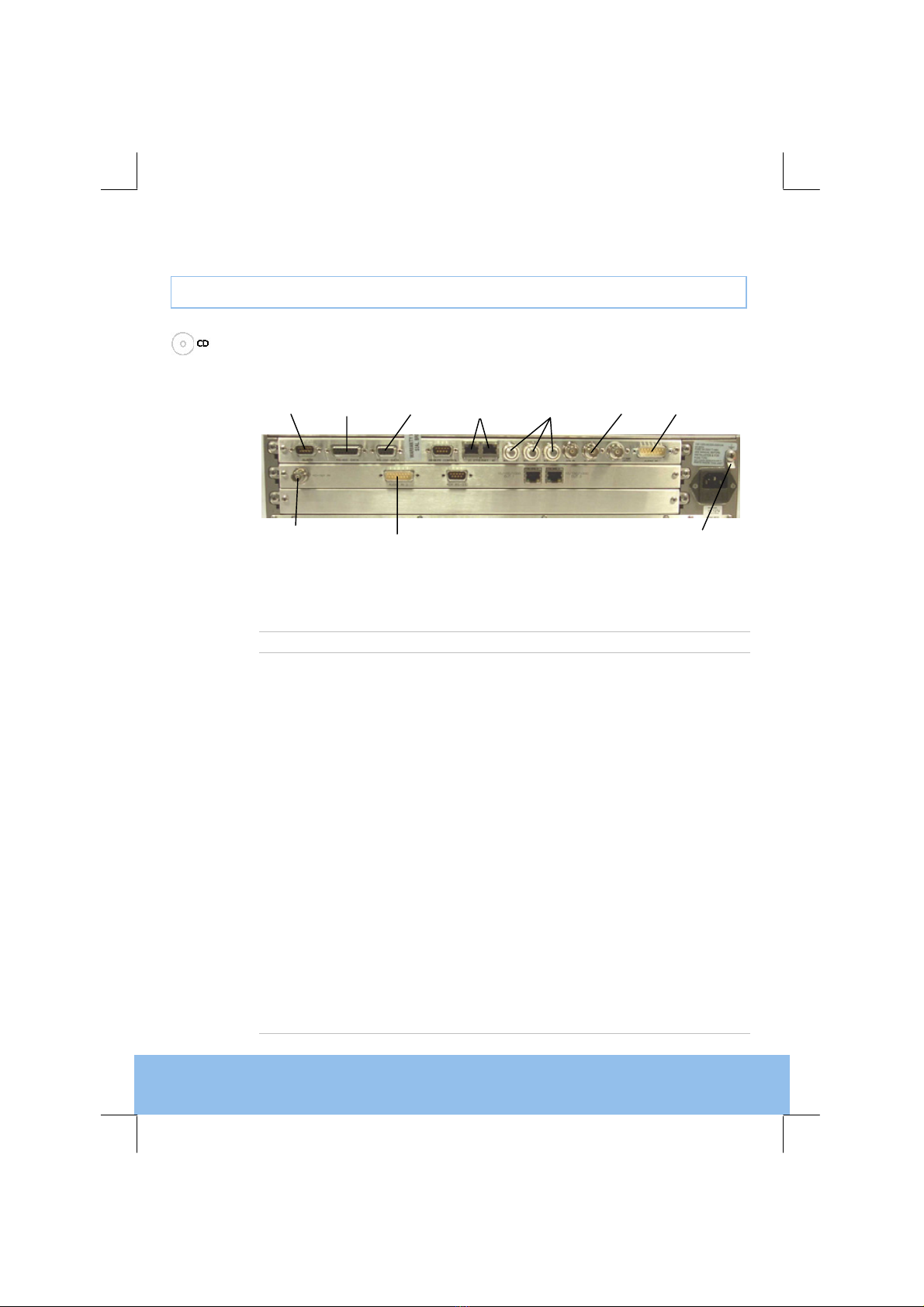
2.5 Connecting Up the Encoder...........................................................................................9
2.6 Connecting the Encoder to the Power Supply.............................................................10
3Operating the Equipment From the Front Panel.....................................................11
3.1 Introduction ..................................................................................................................11
3.2 Establishing Local Control ...........................................................................................11
3.3 Navigating the Menus..................................................................................................11
4Typical Operation and Setting of Parameters.........................................................13
4.1 Set the Remote Control Options..................................................................................14
4.2 Control the Encoder Using a Web Browser.................................................................14
4.3 Select Mux Options......................................................................................................14
4.4 Set the Video Options..................................................................................................14
4.5 Set the Audio Options..................................................................................................15
4.6 Set Service Information................................................................................................15
5Frequently Asked Questions....................................................................................16
5.1 How to Define the Bitrate?...........................................................................................16
5.2 Video Quality Versus Bitrate Versus Channel Switching.............................................16
5.3 Why Does the Transport Stream Analyser Show Fluctuating Bitrate for the Video PID?
17
5.4 How can the End-to-End Latency of the System be Reduced? ..................................17
5.5 How do I Transmit Transport Stream over an IP Network?.........................................18
5.6 Why are There no IDR Pictures in the Video Stream?................................................18
5.7 What Parameter Values Should be Used to Optimise Video Quality?........................19
5.8 Why are the Audio and Video Presentation Time stamps so Different? .....................19
6Equipment Packaging ...............................................................................................21
6.1 Packaging Statement...................................................................................................21