EQUIPMENT SET-UP
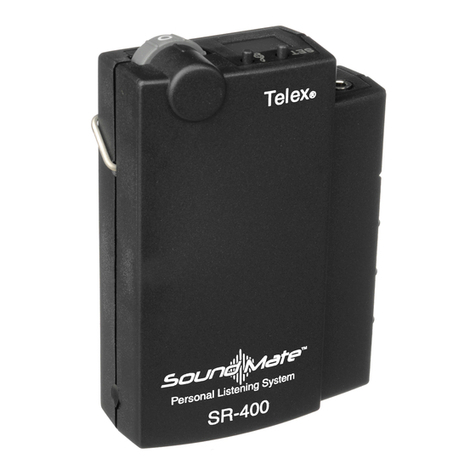
ST-300 Synthesized Transmitter
UNPACKING: Unpack your sound enhancement
system. If there are any damages or shortages, refer
to the "Warranty Service Information."
ST-300 TRANSMITTER LOCATION: Select a
suitable location for the ST-300 Transmitter. Try to
keep a clear, unobstructed path between the trans-
mitter and receiver and allow plenty of free space
around the transmitter antenna.
ANTENNA CONNECTIONS: Connect the tele-
scoping antenna to the rear panel ANTENNA jack.
For best results, the antenna should be vertically
aligned. Tighten the knurled ring to hold the antenna
in place, and extend the antenna to full length.
Figure 6
Antenna Connection
POWER CONNECTION: Plug the AC power
adapter into an electrical outlet. Plug the other end
of the cord into the power input jack on the rear
panel of the ST-300.
Figure 7
Connecting Power
SYSTEM SET UP SESSION
All of the channel and input selection functions are
accessed from the front panel. Press SET button
once to begin a Setup Session. Whenever a function
is flashing, the UP and DOWN buttons can be used
to adjust it. Once set, the next function will start to
flash. To access a specific function, press set until
the function is flashing, the features are accessed in
the following order:
Channel
RF Power
Unbalanced Input Level
Balanced Input Option
Balanced Input Level
CHANNEL SELECTION: Turn the ST-300 on by
touching the POWER button. (The ST-300 is de-
signed to return to "on" if power is disconnected
while the unit is on. This is so the unit can be
switched on and off with a power strip or rack
power).
The LCD display will light up and show the Chan-
nel, Audio Meter, Frequency (and E.D.R. if it has
been enabled). Press the SET button once and Chan-
nel letter will flash. Use the UP and DOWN Arrow
buttons to select the desired channel A-Q. Press
SET when the desired channel is displayed and the
channel is set. The channel letter will stop flashing
and the RF Power indicator will flash.
-8-
Antenna
12-15V
AC/DC
+
-
REAR PANEL
ANTENNA