
Teltek Cayman Workforce User manual

CAYMAN
WORKFORCE
USER MANUAL
2014 Telteck, LLC All rights reserved

CONTENTS
ACKNOWLEDGEMENT........................................................ 1
PRECAUTIONS.................................................................... 3
YOUR CAYMAN WORKFORCE TABLET…………………....3
ICONS EXPLANATION………………………………………...5
PREPARATION…..……………………………………………...6
TABLET ON/OFF/RESET…………………………………………………..…..6
BATTERY CHARGE................................................................................. 6
INSERT A MEMORY CARD..................................................................... 6
REMOVE A MEMORY CARD................................................................... 7
GET TO KNOW THE SCREENS ........................................8
MAIN SCREEN ............................................................................... 8
APPLICATION ICONS .................................................................... 8
CHANGE THE WALLPAPER......................................................... 9
UNLOCK THE SCREEN................................................................. 9
CONFIGURATION AND SET UP .................................................10
SHORTCUT OPERATION................................................11
MULTIMEDIA… ................................................................15
TABLET SETTING AND PERSONAL SETTINGS ……......16
WIRELESS & NETWORKS.................................................9

USB CONNECTION...Errore. Il segnalibro non è definito.
QUESTIONS AND ANSWERS .................................................20
PAIRING YOUR TABLET TO THE OBDII ADAPTER…………23
TORQUE ENGINE SOFTWARE - START ………………………24
TORQUE ENGINE SOFTWARE BASIC CONFIGURATION.…25
CAYMAN WORKFORCE SPECIFICATIONS……………………28
DISCLAIMER
The present manual has been created to help the User while
operating Cayman Workforce. Teltek assumes no responsibility for
errors or inconsistencies in this manual. Teltek reserves the right to
make changes at any time to improve its products.

TELTEK, LLC CAYMAN WORKFORCE USER MANUAL PAGE 1
Acknowledgment
Thank you for purchasing our Cayman Workforce ruggedized tablet.
Cayman Workforce is a professional product, specifically engineered and
built for field use under normal and extreme conditions. We hope you will
enjoy its ease of operations, its communications and performance
capabilities. Cayman Workforce is based on an exceptional technology,
unique engineering and high building standards.
Please read this manual carefully: TELTEK took great pride in writing it:
we specially designed it to guide you through the functions and features of
your tablet.
Precautions
•This tablet is suitable for use in any environment.
•Do not recharge your tablet using any other recharging equipment
except what was delivered to you by TELTEK.
•Do not use other batteries, replace existing batteries or use a source
of power which was not specifically designed for Cayman Workforce.
•Do not disassemble this tablet. All service work must be performed
exclusively by TELTEK personnel of by a TELTEK- Authorized repair
center
•When operating this tablet in the rain or close to water, be sure all tablet
opening are carefully sealed.
•Activation, configuration and installation of additional software should
be preferably done by expert personnel and/or under the Supervision
of TELTEK
•Do not leave or operate your tablet in extremely-high temperature
•When you hear distortion, immediately lower the volume as you may
be damaging the speaker..
•Please re-charge tablet under one or more of the following conditions

TELTEK, LLC CAYMAN WORKFORCE USER MANUAL PAGE 2
1. Battery icon indicates no power.
2. Tablet powers-off automatically or powers-off again soon after
reboot.
3. No response when you press any operation key.
4. The top right corner show the icon “ ".
NOTE: do not connect the tablet pc with any other charger than the
one Cayman Workforce was delivered with. If you need an original
charger, please contact TELTEK for a replacement.
NOTE: TELTEK will take no responsibility for any damage deriving
from not using a different, non-TELTEK approved or supplied
charger
•Do not disconnect your tablet pc while uploading, downloading
software or while formatting your memory,
•Always back up your data: TELTEK takes no responsibility for data
loss, for any reason.
•Refrain to use your tablet where the use of electronic equipment is
prohibited.
•Do not operate your tablet while driving.
•USB port is for data transmission and charging: please use only the
originally-supplied USB cable.

TELTEK, LLC CAYMAN WORKFORCE USER MANUAL PAGE 3
YOUR CAYMAN WORKFORCE TABLET
1.Customized Key A 2. Customized Key B 3. Function Key
4. Return Key 5. Power DC Jack 6. Front Camera
7. Charging Lamp 8. Turn-on Lamp 9. Rear Speaker
10. Memory Card Slot 11. Volume Decrease 12. Volume Increase
13. Power Button 14. Rear Camera 15. Rear Flashlight
16. HDMI Connector 17. USB Connector

TELTEK, LLC CAYMAN WORKFORCE USER MANUAL PAGE 4
ICONS EXPLANATION
ICON
FUNCTION
Return
Go to the Opening Screen
Check the Running Applications
WLAN Connected
Auto-Rotate Screen
Adjust Screen Brightness
Notification
Setting up
Bluetooth Activated
TELTEK, LLC CAYMAN WORKFORCE USER MANUAL PAGE 5
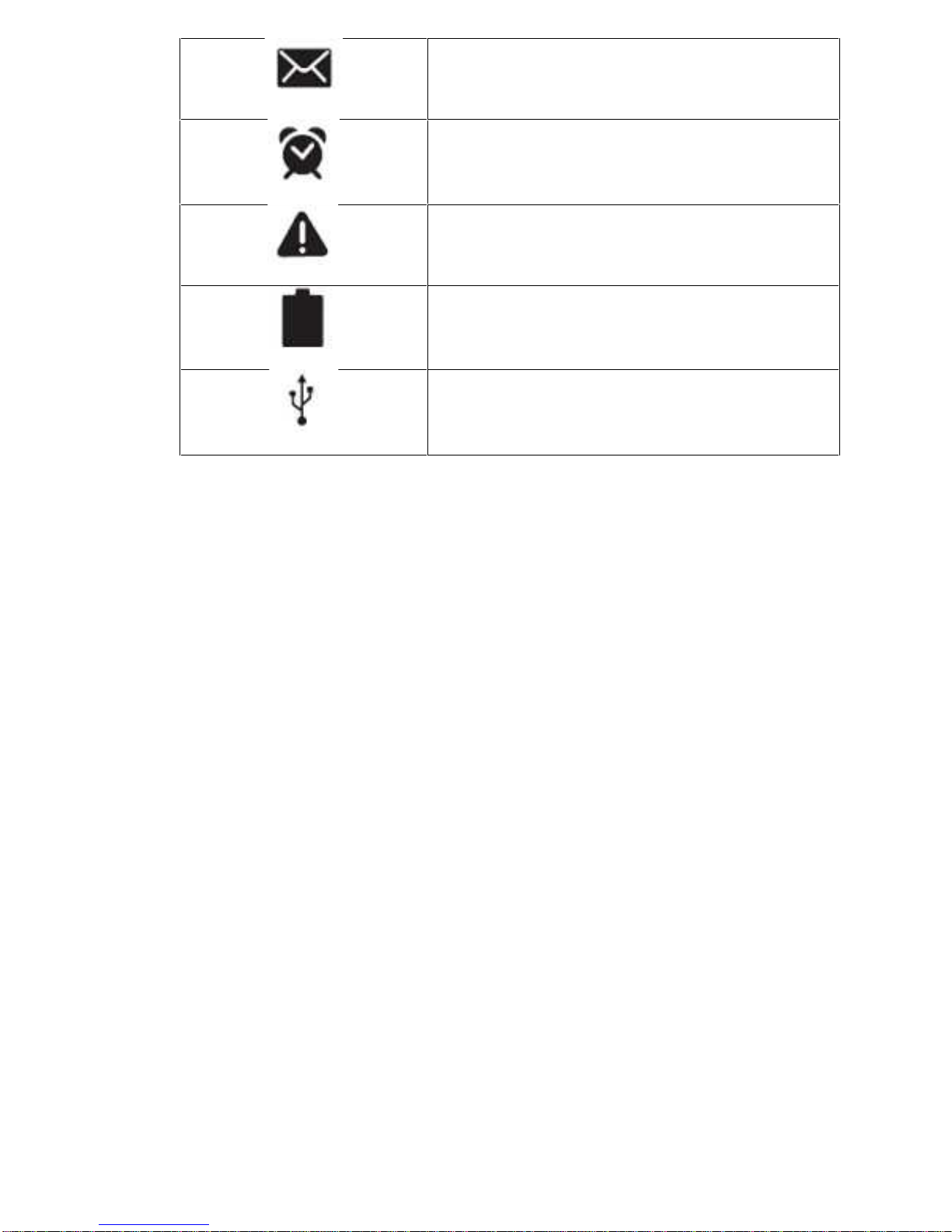
New Text or Multimedia Message
Alarm Activated
Error Occurred or Caution Required
Battery Power Level
Connected to PC

TELTEK, LLC CAYMAN WORKFORCE USER MANUAL PAGE 6
PREPARATION
TABLET ON/OFF/RESET
•POWER ON: Press the “power button” for 3 seconds. The loading
screen will be displayed first, followed by the opening screen.
•POWER OFF: Press the “power button” for 3 seconds. A a power-off
icon will be displayed: select “power off” to turn off your tablet.
RESET: Press the “power button” for 10 seconds This will reset and
restart your tablet. This option should be used only if an application is
malfunctioning o under very special condition.
NOTE: When resetting your Tablet, you may be losing Data.
BATTERY CHARGE
Before using the tablet for the first time, you must charge the tablet
internal battery. Please use only the original adapter.
PLEASE NOTE:
• When your battery is low, the tablet will display a “low-battery”
message and the battery icon will also be “on empty”. If the battery
level becomes too low, the tablet will automatically power off.
Recharge your battery to continue using your tablet.
• If the battery is completely discharged, you cannot turn on the tablet,
even with the adapter connected. Allow a depleted battery to charge
for ten minutes before you try to turn on the tablet .
INSERT A MEMORY CARD
To store additional files, you can insert a memory card. Your tablet accept
Micro SD memory card with maximum capacity of 32GB. Insert a memory
card in memory card slot..

TELTEK, LLC CAYMAN WORKFORCE USER MANUAL PAGE 7
REMOVE A MEMORY CARD
Remove a memory card exclusively under safe removing conditions, as
follows:.
• When in idle mode, select Settings→ Storage →Uninstall SD Card
→OK.
• Remove the memory card.
Do not remove a memory card while the tablet is transferring data or
accessing information, as this could result in loss of data or damage to the
memory card or to the tablet.
Note: Please make sure all the rubber plugs are in place and properly
sealed, before using the tablet in highly humid conditions, under rain
or close to water.
NOTE: when operating the tablet in the rain, be sure to seal all of the
tablet’s openings. If you need to use the tablet as a telephone, USE
ONLY THE SUPPLIED BLUETOOTH EARPHONE and DO NOT USE
THE STANDARD EARPHONE.
Table of contents
Popular Tablet manuals by other brands

Laser
Laser MID-1060 Quick operation guide

MUNBYN
MUNBYN IRT09J Easy setup guide

Motorola
Motorola MC3090R - Win CE 5.0 Professional 520 MHz quick start guide

Dell
Dell Latitude ST Setup and features information

Lenovo
Lenovo IdeaTab S6000L Hardware Maintenance Manual

Venturer
Venturer WT9L11 quick start guide











