After Sales Support TEL: 1300 886 649
9
4. Set the area code
When you have a subscription to the caller ID service it can be necessary
in some countries to enter your area code. When the telephone receives a
caller ID it will remove the entered area code from the incoming number.
You can set up to 5 digits for the area code.
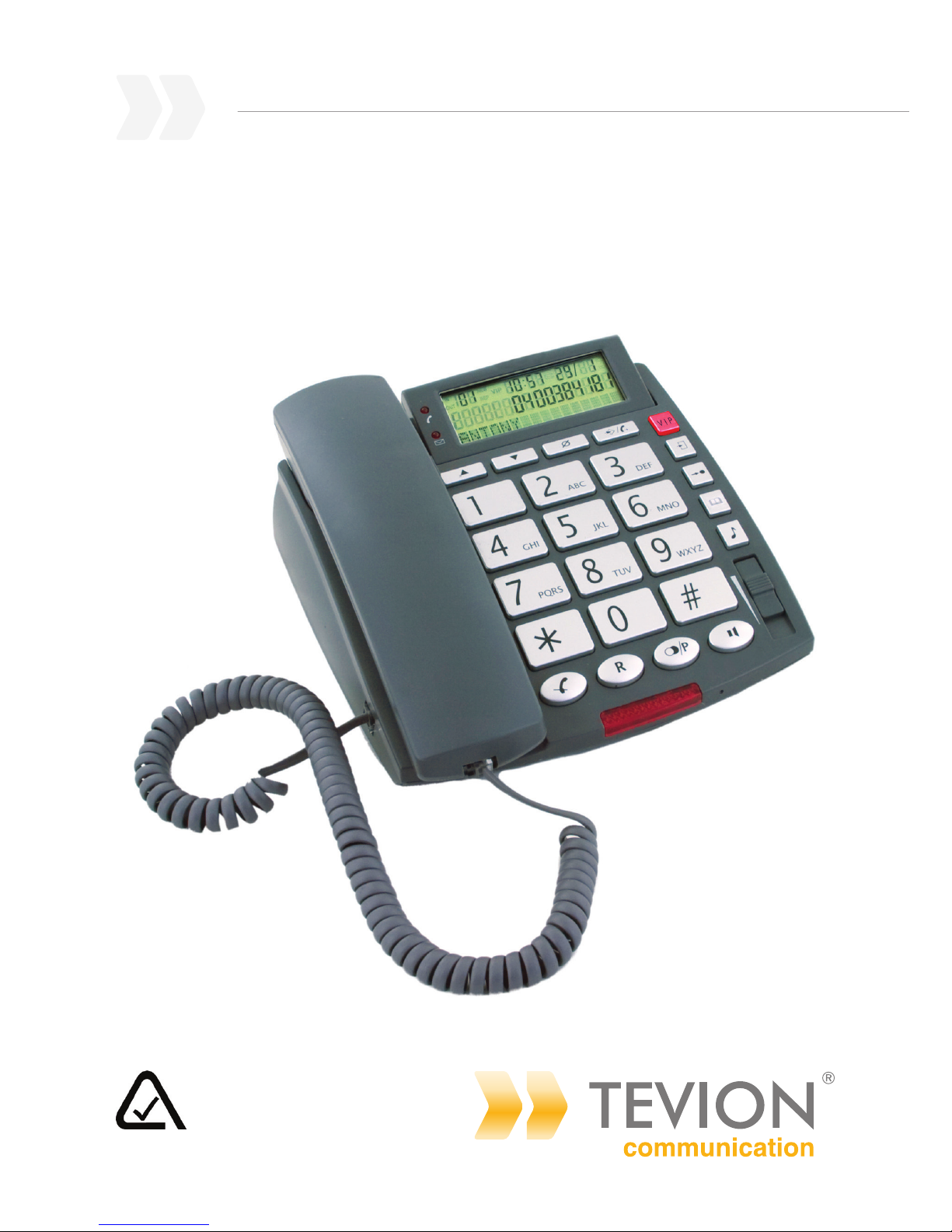
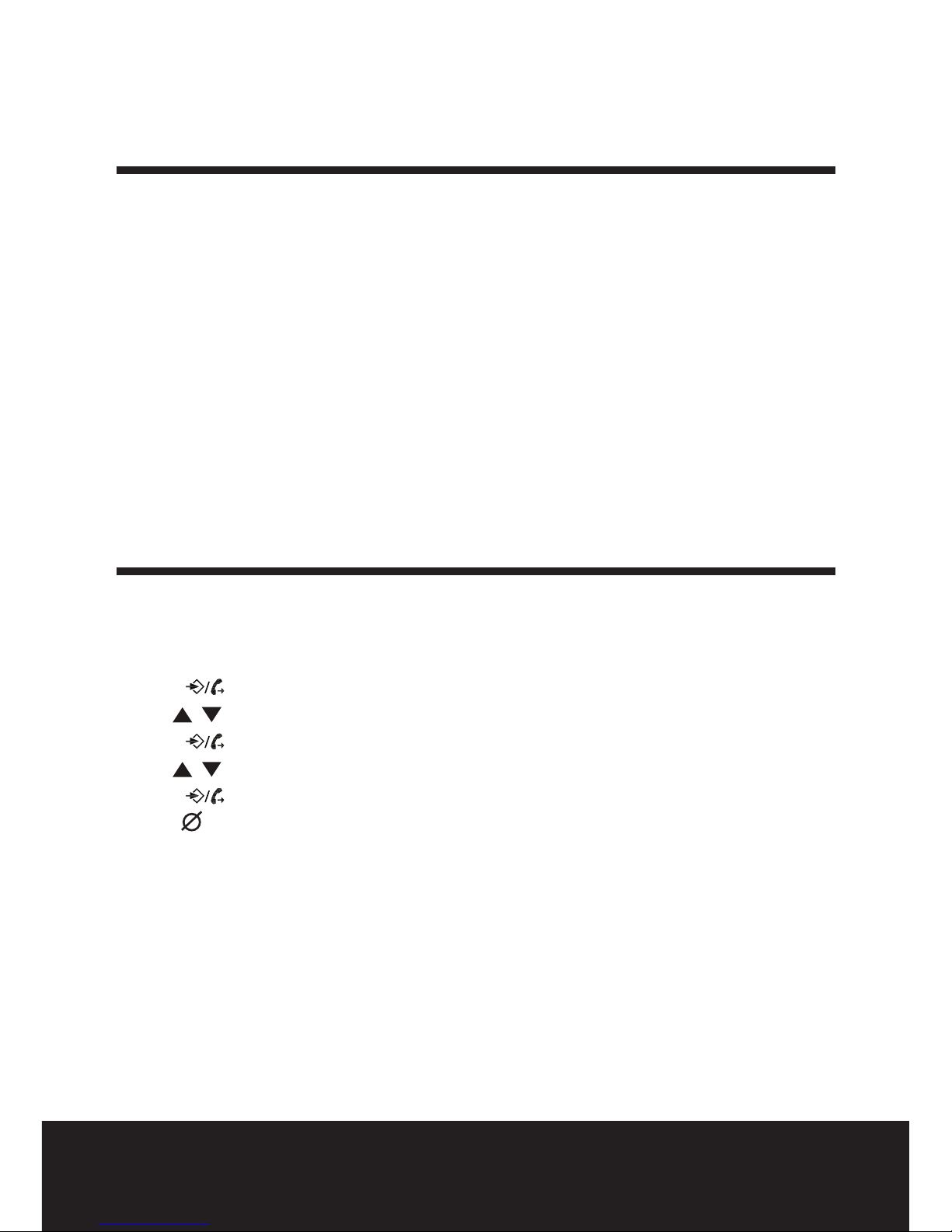
• Press to enter the menu.
• Use to select "SET AREA CODE".
• Press to enter the settings.
• Use to change.
• Press to move to the next digit.
• Repeat this sequence until all digits are set.
• Leave unused digits as "-".
• Press to exit the menu.
5. Long distance code (prex)
When you have subscribed as an alternative operator it sometimes is
required to dial a prex in front of the telephone number. Numbers in the
caller ID list of your telephone can be used together with the prex.
Section "Operation - Incoming Caller ID list" will explain how to add the
prex in front of a number from the caller ID list.
• Press .
• Use to select "LONG DIST ACCESS".
• Press to enter the settings.
• Use to change the digit.
• Press to move to the next digit.
• Repeat this sequence until all digits are set.
• Leave unused digit as "-".
• Press to exit the menu.