Time Electronics User Manual
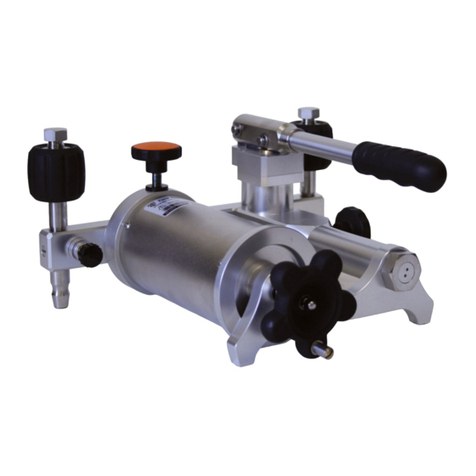
7095 Hydraulic Calibration Pump v1.2
7095 Hydraulic Calibration Pump Page 7 of 9
Operation
1. Remove the reservoir fill cap, and fill with an approved fluid to the required level
(130 millilitres maximum). Refit the cap.
2. Connect the Minimess hose to the Minimess adaptor on the output port and connect to
the instrument under test.
3. Connect the calibrator with a suitable adaptor to the 7095 via the top gauge port.
4. Set the vernier control to about half its travel and fully screw in the release control valve,
no need to over tighten.
5. To prime the system, twist the knurled knob marked “Release” .Squeeze the handles
together and release. Twist the knob once again. Repeat until the system is fully primed
and a low pressure is indicated on either the UUT or on the calibrator. This feature can
be engaged at any pressure.
6. Be sure not to exceed the 700bar (10,000psi) maximum operating pressure
indicated on the pump. There is no pressure relief valve. Squeeze pump handles
raising the pressure to about 50% of final required pressure. Screw in the vernier control
to increase pressure to final set point, or screw out the vernier to decrease pressure to
desired set point.
7. If the fluid level in the reservoir falls considerably during use, a partial vacuum may be
created which could affect pump performance. To avoid this simply allow air to enter the
reservoir by partly unscrewing the filler cap. If the system demands more fluid, remove
cap and add more, do not over fill, the total amount in the system should not exceed the
capacity of the reservoir.
8. For fast controlled decompression, unscrew the release control valve.