Placement and ventilation
Allow 1” distance on all sides when positioning the AVR for proper ventilation, and allow 6” behind
the AVR for adequate wiring space. Do not place heat-generating devices directly below the AVR.
Connecting components and using the AVR
Using the AVR is as simple as plugging in audio and video components to the outlets on the rear
panel. The order and position in which you connect your components will not affect the performance
of the AVR or your components. Connect the AVR to the wall outlet, and switch it on. Turn on the
components individually.
While the AVR has built-in software that can be accessed via the Ethernet connection, there is no
need for you to use this software. The AVR system provides all the standard features, performance,
and benefits out of the box by simply plugging it in as described in this section. You can use the AVR
software to monitor the voltage conditions via your computer, and for such additional features as
being able to turn your system on/off remotely and change the duration of display
Torus AVR – Description
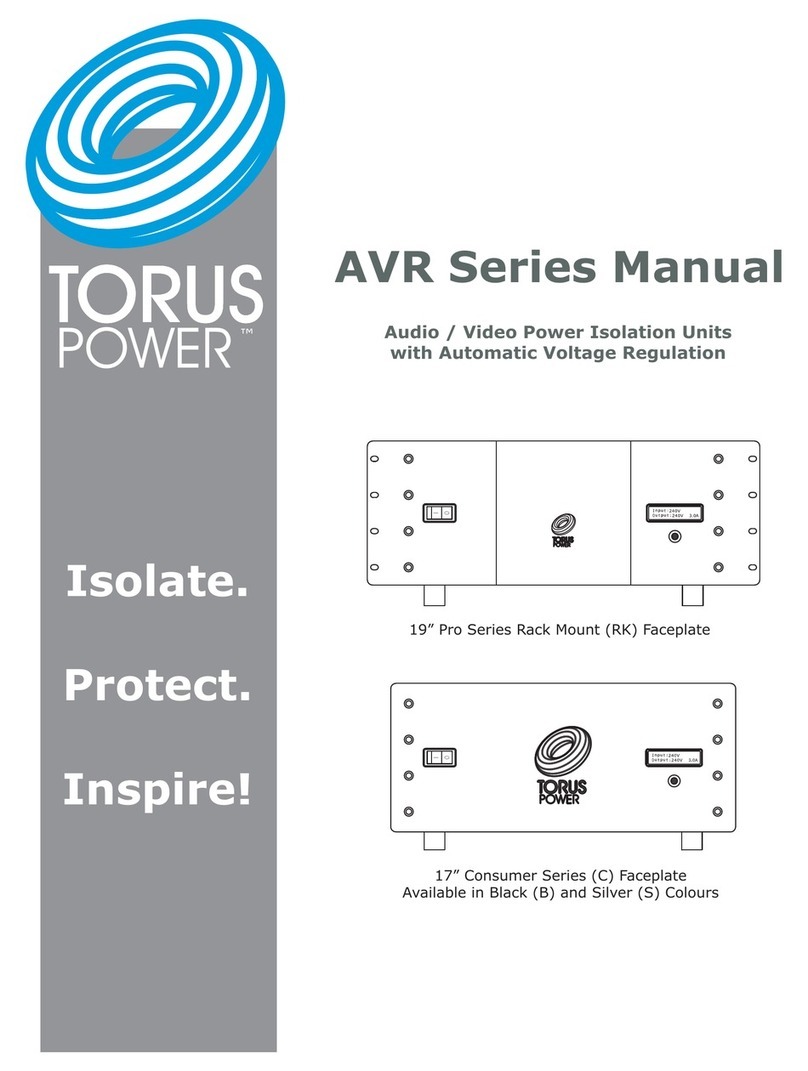
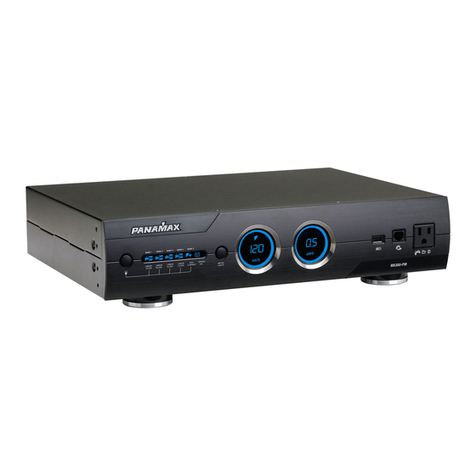
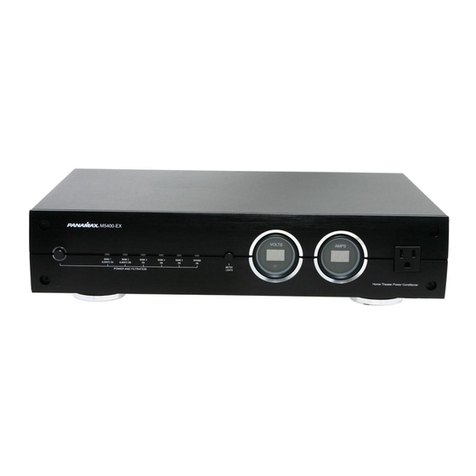
Torus Power AVR (Automatic Voltage Regulation) is a full-feature state-of-the-art power conditioner,
isolating and protecting your system. Like all Torus Power products, the AVR series provides true
isolation (using massive toroidal transformers) and protects all connected equipment from the risk of
severe power line surges using series-mode surge suppression. In addition, Torus AVR provides
stable voltage to keep equipment running in the optimal range of 115VAC to 125VAC for any input
voltage from 90V to 130VAC. (International units operate within nominal input voltage such as
220V, 230V, 240V; Torus AVR keeps them operating within a range of +/- 10V. )
Torus Power AVR series uses a micro-processor to monitor and control the power provided to
connected components. The front panel display on the Torus Power AVR indicates input and output
voltages, and displays output current, as well as displaying fault conditions.
The Torus Power AVR is pre-programmed to power down the system when a high or low fault
conditions occurs (user can over-ride).
There are multiple interfaces built into the Torus Power AVR:
1) Ethernet interface with built-in web browser allows any computer to view voltage and current
readingsandturntheAVRunitonoroff.
2) RS-232 is provided for connection to media control systems.
3) Two 12V triggers are provided.
Does your system need automatic voltage regulation?
Under ideal conditions, when the supplied power line is stable and dependable, you may not need
voltage regulation. In such an ideal situation, your equipment can operate within the normal
tolerance of the line voltage.
In reality, the power supplied to most areas is less than ideal due to 0utdated power grids. In most
areas, the power regularly drops or rises above the acceptable range (in North America +/– 5V,
Europe/Asia/Australia +/- 10V) . These voltage sags, brownouts, and surges can stress components
and shorten equipment life. In the worst case, catastrophic events can destroy valuable equipment.
In such real-world conditions, Torus Power AVR can protect your equipment, and improve the quality
and enjoyment of your audio and video experience.