2
GETTING STARTED ..................................................................49
HOW TO ADD A CAMERA ........................................................51
HOW TO CHANGE CAMERA .....................................................57
CONNECT/DISCONNECT THE IMAGE........................................58
HOW TO DELETE A CAMERA ...................................................61
EXTRA INFORMATION..............................................................62
HOW TO ADJUST THE PROPERTY SETTING ..............................63
ADJUST THE RECORDING SETTING..........................................69
APPENDIX ..............................................................................70
AFREQUENTLY ASKED QUESTIONS........................................70
B PING YOUR IP ADDRESS.....................................................73
CTROUBLE SHOOTING ............................................................74
DTIME ZONE TABLE ...............................................................78
EXPLUG CONTROL INSTALLATION.........................................80
FADJUST INTERNET CAMERA FOCUS .....................................84
GSPECIFICATION.....................................................................85
HGLOSSARY OF TERMS ..........................................................87
F...............................................................................................90
G..............................................................................................90
3
ABOUT THIS GUIDE
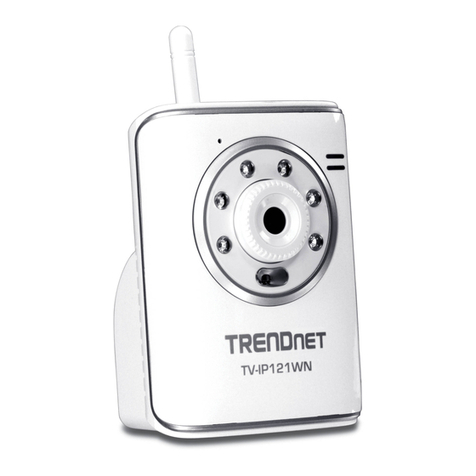
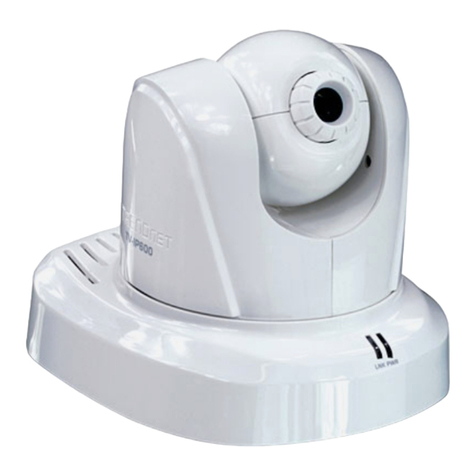
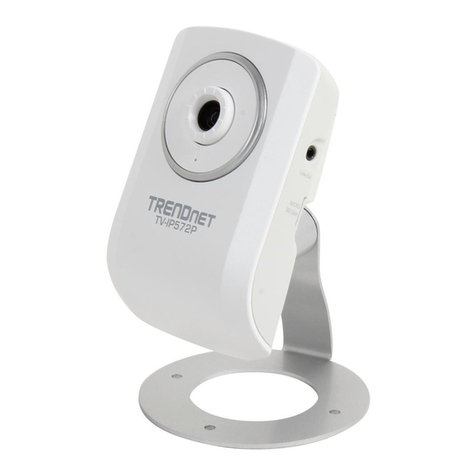
This manual provides instructions and illustrations on how to use
your SOHO Internet Camera, includes:
zChapter 1, Introduction, provides the general information
on the camera.
zChapter 2, Hardware Installation, describes the hardware
installation procedure for the camera.
zChapter 3, Security, explains the security feature of the
camera.
zChapter 4, Application of the Camera, provides the
illustrations of the camera’s applications.
zChapter 5, Using the Camera, guides you through the
configuration using the web browser.
zChapter 6, IPView SE, helps you to install and use the
software.
zChapter 7, Appendix.
Please note that the illustrations or setting values in this manual
are FOR YOUR REFERENCE ONLY. The actual settings and
values depend on your system and network. If you are not sure
about the respective information, please ask your network
administrator or MIS staff for help.