þ þ
button, the unit begins to run.
COOLING OPERATION
" 1
$ 2
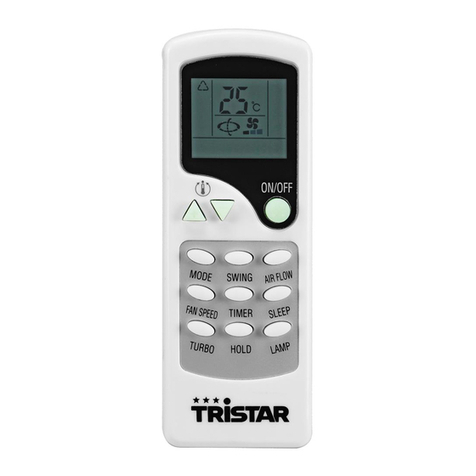
button to choose the cooling mode, LCD window will show cool.
4 5
& 2
button to set a proper room TEMP at 17
& "
(or 63
, ,
).
'
button to choose a proper fan speed, high, middle, low speed.
(
button to adjust the air delivery direction. The LCD window will show
Note:
7
# 5
#4
DEHUMIDIFYING OPERATION
"
U
$ 1
& 2
button, select the heat mode, The LCD window will shows DRY,
-
' 8 5
HEATING OPERATION
" 2
button, select the
0 4
HEAT.
$
button to set proper room temperation at 17
& "
(or 63
, ,
).
&
button to choose the fan speed: high
'
button to adjust the air delivery direction. The LCD window will show
USE OF CONTROL PANEL
TIME SET FUNCTION
! #
button, the LCD window will
#ON , press the TIME button, set the time to start as you like. The setting range is 1
" $
button, the LCD window will show #
. 6 6
, press the TIME button set the time to stop the machine as you like. The setting range is 1
" $
AUTO SWING FUNCTION
"
button, LCD window will show , and then begin to swing automatically.
$
button, the symbol in the LCD window will disappear, the swing stops.
Attention:
and buttons together for more than two
0 4
,
will disappear.
WATER DRAINAGE METHODS
8 1 2 4 2 3 1
8 8