manuals.online logo
Brands
  1. Home
  2. •
  3. Brands
  4. •
  5. TURBRO
  6. •
  7. Indoor Fireplace
  8. •
  9. TURBRO ETERNAL FLAME EF30-PB SMART Instruction Manual

TURBRO ETERNAL FLAME EF30-PB SMART Instruction Manual

Other manuals for ETERNAL FLAME EF30-PB SMART

1

This manual suits for next models

2

Other TURBRO Indoor Fireplace manuals
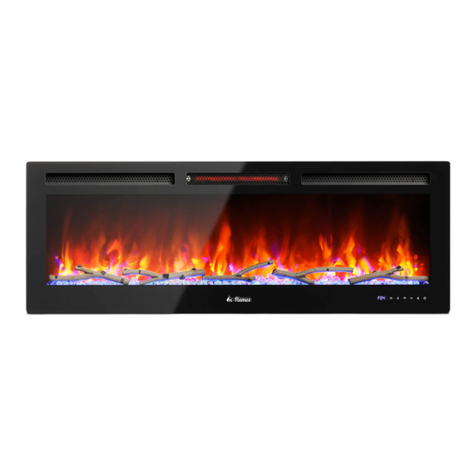
TURBRO In-Flames INF50W-3D User manual

TURBRO

TURBRO In-Flames INF50W-3D User manual

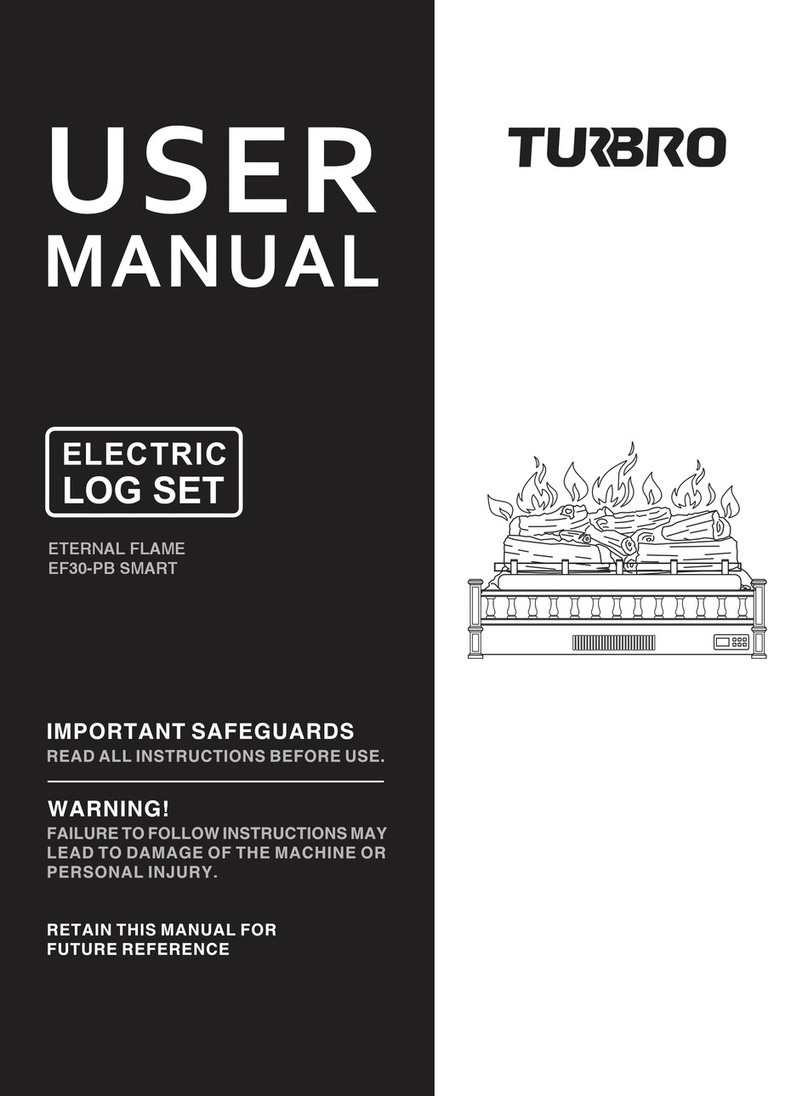
TURBRO ETERNAL FLAME EF30-PB SMART User manual

TURBRO

TURBRO ETERNAL FLAME EF30-PB SMART User manual

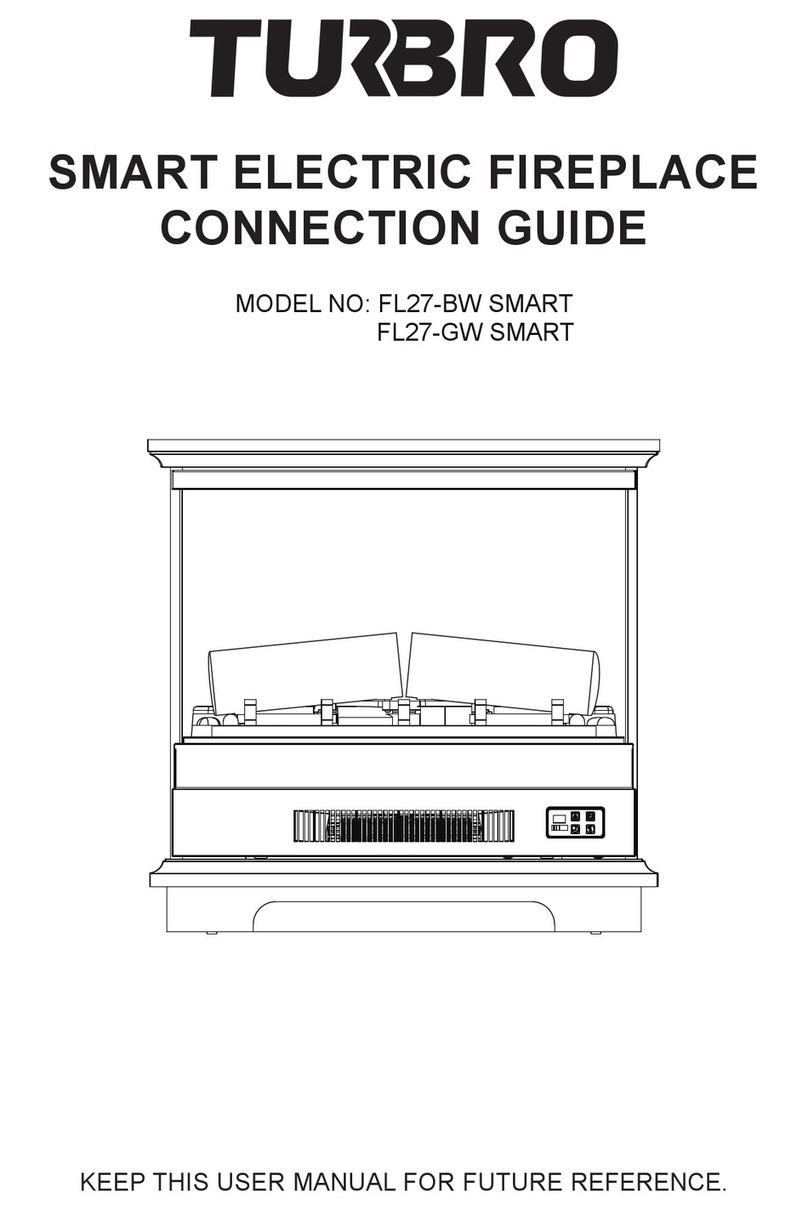
TURBRO FL27-BW SMART Instruction Manual

TURBRO

TURBRO FL27-BW SMART Instruction Manual

TURBRO In Flames INF23 User manual

TURBRO

TURBRO In Flames INF23 User manual

Popular Indoor Fireplace manuals by other brands
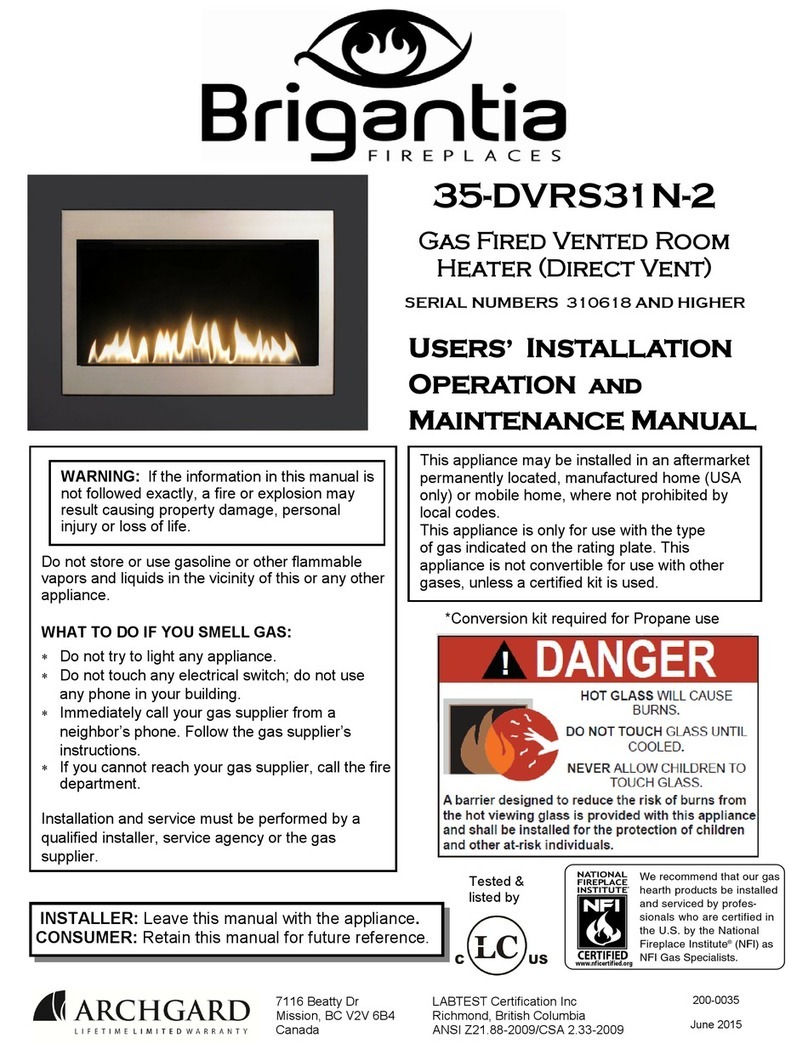
Napoleon NEFL42CHD-1 manual

Napoleon

Napoleon NEFL42CHD-1 manual

Masport WOOD FIRE installation guide

Masport

Masport WOOD FIRE installation guide

JAYLINE SS280 Installation & operation instructions

JAYLINE

JAYLINE SS280 Installation & operation instructions

Heat-N-Glo SL-32S Installation

Heat-N-Glo

Heat-N-Glo SL-32S Installation

kozy heat Bellingham 52 quick start guide

kozy heat

kozy heat Bellingham 52 quick start guide

Paragon Fires ROOM SEALED INSET LIVE FUEL EFFECT GAS FIRE owner's manual

Paragon Fires

Paragon Fires ROOM SEALED INSET LIVE FUEL EFFECT GAS FIRE owner's manual

Monessen Hearth LCUF32CR-B Installation & owner's manual

Monessen Hearth

Monessen Hearth LCUF32CR-B Installation & owner's manual

PuraFlame Galena owner's manual

PuraFlame

PuraFlame Galena owner's manual

Dimplex Toluca Deluxe instruction manual

Dimplex

Dimplex Toluca Deluxe instruction manual

SEI TENNYSON FA8544AO Assembly instructions

SEI

SEI TENNYSON FA8544AO Assembly instructions

Dru G25 installation manual

Dru

Dru G25 installation manual

Capital fireplaces Designline DL700 Installation and user instructions

Capital fireplaces

Capital fireplaces Designline DL700 Installation and user instructions

IronStrike VINTAGE VINT-DVS-U Installation and operation

IronStrike

IronStrike VINTAGE VINT-DVS-U Installation and operation

ACR Heat HERITAGE N25 Installation and operating instruction manual

ACR Heat

ACR Heat HERITAGE N25 Installation and operating instruction manual

European Home HVF-42 Installation, operation and owner's manual

European Home

European Home HVF-42 Installation, operation and owner's manual

Quadra-Fire MTVERNINSAE-MBK Owner's manual operation & care

Quadra-Fire

Quadra-Fire MTVERNINSAE-MBK Owner's manual operation & care

Harman Home Heating Accentra Insert Installation & operating manual

Harman Home Heating

Harman Home Heating Accentra Insert Installation & operating manual

Trimline Fires Zircon 1024 installation instructions

Trimline Fires

Trimline Fires Zircon 1024 installation instructions

manuals.online logo
manuals.online logoBrands
  • About & Mission
  • Contact us
  • Privacy Policy
  • Terms and Conditions

Copyright 2025 Manuals.Online. All Rights Reserved.

KEEP THIS USER MANUAL FOR FUTURE REFERENCE.
SMART ELECTRIC LOG SET
CONNECTION GUIDE
MODEL NO: EF26-PB SMART
EF26-LG SMART
EF30-PB SMART
Connect to AIR.ai App
Use the AIR.ai App to control your electric log set from your iPhone or Android
device even when you are away from the home.
System Requirements
• Supported wireless routers must have an available 2.4 GHz operating frequency
• Standard: 802.11b/g/n bands
• Supported smartphone systems: Android 6.0 or later
iOS 11.0 or later
Operation Guide
Please scan this QR code to watch the step-by-step guiding video.
A. Scan the QR code below or search ‘AIR.ai’ on App Store or Google Play and
download it.
01
AIR.ai
B. Launch the AIR.ai App and log in to your account (sign up for your first use).
C. Turn on the Bluetooth of your phone and connect your phone to your Wi-Fi.
D. Make sure the log set is plugged in and is in standby mode (not powered on).
Press the power button for 6 seconds to enter the Wi-Fi pairing mode. The screen
will keep flashing ‘SL’.
02
E. Back to the AIR.ai App. Press the ‘+’ button in the top right corner. The App will
search for the log set automatically. Press the ‘Go to add’ button to add your
device.
F. Choose your Wi-Fi (the one your phone is connected to) and enter the password.
Press the ‘Next’ button to continue.
03
G. The AIR.ai App starts connecting to your device. It may take some time, please
wait patiently.
H. Once you have set up the connection, you will find your log set in the device list.
You can rename your device and get started now.
Note:
The fireplace WiFi cannot connect 2 mobile devices at the same time, but it can be
shared via the App with others after connecting one device.
To change the control mobile device, please delete it on the App in the previous
mobile device to set it back to default setting mode, then repeat above connect
steps on the new mobile device.
04