manuals.online logo
Brands
  1. Home
  2. •
  3. Brands
  4. •
  5. TYAN
  6. •
  7. Motherboard
  8. •
  9. TYAN 1.00 User manual

TYAN 1.00 User manual

Other manuals for 1.00

2

This manual suits for next models

1

Other TYAN Motherboard manuals

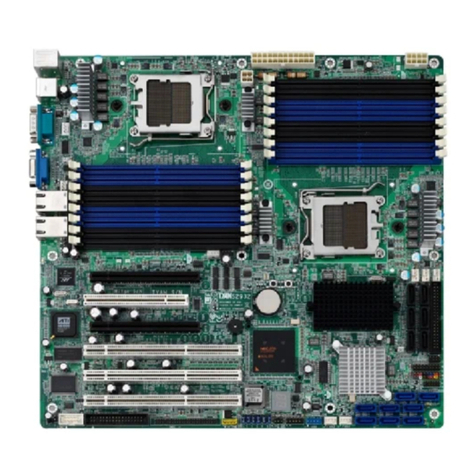
TYAN S1570 AT User manual

TYAN

TYAN S1570 AT User manual

TYAN S7056 User manual

TYAN

TYAN S7056 User manual

TYAN Tiger K8WE User manual

TYAN

TYAN Tiger K8WE User manual

TYAN Thunder i7501 S2720-533 User manual

TYAN

TYAN Thunder i7501 S2720-533 User manual

TYAN TEMPEST I5000PX User manual

TYAN

TYAN TEMPEST I5000PX User manual

TYAN S1846 Tsunami ATX User manual

TYAN

TYAN S1846 Tsunami ATX User manual

TYAN S1846 Tsunami ATX User manual

TYAN

TYAN S1846 Tsunami ATX User manual

TYAN THUNDER I7505 User manual

TYAN

TYAN THUNDER I7505 User manual

TYAN S7052 User manual

TYAN

TYAN S7052 User manual

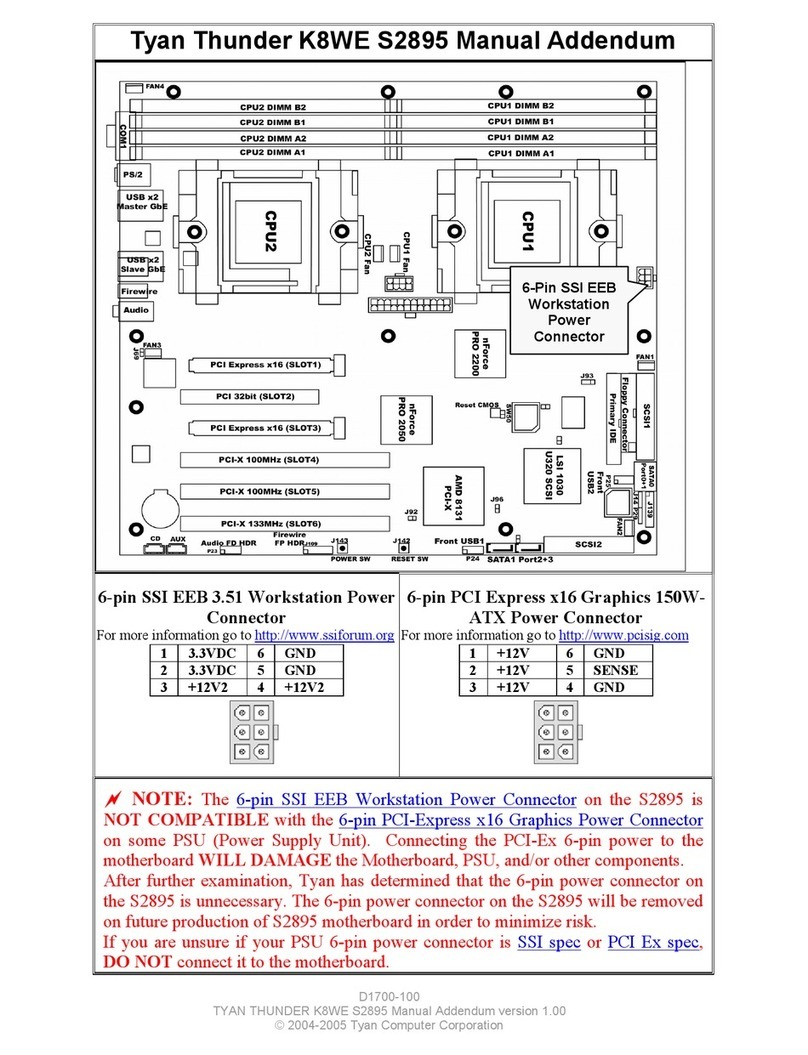
TYAN Thunder K8WE S2895 Installation and operating instructions

TYAN

TYAN Thunder K8WE S2895 Installation and operating instructions

TYAN Tiger K8W S2875 User manual

TYAN

TYAN Tiger K8W S2875 User manual

TYAN S7082 User manual

TYAN

TYAN S7082 User manual

TYAN THUNDER HESL-T User manual

TYAN

TYAN THUNDER HESL-T User manual

TYAN S2505T Installation and operating instructions

TYAN

TYAN S2505T Installation and operating instructions

TYAN S2054 User manual

TYAN

TYAN S2054 User manual

TYAN Thunder n6550EX User manual

TYAN

TYAN Thunder n6550EX User manual

TYAN S5532 User manual

TYAN

TYAN S5532 User manual

TYAN TIGER 100 User manual

TYAN

TYAN TIGER 100 User manual

TYAN THUNDER K8QE User manual

TYAN

TYAN THUNDER K8QE User manual

TYAN S7120 User manual

TYAN

TYAN S7120 User manual

TYAN S8812 User manual

TYAN

TYAN S8812 User manual

TYAN Tomcat i925X S5130 User manual

TYAN

TYAN Tomcat i925X S5130 User manual

TYAN S8228 Operation and maintenance manual

TYAN

TYAN S8228 Operation and maintenance manual

TYAN THUNDER LE S2510 User manual

TYAN

TYAN THUNDER LE S2510 User manual

Popular Motherboard manuals by other brands

Gigabyte MNJ190I-FH user manual

Gigabyte

Gigabyte MNJ190I-FH user manual

Biostar HI-FI-Z87X-3D Setup manual

Biostar

Biostar HI-FI-Z87X-3D Setup manual

Atmel SAM9753PIA-DK user guide

Atmel

Atmel SAM9753PIA-DK user guide

Coapt GEN2 Handbook

Coapt

Coapt GEN2 Handbook

Supero SUPER P4DL6 user manual

Supero

Supero SUPER P4DL6 user manual

Cypress CY3210-PSoCEVAL1 quick start guide

Cypress

Cypress CY3210-PSoCEVAL1 quick start guide

ASROCK B660M-HDV manual

ASROCK

ASROCK B660M-HDV manual

Fujitsu D2831 Short description

Fujitsu

Fujitsu D2831 Short description

Industrial Computers ADE-6050 user manual

Industrial Computers

Industrial Computers ADE-6050 user manual

Asus TUF Z270 MARK 2 manual

Asus

Asus TUF Z270 MARK 2 manual

DFI NB71-BC user manual

DFI

DFI NB71-BC user manual

ASROCK H61 Pro BTC user manual

ASROCK

ASROCK H61 Pro BTC user manual

Norco POS-7893 user manual

Norco

Norco POS-7893 user manual

Intel DG965MS specification

Intel

Intel DG965MS specification

Asus B85M-VIEW PAKER user manual

Asus

Asus B85M-VIEW PAKER user manual

Asus P5G41T-M LX V2 user manual

Asus

Asus P5G41T-M LX V2 user manual

Gigabyte GA-K8VT800-RH user manual

Gigabyte

Gigabyte GA-K8VT800-RH user manual

Gigabyte Z790M AORUS ELITE user manual

Gigabyte

Gigabyte Z790M AORUS ELITE user manual

manuals.online logo
manuals.online logoBrands
  • About & Mission
  • Contact us
  • Privacy Policy
  • Terms and Conditions

Copyright 2025 Manuals.Online. All Rights Reserved.

Tyan S1894
Tigercub 100
Motherboard Users Manual
Revision 1.10
Copyright © Tyan Computer Corporation, 1998. All rights reserved. No part of this
manual may be reproduced or translated without prior written consent from Tyan
Computer Corp.
All registered and unregistered trademarks and company names contained in this
manual are propery of their respective companies including, but not limited to the
following.
Award BIOS is a trademark of Award Software Incorporated.
Windows is a trademark of Microsoft Corporation.
IBM, PC, AT, PS/2 are trademarks of IBM Corporation.
INTEL, Pentium II, Celeron are trademarks of Intel Corporation.
S1894 Tigercub 100 Micro-ATX is a trademark of TYAN Computer Corporation.
Information contained in this publication has been carefully checked for accuracy and
reliability. In no event will Tyan Computer be held liable for any direct or indirect,
incidental or consequential damage, loss of use, loss of data, or other malady resulting
from errors or inaccuracies of information contained in this manual. The information
contained in this document is subject to change without notice.
PRINTED IN USA.
Table of Contents
1. Introduction...........................................................................4
Overview........................................................................ 4
Icons.............................................................................. 5
Hardware Specifications/Features................................... 6
Software Specifications...................................................8
Technical Support......................................................... 8
2. Board Installation.............................................................. 10
Unpacking....................................................................10
Installation................................................................... 10
Setting Jumpers............................................................ 24
3. Onboard Resource Settings.............................................. 26
Quick Reference for Jumpers........................................26
Map of Motherboard Jumpers....................................... 27
Hardware CMOS & Password Reset............................30
Soft Power Connector.................................................. 32
Speaker Connector Installation...................................... 32
Hardware Reset Switch Connector Installation............... 32
External SMI............................................................... 32
Chassis Intrusion Alarm Connector................................ 33
Ensoniq Audio Connectors............................................ 33
CMOS RTC.................................................................33
Flash EEPROM........................................................... 34
RAM Installation.......................................................... 34
Cache Memory.............................................................36
Frequently Asked Questions.......................................... 37
4. BIOS Configuration...........................................................40
Introduction to Setup.....................................................40
Main Setup Menu......................................................... 44
Standard CMOS Setup..................................................46
BIOS Features Setup....................................................50
Chipset Features Setup................................................. 54
Power Management Setup............................................ 58

PnP/PCI Configuration ................................................ 62
Integrated Peripherals...................................................65
PC Health Monitor....................................................... 68

Supervisor Password.................................................... 68
Flash Writer Utility........................................................69
5. System Resources............................................................. 72
POST Messages.......................................................... 72
6. Appendix 1 - CPU Retention Module Options.................76
7. Appendix 2 - Glossary........................................................78
http://www.tyan.com
4
Chapter 1
Introduction
Overview
The S1894SLATigercub 100 Micro ATX is a quality, high performance
motherboard designed for Intel Pentium II microprocessors. This motherboard
utilizes the Intel 440BX / 440ZX or VIAAGPset and can support CPU speeds
of 233MHz through 450MHz, and host bus speeds of 66MHz to 100MHz.
The S1894SLAmotherboard, with built-in AGP slot, provides high performance
capabilities that are ideal for a wide range of demanding applications such as
CAD, CAM, CAE, desktop publishing, 3D animation, and video production.
This integrated system board achieves high reliability with numerous features
and yet is small enough to be supported in a Micro ATX form factor. Some of
the features included are onboard dual channel PCI PIO, BUS Master IDE and
UltraDMA/33, onboard Ensoniq 1371 PCI Wavetable sound, onboard floppy
controller, and onboard high speed I/O.
Flexibility and expandability have been designed into the Tigercub 100. With I/
O and drive controller support built onboard, the one AGP slot, three PCI and
one ISA slots (one shared, four usable) are free for add-on expansion cards.
Remember to take a look at TYAN Computers web site located at
chapter 1
Introduction
S1894 Tigercub 100
5
INTRO
http://www.tyan.com. There you can find information on all of TYANs
products along with FAQs, distributors list, drivers, and BIOS setting explana-
tions.
Icons
In order to help you navigate this manual and set up your system, we have
added several icons to our format.
This icon alerts you to particularly important details regarding
the setup or maintenance of your system. This icon often
appears next to information that may keep you from damaging
your board or system. While we will often point out the most
vital paragraphs in a chapter, you should always read every word in the text.
Failing to do so can lead to exasperation and expense.
Wherever possible, we have included step-by-step instructions
for setting up your system, which are indicated by this icon.
However, it is in your best interest to read an entire section (and
perhaps the entire manual) before you begin to fiddle with your
motherboard.
While we have alerted you to potential dangers in several places
in the manual with this icon, these warnings should not be
regarded as the whole of your safety regimen. Never forget that computers are
electrical devices, and are capable of delivering a shock. Prevent damage to
yourself and to your board: always ensure that your system is turned off and
unplugged whenever you are working with it, and that you are equipped with a
static safety device.
!
important!
procedure
1.
2.
3.
warning
http://www.tyan.com
6
Chapter 1
Introduction
Hardware Specifications/Features
Processor Information One SEC slot (Slot One type)
66 to 100MHz bus support
Pentium II 233-450MHz (Celeron)
Supports Celeron CPU
VRM component installed on-board
On-board CPU/case fan headers
Chipset Information Intel 440BXAGPset,
Intel 440ZXAGPset, or
ViaAGPset
Intel PIIX4e controller
National 351 Super I/O chipset
Voltage and Power ATX power supply connector
Information +12V power source for DC fan
onboard
3.3V DRAM support
Utilizes GTL+ bus to reduce power
consumption and EMI
Main Memory Up to 256MB onboard
(386MB for BX - without registered
buffer)
Three 168-pin DIMM sockets
(Two 168-pin DIMM for ZX)
Supports 100MHz SDRAM w/SPD,
and SDRAM+ECC
System Management ADM9240 control chip with on-board
alarm for heat, fan and voltage
System Management software
Chassis intrusion detection capable
Expansion Slots One 32-bit AGP slot
Three 32-bit PCI BUS Master slots
One 16-bit ISA slots
One shared, four usable slots
S1894 Tigercub 100
7
INTRO
Physical Dimensions Micro-ATX design
7.5 inches x 9.0 inches
Double-row ATX connectors
BIOS Information Award Plug nPlay flash BIOS
Deep Green, Energy Star, PC98, and
Year 2000 compliant
LED for sleep mode
Disk Drive & System I/O Two PCI bus mastering EIDE
channels
Supports EIDE CD-ROMs
PIO Mode 3 & 4 (up to 17MB/sec
DTR)
UltraDMA/33 (UIDE) built-in
(up to 33MB/sec DTR)
Bus Mastering Mode (up to 22MB
/sec DTR)
Support for two floppy drives (up to
2.88MB)
Two serial ports (16550 UARTs)
One ECP/EPP parallel port
One IR (InfraRed) I/O interface port
Two USB rev 1.2 ports
One PS/2 mouse port
One PS/2 keyboard port
Wake-on LAN feature header (3-pin)
(requiresATX 2.01 power supply)
Power supply fan control connector
Ensoniq ES 1371AudioPCI AC97 Codec
Uses a single, shared IRQ
High performance PCI bus master
Spatial enhanced 3D sound (SWS)
Wavetable synthesis built in
Joystick,Audio in, Speaker,
Microphone connectors
http://www.tyan.com
8
Chapter 1
Introduction
Software Specifications
OS Operates with MS-DOS, Windows
3.x, Windows for WorkGroup 3.x,
Windows 95, Windows 98, Windows
NT, OS/2, Novell Netware, and SCO Unix.
Information presented in this publication has been carefully checked for
reliability. However, no responsibility is assumed for inaccuracies. The
information contained in this document is subject to change without notice.
Technical Support
If a problem arises with your system, you should turn to your dealer for help
first. Your system has most likely been configured by them, and they should
have the best idea of what hardware and software your system contains.
Hence, they should be of the most assistance. Further, if you purchased your
system from a dealer near to you, you can actually bring your system in to
them to have it serviced, instead of attempting to do so yourself (which can
have expensive consequences).
If your dealer is unable to assist you,
(1) Try our web page: http://www.tyan.com
(2) User Newsgroup: alt.comp.periphs.mainboard.tyan
(3) Technical support phone line: (510)-440-8808
(4) Or email address [email protected]
S1894 Tigercub 100
9
Unpacking
INTRO
This page left blank intentionally
http://www.tyan.com
10
Chapter 2
Board Installation
chapter 2
Board Installation
The motherboard package should contain the following:
(1) S1894SLA motherboard
(1) 40-pin IDE and 34-pin floppy cable pack
(1) S1894 Users manual
(1) CPU retention module
(1) System Management & Driver CD (Intel LANDesk optional) with Ensoniq
AudioPCI manual and installation instructions
Installation
You are now ready to install your motherboard. The mounting hole pattern of
the S1894 matches the MicroATX system board specifications. The S1894 will
fit in a Micro ATX or a standard ATX chassis.
Quick References for Jumpers