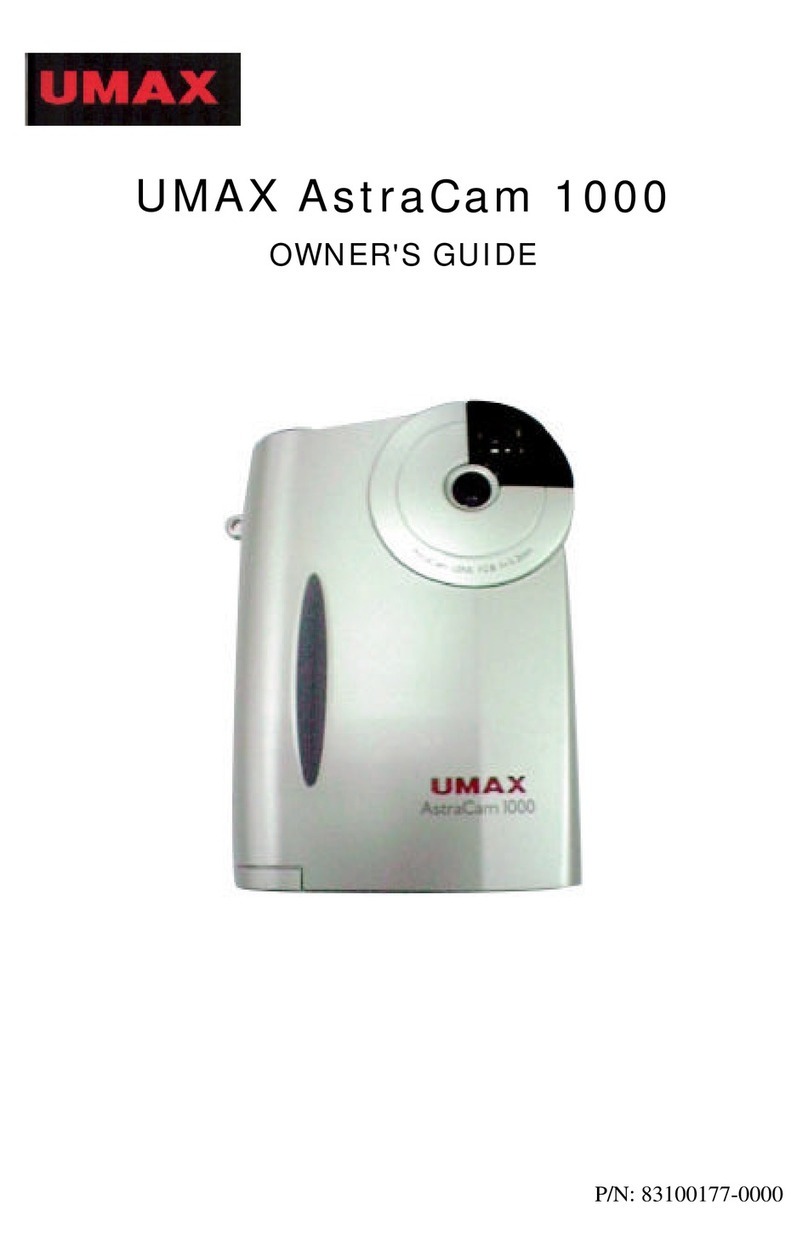
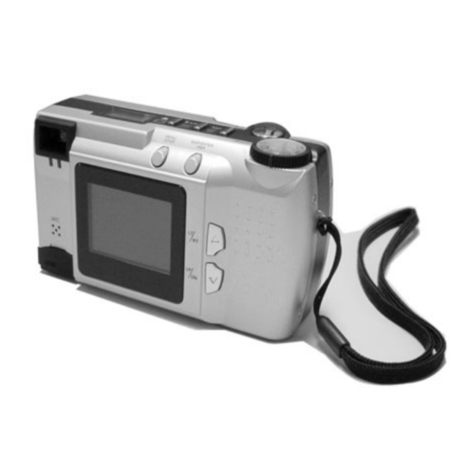
AstraCam Owner's Guide
1
CONTENTS
Getting Started...............................................................................2
Introduction .............................................................................2
UMAX AstraCam Package Contents .....................................2
Setting Up Your New Digital Camera System..............................3
Installing the Batteries ........................................................... 3
Replacing Worn-Out Batteries .............................................. 3
PC System Requirements .............................................................4
Installing the Software ..................................................................4
Installing Adobe PhotoDeluxe ................................................4
Installing the AstraCam Software ...........................................4
Connecting the AstraCam Cradle..................................................5
Powering Up the Cradle ..........................................................5
Connecting the Cradle to Your Computer ..............................5
The AstraCam Digital Camera .....................................................6
Taking Your First Photo..........................................................7
Recording a Message for Your Photo .....................................8
Erasing Photos ........................................................................8
Camera Memory Full ..............................................................9
Recharging the AstraCam Batteries ........................................9
Using the AstraCam Program......................................................10
Downloading Photos..............................................................11
The AstraCam Software..............................................................12
Viewing Your Photos............................................................13
TransferringthePhotos.........................................................14
Saving a Photo a File.............................................................14
Megapixel...............................................................................15
Deleting Photos......................................................................15
Operating the AstraCam from the Program.................................16
Taking a Photo ..................................................................... 16
Making a Recording ............................................................ 16
Adjusting AstraCam Settings .............................................. 16
Checking the USB Port ........................................................ 17
Quitting the AstraCam Program .......................................... 17
Organizing Your Photo Data with PhotoCabinet ...................... 17
Retrieving Your Photos ....................................................... 18
Creating a Calendar with PhotoDeluxe.......................................19
Creating a Photo & Sound E-Mail ............................................. 20
Preparing a Photo & Sound E-Mail Greeting ...................... 20
Sending Your Photo & Sound E-Mail Greeting .................. 21
Sending a Photo & Sound File as an Attachment ................ 21
Caring for Your AstraCam..........................................................22
AstraCam Specifications.............................................................23
Contacting Technical Support.....................................................24
Product Registration....................................................................24
FCC Declaration of Conformity..................................................25
Warranty......................................................................................26