manuals.online logo
Brands
  1. Home
  2. •
  3. Brands
  4. •
  5. Universal Audio
  6. •
  7. Microphone
  8. •
  9. Universal Audio One User manual

Universal Audio One User manual

This manual suits for next models

2

Other Universal Audio Microphone manuals

Universal Audio Standard SP-1 User manual

Universal Audio

Universal Audio Standard SP-1 User manual

Universal Audio Bock 187 User manual

Universal Audio

Universal Audio Bock 187 User manual

Universal Audio UA Bock 251 User manual

Universal Audio

Universal Audio UA Bock 251 User manual

Popular Microphone manuals by other brands

Betzold 760932 operating instructions

Betzold

Betzold 760932 operating instructions

Shure A88SM user guide

Shure

Shure A88SM user guide

JTS UF-10TH/12 instruction manual

JTS

JTS UF-10TH/12 instruction manual

Shure BETA 58A User giude

Shure

Shure BETA 58A User giude

Shure SM7 user guide

Shure

Shure SM7 user guide

Sony ECM-Z200 Service manual

Sony

Sony ECM-Z200 Service manual

Electro-Voice 652 engineering data

Electro-Voice

Electro-Voice 652 engineering data

mantona 21150 instruction manual

mantona

mantona 21150 instruction manual

Loewe We. SEE 55 user manual

Loewe

Loewe We. SEE 55 user manual

IK Multimedia iRig Stream MIC PRO user manual

IK Multimedia

IK Multimedia iRig Stream MIC PRO user manual

DAPAudio RM-101 user manual

DAPAudio

DAPAudio RM-101 user manual

AKG CHM 21 User instructions

AKG

AKG CHM 21 User instructions

Sennheiser evolution wireless series EM 100 instruction manual

Sennheiser

Sennheiser evolution wireless series EM 100 instruction manual

Sony C-48 operating instructions

Sony

Sony C-48 operating instructions

GIGAMEDIA GGM PAMICUHFG user manual

GIGAMEDIA

GIGAMEDIA GGM PAMICUHFG user manual

Shure WH30TQG user guide

Shure

Shure WH30TQG user guide

auna PRO MIC-900 manual

auna PRO

auna PRO MIC-900 manual

Shure MV51 manual

Shure

Shure MV51 manual

manuals.online logo
manuals.online logoBrands
  • About & Mission
  • Contact us
  • Privacy Policy
  • Terms and Conditions

Copyright 2025 Manuals.Online. All Rights Reserved.

USER GUIDE
Universal Audio, Inc.
4585 Scotts Valley Drive, Scotts Valley, CA 95066
www.uaudio.com
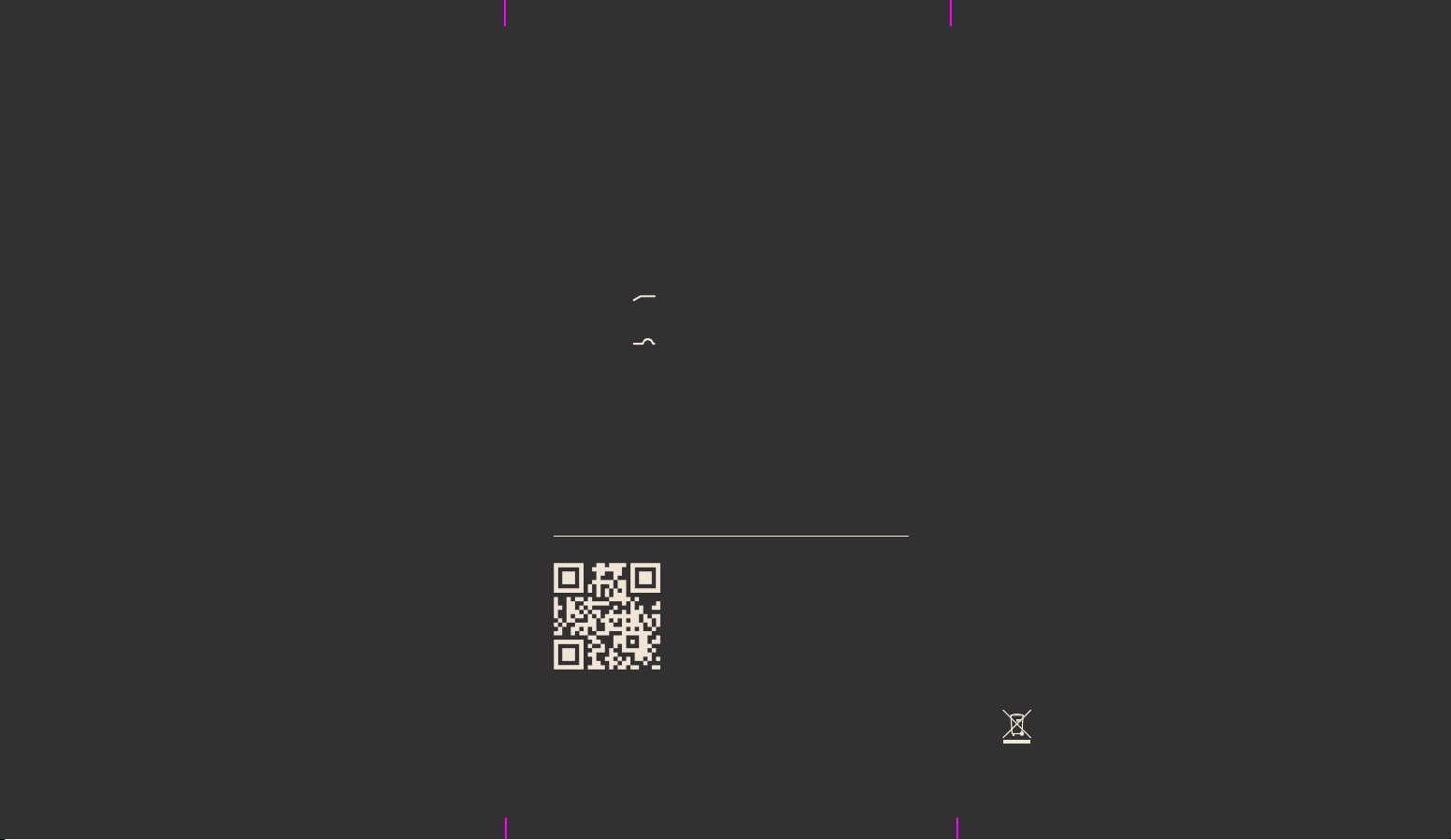
There are two control switches below the
XLR connector. Move switch #1 to its up
position ( ) to reduce low frequency
rumble. Move switch #2 to its down
position ( ) for a gentle boost in the
vocal articulation range. For a fuller sound,
move the mic closer to the source.
The SD-1 comes with convenient Apollo
Channel Strip Presets. These downloadable
settings for UA's Apollo audio interfaces
give you professional results, instantly.
Congratulations Specifications
Your new UA Standard SD-1 Dynamic
Microphone is designed to deliver years
of uncompromising sonic performance.
The SD-1 is a high-quality dynamic
broadcast mic suitable for a wide range
of professional audio applications. With
its cardioid polar pattern and smooth,
transparent sound, it's particularly well
suited for capturing both music and
speech.
Universal Audio, Inc.
Used electrical and electronic equipment should not
be mixed with general household waste. Please
dispose in accordance with local regulations.
Description
Professional End-Address
Broadcast Microphone
Type
Dynamic
Polar Pattern
Cardioid
Frequency Response
50 Hz – 16 kHz
Output Impedance
200 Ohms
Sensitivity
-58 dB (0 dB = 1V/Pa at 1 kHz)
Adjustable Controls
Low Cut Filter (200 Hz): Off, On
Articulation Boost (3 – 5 kHz): Off, On
Output Connector
Balanced XLR3, pin 2 hot
10005621R7
Get Apollo Interface Presets
To get custom Apollo Channel
Strip Presets, scan the QR code
or visit uaudio.com/mics/presets