manuals.online logo
Brands
  1. Home
  2. •
  3. Brands
  4. •
  5. UP
  6. •
  7. Chassis
  8. •
  9. UP UP-GWS01-A10-0001 User manual

UP UP-GWS01-A10-0001 User manual

Popular Chassis manuals by other brands

Phoenix Mecano HARTMANN ELECTRONIC PXCe4006 Series user manual

Phoenix Mecano

Phoenix Mecano HARTMANN ELECTRONIC PXCe4006 Series user manual

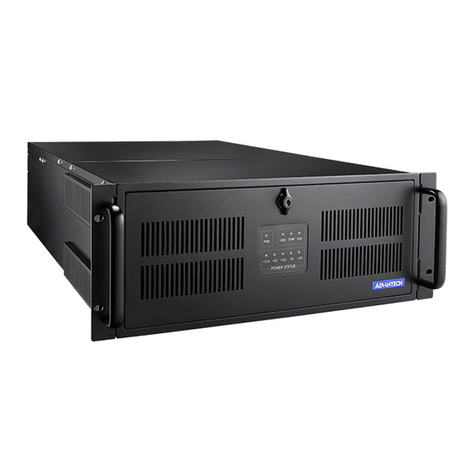
Advantech IPC-623 Series user manual

Advantech

Advantech IPC-623 Series user manual

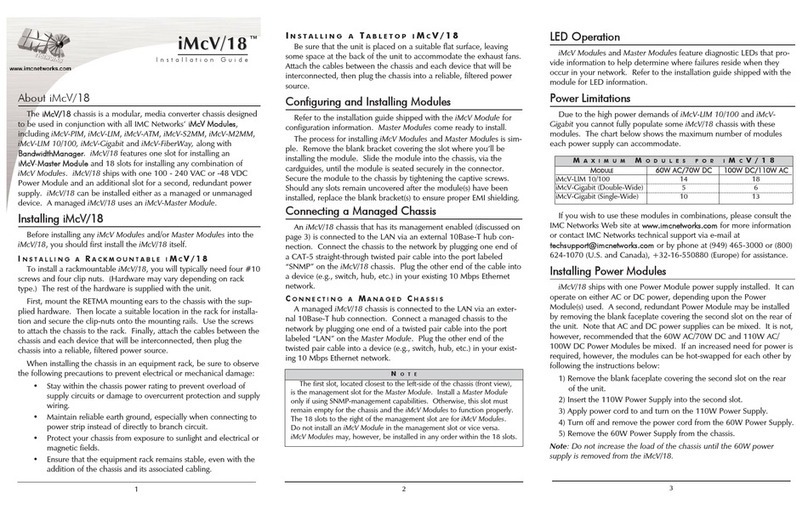
IMC Networks iMcV/18 installation guide

IMC Networks

IMC Networks iMcV/18 installation guide

Lenovo ThinkSystem SR665 V3 user guide

Lenovo

Lenovo ThinkSystem SR665 V3 user guide

Wuntronic PCI4DRQ user guide

Wuntronic

Wuntronic PCI4DRQ user guide

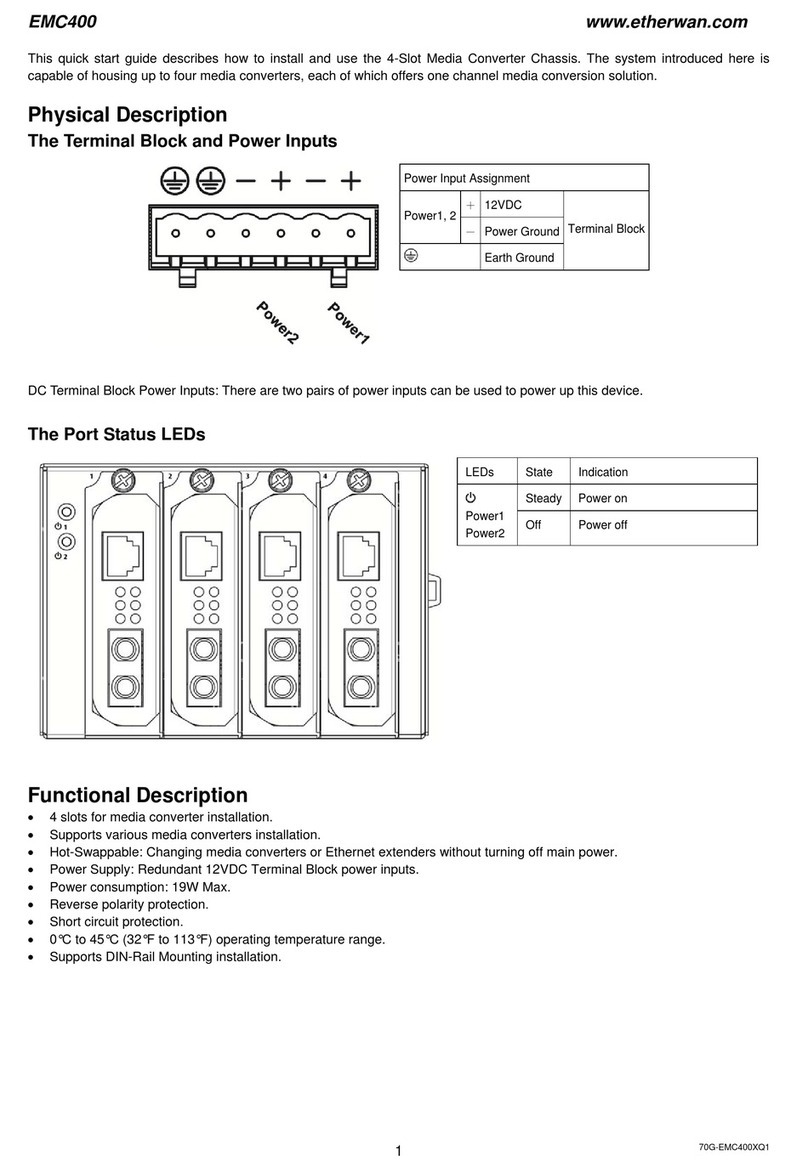
EtherWAN EMC400 quick start guide

EtherWAN

EtherWAN EMC400 quick start guide

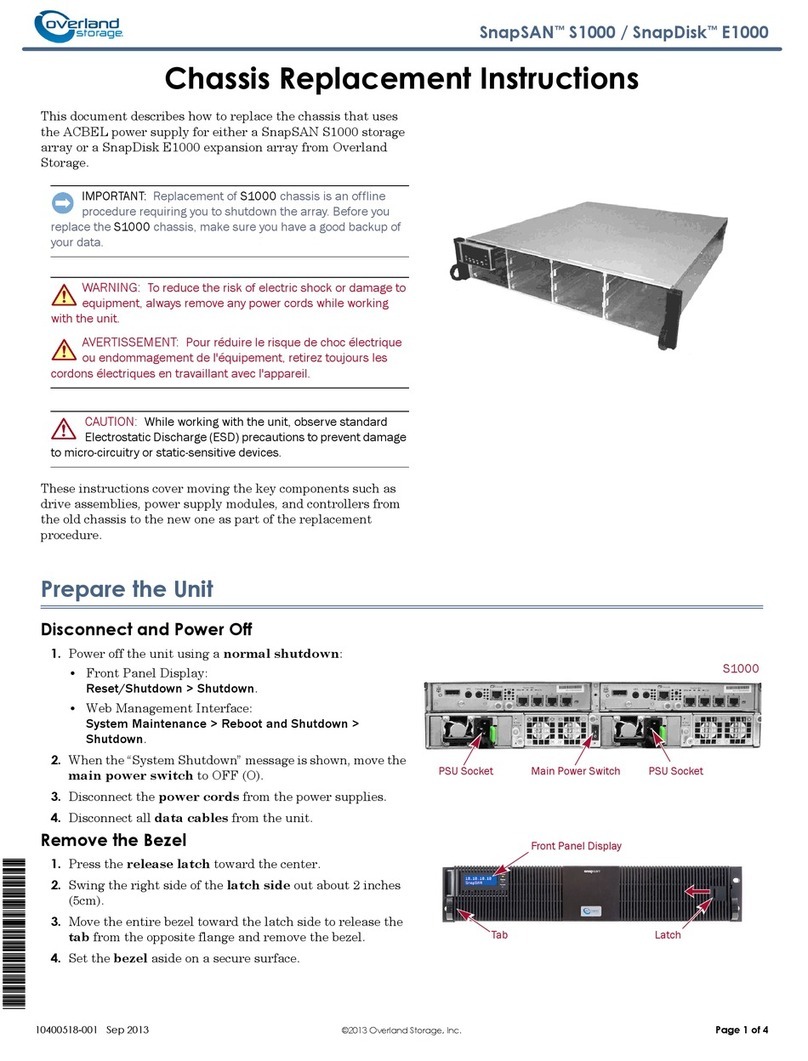
Overland Storage SnapSAN S1000 Replacement instructions
Overland Storage

Overland Storage SnapSAN S1000 Replacement instructions

Philips LC4.1E A Service manual

Philips

Philips LC4.1E A Service manual
Supermicro SCF418 Series user manual

Supermicro

Supermicro SCF418 Series user manual
Supermicro SC823MTQ-R700LPB user manual
Supermicro

Supermicro SC823MTQ-R700LPB user manual

HP A7503-S Product End-of-Life Disassembly Instructions
HP

HP A7503-S Product End-of-Life Disassembly Instructions

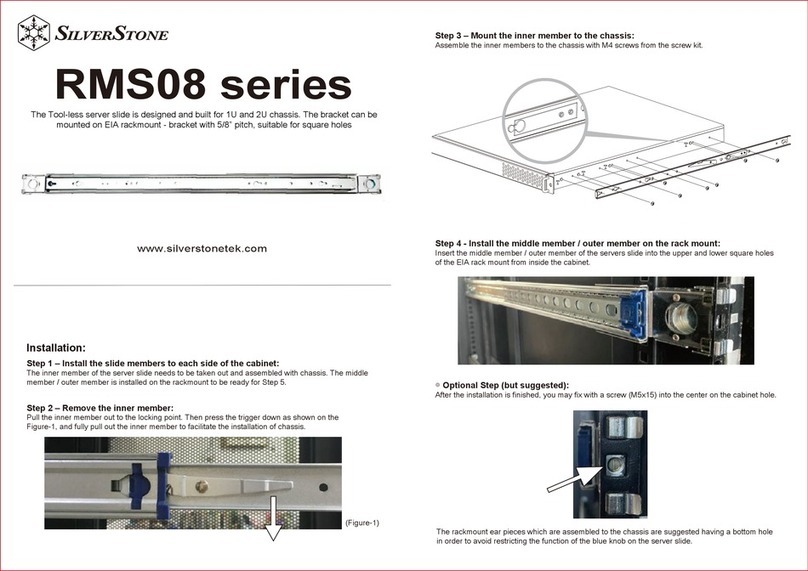
SilverStone RMS08 Series manual

SilverStone

SilverStone RMS08 Series manual

Allied Telesis AT-MMCR18 installation guide

Allied Telesis

Allied Telesis AT-MMCR18 installation guide

Cisco Nexus 7010 Installing

Cisco

Cisco Nexus 7010 Installing

Chenbro RM437 Series user manual

Chenbro

Chenbro RM437 Series user manual

American Control Electronics MGB400 quick start guide

American Control Electronics

American Control Electronics MGB400 quick start guide

Advantech HPC-7480 user manual

Advantech

Advantech HPC-7480 user manual

Cisco USC 5030 installation guide

Cisco

Cisco USC 5030 installation guide

manuals.online logo
manuals.online logoBrands
  • About & Mission
  • Contact us
  • Privacy Policy
  • Terms and Conditions

Copyright 2025 Manuals.Online. All Rights Reserved.

UP Chassis assembly SOP
Date: 24-01-2017
1. Place the top cover upside down on table
2. Take out AL block sink and 4 pcs black M2.5 4mm screw
3. Screw the AL block sink to the top cover as below location
4. Take out 4 pcs M2.5 stand off
5. Screw the stand off as below location on the top cover
6. Place the RTC battery as below location on top cover, make sure UP board
removed original heat sink and heat spreader for assembly
7. Take out 4 pcs M2.5 3.5mm stand off
8. Place UP board upside down and screw the 4 pcs stand off as below location
9. Assemble the top cover with UP board with bottom chassis, make sure USB
ports align first
10. Align DC power Jack and make sure all ports are aligned.
11. Take out 4 pcs M2.5 4mm black screws
12. Screw on the 4 pcs M2.5 black screw on the bottom chassis to complete
assembly