PowerVIEW HD-22/30 QUSB Systems
PowerVIEW HD-22/30 QUSB Systems - Document 342-0949 Rev B Page 2 of 42
TABLE OF CONTENTS
Overview.................................................................................................................................................................... 3
Unpacking:................................................................................................................................................................. 4
Anatomy of the PowerVIEW Cameras ...................................................................................................................... 5
Image: PowerVIEW HD-22/30 Front View with Call-outs.................................................................................. 5
Image: PowerVIEW HD-22/30 Rear View with Call-outs.................................................................................. 6
Anatomy of the Quick-Connect USB Interface.......................................................................................................... 7
Image: Front Panel with Feature Call-outs........................................................................................................ 7
Image: Rear Panel with Feature Call-outs........................................................................................................ 8
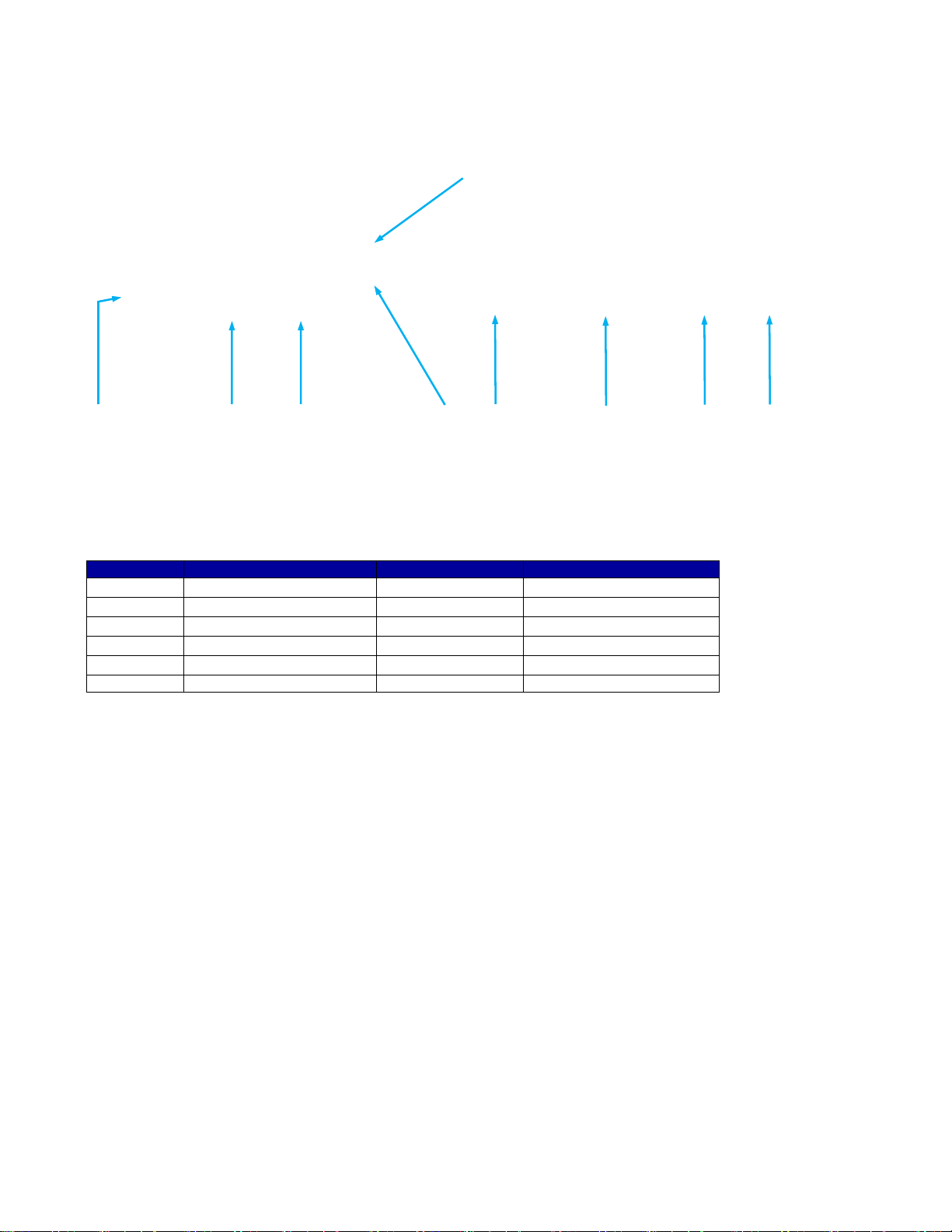
Table: Quick Connect USB Rear Panel DIP Switch Settings ........................................................................... 8
Basic Application Diagrams....................................................................................................................................... 9
Diagram: Basic System Configuration - UC Conferencing Application............................................................. 9
First Time Set-up with the PowerVIEW HD-22 or HD-30 QUSB System................................................................ 10
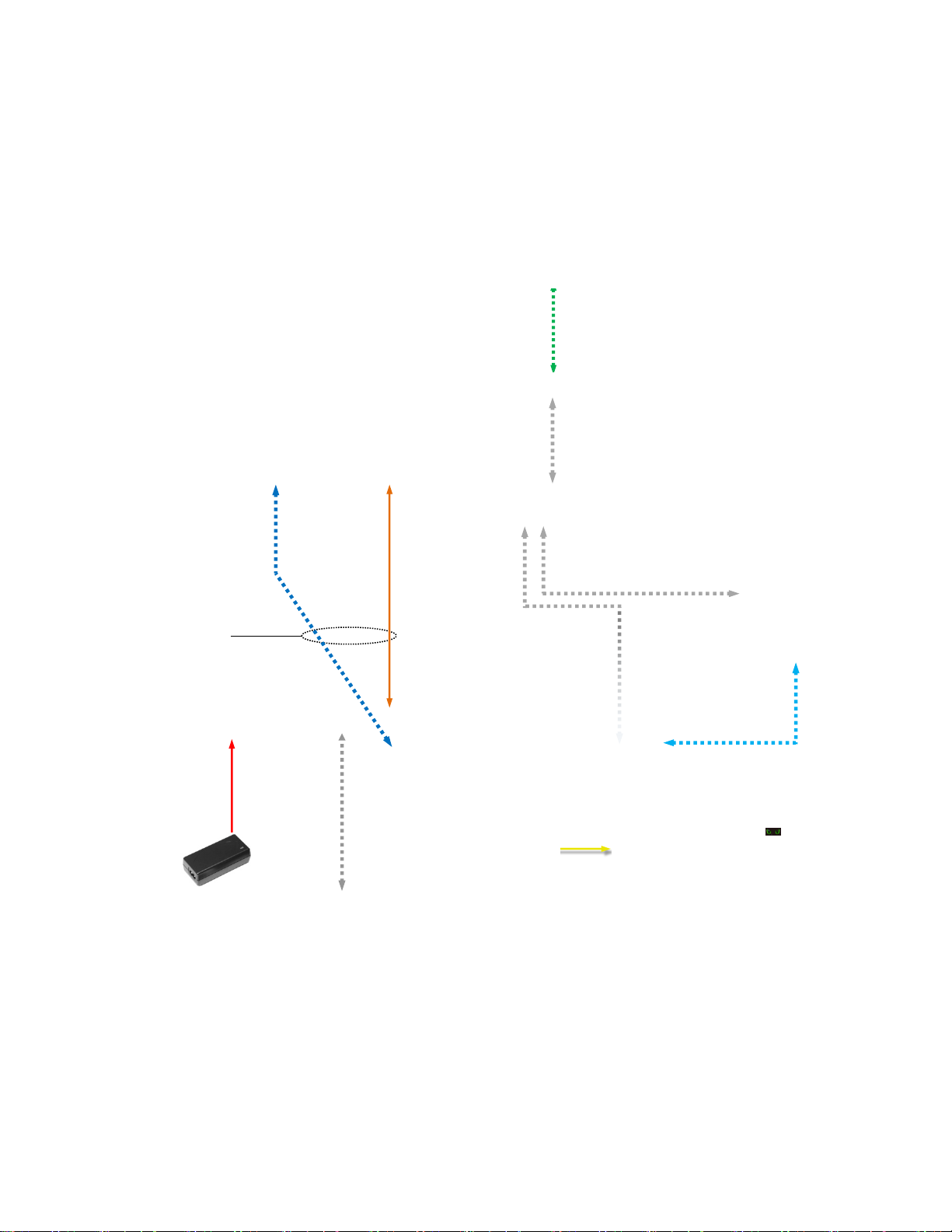
Image: PowerVIEW HD-22/30 Rear Panel Connections ................................................................................ 10
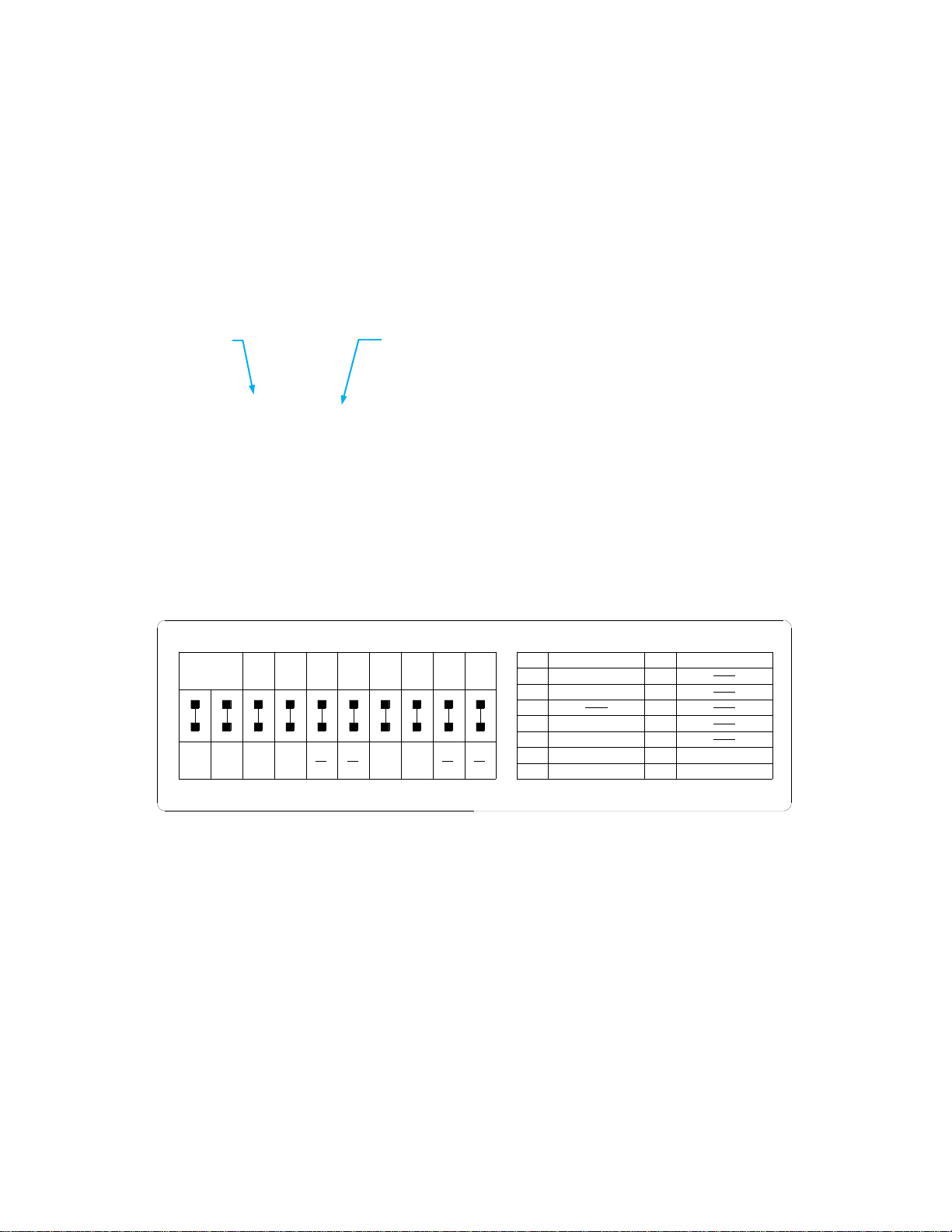
Drawing: DIP Switch and Resolution Label on the Bottom of the HD-22/30 ................................................... 10
Installation Procedures............................................................................................................................................ 11
Installation Basics: ............................................................................................................................................... 11
General Installation Instructions for the CONCEAL Wall Mounting System:....................................................... 11
Quick-Connect USB Installation Instructions........................................................................................................... 13
Controlling the Quick-Connect USB..................................................................................................................... 13
Quick-Connect USB Details................................................................................................................................. 13
Controlling the Camera............................................................................................................................................ 14
IR Remote Commander ................................................................................................................................... 14
Telnet Control of the Camera through the Quick-Connect USB...................................................................... 14
Quick-Connect USB Software Compatibility ........................................................................................................... 15
Table: Supported UVC Resolutions ................................................................................................................ 15
Quick-Connect USB Internal Web Pages and Control............................................................................................ 16
DHCP IP Set-up (Dynamic Host Configuration Protocol).................................................................................... 16
Static IP Set-up:................................................................................................................................................... 16
Quick-Connect USB Web Pages Tour:................................................................................................................ 16
Screen Shot: Login.......................................................................................................................................... 16
Screen Shot: User Menu - Camera Control Page........................................................................................... 17
Screen Shot: Admin login from the Camera Control Page ............................................................................. 18
Screen Shot: Admin Menu - Camera Settings................................................................................................ 19
Screen Shot: Admin Menu - Room Labels...................................................................................................... 20
Screen Shot: Admin Menu - USB 2.0 or IP Streaming Mode Page................................................................ 21
Screen Shot: Admin Menu - DHCP Network Configuration............................................................................ 22
Screen Shot: Admin Menu - Static IP Configuration....................................................................................... 22
Screen Shot: Admin Menu - Security.............................................................................................................. 23
Screen Shot: Admin Menu - Diagnostics ........................................................................................................ 23
Screen Shot: Admin Menu - System Menu..................................................................................................... 24
Screen Shot: Admin Menu - Update Confirmation.......................................................................................... 24
Screen Shot: Admin Menu - Update in Progress............................................................................................ 25
Screen Shot: Admin Menu - HELP.................................................................................................................. 25
General Specifications:............................................................................................................................................ 26
Communication Specification .................................................................................................................................. 27
HD-22/30 Command List (1/2) ......................................................................................................................... 27
HD-22/30 Command List (2/2) ......................................................................................................................... 28
HD-22/30 Inquiry List (1/1)............................................................................................................................... 29
Compliance and CE Declaration of Conformity - PowerVIEW HD-22 and HD30................................................... 30
Compliance and CE Declaration of Conformity - Quick-Connect USB Interface.................................................... 31
Warranty Information............................................................................................................................................... 32
Appendix 1: Pin-Outs for the HD-22/30 Camera................................................................................................... 33
Drawing: PowerVIEW HD-22/30 Dimensions ................................................................................................. 33
Quick-Connect USB Telnet Serial Command Set................................................................................................... 34