1
Overview
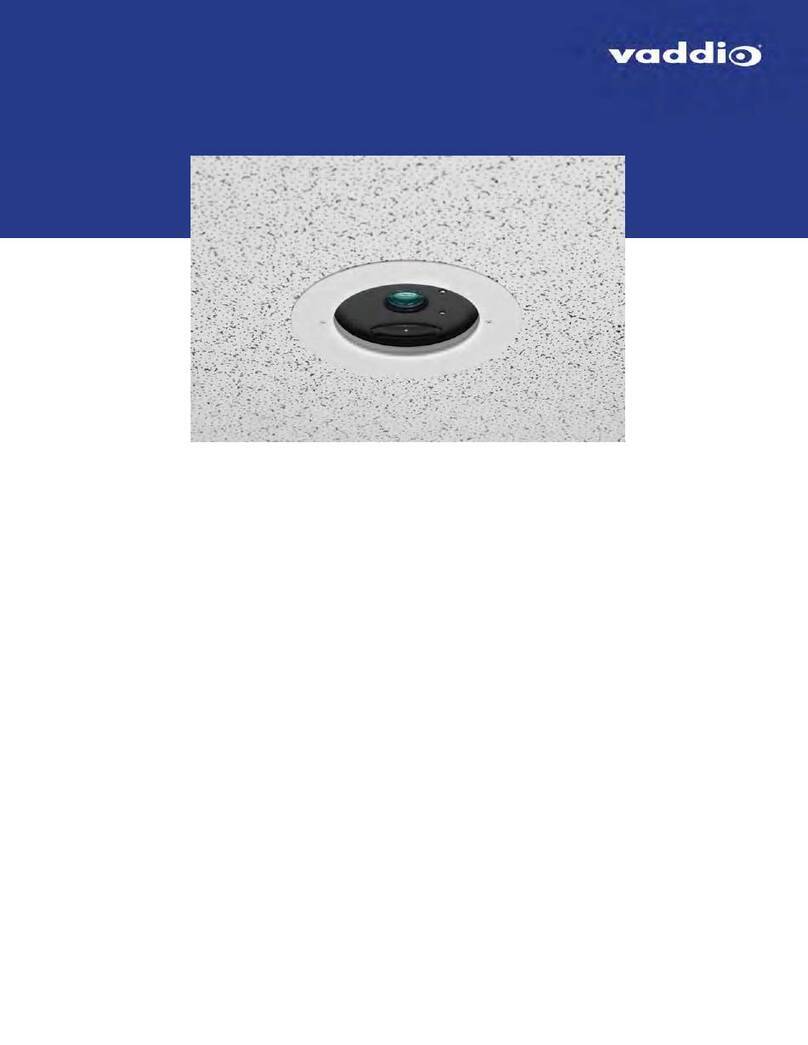
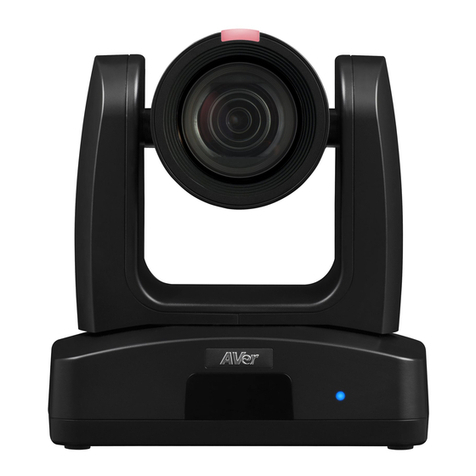
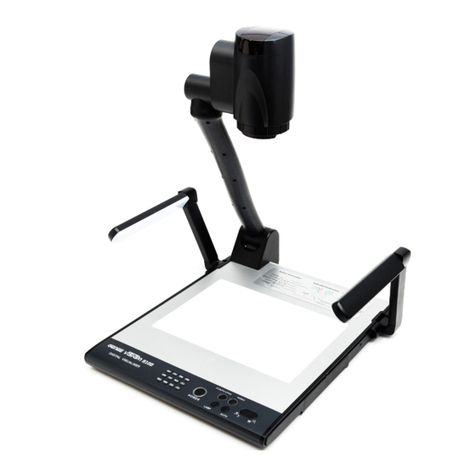
This guide describes installation and related information for the DocCAM 20 HDBTceiling-mounted
document camera:
nCamera only, North America – 999-9968-000
nCamera only, Europe/UK – 999-9968-001
nCamera with OneLINK®HDMI, North America – 999-9968-200
nCamera with OneLINK HDMI, Europe/UK – 999-9968-201
nCamera with OneLINK Bridge, North America – 999-9968-300
nCamera with OneLINK Bridge, Europe/UK – 999-9968-301
What's in this Guide
This guide covers:
nUnpacking and installation
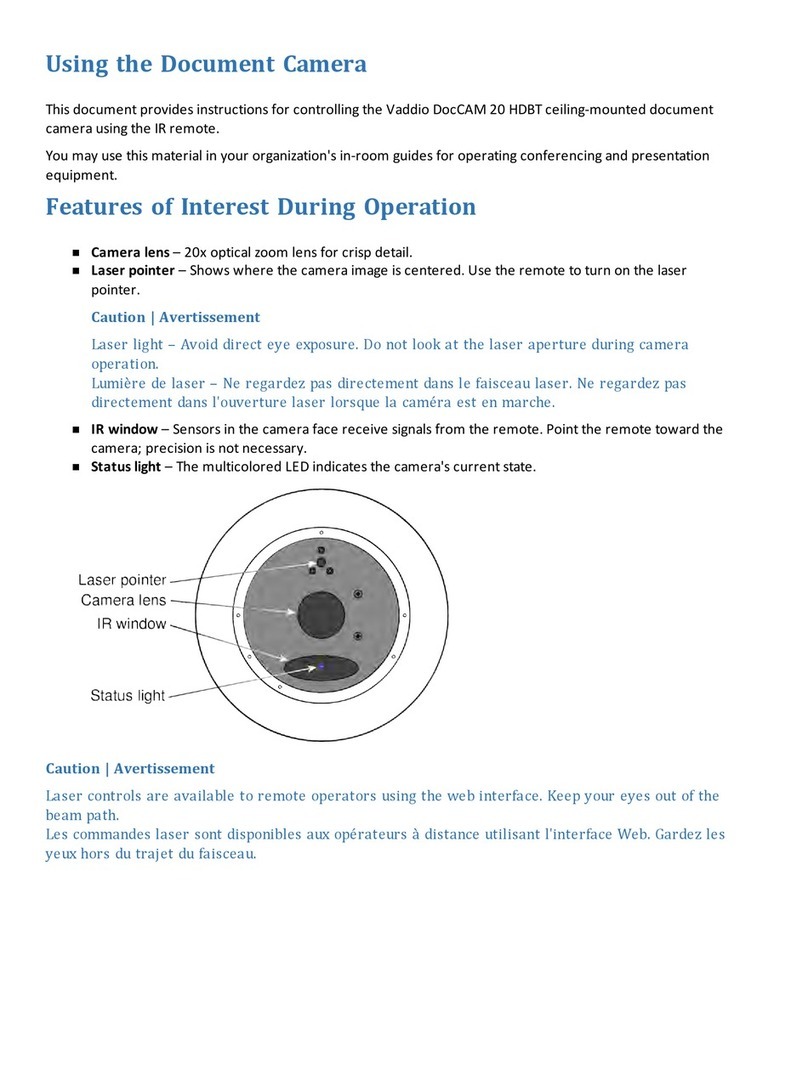
nThe camera's physical features
nControlling the camera using the IR remote or web interface
nControlling the camera using Telnet or RS-232 commands
nSpecifications
nTroubleshooting and maintenance
nWarranty and compliance/conformity information
For your convenience, this information is also available in smaller, limited-purpose manuals:
Download manuals, dimensional drawings, and other information from www.vaddio.com/support.
Features
nExmor® 1/2.8 type, high-speed, low-noise image sensor for 2.38 megapixels total, full HD (native
1080p/60)
n20x optical zoom with horizontal field of view from 60° (wide end) to 3.3° (tele end)
nLow-power laser pointer for centering
nSuperior low-light performance (0.4 Lux)
nWeb interface for remote administration and operation, integration-ready Telnet and serial RS-232
control, presenter-friendly IR remote control
nUse with a OneLINK device for power, video, and control:
oOneLINKHDMI – uncompressed HDMI video, bidirectional RS-232 connectivity for camera control
via third-party equipment, passes IP stream from the camera
oOneLINK Bridge – OneLINKHDMIcapabiliities plus uncompressed USB 3.0 streaming, HD-SDI
output, and audio routed up to the camera and injected into the IP stream