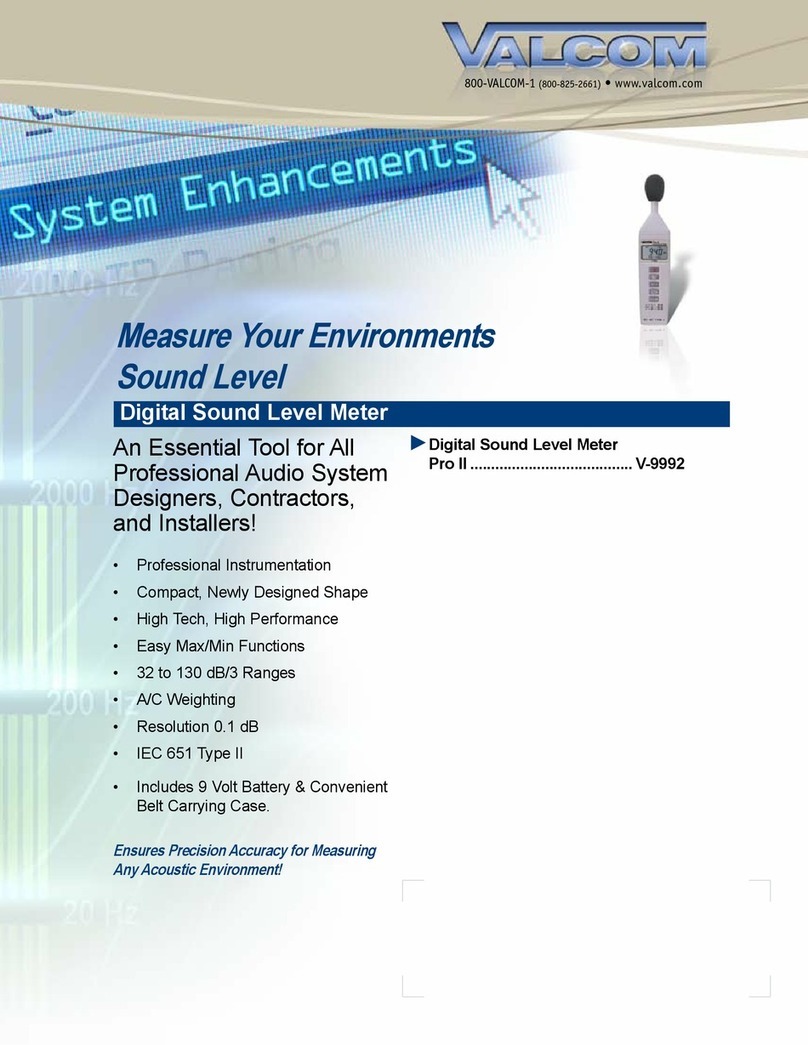
Valcom V9992 User manual

Pro II
Sound Level Meter
V-9992

Title Page
I. Safety Information.................................1
II. General Description ...........................1-2
III. Specifications.....................................2-3
IV. Name and Functions..........................4-5
V. Calibration Procedures ......................6-7
VI. Measurement Preparation ....................7
VII. Operating Precautions ..........................7
VIII. Measurement ........................................8

SOUND LEVEL METER
I. Safety Information
Read the following safety information carefully before attempting to operate or
service the meter.
Use the meter only as specified in this manual; otherwise, the protection provided
by the meter may be impaired.
Environmental Conditions
Altitude up to 2000 meters
Relative humidity 90% max
Operation Ambient 0 - 40°C
Maintenance & Cleaning
Repairs or servicing not covered in this manual should only be performed
by qualified personnel.
Periodically wipe the case with a dry cloth. Do not use abrasives or
solvents on this instrument.
Safety Symbols
Comply with EMC
When servicing, use only specified replacement parts.
II. General Description
Thank you for using our Sound Level Meter. To ensure that you can get the
most from it, we recommend that you read and follow the manual carefully before
use.
This unit conforms to the IEC651 type 2, ANSI S1.4 type 2 for Sound Level
Meters.
This Sound Level Meter has been designed to meet the measurement
requirements of safety Engineers, Health, Industrial safety offices and sound
quality control in various environments.
Range is from 32dB to 130dB at frequencies between 31.5Hz and 8kHz.
1

SOUND LEVEL METER
Display with 0.1dB steps on a 4-digit LCD.
Two equivalent weighted sound pressure levels, A and C.
AC signal output is available from standard 3.5mm coaxial socket suitable for
a frequency analyzer, level recorder, FFT analyzer, graphic recorder, etc.
III. Specifications
Standard Applied: IEC651 Type 2, ANSI S1.4 Type 2.
Frequency Range: 31.5Hz - 8kHz
Measuring Level Range: 32dB - 130 dB
Frequency Weighting: A and C scale
Microphone: ½ inch electret condenser microphone
Display: LCD
Digital Display: 4 digit
Resolution: 0.1dB
Display Update: 0.5 sec.
Time Weighting: FAST (125 mS), Slow (1 sec.)
Level Ranges: Lo: 32dB – 80dB
Med: 50dB – 100dB
Hi: 80dB – 130dB
Accuracy: +1.5dB (under reference conditions, 94dB @ 1kHz)
Dynamic Range: 50dB
Alarm Function: “OVER” is shown when input is more than upper limit of range.
“UNDER” is shown when input is less than lower limit or range.
MAX/MIN Hold: Hold readings at Maximum and Minimum Value.
2

SOUND LEVEL METER
AC Output: 1 Vrms at FS (full scale)
Output impedance: Approx 100 Ohms
FS: means the upper limit of each level range
Power Supply: One 9V battery, 006P or IEC 6F22 or NEDA 1604
Power Life: Approximately 70 hours (alkaline battery)
Operation Temperature: 0 to 40°C (32 to 104°F)
Operation Humidity: 10 to 90% Relative
Storage Temperature: -10 to 60°C (14 to 140°F)
Storage Humidity: 10 to 75% Relative
Dimensions: 9.1” L x 2.1” W x 1.3” H
(23.1 cm x 5.3 cm x 3.3 cm)
Weight: .75 lbs (.34 kg) (including battery)
Accessories: 9V alkaline battery, instruction manual, carrying case, screwdriver,
and windscreen
3

SOUND LEVEL METER
IV. Name And Functions
1Windscreen
If you operate at wind speed over 10m/sec (22 mph), please use protective
accessory.
2Display
4

SOUND LEVEL METER
3Power Button
The key turns the sound level meter ON or OFF.
4MAX / MIN Hold Button
Press button to enter the maximum and minimum recording mode. Select
the proper Level range before using MAX/MIN to ensure that reading value will
not exceed the measurement range. Press once to select MAX value. Press
again to select MIN value, and press again to select current Value with
“ MAX /MIN “ annunciator blinking.
Press and hold down button for 2 seconds to exit the MAX/MIN mode.
Note: If change sound level range or change A-C weight, the MAX/MIN
mode will clear.
5Frequency Weighting Select Button
A - Weighting. For general sound level measurements.
C - Weighting. For checking the low-frequency content of noise.
(If the C-weighted level is much higher than the A-weighted level, then there is a
large amount of low-frequency noise.)
6Time Weighting Select Button
FAST: for measuring peak sound levels
SLOW: for measuring average or nominal sound levels
7Level Range Control Button
Each time the level button is pressed, the level range will change between “Lo”
level (32 to 80 dB), “Med” level (50 to 100 dB) and “Hi” level (80 to 130 dB) in the
circular manner.
8Microphone
1/2 inch Electret Condenser microphone
9CAL Potentiometer
Calibration control, for level calibration adjustment.
5

SOUND LEVEL METER
AC output terminal
- 1 Vrms Corresponding to each range step.
- Output impedance = 100 ohms
- Output signal by standard 3.5 mm coaxial socket signal on pin.
Battery Cover
V. Calibration Procedures
Using a standard Acoustic Calibrator (94dB, 1kHz sine wave).
6

SOUND LEVEL METER
(1) Make the following switch settings.
Display: dBA
Time Weighting: FAST
Measurement Mode: MAX/MIN Mode function disable
Level Range: 50 to 100 dB
(2) Insert the microphone housing carefully into the insertion hole of the
calibrator.
(3) Turn on the switch of calibrator and adjust the CAL potentiometer of the unit.
The level display will indicate the desired level.
Our products are all well calibrated before shipment.
Recommended Recalibration cycle: 1 year.
VI. Measurement Preparation
(1) Battery Loading
Remove the battery cover on the back and put in one 9V Battery.
(2) Battery Replacement
When the battery voltage drops below the operating voltage, mark
appears. If it appears, battery should be replaced with new one.
VII. Operating Precautions
(1) Wind blowing across the microphone would bring additional extraneous
noise. When using the instrument in the presence of wind, it is a must to
mount the windscreen to not pick up undesired signals.
(2) Calibrate the instrument before operation if the instrument was not in use for
a long time or operated in bad environment.
(3) Do not store or operate the instrument at high temperature and high humidity
environment.
(4) Keep microphone dry and avoid severe vibration.
(5) Please take out the battery and keep the instrument in low humidity
environment when not in use.
7

SOUND LEVEL METER
8
VIII. Measurement
(1) Open battery cover and install a 9V battery in the battery compartment.
(2) Turn power ON and select the desired response time and weighting. If the
sound source consists of short bursts or only catching sound peak, set
response to FAST. To measure average sound level, use the slow setting.
Select A-weighting for general noise sound level and C-weighting for
measuring sound level of acoustic material.
(3) Select desired level.
(4) Hold the instrument comfortably in hand and point the microphone at the
suspected noise source, the sound pressure level will be displayed.
(5) When MAX/MIN (maximum, minimum hold) mode is chosen, the instrument
captures and holds the maximum and minimum noise level for a long period
using any of the time weightings and ranges. Press the MAX/MIN button 2
seconds to clear the MAX/MIN reading. “MAX/MIN” symbol disappears.
(6) Turn OFF the instrument.
Other manuals for V9992
1
This manual suits for next models
1
Table of contents
Other Valcom Measuring Instrument manuals