EnglishDeutsch
 logo
Brands
  1. Home
  2. •
  3. Brands
  4. •
  5. Valcom
  6. •
  7. Speakers
  8. •
  9. Valcom SIGNATURE V-1420 User manual

Valcom SIGNATURE V-1420 User manual

Other Valcom Speakers manuals

Valcom V-1011-MR User manual

Valcom

Valcom V-1011-MR User manual

Valcom V-WTGY User manual

Valcom

Valcom V-WTGY User manual

Valcom V-9020 User manual

Valcom

Valcom V-9020 User manual

Valcom V-9062 User manual

Valcom

Valcom V-9062 User manual

Valcom V-1961 User manual

Valcom

Valcom V-1961 User manual

Valcom VIP-120A User manual

Valcom

Valcom VIP-120A User manual

Valcom V-1220 User manual

Valcom

Valcom V-1220 User manual

Valcom V-1019B User manual

Valcom

Valcom V-1019B User manual

Valcom VIP-160A User manual

Valcom

Valcom VIP-160A User manual

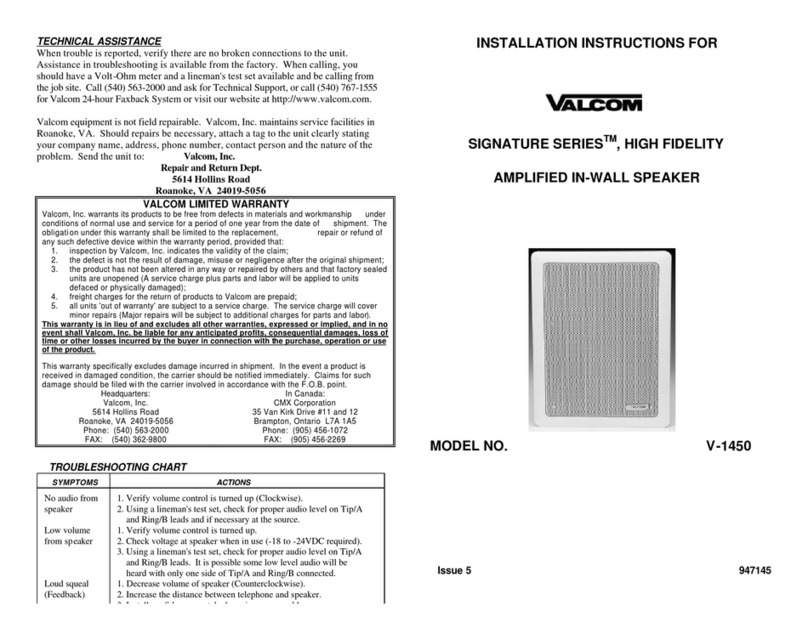
Valcom Signature V-1450 User manual

Valcom

Valcom Signature V-1450 User manual

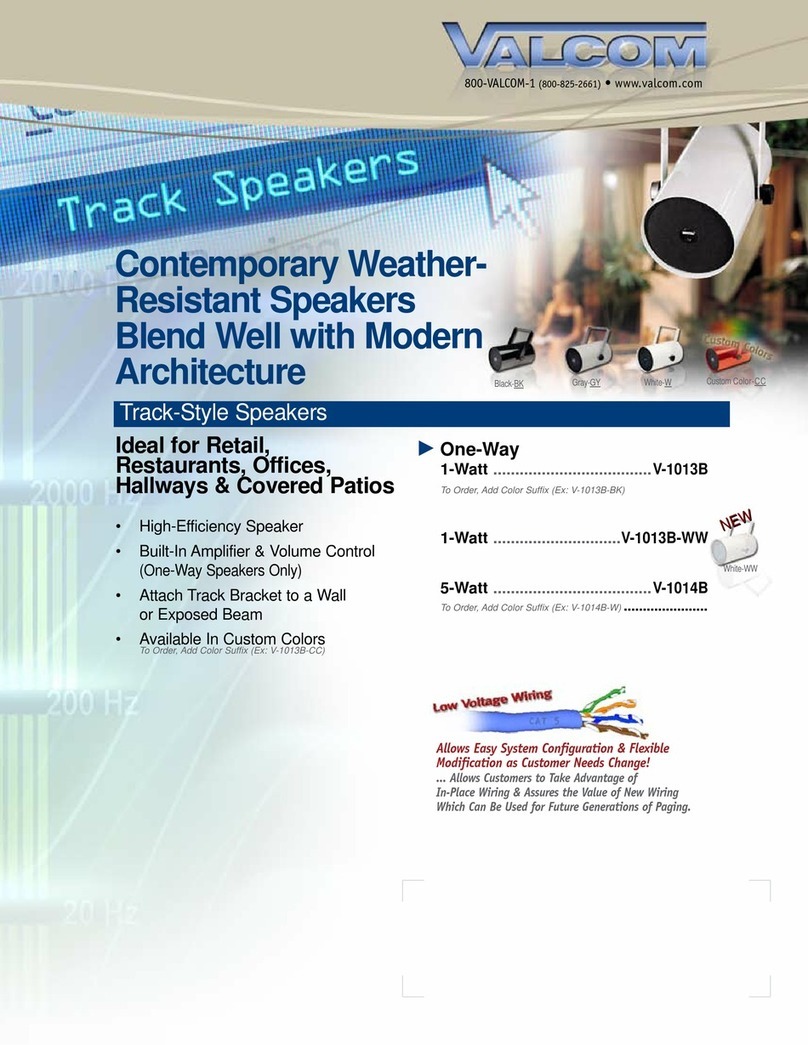
Valcom V-1013B User manual

Valcom

Valcom V-1013B User manual

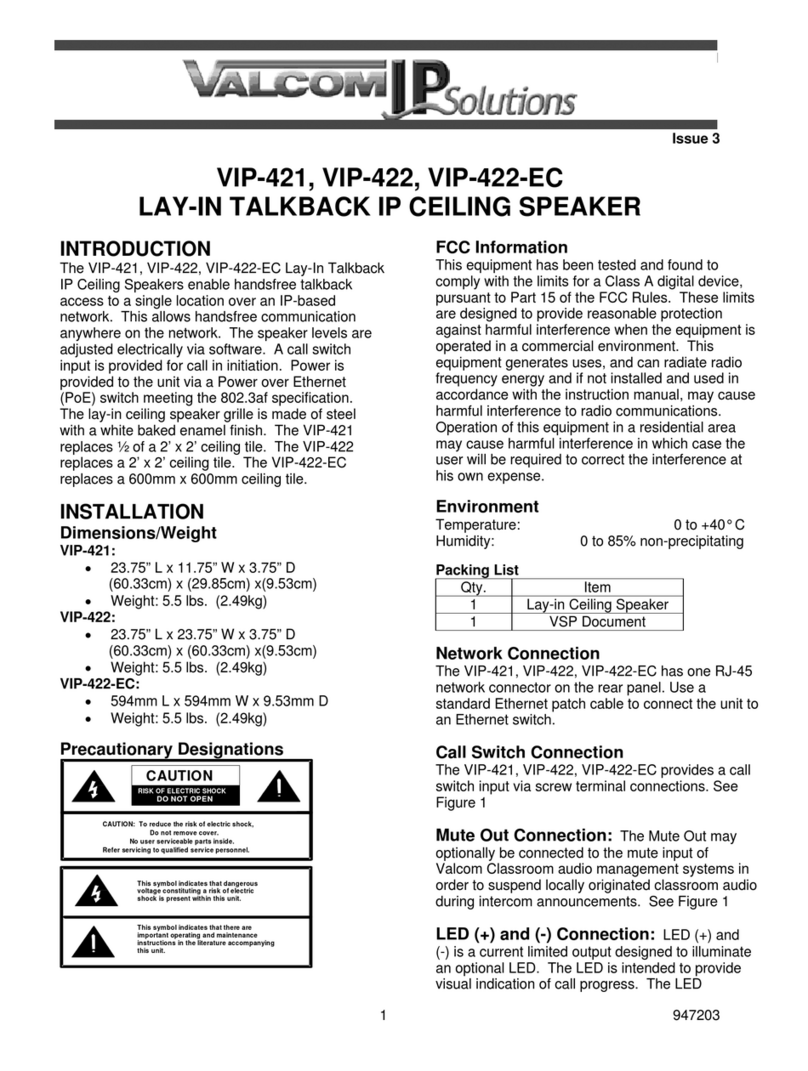
Valcom VIP-421 User manual

Valcom

Valcom VIP-421 User manual

Valcom VIP-428A-IC User manual

Valcom

Valcom VIP-428A-IC User manual

Valcom V-WTGY User manual

Valcom

Valcom V-WTGY User manual

Valcom VIP-432A-DF User manual

Valcom

Valcom VIP-432A-DF User manual

Valcom V-1072A-BRASS User manual

Valcom

Valcom V-1072A-BRASS User manual

Valcom V-1013B User manual

Valcom

Valcom V-1013B User manual

Valcom V-1052C User manual

Valcom

Valcom V-1052C User manual

Valcom PagePac V-5330100 User manual

Valcom

Valcom PagePac V-5330100 User manual

Valcom VIP-402A User manual

Valcom

Valcom VIP-402A User manual

Valcom VIP-4171-A12-IC User manual

Valcom

Valcom VIP-4171-A12-IC User manual

Valcom VIP-431A-DS-SA User manual

Valcom

Valcom VIP-431A-DS-SA User manual

Valcom InformaCast VIP-415-IC User manual

Valcom

Valcom InformaCast VIP-415-IC User manual

Valcom VIP-415 User manual

Valcom

Valcom VIP-415 User manual

Popular Speakers manuals by other brands

Yamaha DXR10 null

Yamaha

Yamaha DXR10 null

argon audio IE20 quick start

argon audio

argon audio IE20 quick start

Denon SC-N7 owner's manual

Denon

Denon SC-N7 owner's manual

Gemline Ace 3952 user manual

Gemline

Gemline Ace 3952 user manual

Focal ON WALL 300 User manua

Focal

Focal ON WALL 300 User manua

HEADRUSH Maximus HRSP 5024 manual

HEADRUSH

HEADRUSH Maximus HRSP 5024 manual

SoundLogic BCCS-6/6395 instruction manual

SoundLogic

SoundLogic BCCS-6/6395 instruction manual

Peavey DTH 218 Specification sheet

Peavey

Peavey DTH 218 Specification sheet

Avantree Pluto Air user guide

Avantree

Avantree Pluto Air user guide

Morel Integra Series INTEGRA OVATION 4 install guide

Morel

Morel Integra Series INTEGRA OVATION 4 install guide

Oppo SONICA quick start guide

Oppo

Oppo SONICA quick start guide

Bose SoundLink Wireless Music System owner's guide

Bose

Bose SoundLink Wireless Music System owner's guide

Rocksteady Stadium owner's manual

Rocksteady

Rocksteady Stadium owner's manual

Bowers & Wilkins 4 owner's manual

Bowers & Wilkins

Bowers & Wilkins 4 owner's manual

Sonance SONOS OUTDOOR Series installation manual

Sonance

Sonance SONOS OUTDOOR Series installation manual

Electro-Voice EVID FM4.2 Brochure & specs

Electro-Voice

Electro-Voice EVID FM4.2 Brochure & specs

Pioneer XW-HTD630 manual

Pioneer

Pioneer XW-HTD630 manual

Onn BWA16AA002 Product guide

Onn

Onn BWA16AA002 Product guide

https://manuals.online logo
https://manuals.online logoBrands
  • About & Mission
  • Contact us
  • Privacy Policy
  • Terms and Conditions

Copyright 2026 Manuals.Online. All Rights Reserved.

TECHNICAL ASSISTANCE
When trouble is reported, verify there are no broken connections to the
unit. Assistance in troubleshooting is available from the factory. When
calling, you should have a Volt-ohm meter and a lineman’s test set
available and be calling from the job site. Call (540) 563-2000 and press
1 for Technical Support, or visit our website at http://www.valcom.com.
Valcom equipment is not field repairable. Valcom, Inc. maintains service
facilities in Roanoke, VA. Should repairs be necessary, attach a tag to
the unit clearly stating your company name, address, phone number,
contact person, and the nature of the problem. Send the unit to:
Valcom, Inc.
Repair and Return Dept.
5614 Hollins Road
Roanoke, VA 24019-5056
INSTALLATION INSTRUCTIONS FOR
SIGNATURE SERIESTM, HIGH FIDELITY
AMPLIFIED CEILING SPEAKER
MODEL NO. V-1420
Issue 6
947146
VALCOM LIMITED WARRANTY
Valcom, Inc. warrants its products only to the original purchaser, for its own use, to be free from
defects in materials and workmanship under conditions of normal use and service for a period of
one year from the date of shipment. This Limited Warranty obligation shall be limited to the
replacement, repair or refund of any such defective device within the warranty period, provided that:
1. inspection by Valcom, Inc. indicates the validityof the claim;
2. the defect is not the result of damage, misuse or negligence after the original shipment;
3. the product has not been altered in anywayor repaired by others and that factory sealed units
are unopened (a service charge plus parts and labor will be applied to units defaced or
physically damaged);
4. freight charges for the return of products to Valcom are prepaid;
5. all units 'out of warranty' are subject to a service charge. The service charge will cover minor
repairs (major repairs will be subject to additional charges for parts and labor).
This Limited Warranty is in lieu of and excludes all other warranties, expressed or implied
and in no event shall Valcom, Inc. be liable for anyanticipated profits, consequential
damages, loss of time or other losses incurred by the buyer in connection with the
purchase, operation, maintenance, installation, removal or use of the product. The
maximum liability of Valcom under this warranty is limited to the purchase price of the
specific Product covered by the warranty.
Disclaimer. Except for the Limited Warranty provided herein, the product is provided “as-is”
without anywarranty of anykind whatsoever including, without limitation, anyWARRANTY OF
MERCHANTABILITY, FITNESS FOR A PARTICULAR PURPOSE OR NON-INFRINGEMENT.
This warranty specifically excludes damage incurred in shipment. In the event a product is
received in damaged condition, the carrier should be notified immediately. Claims for such
damage should be filed with the carrier involved in accordance with the F.O.B. point.
Headquarters:
Valcom, Inc.
5614 Hollins Road Roanoke, VA 24019-5056
Phone: (540) 563-2000 FAX: (540) 362-9800

VALCOM SIGNATURE SERIESTM , HIGH FIDELITY
CEILING SPEAKER
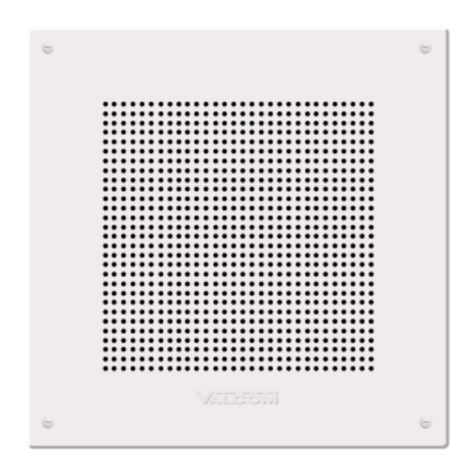
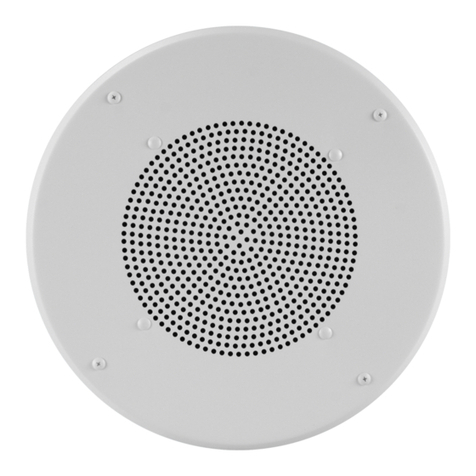
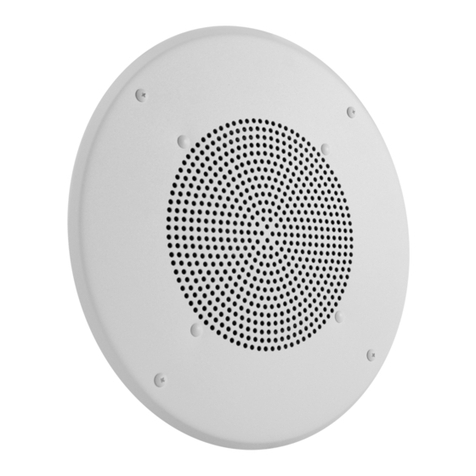
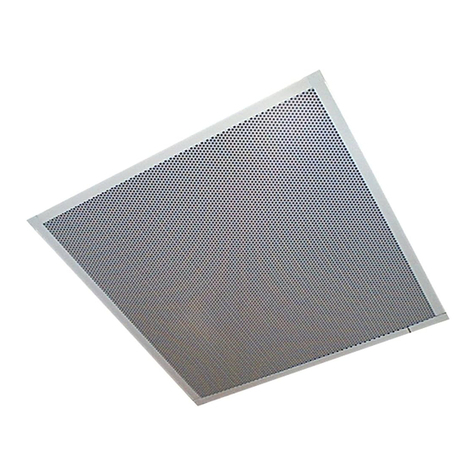
Valcom Signature SeriesTM Ceiling Speaker, V-1420, is a high fidelity,
self-amplified (6 watt amplifier) speaker and may be used to provide one-
way paging and high quality music reproduction from any Valcom page
control. This speaker has an adjustable volume control located on the
front of the unit. The V-1420 requires -24VDC, 200mA (4 Valcom power
units). The speaker is available in a white powder epoxy finish.
NOTE: No power amplifier required. Do not connect this speaker
directly to a 25/70/100 volt amplifier as damage to both the
amplifier and speaker may occur. (Recommended
nominal input level to the V-1420 is -10dBm).
MOUNTING CONNECTIONS
Cut an 8.5” diameter hole in ceiling tile. After connections have been
made to the speaker, attach speaker to ceiling tile using the mounting
hardware provided. (A metal backbox with rails is available separately as
model V-9816M).
Typical Connections to a Valcom Page Adapter
Recommended Quantity of Speakers per Specific Power Run
(Standard Category 3 Twisted Pair Telephone Wire)
SPEAKERS PER
POWER RUN
WIRE RUN LENGTH (FT.)
V-1420
24-AWG
22AWG
4
300
500
2
500
800

1
775
1200

FCC NOTICE
NOTE: The equipment has been tested and found to comply with the limits for
Class A digital devices, pursuant to Part 15 of the FCC Rules. These limits are
designed to provide reasonable protection against harmful interference when the
equipment is operated in a commercial environment. This equipment generates,
uses, and can radiate radio frequency energy and, if not installed and used in
accordance with the instruction manual, may cause harmful interference to radio
communications. Operation of this equipment in a residential area is likely to
cause harmful interference in which case the user will be required to correct the
interference at his own expense.
NOTE: This unit was tested with shielded cables and peripheral devices.
Shielded cables must be used with the unit to insure compliance.
NOTE:The manufacturer is not responsible for any radio or TV interference
caused by unauthorized modifications to this equipment. Such modifications
could void the user’s authority to operate the equipment.
TROUBLESHOOTING CHART
SYMPTOM
ACTION
No audio
from
speaker
1. Verify volume control is turned up (clockwise).
2. Using a lineman’s test set, check for proper audio level on
Tip/A and Ring/B leads and if necessary at the source.
Low
volume
from
speaker
1. Verify volume control is turned up.
2. Check voltage at the speaker when in use, (-18 to -24VDC
required).
3. Using a lineman’s test set, check for proper audio level on
Tip/A and Ring/B leads. It is possible some low level audio
will be heard with only one side of Tip/A and Ring/B
connected.
Loud
squeal
(feedback).
1. Decrease volume of speaker (counterclockwise).
2. Increase the distance between telephone and speaker.
3. Install confidencer on the telephone in severe problem areas.
Dimensions/Weight
13.0”Dia. x 3.0”D (33cm Dia. x 7.6cm D)
3.5 lbs. (1.59 kg)
Valcom Page
Control
Page
Out
V-1420

One Way
Amplified
Speaker
Tip/A
Ring/B
-24 Vdc
Gnd
2-pair twisted
telephone wire
Valcom -24 Vdc
Power Supply
FIGURE 1