manuals.online logo
Brands
  1. Home
  2. •
  3. Brands
  4. •
  5. Veris Industries
  6. •
  7. Relay
  8. •
  9. Veris Industries Hawkey 739 User manual

Veris Industries Hawkey 739 User manual

This manual suits for next models

1

Other Veris Industries Relay manuals

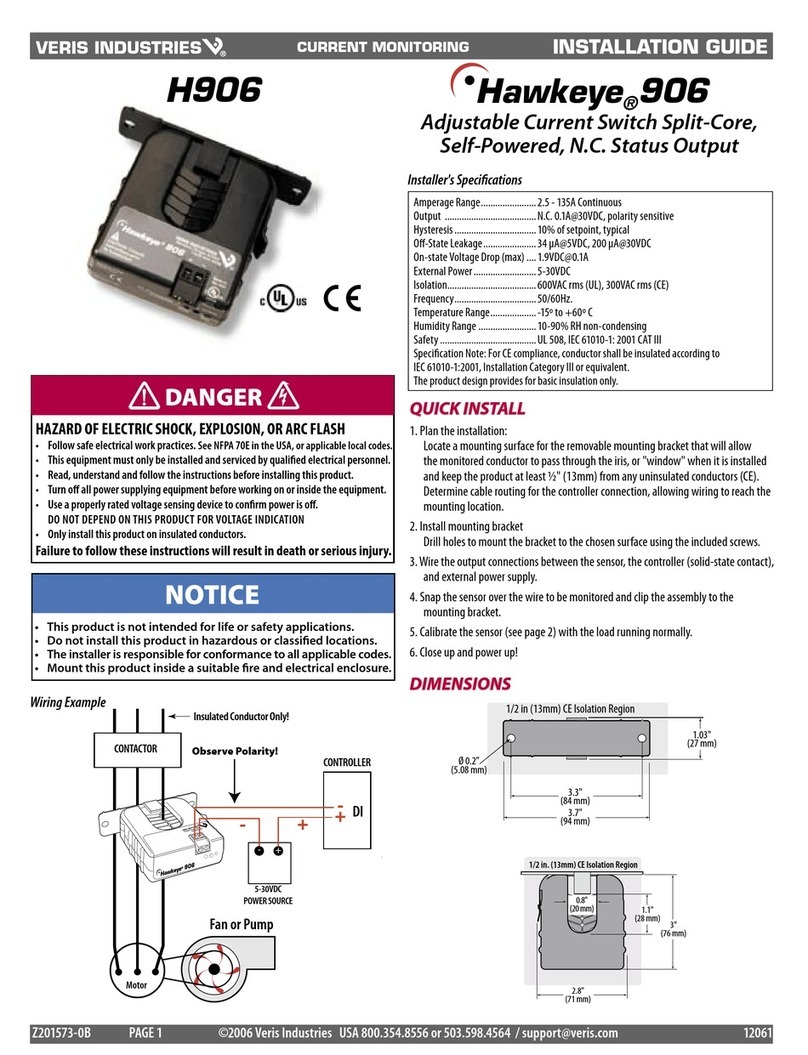
Veris Industries Hawkeye 906 User manual

Veris Industries

Veris Industries Hawkeye 906 User manual

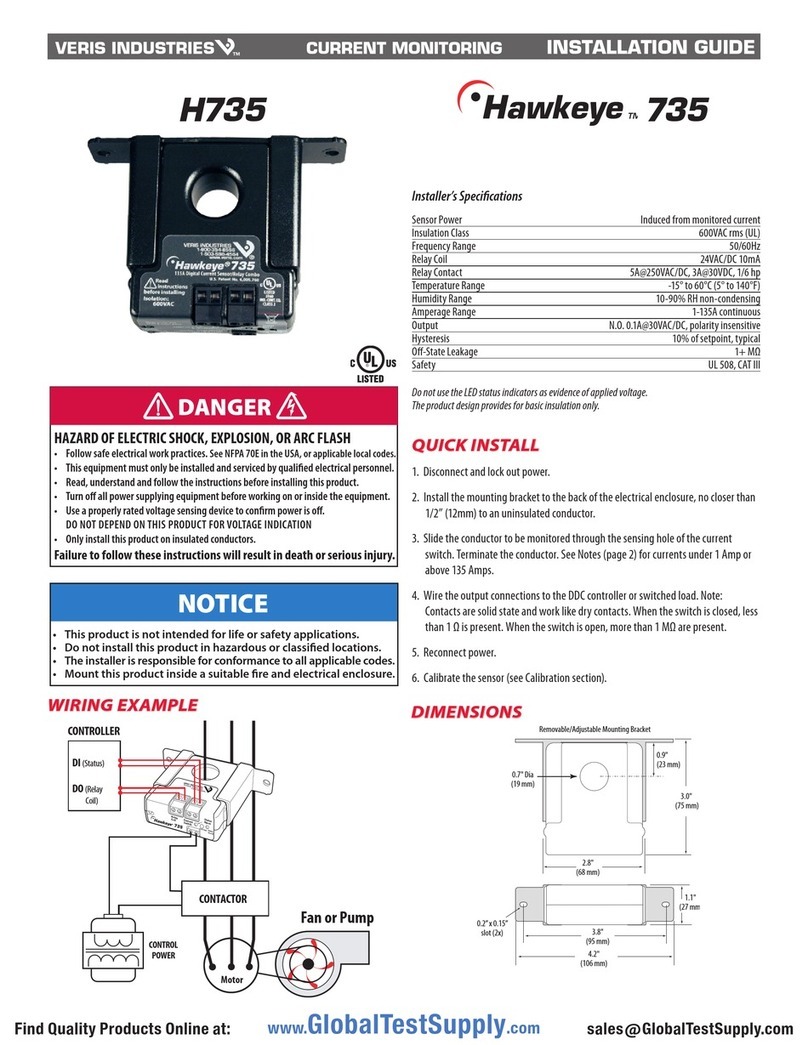
Veris Industries Hawkeye 735 User manual

Veris Industries

Veris Industries Hawkeye 735 User manual

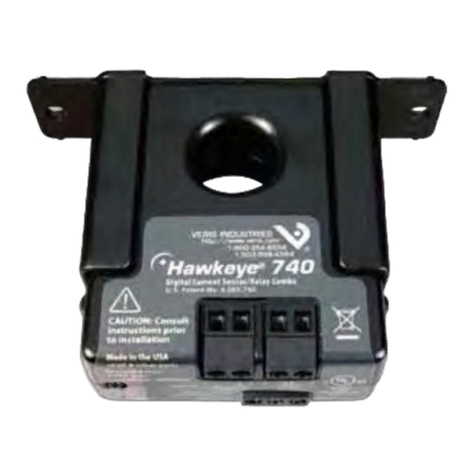
Veris Industries Hawkeye 740 User manual

Veris Industries

Veris Industries Hawkeye 740 User manual

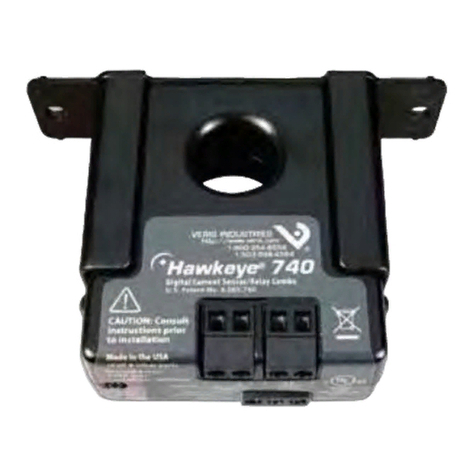
Veris Industries Hawkeye 740 User manual

Veris Industries

Veris Industries Hawkeye 740 User manual

Veris Industries Hawkeye 809 User manual

Veris Industries

Veris Industries Hawkeye 809 User manual

Veris Industries Hawkeye 806 User manual

Veris Industries

Veris Industries Hawkeye 806 User manual

Popular Relay manuals by other brands

Woodward BU1-DC2 manual

Woodward

Woodward BU1-DC2 manual

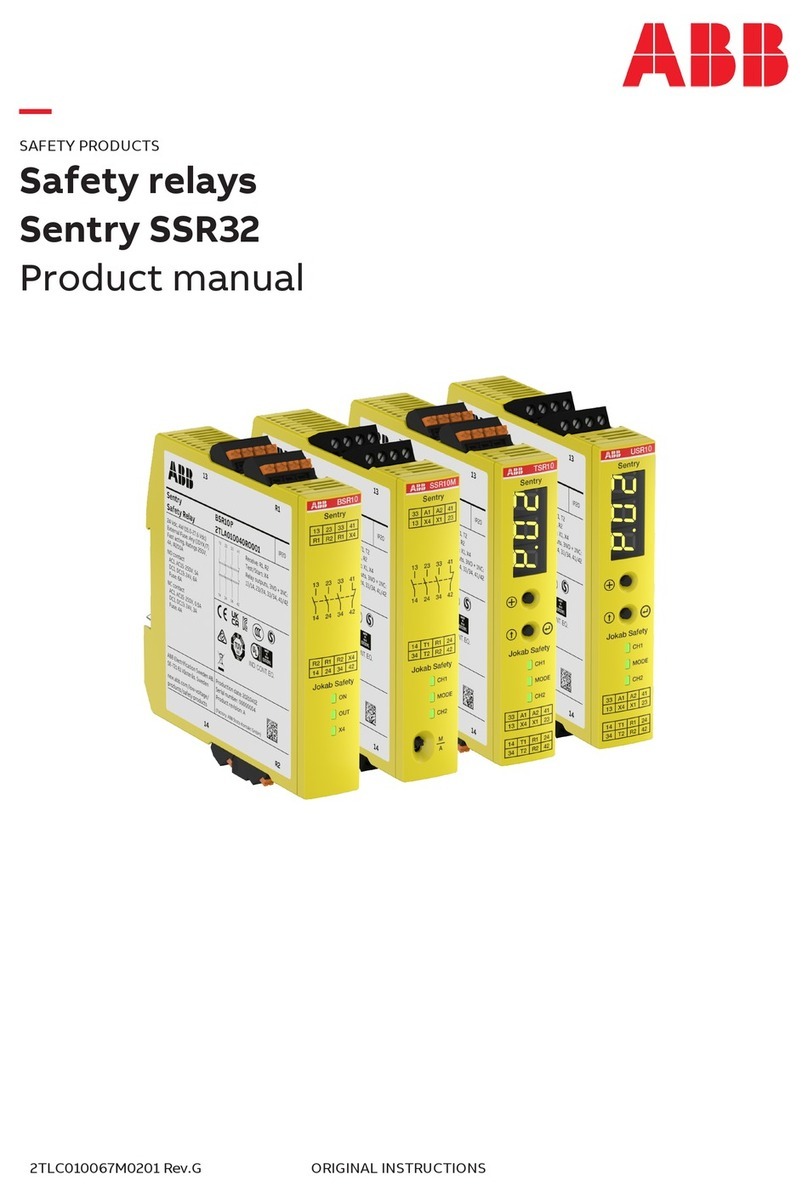
ABB SSR32 product manual

ABB

ABB SSR32 product manual

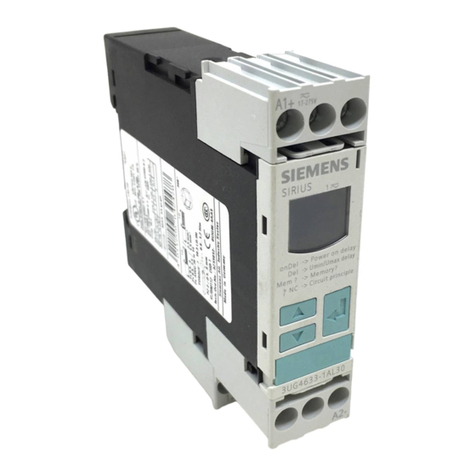
Siemens SIRIUS 3UG4633 operating instructions

Siemens

Siemens SIRIUS 3UG4633 operating instructions

Siemens SIRIUS 3TK2824 A.20 Series Original operating instructions

Siemens

Siemens SIRIUS 3TK2824 A.20 Series Original operating instructions

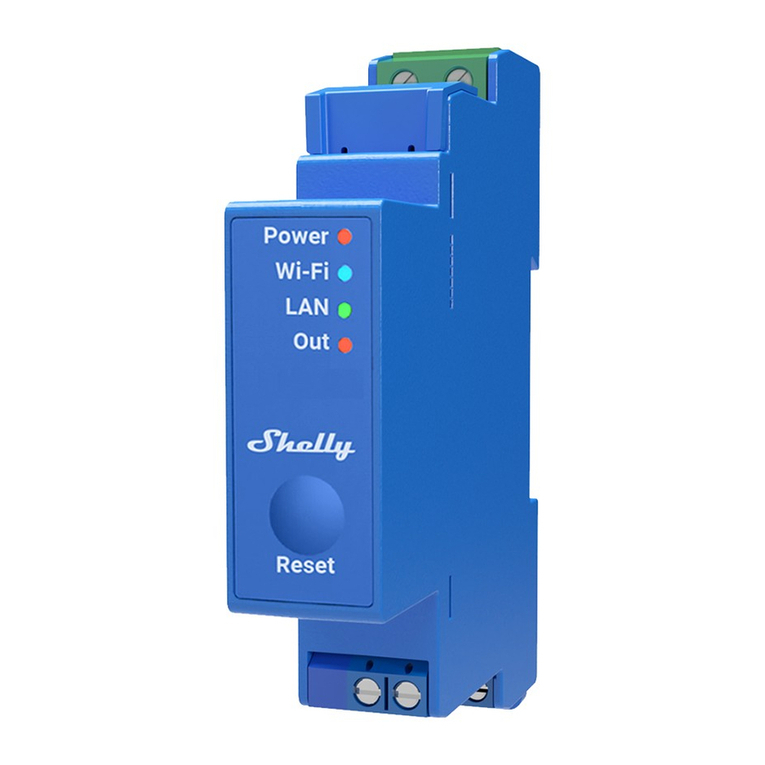
Shelly Pro Series user manual

Shelly

Shelly Pro Series user manual

GE MVAX 11 Technical manual

GE

GE MVAX 11 Technical manual

ABB RELION REF615R manual

ABB

ABB RELION REF615R manual

Kemo Electronic B197 quick guide

Kemo Electronic

Kemo Electronic B197 quick guide

Seg MRM3 manual

Seg

Seg MRM3 manual

Basler BE1-700C manual

Basler

Basler BE1-700C manual

CD Automation REVEX 2PH 280A user manual

CD Automation

CD Automation REVEX 2PH 280A user manual

ABB SPAJ 142 C User manual and technical description

ABB

ABB SPAJ 142 C User manual and technical description

Ruelco 1S04 Operation manual

Ruelco

Ruelco 1S04 Operation manual

Basler V3E Z1P B2C1F instruction manual

Basler

Basler V3E Z1P B2C1F instruction manual

GE DGP instruction manual

GE

GE DGP instruction manual

Kyongbo Electronics GDR-D01 user manual

Kyongbo Electronics

Kyongbo Electronics GDR-D01 user manual

Eaton easyE4 series Application note

Eaton

Eaton easyE4 series Application note

Siemens BD2-AK03X/FS Series installation instructions

Siemens

Siemens BD2-AK03X/FS Series installation instructions

manuals.online logo
manuals.online logoBrands
  • About & Mission
  • Contact us
  • Privacy Policy
  • Terms and Conditions

Copyright 2025 Manuals.Online. All Rights Reserved.

TM
CURRENT MONITORING INSTALLATION GUIDE
Solid-Core Current Switch, Adjustable Trip Point
With Command Relay, 120 VAC/DC Status Output
Installer’s Specifications
Amperage Range 1-135 A continuous
Sensor Power Induced from monitored current
Insulation Class 600 VAC RMS
Frequency Range 50/60 Hz
Temperature Range -15° to 60°C (5°to 140°F)
Humidity Range 10-90% RH non-condensing
Hysteresis 10% of setpoint, typical
Terminal Block Maximum WIre Size 14 AWG
Terminal Block Torque (nominal) 4 in-lbs (0.45 N-m)
Status Output N.O. 0.2 A@120 VAC/DC
Relay Coil 24 VAC/DC, 10 mA
Relay Contact Resistive: 10 A@250 VAC, 30 VDC; Inductive: 5 A@250 VAC, 30 VDC
Agency Approvals UL508 E150462
Do not use the LED status indicators as evidence of applied voltage.
The product design provides for basic insulation only.
HAZARD OF ELECTRIC SHOCK, EXPLOSION, OR ARC FLASH
• Follow safe electrical work practices.
See NFPA 70E in the USA, or applicable local codes.
• This equipment must only be installed and serviced by qualified electrical personnel.
• Read, understand and follow the instructions before installing this product.
• Turn off all power supplying equipment before working on or inside the equipment.
• Use a properly rated voltage sensing device to confirm power is off.
DO NOT DEPEND ON THIS PRODUCT FOR VOLTAGE INDICATION
• Only install this product on insulated conductors.
Failure to follow these instructions will result in death or serious injury.
DANGER
Fan or Pump
CONTROLLER
DI
(Status)
DO
(Relay
Coil)
Motor
CONTACTOR
CONTROL
POWER
WIRING EXAMPLE
H739 TM 739
DIMENSIONS
NOTICE
• This product is not intended for life or safety applications.
• Do not install this product in hazardous or classified locations.
• The installer is responsible for conformance to all applicable codes.
• Mount this product inside a suitable fire and electrical enclosure.
INSTALLATION
Disconnect and lock out power to the enclosure containing the
conductor to be monitored.
1. Locate a mounting surface for the removable mounting bracket that will allow
the monitored conductor to pass through the center window when it is installed
and that will keep the device at least 1/2” from any uninsulated conductors.
Determine cable routing for the controller connection, allowing wiring to reach
the mounting location.
2. Route the conductor through the sensor’s center window and slip the assembly
into the mounting bracket. Terminate the conductor. See Notes (page 2) for
currents under 1 Amp or above 135 Amps.
3. Wire the output connections to the DDC controller or switched load (solid state
contact).
4. Secure enclosure and reconnect power.
5. Calibrate the sensor (see Calibration section).
0.2”x 0.15”
slot (2x)
1.1"
(27 mm)
2.8"
(68 mm)
 0.7"
(19 mm)
0.9"
(23 mm)
3.0"
(75 mm)
Removable/Adjustable Mounting Bracket
3.8"
(95 mm)
4.2"
(106 mm)
www.GlobalTestSupply.com
Find Quality Products Online at: sales@GlobalTestSupply.com

TM
INSTALLATION GUIDE
H739
OPERATION
The H739 is a current-sensitive switching device that monitors current (amperage) in
the conductor passing through it. A change in the conductor’s amperage that crosses
the adjustable switch threshold plus the hysteresis value causes the resistance of
the FET status output to change state, similar to the action of a mechanical switch.
In this model, the setpoint is adjustable through the action of a twenty (20) turn
potentiometer (see the CALIBRATION section). An integrated relay allows start/
stop control. The status output is suitable for connection to building controllers or
other appropriate data acquisition equipment operating at up to 120 volts. The H739
requires no external power supply to generate its output.
TROUBLESHOOTING
Problem Solution
No Reading at Controller • Check sensor calibration (see above)
• Check for control voltage at sensor (<120 V)
• Check for amperage in monitored conductor (>1 A)
Setpoint screw has no
stops
The setpoint screw has a slip-clutch at both ends of its travel to
avoid damage. Twenty turns CCW will reset the sensor to be
most sensitive. Repeat calibration above.
Both LEDs are lit Setpoint screw is too far clockwise. See solution above.
CALIBRATION
A. To monitor under-current (belt loss, coupling shear, status)
A
OK!
!
1. Turn setpoint screw
clockwise until Status OPEN
LED turns ON.
2. Slowly turn the screw counter-clockwise until the Status CLOSED LED just
turns ON.
3. Turn the screw an
additional 1/4 turn
counter-clockwise for
operational margin.
B. To monitor over-current (mechanical problems, seized impeller)
A
OK!
!
3. Turn the setpoint
screw an additional
1/4 turn clockwise for
operational margin.
1. Turn setpoint screw
counter-clockwise until Status
CLOSED LED turns ON.
2. Slowly turn the setpoint screw clockwise until the Status OPEN LED just turns ON.
OK!
STATUS
OK!
STATUS
Setpoint
Status
Open
STOP
Setpoint Status
Closed
STOP
1/4
Setpoint
+
Setpoint Status
Closed
STOP
Setpoint
Status
Open
STOP
+
1/4
Setpoint
Before beginning calibration, establish normal load conditions.
OK!
A
OK!
Then choose either A or B below.
4x
0.5A
DANGER: 5A CTs can present hazardous voltages.
Install CTs in accordance with manufacturer's instructions.
Terminate the CT secondary before applying current.
H68xx-5A CT
240A
300A:5A
> 135 A (Sensor max.)
CAUTION
RISK OF EQUIPMENT DAMAGE
• Derate the product’s maximum current for the number of turns
through the sensing window using the following formula.
Rated Max. Amps ÷ Number of Turns = Max. monitored Amps
e.g. : 100A ÷ 4 Turns = 25 Amps max. in monitored conductor
• Failure to follow these instructions can result in overheating
and permanent equipment damage.
< 1 A (Sensor Min.)
NOTES
For load currents greater than sensor maximum rating:
Use a 5 Amp (H68xx series) Current Transformer (CT) as shown. This technique can be
combined with wrapping (see below) to add range for a low current load on a high
current source.
For load currents less than sensor minimum rating:
Wrap the monitored conductor through the center window and around the sensor
body to produce multiple turns. This increases the current measured by the
transducer.
www.GlobalTestSupply.com
Find Quality Products Online at: sales@GlobalTestSupply.com