manuals.online logo
Brands
  1. Home
  2. •
  3. Brands
  4. •
  5. Versa Desk
  6. •
  7. Laptop Accessories
  8. •
  9. Versa Desk OmniView User manual

Versa Desk OmniView User manual

Popular Laptop Accessories manuals by other brands

Conrad 975369 operating instructions

Conrad

Conrad 975369 operating instructions

BenQ LaptopBar NB21 user guide

BenQ

BenQ LaptopBar NB21 user guide

Rocstor Y1RB022-B1 Instruction guide

Rocstor

Rocstor Y1RB022-B1 Instruction guide

Panasonic CF-VEBU05BU operating instructions

Panasonic

Panasonic CF-VEBU05BU operating instructions

Twelve South BookArc owner's guide

Twelve South

Twelve South BookArc owner's guide

KLIM KN01 quick guide

KLIM

KLIM KN01 quick guide

Philips CAW7740N user manual

Philips

Philips CAW7740N user manual

Philips SUH5100/10 user manual

Philips

Philips SUH5100/10 user manual

Panasonic CF-VSH341W operating instructions

Panasonic

Panasonic CF-VSH341W operating instructions

Navilock 20917 user manual

Navilock

Navilock 20917 user manual

Gumdrop DropTech quick start guide

Gumdrop

Gumdrop DropTech quick start guide

Humanscale L6 instructions

Humanscale

Humanscale L6 instructions

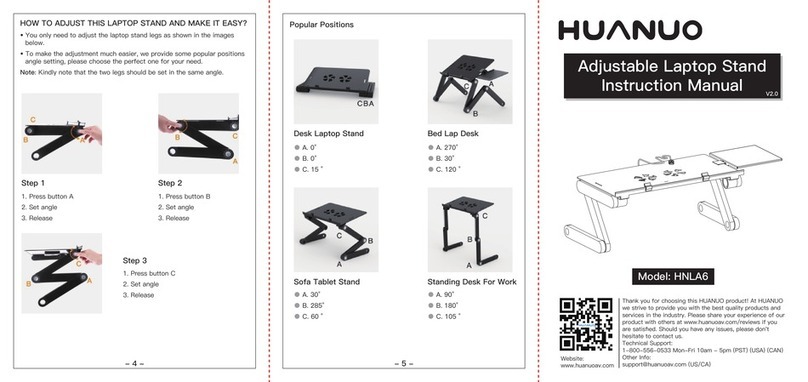
HUANUO HNLA6 instruction manual

HUANUO

HUANUO HNLA6 instruction manual

Gecko Deluxe User manual and warranty

Gecko

Gecko Deluxe User manual and warranty

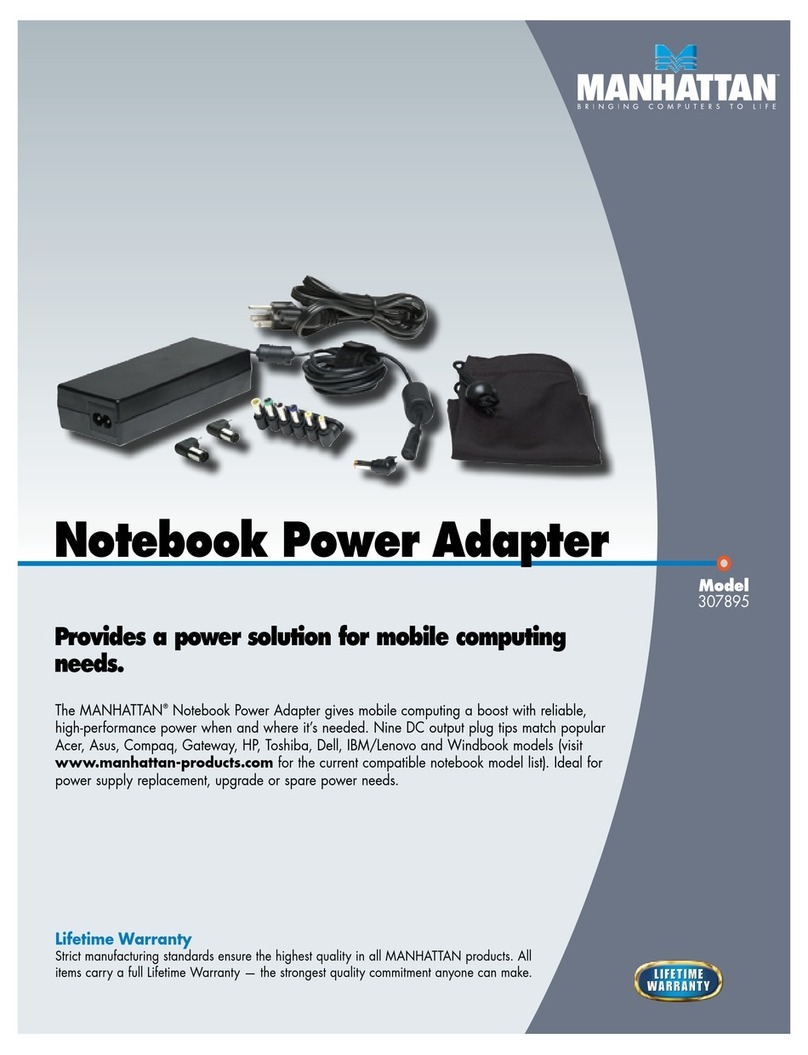
Manhattan 307895 Brochure & specs

Manhattan

Manhattan 307895 Brochure & specs

Think Tank Photo Pixel Sunscreen V2.0 instructions

Think Tank Photo

Think Tank Photo Pixel Sunscreen V2.0 instructions

PowerGorilla Portable Charge user guide

PowerGorilla

PowerGorilla Portable Charge user guide

Rebel KOM1050 user manual

Rebel

Rebel KOM1050 user manual

manuals.online logo
manuals.online logoBrands
  • About & Mission
  • Contact us
  • Privacy Policy
  • Terms and Conditions

Copyright 2025 Manuals.Online. All Rights Reserved.

OmniView Laptop Arm Assembly Instructions
Los Angeles, CA
(800) 465 1660
[email protected]
Laptop Adapter
Components X1
Nylon Clip
X3
Laptop Clip Shoe
X2
Adjustable Clasp
X2
Laptop Plate X1 4mm Hex Key
X1
8
Single ArmX1
Body(Mounted Post)
2
345
6
7
Los Angeles, CA
(800) 465 1660
[email protected]
Parts & Hardware
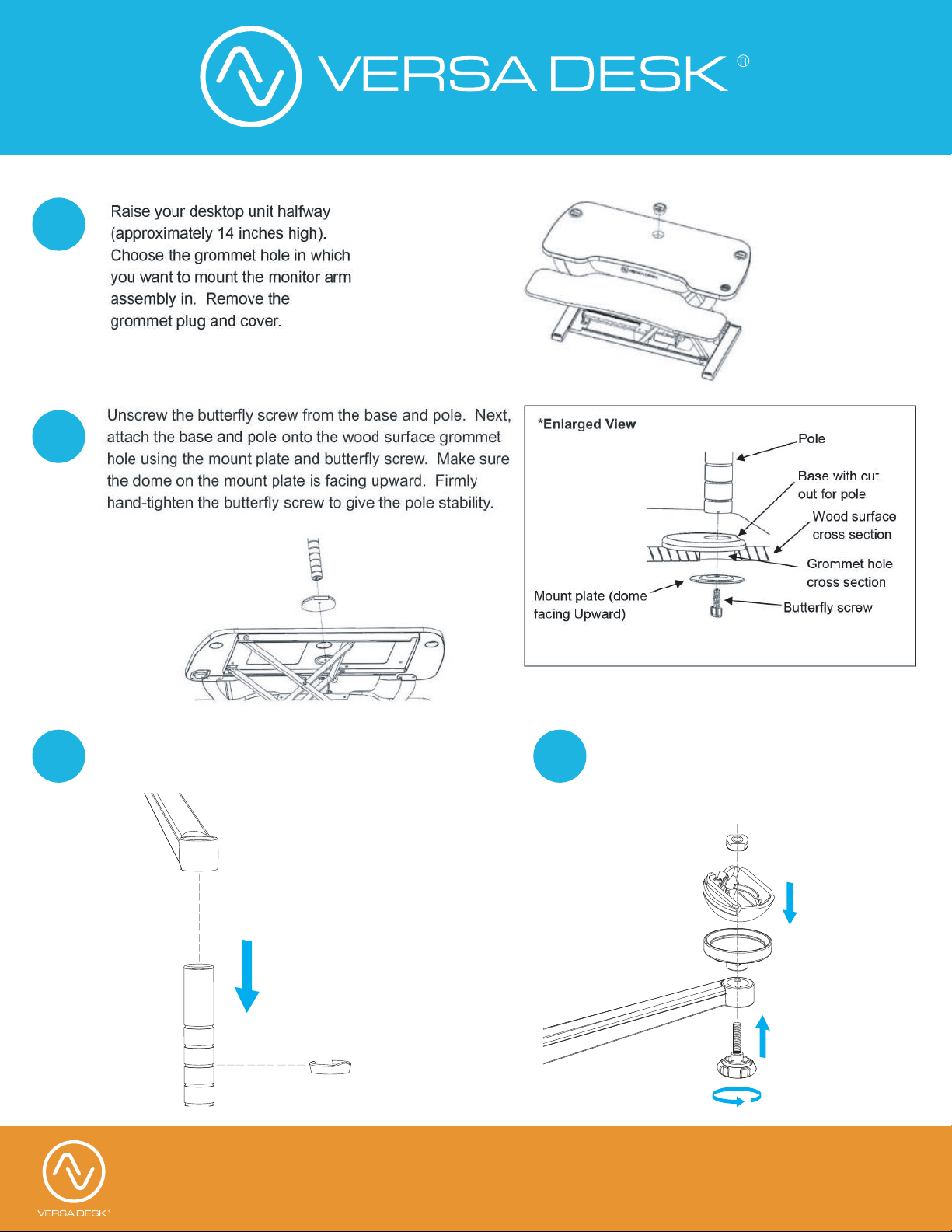
Insert arm into the base stem,
fix the nylon clip on right place.
Place laptop adapter align with
hole pattern(A), then install
universal Joint(B), screw nut (C),
tighten Clamp Screw (D).
2
3
1
4
A
B
C
D
Los Angeles, CA
(800) 465 1660
[email protected]
Assembly Instructions
Slide Laptop plate into universal
Joint(B), Fix the plate.
Snap plate clip shoe from central
notch to both sides, then slide adjustable
clasp along the grooves.
Place laptop and adjust
both edges, lock laptop foot. Press plate
clips to fix laptop.
Attention: Slide out laptop plate by
Pressing it upwards.
5
6
7
Los Angeles, CA
(800) 465 1660
[email protected]
Assembly Instructions