ViewSonic V 37 User manual

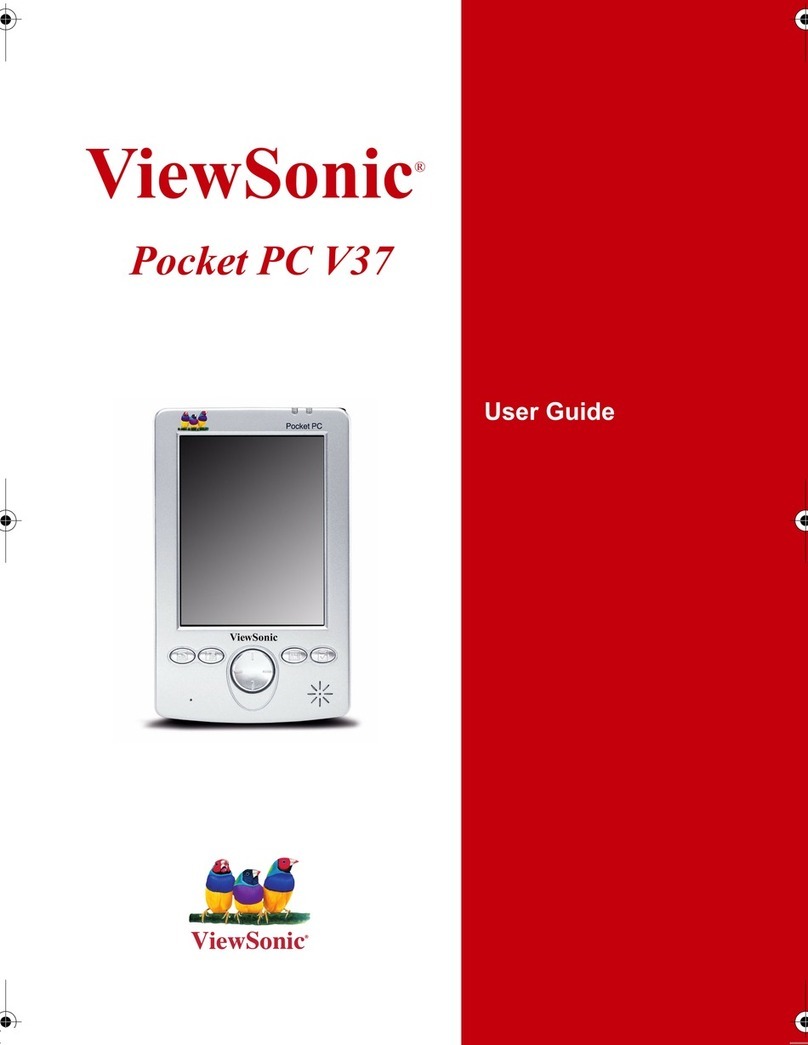
ViewSonic®Pocket PC V37
The ultimate handheld PC for the mobile professional developer.
The Pocket PC V37 —
The perfect solution for a mobile world.
>Develop. The first Pocket PC to include the Microsoft .NET Compact
Framework tools, enabling developers to create applications specifically
for the Pocket PC V37.
>Manageability. ViewSonic’s airsync™software enables administra-
tors to wirelessly distribute applications and update images remotely.
>Super-slim, lightweight design. Fits easily in your pocket, brief-
case, purse, backpack, or hand —wherever you need it most.
>Bright color display for indoor and outdoor use. Indoors
or out, colors are bright and text is sharp on the full-color 3.5" transflec-
tive screen.
>Bring files from your PC with you — MP3 music, too.
The Pocket PC V37 has everything you need in one convenient package:
type a memo, work on your budget or relax with your favorite MP3 music.
>It’s really fast. With an Intel XScale 400MHz processor, the Pocket PC
V37 can keep up with you and all you do —think, live, play.
>Do what you want to do. Microsoft Pocket PC applications you
already know from your PC come preloaded on the Pocket PC V37. You’ll
get Pocket PC versions of Microsoft Word, Excel, Windows®Media Player,
even Solitaire.
The Pocket PC with the focus on developers.
ViewSonic’s new Pocket PC V37 is one of the
THINNEST, LIGHTEST AND MOST
POWERFUL
Pocket PCs in its class with features like Microsoft®.NET Compact Framework.
The Pocket PC V37 is the right tool for developers looking to create applications based
on the Pocket PC platform. With the Visual Solutions software that comes bundled with
your system, you can quickly develop applications specific to your business needs for
implementation on the Pocket PC V37. And with the latest, greatest 400MHz Intel
Xscale™processor and advanced operating system from Microsoft, it provides you with
POWERFUL ACCESS TO IMPORTANT INFORMATION
while away from your PC. Get
the handheld developers’
powerhouse…the
ViewSonic Pocket PC V37.
grab it!
Everything you want in a
Pocket PC –and more!
Once you start using the Pocket PC V37,
you are addicted. It will keep you on track
with calendar functions and connected with
e-mail. Use it for work —Microsoft .NET
compact framework tool is included. Use it
to play —watch MPEG videos or listen to
MP3 music. Or make reminders to yourself
with the included
voice recorder.
Included cradle allows effortless
synchronized connection to laptops,
desktops or Tablet PCs.
In addition to providing best-in-class
display technologies, ViewSonic is
also leading the market in
Visual Solutions by providing
application-development software
for use on an array of display
surfaces, such as the Pocket PC V37,
to support wireless deployment.

specifications
ViewSonic Pocket PC V37
3.5” Color LCD, Pocket PC OS, 400MHz Intel®Processor.
Processor
Powerful 400MHz Intel XScale™processor for
added speed, power savings and efficiency.
Operating System
Microsoft
®
Pocket PC 2003 Premium Edition
operating system works much like your PC.
You’ll automatically feel familiar with applica-
tions.
Memory
Includes 64MB ROM and 64MB SDRAM
(36.45MB user accessible) so you can store
more e-mail, photos and music.
Size and Weight
With an ultra-thin design weighing about four
ounces, it truly is a Pocket PC.
Battery
Long-life lithium-ion battery lasts up to 8 hours.
Display
Indoors or out, colors are vivid and text is crisp
with the 3.5" full-color transflective display.
High 320x240 resolution keeps your image
details clear.
Easily Access Information
Quickly access various files or applications with
4-programmable buttons. Also scroll through
and access files and menus with the integrated
jog dial.
E-mail
Read and respond to e-mail while on the go.*
Microsoft
®
Pocket Outlook
®
provides full sup-
port for POP3 or IMAP4 e-mail including HTML
messages, meeting requests, Word, PowerPoint
®
and Excel attachments, plus voice messages.
Synchronization Cradle
Quickly and easily synchronize documents and
charge the battery with the included synchro-
nization cradle.
Infrared Port
Support for beaming contacts, schedules, or
any file including images, music files or docu-
ments.
Secure Digital Extension Card Slot
Store additional files and information with
optional Secure Digital memory cards. And, it’s
SDIO compatible!
Quickly Input Information
Naturally input data with the included
Transcriber handwriting software. You can also
use the on-screen keyboard to quickly input
data.
Synchronization
For your convenience, the Pocket PC V37
supports both continuous or on-demand
synchronization.
Multimedia Functionality
Watch MPEG videos and listen to MP3 files
with the Pocket PC V37. Even play music in
the background while working within other
applications.
Applications –Preloaded
If you need it, it’s got it. Preloaded software
includes: Microsoft
®
Pocket Outlook
®
(e-mail, calendar, contact, notes, tasks);
Microsoft
®
Pocket Word; Microsoft
®
Pocket
Excel; Microsoft
®
Reader; Microsoft
®
Windows
®
Media Player v8.0; Microsoft
®
Pocket Internet
Explorer; Microsoft
®
ActiveSync
®
; AvantGo Sync
Provider; Voice Recorder; Calculator; Solitaire
and Microsoft
®
.NET Compact Framework.
Applications –Included on CD-ROM
Companion software for your PC is also included:
Microsoft
®
Outlook
®
2000; Microsoft ActiveSync
®
;
ClearVue™Image; ClearVue Presentation;
ViewSonic Visual Solutions Developer Tools
including airsync™Management software.
Optional accessories available from
ViewSonic
>Foldable keyboard
>Cradle
>Power adapter
>Stylus
>Screen protectors
>Travel kit (includes synchronization cable,
power adapter)
>USB synchronization cable
Speaker4-way
directional
pad
*ActiveSync utility must be used to send e-mail. Specifications subject to change without notice. Selection, offers and programs may vary by country; see your ViewSonic representative for complete details. Corporate names, trademarks stated herein are the property of their respective cmpanies. Copyright ©
2004 ViewSonic Corporation. All rights reserved. [11013-02B-12/03] V37-1
Jog dial
Power button IrDA
4 programmable
quick access
buttons
Secure Digital
slot
ViewSonic Corporation • 381 Brea Canyon Road, Walnut, CA 91789
Phone (800) 888-8583 or (909) 444-8888 • In Canada (866) 262-1967 • Fax (909) 839-7922 • [email protected] • ViewSonic.com
Other manuals for V 37
2
Other ViewSonic Handheld manuals